Sites: One App, Different Data Needs
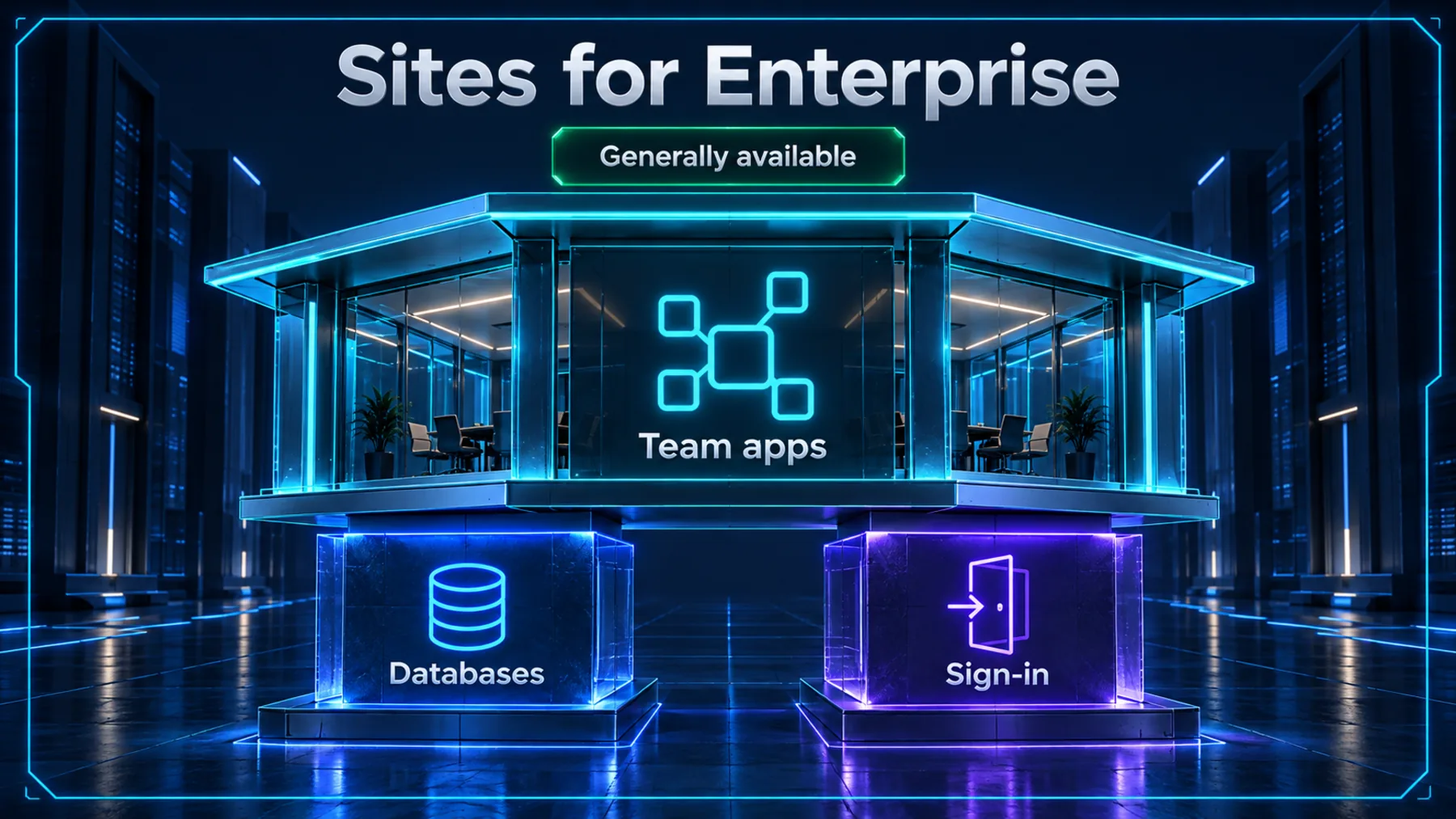
Sites is generally available for Enterprise, bringing team apps, scheduled updates and teammates’ own connected data into the same product.
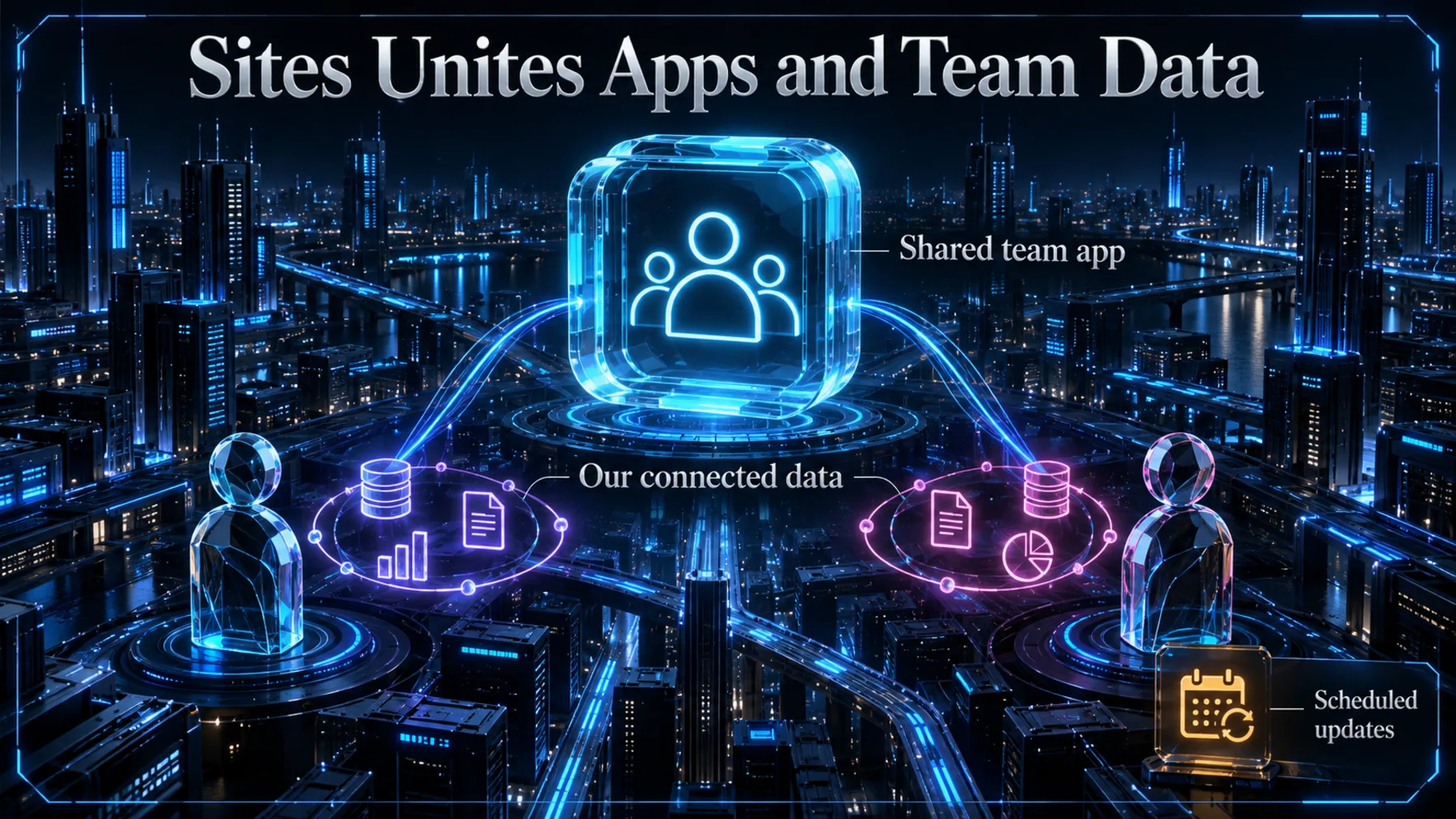
A team can share an app without everyone needing the same data. Sites supports team apps with databases and sign-in, while Plugins let teammates use their own connected data. Scheduled updates add another capability for ongoing use.
We Need More Than an App Shell
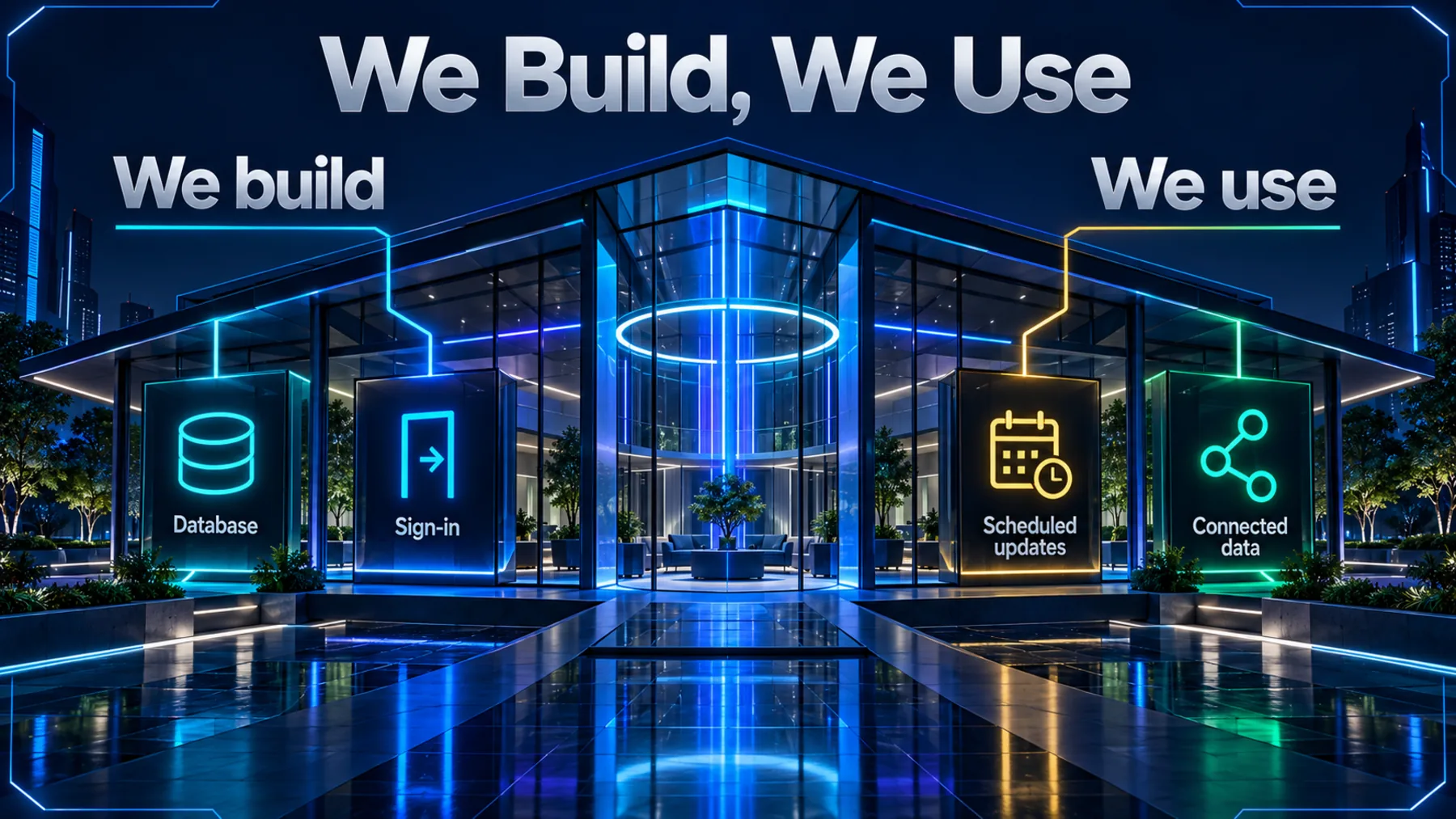
Databases and sign-in give the app its foundations; updates and connected data shape how we use it.
When we plan a team app, we have two different jobs to think through. First comes the app itself: the records it needs to hold and who needs to sign in. Sites supports databases and authentication for that foundation.
Then comes ongoing use. What needs updating on a schedule, and what data does each teammate need to bring? Keeping those questions in the brief gives the app a purpose beyond its first screen.
Enterprise Access, With a Residency Boundary
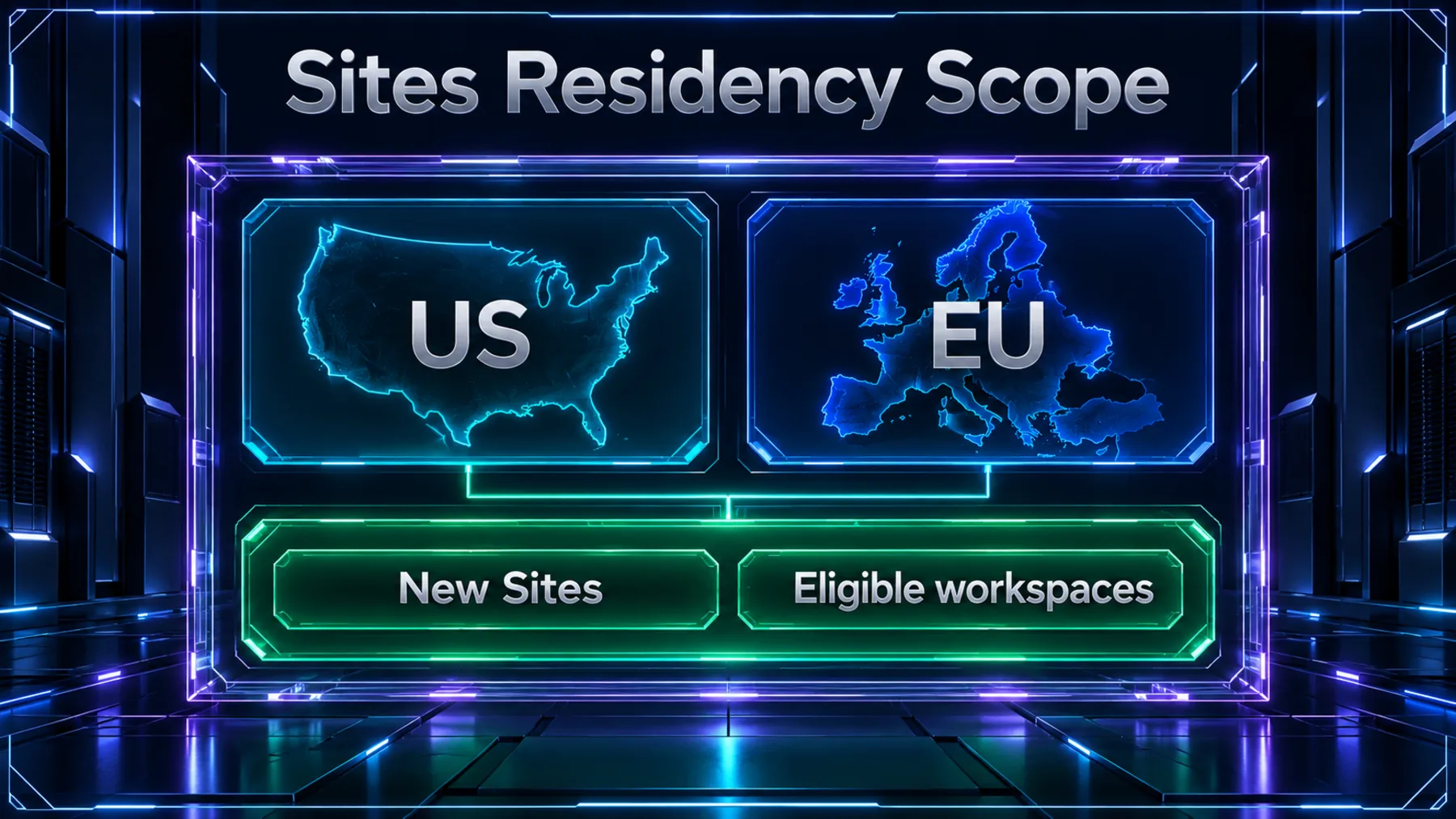
Sites is generally available for Enterprise; US and EU data residency covers new Sites in eligible workspaces.
OpenAI has made Sites generally available for Enterprise. The app-building capabilities include databases and authentication, alongside scheduled updates and Plugins for teammates’ own connected data.
The residency scope is specific: US and EU data residency for new Sites in eligible workspaces. Both qualifications matter when we consider where a new team app belongs.
Databases and Sign-In Are the Foundation
OpenAI’s description starts with what we can build into the team app.
“Authentication” is the technical term here for sign-in. Alongside databases, it makes the announcement about team apps with stored records and a way to sign in, rather than simply a shared page.
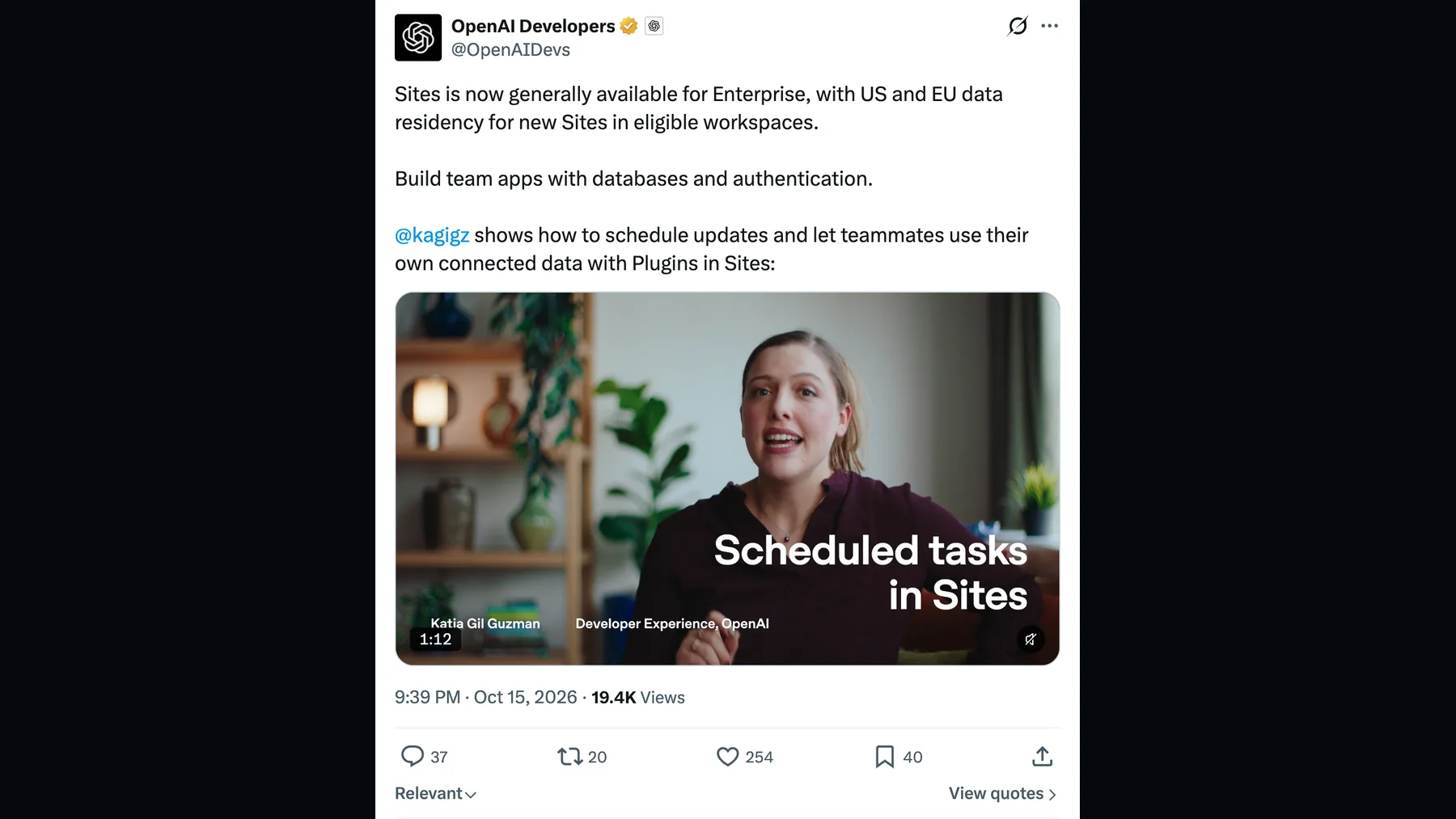
Build team apps with databases and authentication.
OpenAI Developers · https://x.com/OpenAIDevs/status/2110832979656524283
Our Teammates Bring Their Own Data
Plugins let teammates use their own connected data in Sites; the announcement also includes scheduled updates.
The connected-data detail changes how we can think about a shared app. We can plan around the data each teammate needs, rather than treating a common app as a reason to give everyone identical inputs. Plugins provide the connection described in OpenAI’s announcement.
Update Timing Is Not Data Access
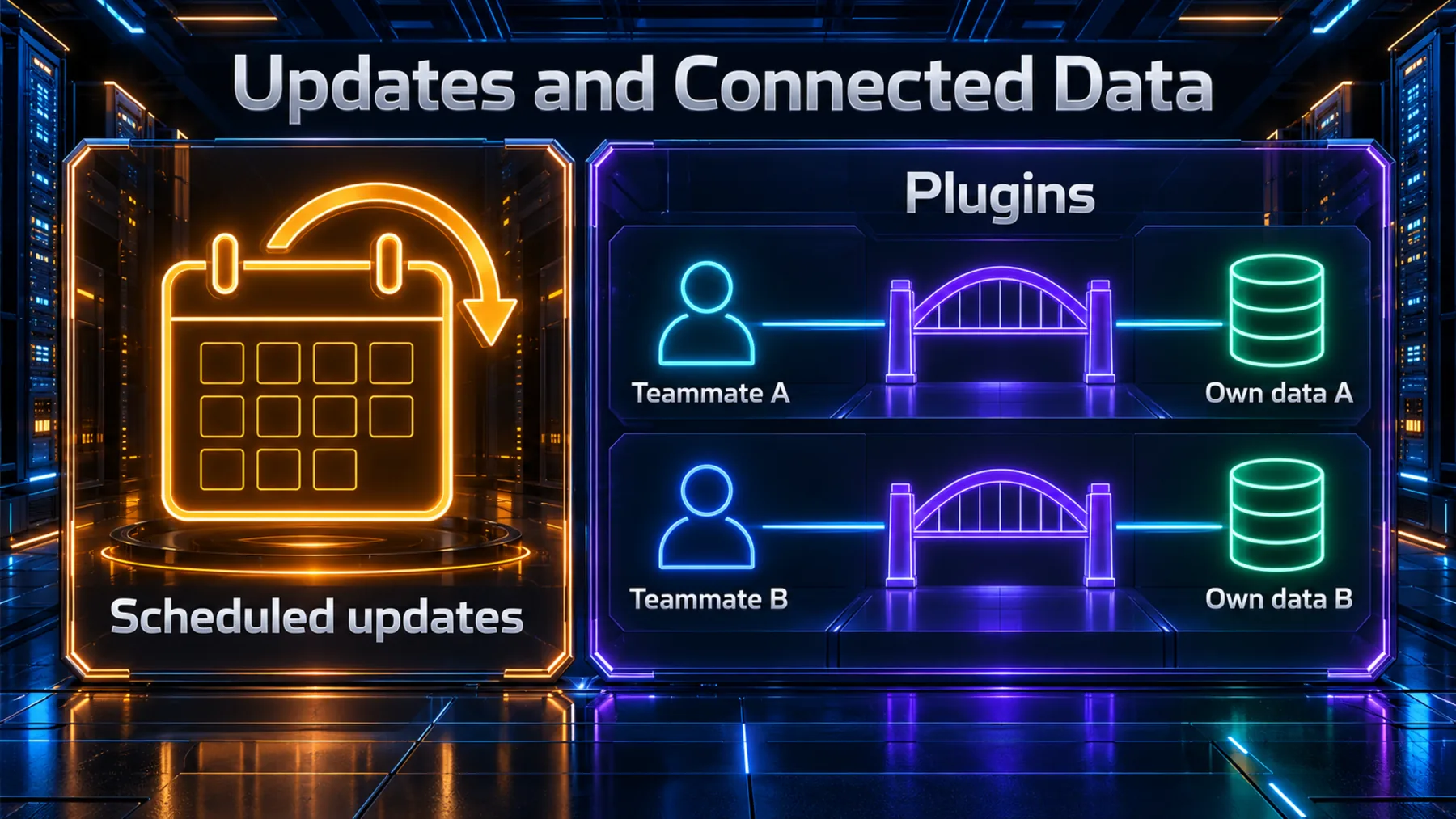
Scheduled updates answer a timing question; Plugins connect teammates with their own data.
For planning, we should keep these requirements separate. One describes what we want updated on a schedule. The other describes the connected data each teammate needs through Plugins. They belong beside each other in our brief, without assuming a schedule triggers a Plugin.
Name the Job Before the App
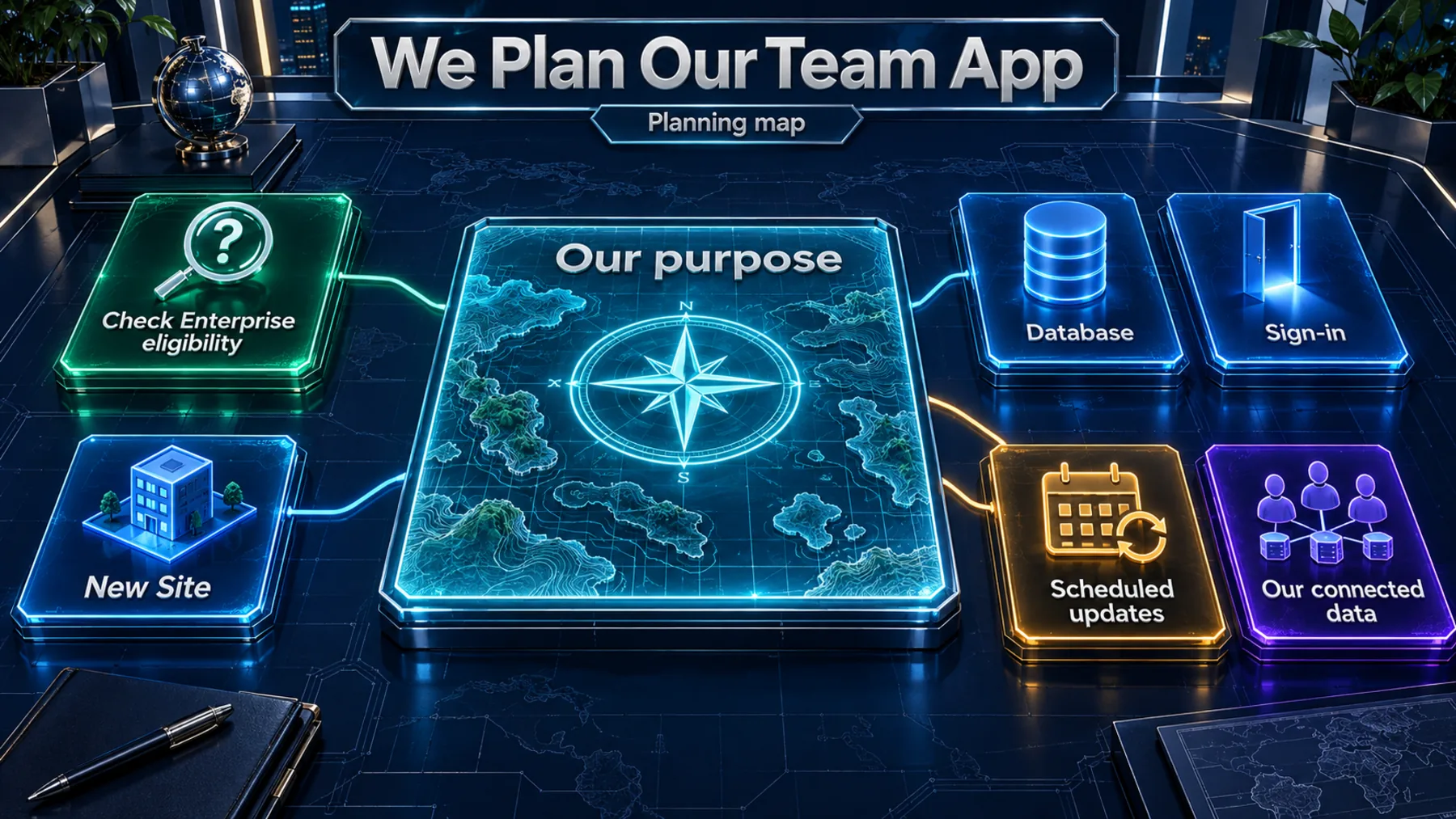
Begin with our team’s purpose, then work through the records, sign-in, updates and data it needs.
We can start by checking our Enterprise workspace’s eligibility for a new Site. If residency matters to the project, the scope to check is US and EU data residency for new Sites in eligible workspaces.
Next, write one sentence describing the job our team needs the app to do. From that, identify the database records, who needs to sign in, what needs scheduled updates and which connected data each teammate needs. That gives us a planning brief before we get into configuration.
Plan for the App’s Working Life
A useful brief covers both what we build and what our team needs to keep doing with it.
The Enterprise announcement gives us a concrete set of capabilities to plan around. Databases and sign-in belong in the app brief; scheduled updates and teammate data needs belong there too. The prompt below turns those questions into a brief we can discuss as a team.
Write the team’s data and update needs into the brief before deciding what the app should look like.
Altior
Draft our Sites team-app brief
Help us plan a team app in Sites. Use these product facts: Sites is generally available for Enterprise; it supports team apps with databases and authentication, scheduled updates, and teammates using their own connected data through Plugins. US and EU data residency applies to new Sites in eligible workspaces. Start by asking us five short questions: what job our team needs the app to do, what records its database should hold, who needs to sign in, what should receive scheduled updates, and what connected data each teammate needs. Wait for our answers. Then write a concise planning brief with a purpose statement, a proposed record structure, sign-in needs, update requirements and teammate data needs. Separate our proposed requirements from confirmed product capabilities. Keep scheduled updates separate from Plugins rather than assuming one triggers the other. Finish with the workspace eligibility and connection-support questions we need to resolve. Do not invent connectors, permissions, setup steps, prices or update frequencies, and do not claim to create or configure the app.Ready to copy
Keep the Capabilities and Scope Together
Remember the combination: team apps with databases and sign-in, scheduled updates, and teammates’ own connected data through Plugins. Enterprise availability and the precise residency scope belong alongside that capability picture.
Review the official OpenAI Developers announcement: https://x.com/OpenAIDevs/status/2110832979656524283
Try the promptWhat We Need to Check
- Our Enterprise workspace’s eligibility for a new Site.
- US and EU data residency: new Sites in eligible workspaces.
- The connected data our teammates need through Plugins.