Qwen-Image-2.1: One Model for Making and Editing Images
Qwen says Qwen-Image-2.1 brings generation and editing into one open-weight checkpoint. Its selected examples make the workflow worth testing; they do not settle how reliably it holds up on our work.
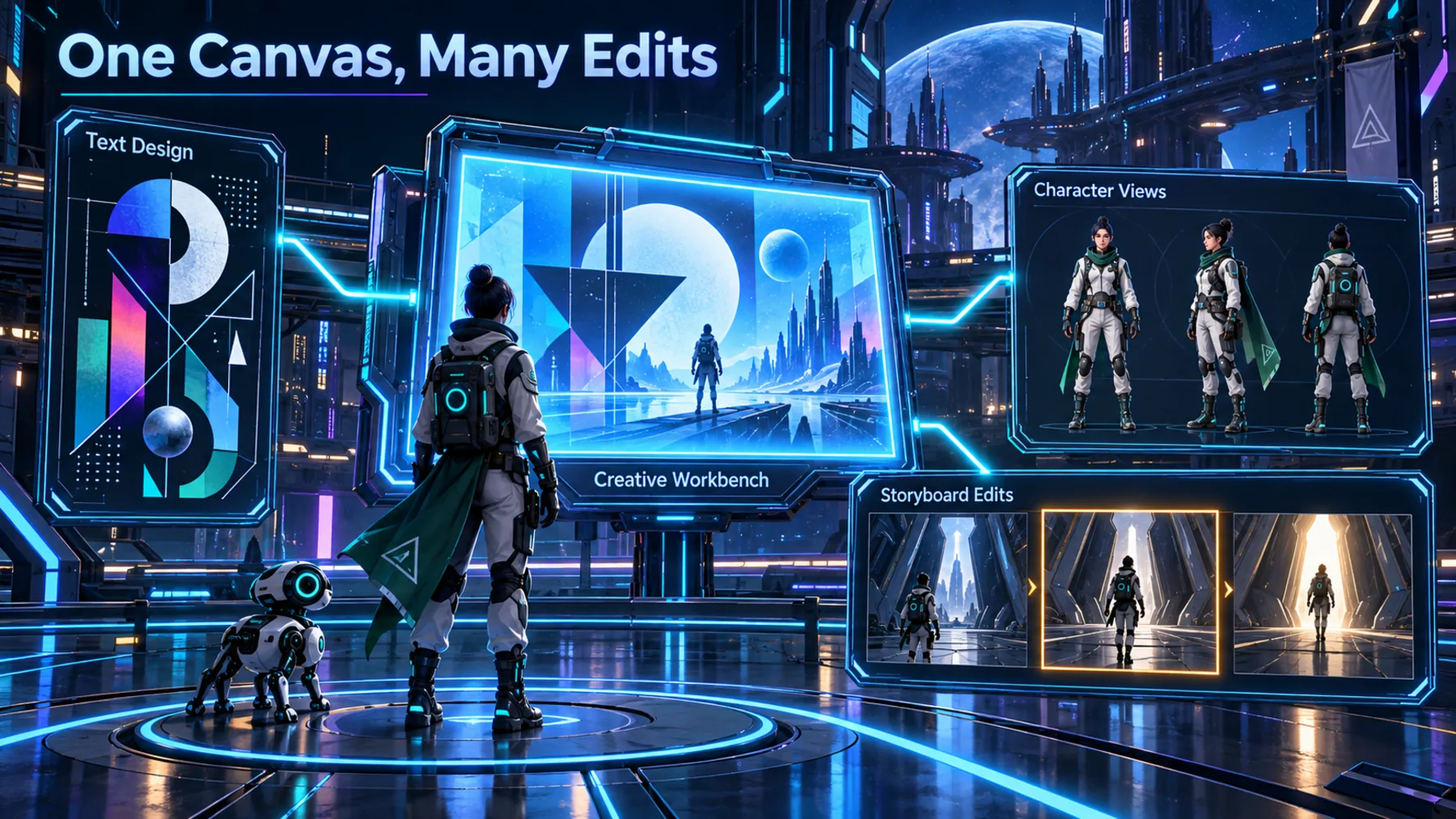
The difficult image task is rarely making one attractive frame. It is keeping the words readable, the character recognisable and the revision under control when the work moves from a first idea to a sequence.
Qwen’s release puts those jobs beside each other. The useful question is not whether the showcase looks polished; it is whether one model can carry our own prompt, reference and edit without losing the detail that matters.
The detail is where the workflow breaks
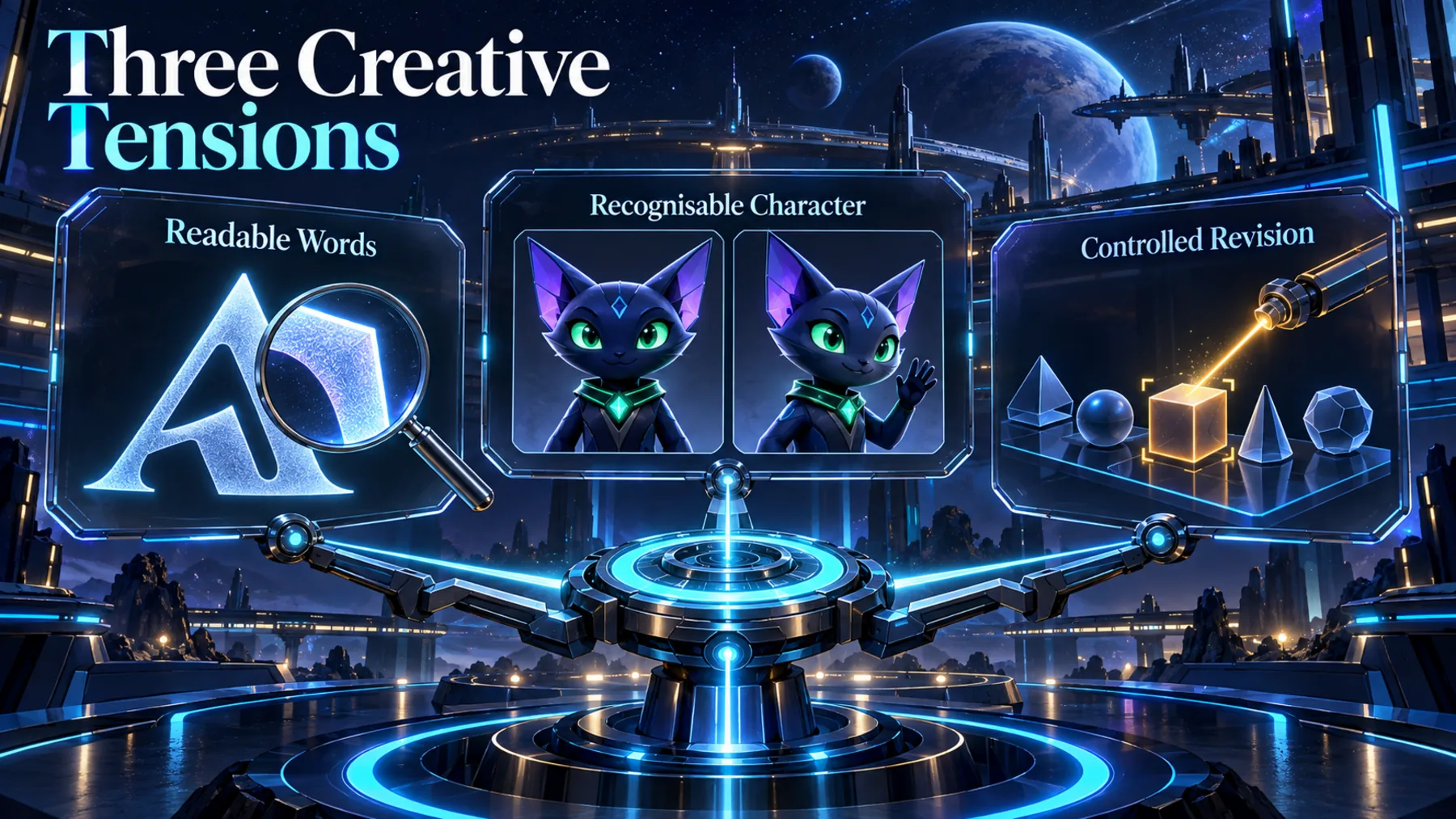
A convincing image can still fail the moment its text shifts, its character drifts or a small edit remakes more than we asked.
We can ask for a text-bearing graphic, then a character-led storyboard, then a revision to one part of the image. Each request sounds ordinary. Together, they expose the parts of image work that are expensive to check and awkward to repair.
Qwen shows examples of text rendering and a character-reference-to-storyboard task. Those are useful demonstrations of intent, not a measured account of performance across our prompts, references or revisions.
Qwen puts one checkpoint at the centre
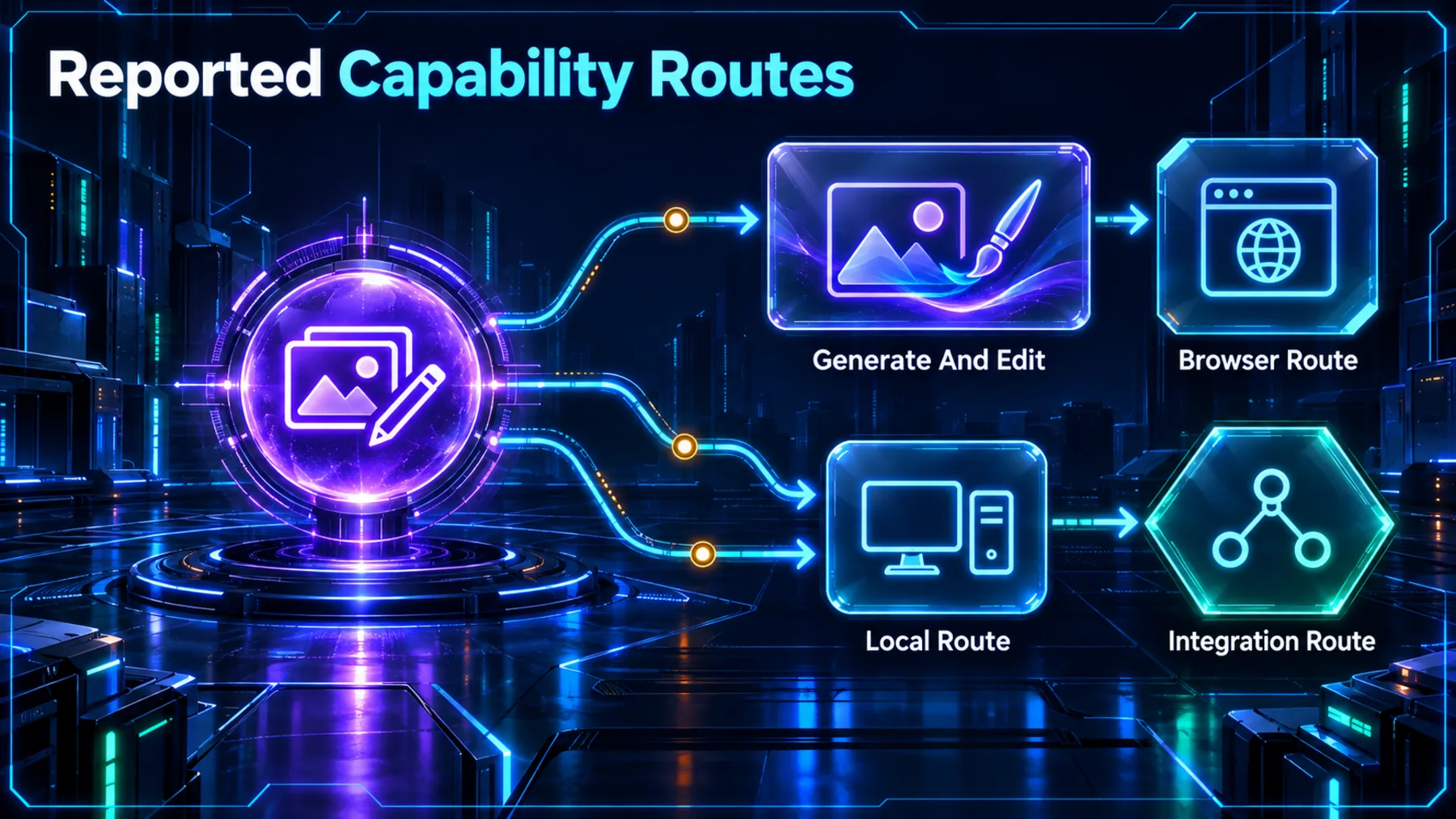
Qwen says the open-weight model handles generation and editing, with reported routes through a browser demo, local hardware and several serving or interface integrations.
The release claim is simple: one checkpoint for generation and editing. Qwen also reports a Spaces demo, local use on named hardware, and support through ComfyUI, OpenVINO, SGLang-Diffusion and vLLM-related routes.
That is an access map, not a promise about price, availability, setup requirements or results. The creative case should lead: can we make, revise and inspect a coherent piece of work before the integration list becomes the story?
The claim is one checkpoint, not one proof
Qwen’s clearest statement concerns the model arrangement. Its text examples show what the release is trying to make possible.
Qwen says Qwen-Image-2.1 uses one single checkpoint for generation and editing. That matters because a shared workflow could reduce the hand-off between making an image and changing it.
Qwen also presents text-rendering examples and says the model improves visual quality over its predecessor, particularly for text and portraits. The example is evidence of what Qwen selected to show, not independent evidence that every requested word will render cleanly.
One single checkpoint for generation and editing.
Qwen
A character reference becomes a sequence
Qwen shows a three-view character reference leading to a complete storyboard. It is a promising workflow example, not an independent continuity test.
A storyboard is a stricter request than a single portrait. We need the character to remain recognisable while the framing, action and setting move from frame to frame.
Qwen says that, given a three-view character reference, the model generates a complete storyboard. The selected result is worth inspecting as a demonstration of the proposed task, while keeping the distinction clear: the reference is the input, and the example does not prove consistency on arbitrary characters or stories.
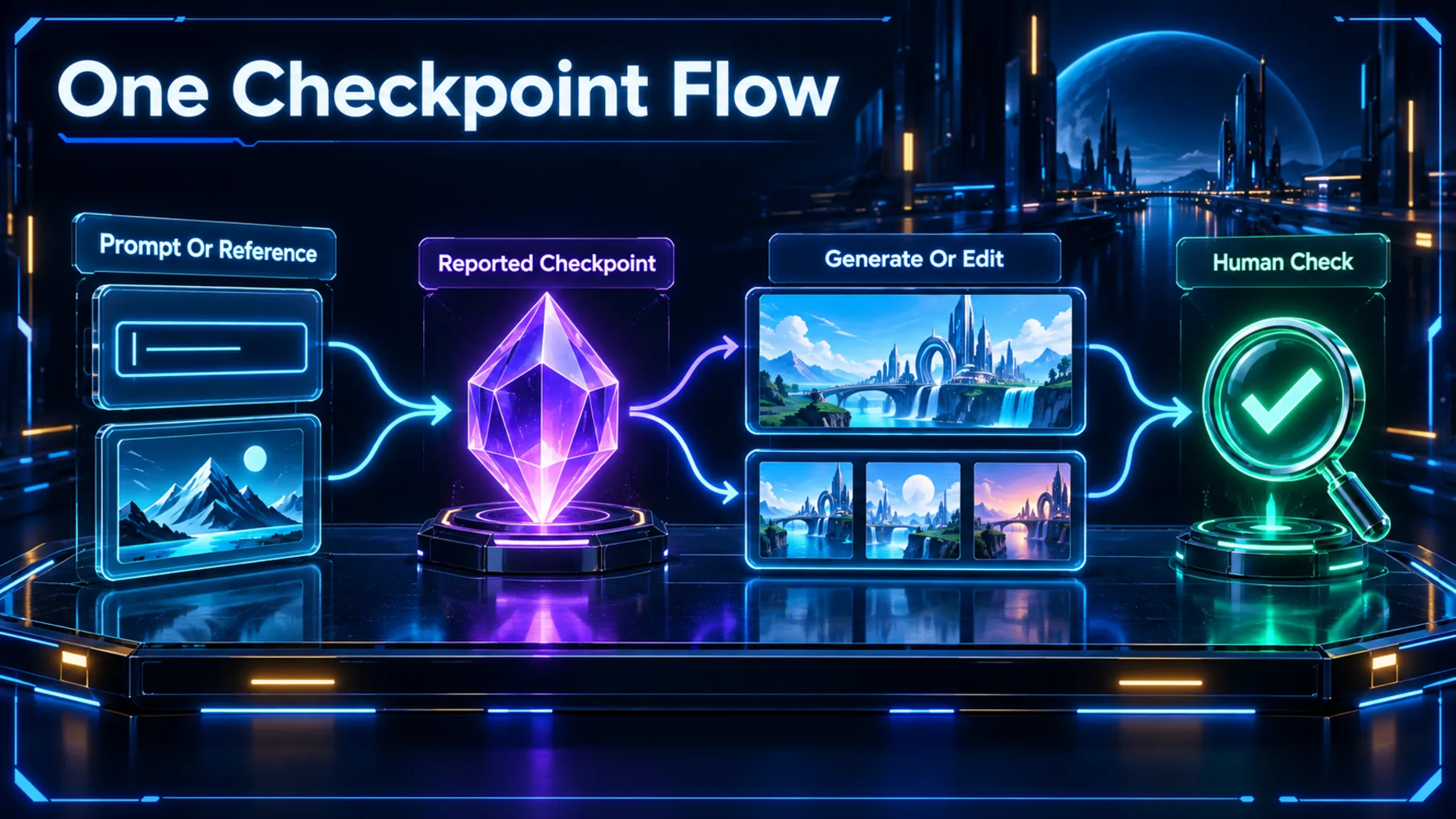
One workflow still needs a human check
The reported single-checkpoint route can simplify the sequence, but it does not remove the need to inspect what changed and what held.
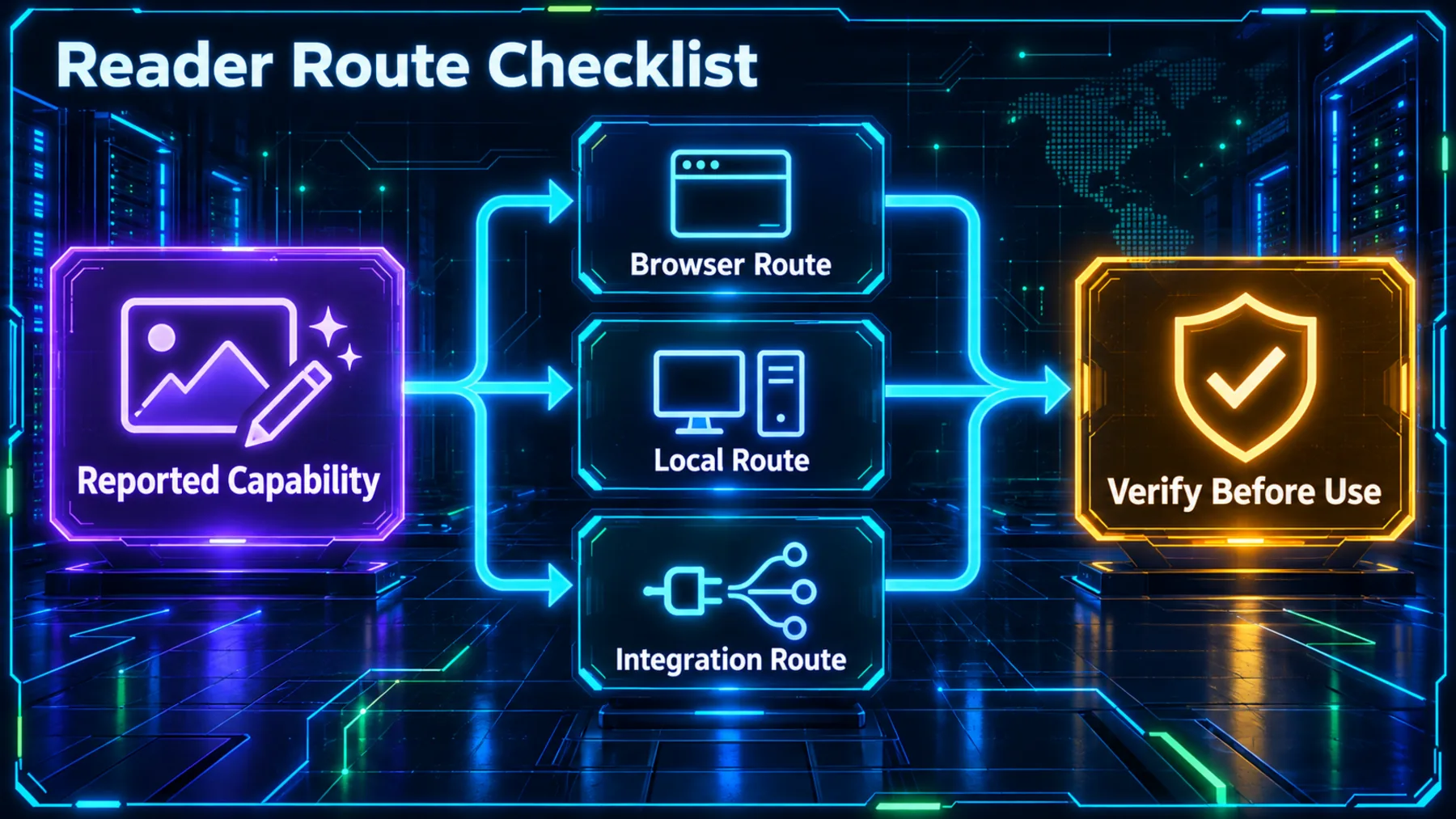
The conceptual flow is straightforward: start with a prompt or reference, use the reported checkpoint to generate or edit an image or storyboard, then check the result against the detail we meant to preserve.
That final step is not an optional polish pass. It is where we see whether a word remains legible, a character remains coherent and an edit changes only what we asked it to change.
Try the workflow, then test the edges
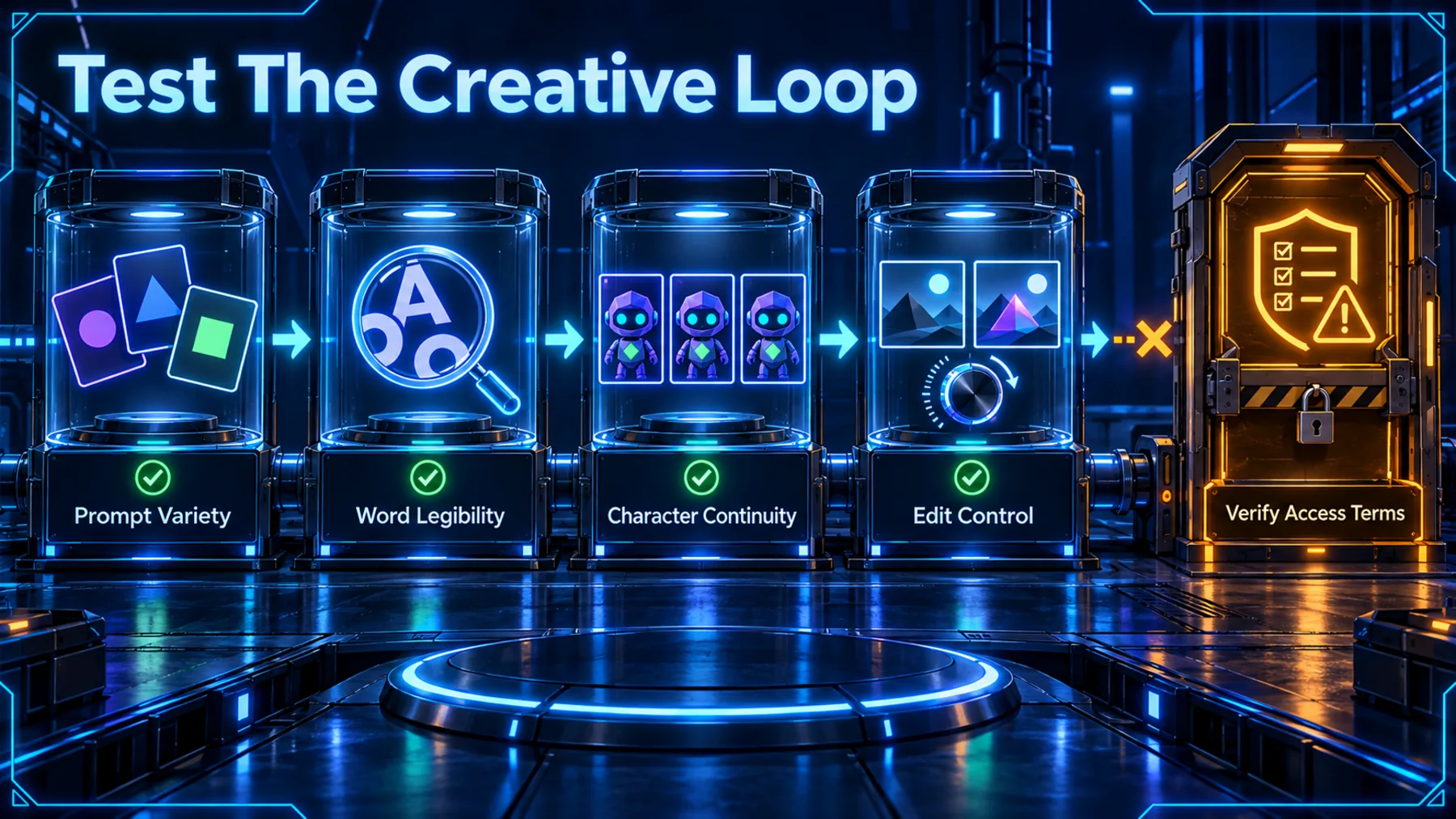
We can use our own connected prompts to examine text legibility, character continuity and edit control without claiming that the test has already been run.
Start with one compact creative brief: a graphic containing exact words, a character reference that must survive a short sequence, and a revision that should affect one deliberate element. Keep the requests connected so the comparison reveals more than a gallery of unrelated images.
Qwen reports browser, local and integration routes, but the available evidence does not establish current access conditions, price or setup requirements for us. Those are part of the check, alongside the output itself.
Convenience is the claim; reliability is the test
Qwen’s examples make a coherent generation-and-editing workflow plausible. Our own inputs determine whether it is dependable enough to use.
The strongest reading is also the most cautious. Qwen has shown a model positioned to make and edit images through one checkpoint, including text and storyboard examples that make the proposition concrete.
What remains open is the practical part: whether our wording stays legible, our characters stay coherent and our revisions remain precise. That is not a dismissal of the release. It is the next useful piece of evidence.
The convenience is real only when the details survive the next request.
Altior AI News assessment, based on Qwen’s announced one-checkpoint workflow and selected examples.
Run the three-part creative reliability check
Using Qwen-Image-2.1, create three connected outputs. First, make a travel-poster image with the exact headline “NORTH COAST, 2026” and the smaller line “Three days by the sea”. Second, use a three-view reference of the same fictional character to create a six-frame storyboard showing them arriving, exploring, meeting a friend, sharing a meal, leaving, and looking back. Third, edit the poster by changing only “2026” to “2027” while preserving the layout, typography, colours and all other wording. Return all outputs together so we can check whether the words are legible, the character remains recognisable across frames, and the requested edit stays controlled.Ready to copy
Watch the results, not just the showcase
Qwen’s release gives us a focused workflow to try. Keep the first run small, connected and easy to inspect.
What matters next is whether our exact words remain readable, our character stays recognisable, our requested edit stays contained, and the access conditions make the route practical for us.
Try the promptWhat to watch next
- Text legibility on exact wording, not approximate wording.
- Character continuity across a connected sequence.
- Edit control when changing one specified detail.
- Current access conditions, setup requirements and cost.