OpenClaw 2.0: The Agent Upgrade Built for Everyday Dependability
OpenClaw says v2026.8.1 reshapes the journey around the agent: from setup and model checks to ongoing work, recovery and guardrails.
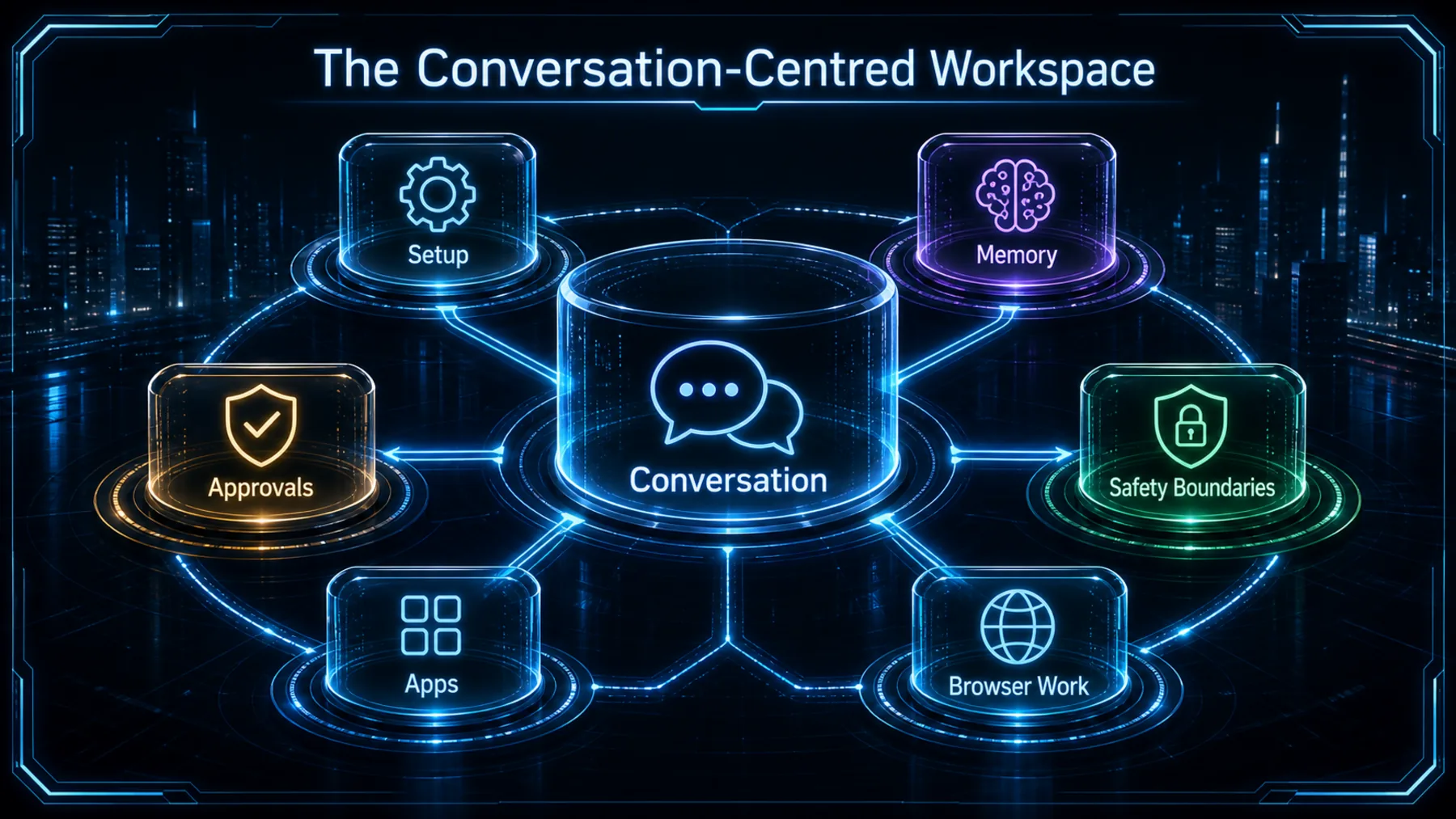
Powerful agents can still feel technical and fragile once the demo is over. OpenClaw’s 2.0 release is an attempt to make that everyday experience more coherent: installation, conversations, continuity, approvals, browser work and safety controls are all part of the same product story.
OpenClaw says the update touches every part of the product. That breadth is not independent proof that every change will suit every setup, but it does explain the ambition: make an agent easier to live with, not merely easier to try.
Dependability changes the equation
An agent becomes more useful when setup, context and boundaries stop feeling like separate jobs.
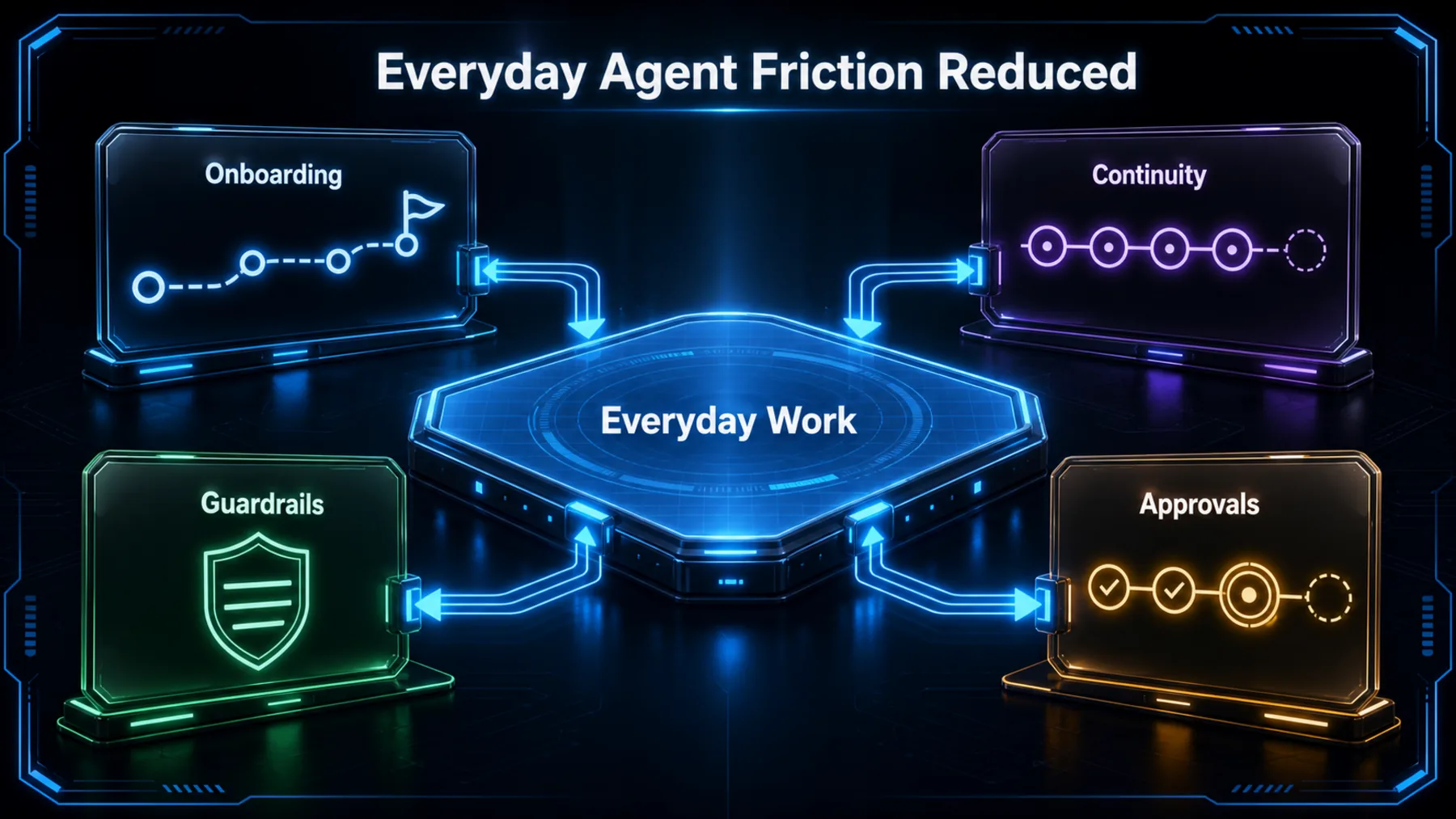
OpenClaw’s strongest proposition is not that one screen or one model changes everything. It is that everyday friction has been treated as a connected problem: get a working route in place, begin a useful conversation, keep track of the work, and make the boundaries visible.
That is a more practical definition of progress. The release notes describe guided setup that verifies the chosen model before saving it, alongside a rebuilt Control UI that keeps files, approvals, settings and live work close to the conversation.
What actually changed
The notes span the journey from download to live work, with a migration warning that deserves equal weight.
The release notes are vast, but the useful reading is sequential. OpenClaw begins with installation and onboarding, then moves into the conversation, the work around it, and the systems that keep that work recoverable and bounded.
That sequence matters because the release does not ask us to treat setup as a one-off hurdle. It frames setup, model access and the hand-off into working conversation as part of the product itself.
A broad release, plainly stated
OpenClaw’s own summary names the scope; it does not turn that scope into an independent performance verdict.
OpenClaw calls v2026.8.1 “OpenClaw 2.0”. The release record supports a wide product update, from onboarding and the Control UI to memory, security and native apps.
The narrower conclusion is the stronger one. OpenClaw has documented a serious attempt to improve the full operating journey around an agent. The notes alone cannot establish how every installation will behave in practice.
“The rebuilt Control UI puts conversations at the centre of OpenClaw.”
OpenClaw v2026.8.1 release notes
The proof has boundaries
The release notes are useful primary evidence; they are not independent testing or a promise of identical outcomes everywhere.
The documentation gives us specific, useful evidence about the direction of travel. For example, OpenClaw says installations that would expose the product without authentication are stopped before changes are made, and it describes model verification during guided setup.
Those statements should stay in proportion. They describe documented behaviour in this release, not a blanket security certification, universal availability claim or independent assessment of every environment.
From setup to sustained work
The release makes its case as a chain: establish a route, verify it, work in conversation, then keep continuity and controls close.
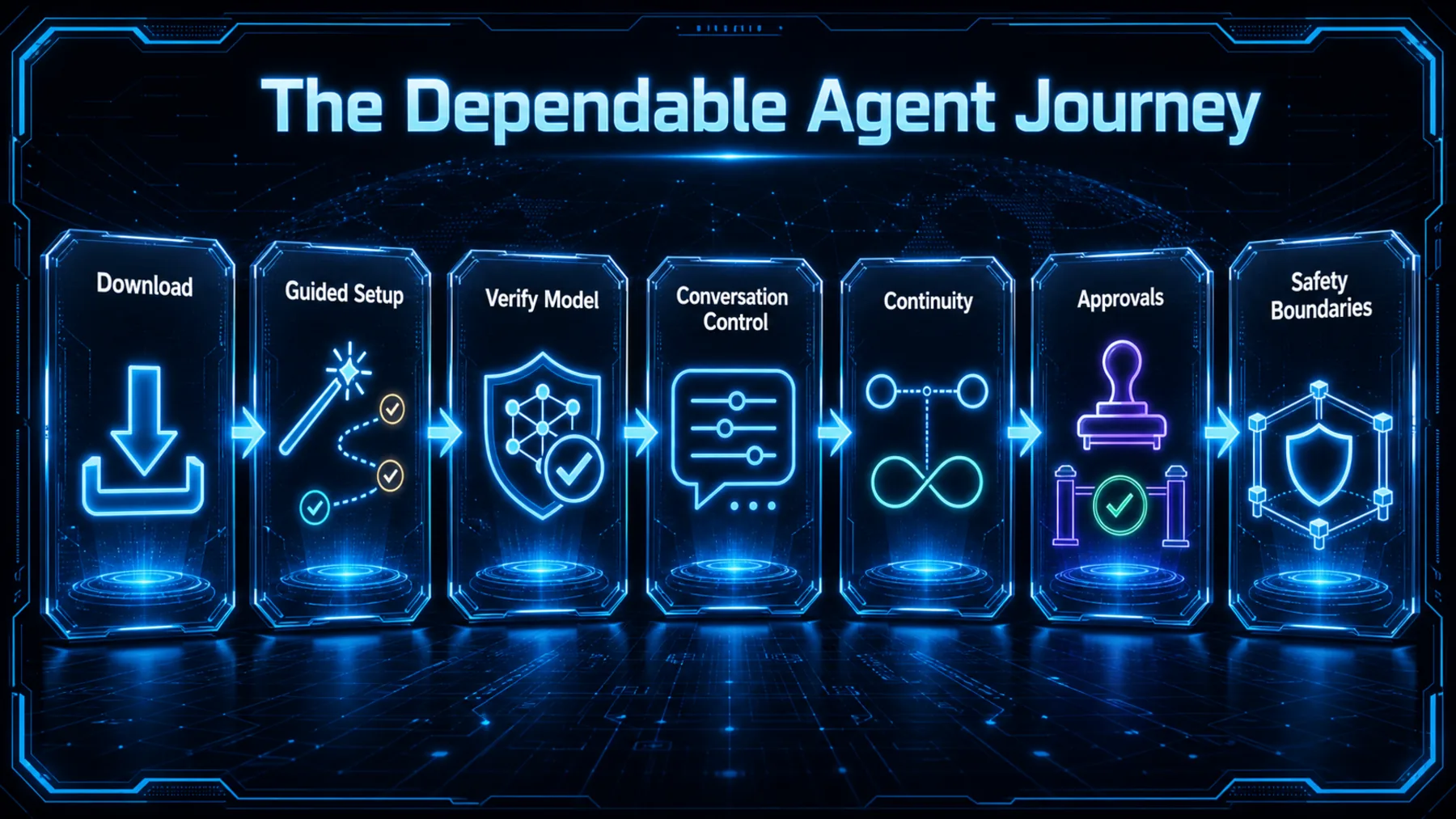
OpenClaw’s release notes describe guided setup that can reuse supported sign-ins, API keys or qualifying local models, then checks that the chosen model can answer before keeping that choice. The point is simple: a configured route is more useful when it has been checked.
From there, the rebuilt Control UI puts conversation at the centre, with the surrounding work kept nearby. Continuity and controls are not side features in this story; they are what make a conversation-led agent system easier to operate over time.
Back up before moving
Sessions and transcripts now move into SQLite, changing what an older release can show after a downgrade.
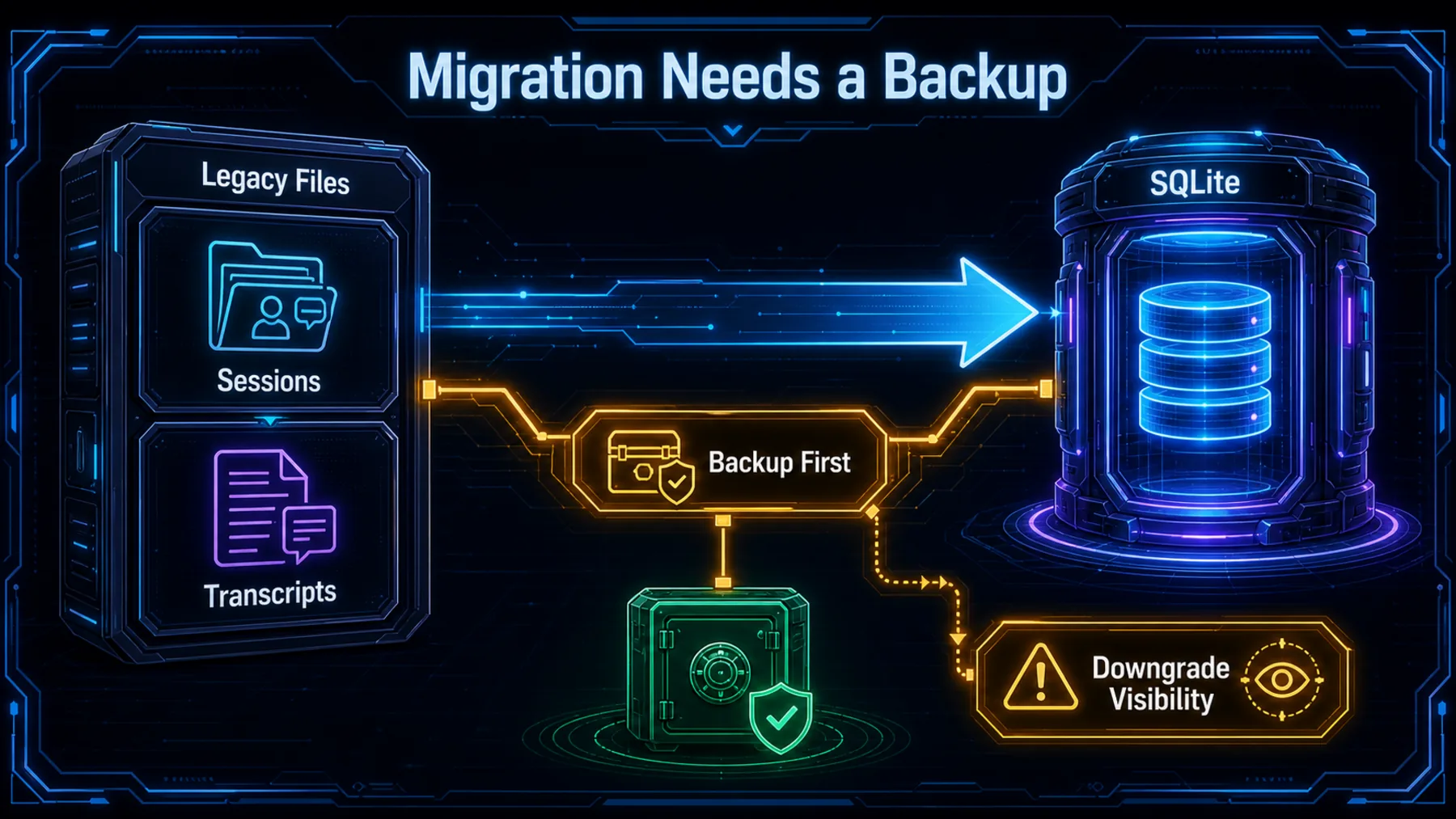
This is the release detail to keep beside the excitement. OpenClaw says sessions and transcripts now move into SQLite, and warns that sessions created after the migration will not appear in older file-backed releases.
That is not a claim of inevitable data loss. It is a clear operational constraint: create a verified backup before upgrading, and understand the downgrade path before relying on a rollback. Platform availability and local configuration still need checking in the environment we actually run.
The upgrade around the agent
The most persuasive part of 2.0 is the effort to make the operating journey more dependable than any isolated feature could be.
OpenClaw 2.0 is best understood as a product-layer release. The model still matters, but so do the path into it, the conversation that holds the work, the records that preserve it, and the controls that stop convenience becoming carelessness.
That makes the release more interesting than a launch note and more conditional than a victory lap. The direction is coherent; the practical test is whether the documented journey holds up in our own setup, with the migration and availability checks done first.
A dependable agent is not just a capable model. It is the journey that lets us set it up, trust the route, continue the work and recover with our eyes open.
Altior analysis of OpenClaw’s release notes
Run a release-readiness check
Using only the OpenClaw v2026.8.1 release notes, create a pre-upgrade checklist for an existing installation. Separate verified steps from items that need local confirmation, include a verified backup, the SQLite session-and-transcript migration, downgrade visibility, model verification, platform-specific availability, and authentication exposure. Return a two-column table followed by three questions to answer before upgrading.Ready to copy
Upgrade with the caveats
Start with the documented journey, then verify the local reality: create the backup, understand the SQLite downgrade behaviour, check platform availability and confirm the model route before treating the upgrade as routine.
Try the promptWhat to watch next
- Backup and rollback: confirm the verified-backup and SQLite downgrade steps before upgrading.
- Platform availability: check the supported path for the operating system and installation method in use.
- Model route: verify that the chosen subscription, API key or local model can complete setup.
- Scope: treat the release notes as OpenClaw’s documentation, not independent testing of every environment.