The publish click disappears
Manus says Auto-Publish lets accepted successful builds move straight to the public URL, turning small website fixes into a live shipping loop.
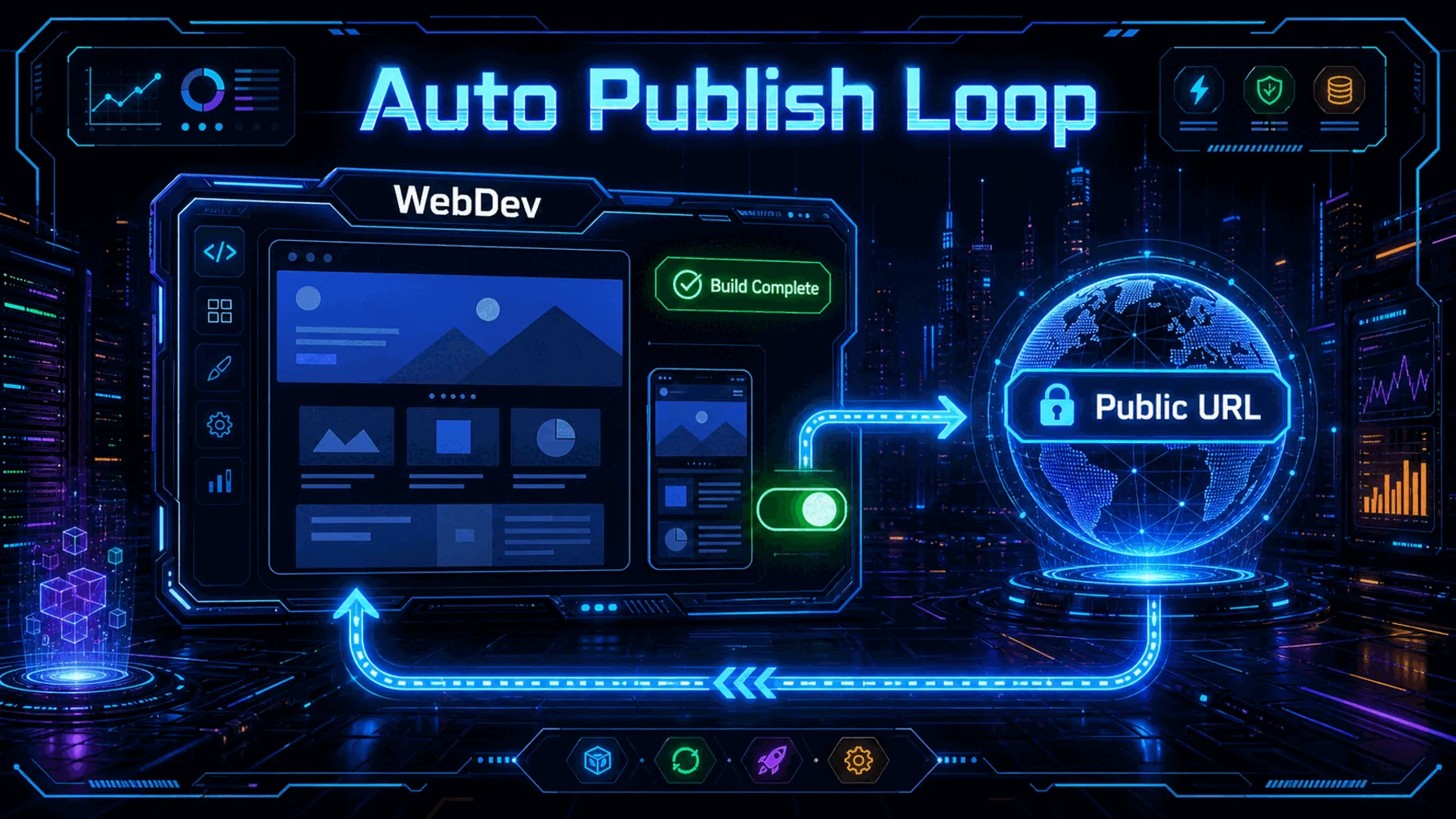
The drag in AI website building is not always the code generation. It is the repeated last step: check the version, open the publish menu, confirm the settings, and click again after every small fix.
Manus has made that final click optional for WebDev projects. With Auto-Publish enabled, every completed successful build becomes a deployment event, while the human decision is still meant to happen before we turn the toggle on.
The last gate is real
Auto-Publish is useful because the manual publish step is small enough to look harmless and frequent enough to slow a finishing session.
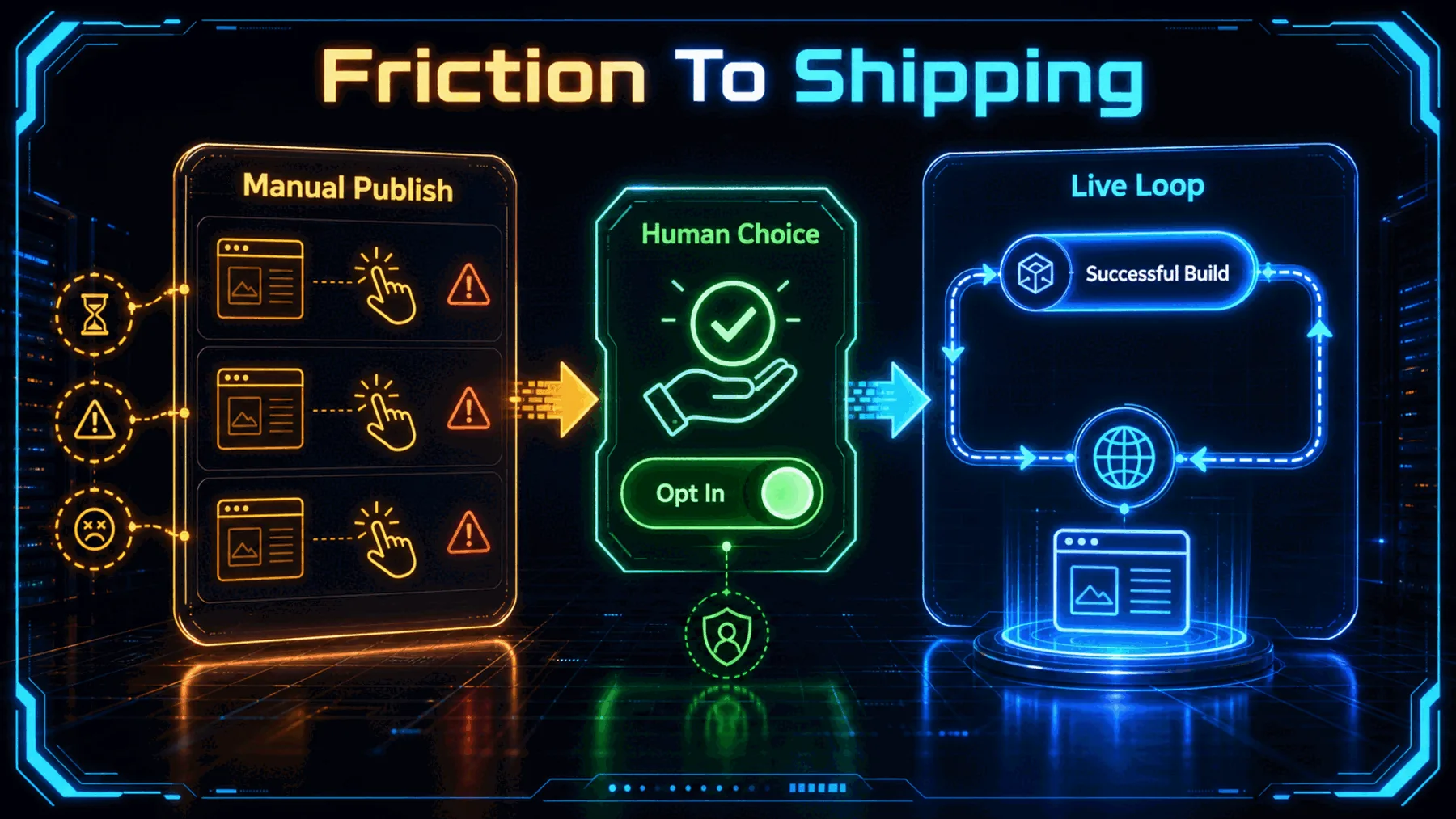
Manus frames the problem through ordinary iteration: copy changes, image swaps, layout tuning, and repeated live-site updates. Across a session, those manual publishes can become the work that interrupts the rhythm.
The safer reading is narrow. Auto-Publish is not a reason to send uncertain experiments live. It is a finishing-mode tool for moments when we already know what needs to change and want the public URL to keep pace.
Successful builds become deployments
Manus says the toggle sits inside the publish popover and treats each successful build as a deployment event.
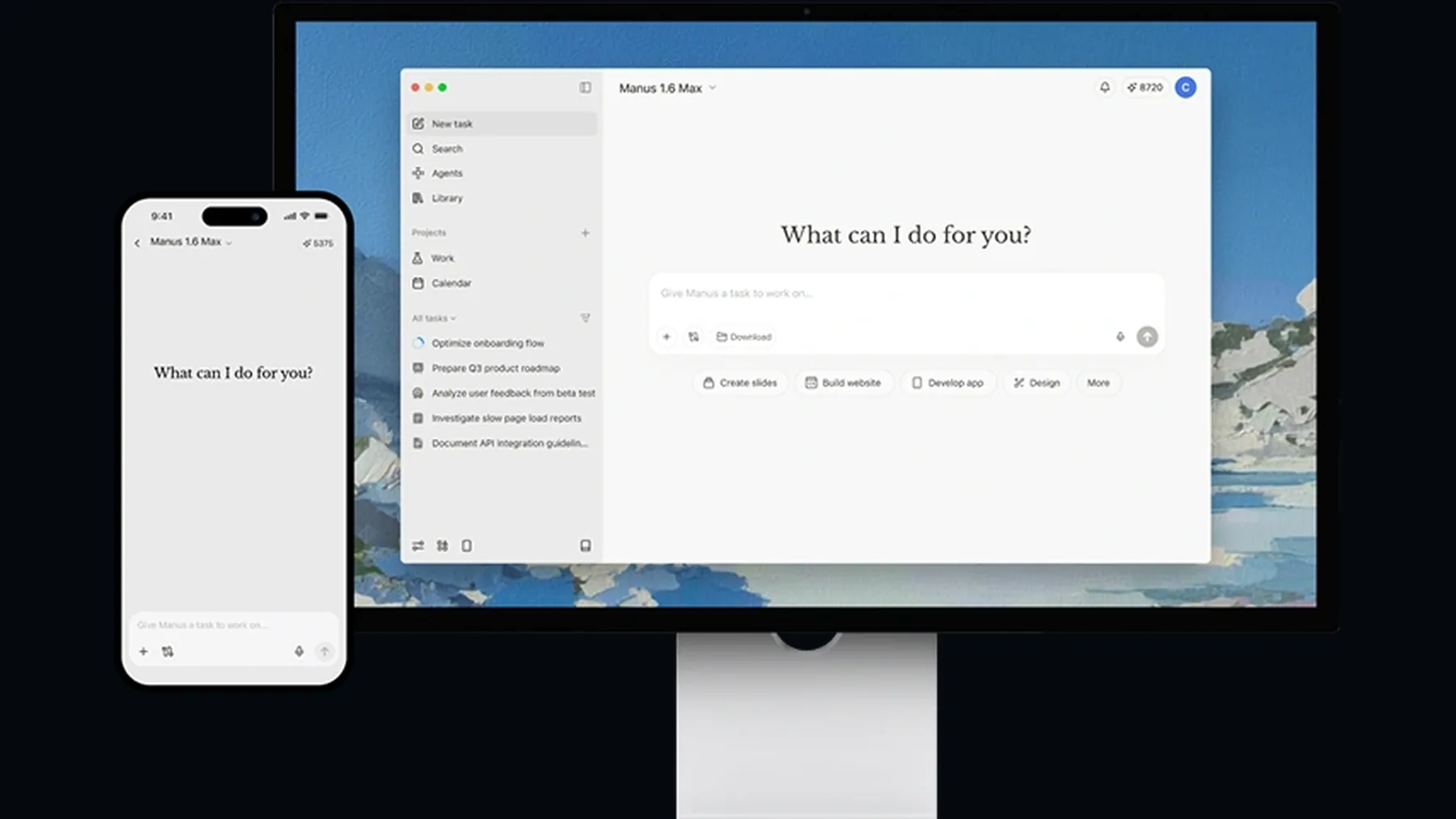
The mechanism is simple on purpose. Manus says we open the WebDev project, use the Publish button, find the toggle in the publish popover, and turn on Auto publish when it is ready.
Once enabled, the public URL is meant to follow completed successful builds. That makes the feature feel less like a new creative surface and more like a change to the delivery rhythm at the end of a website build.
Live, but not unfinished
The strongest part of the claim is the boundary Manus draws around what can reach the public URL.
A toggle that publishes successful builds can sound like surrendering the last gate. Manus answers that risk by making the feature opt-in, off by default, reversible from the same popover, and limited to completed successful builds.
That distinction carries the story. The feature is not framed as removing judgement. It is framed as removing repetition after judgement has already happened.
The toggle is off by default. This is intentional.
Manus
One official source carries it
The available evidence is Manus-published, so the useful claim is what Manus says the feature does, not how it performs independently.
The source pack gives us Manus's official article, captures, and media inventory. It does not give third-party testing, user results, social reaction, pricing evidence, audit logs, staging controls, or performance benchmarks.
So the public copy should stay source-bounded. Manus introduced Auto-Publish, described how it is turned on, named the guardrails, and said it is available across web, iOS, and Android from the article date.
Accept, build, publish
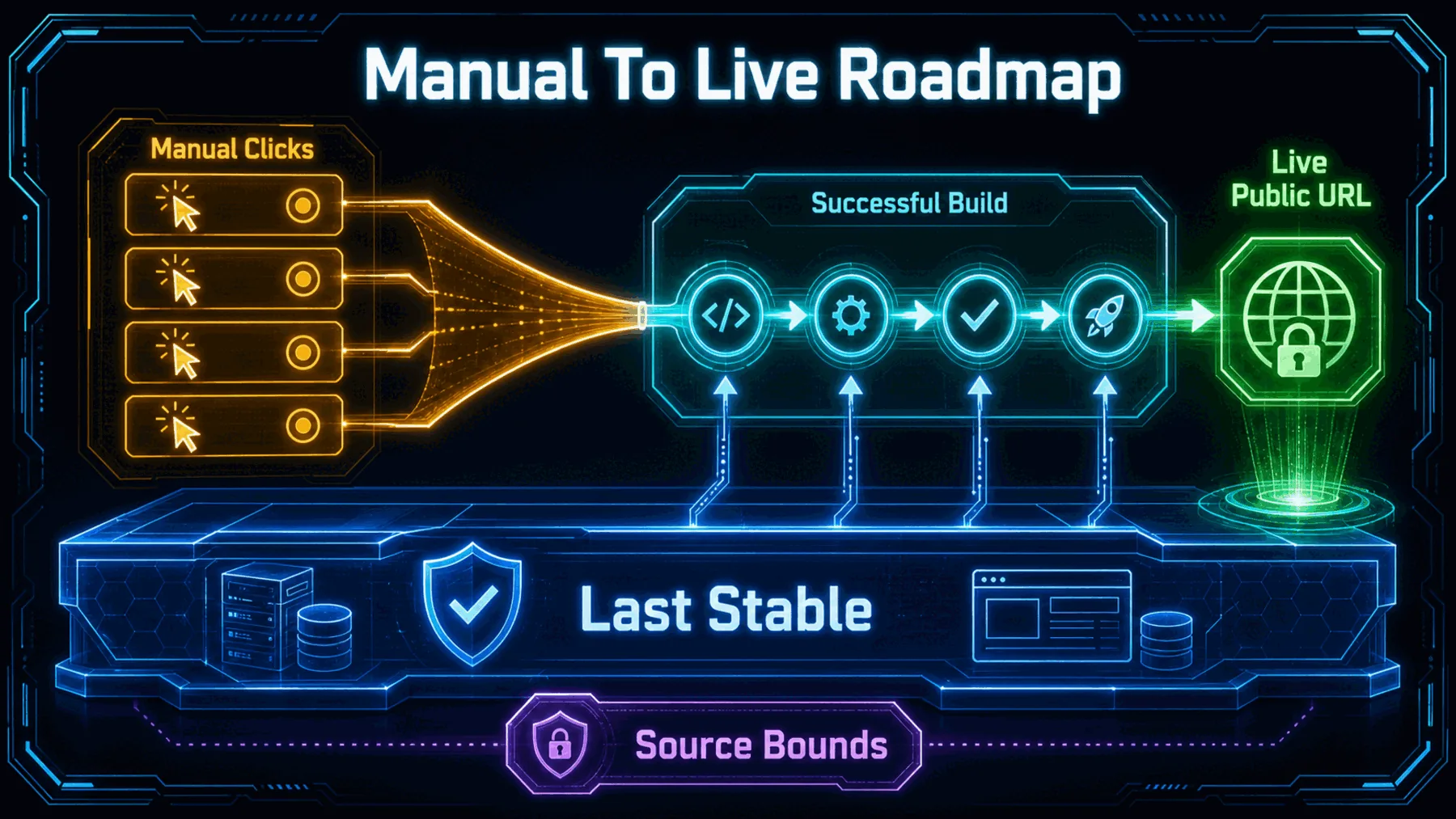
The workflow only works as a clean loop when successful completion is the condition for going live.
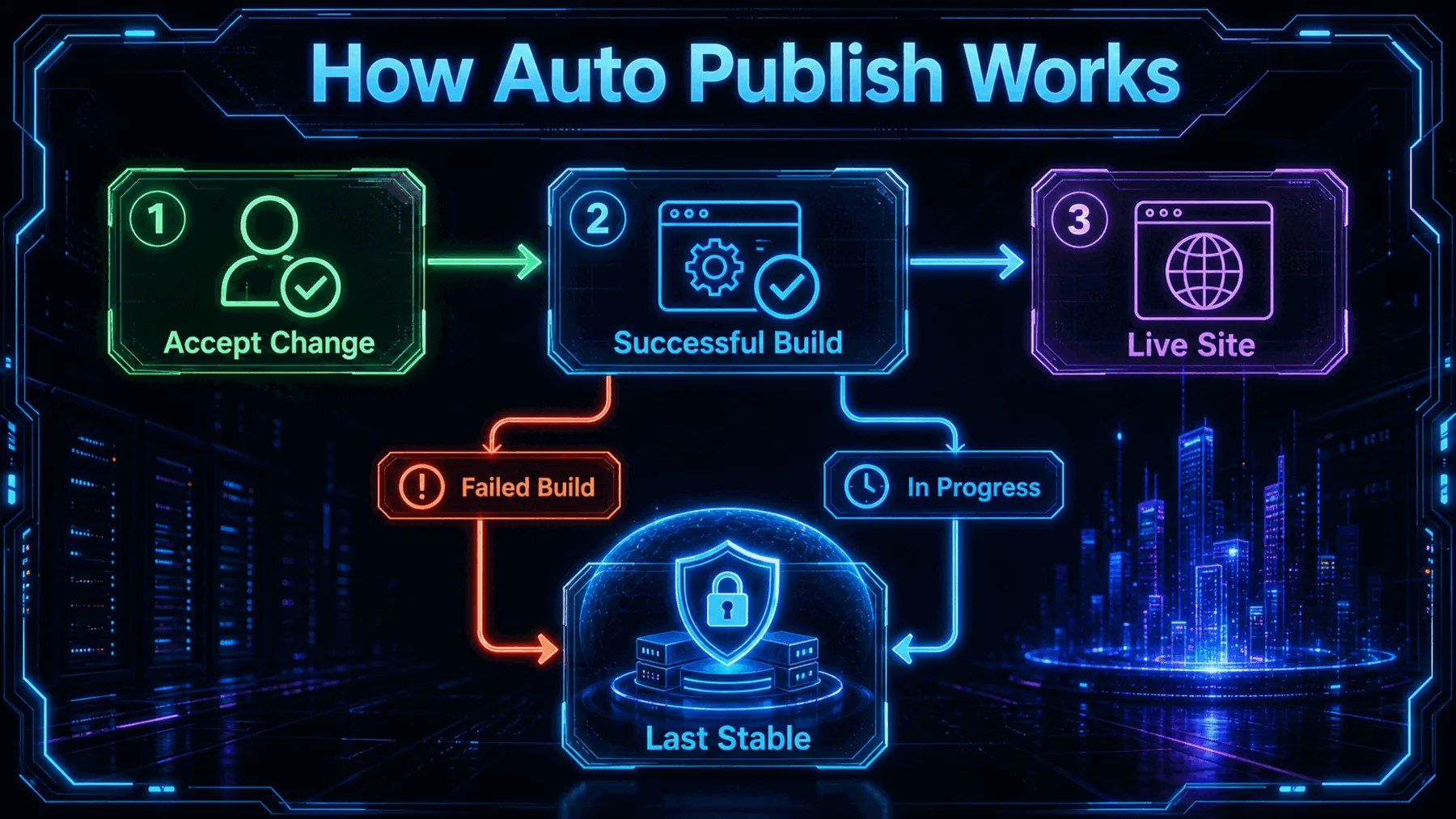
The practical flow is: we accept the direction, Manus builds the new version, and a successful build updates the live site. If the build fails or is still in progress, the public site remains on the last stable version.
Manus also says a cancel option appears during deployment. That matters because continuous shipping still needs an interruption point when the session changes from finishing to reconsidering.
Opt in
Success only
Turn back
Use it for finishing mode
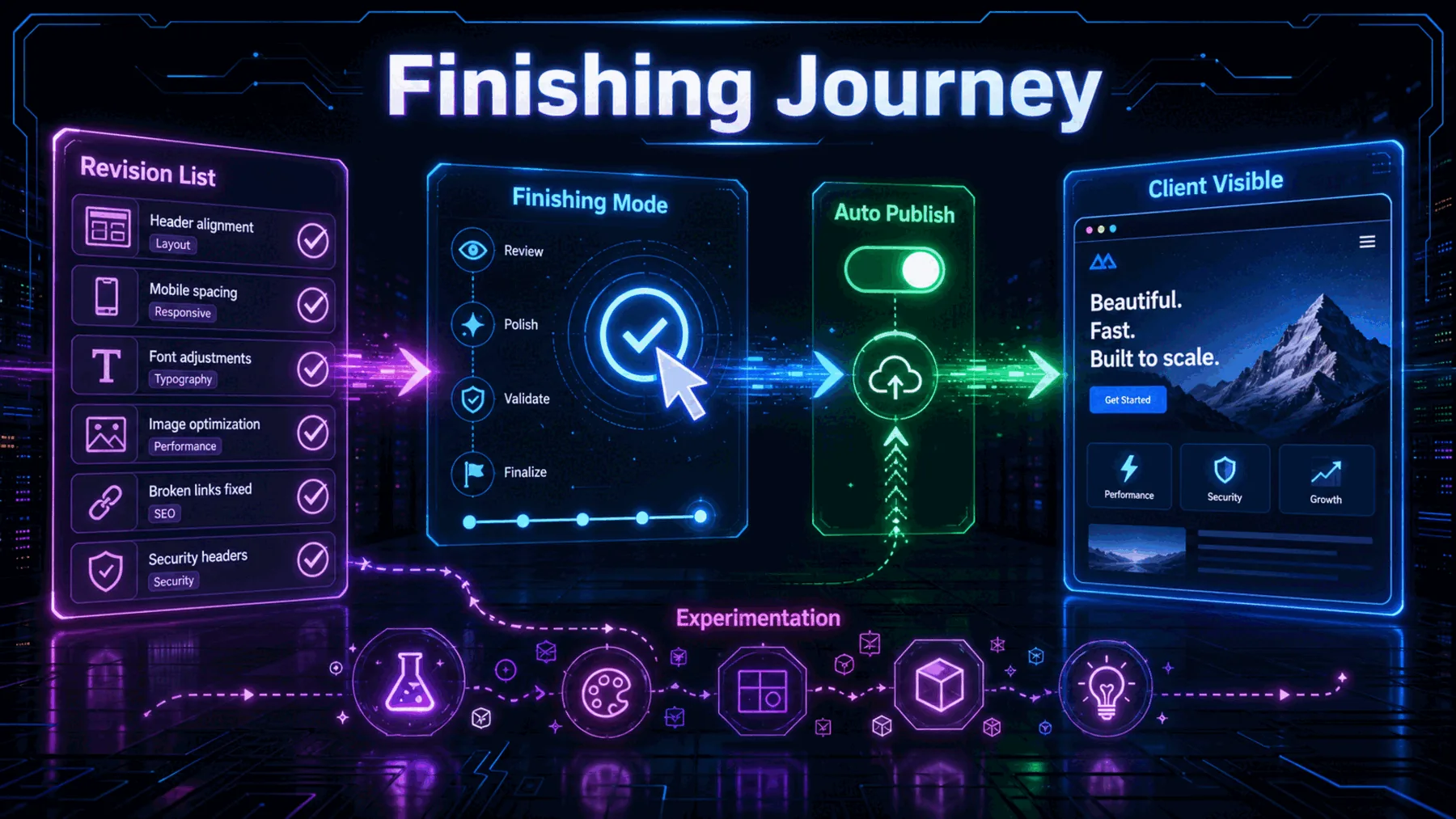
Auto-Publish fits a known revision list better than an open-ended experiment.
Turn on
Leave off
Pause fast
Manus's own scene is a freelance photography site: the structure is already right, feedback has arrived, and the next session is a list of specific changes. That is the lived moment where the publish click starts to feel like drag.
For us, the useful habit is to name the mode before enabling the toggle. If we are finishing known work, Auto-Publish can keep the live URL current. If we are still discovering the answer, the last manual gate should stay in place.
The shift is operational
The story is less about a dramatic new builder and more about removing repeated friction from the final delivery loop.
Auto-Publish changes the moment after we accept the work: the live site can keep moving without another publish click, but only if we have already decided the session is ready for that speed.
Altior AI News synthesis from Manus-published evidence
The important balance is speed with a boundary. Manus says successful builds can publish automatically, but it also says the feature is off by default, opt-in, reversible, and constrained to completed successful builds.
That makes the feature most credible as finishing infrastructure. It helps when we want the live site to follow accepted work. It should stay off when we still need the manual pause that protects unfinished judgement.
Stress-test an Auto-Publish session
Act as a cautious website shipping lead. Using only these facts, decide whether Auto-Publish should be on or off for the session: we have a live portfolio site, a known revision list, a client refreshing the public URL, and changes covering font, testimonials, gallery compression, footer links, and mobile navigation. Output three sections: Turn it on/off, Why, and Stop conditions. Include the guardrail that only completed successful builds should reach the live URL, while failed or in-progress builds should leave the last stable version visible.Ready to copy
Watch the guardrails
The next question is whether Manus keeps the same opt-in clarity as Auto-Publish meets messier production habits: queued changes, client-visible sites, cancellation, and the need to know exactly what reached the public URL.
Try the promptWhat to watch next
- Clearer publish history
- Staging or approval controls
- Real user workflows