Kimi Slides Keeps the Draft Editable
Kimi Slides is pitching a faster route to a presentation without asking us to surrender the final judgement.
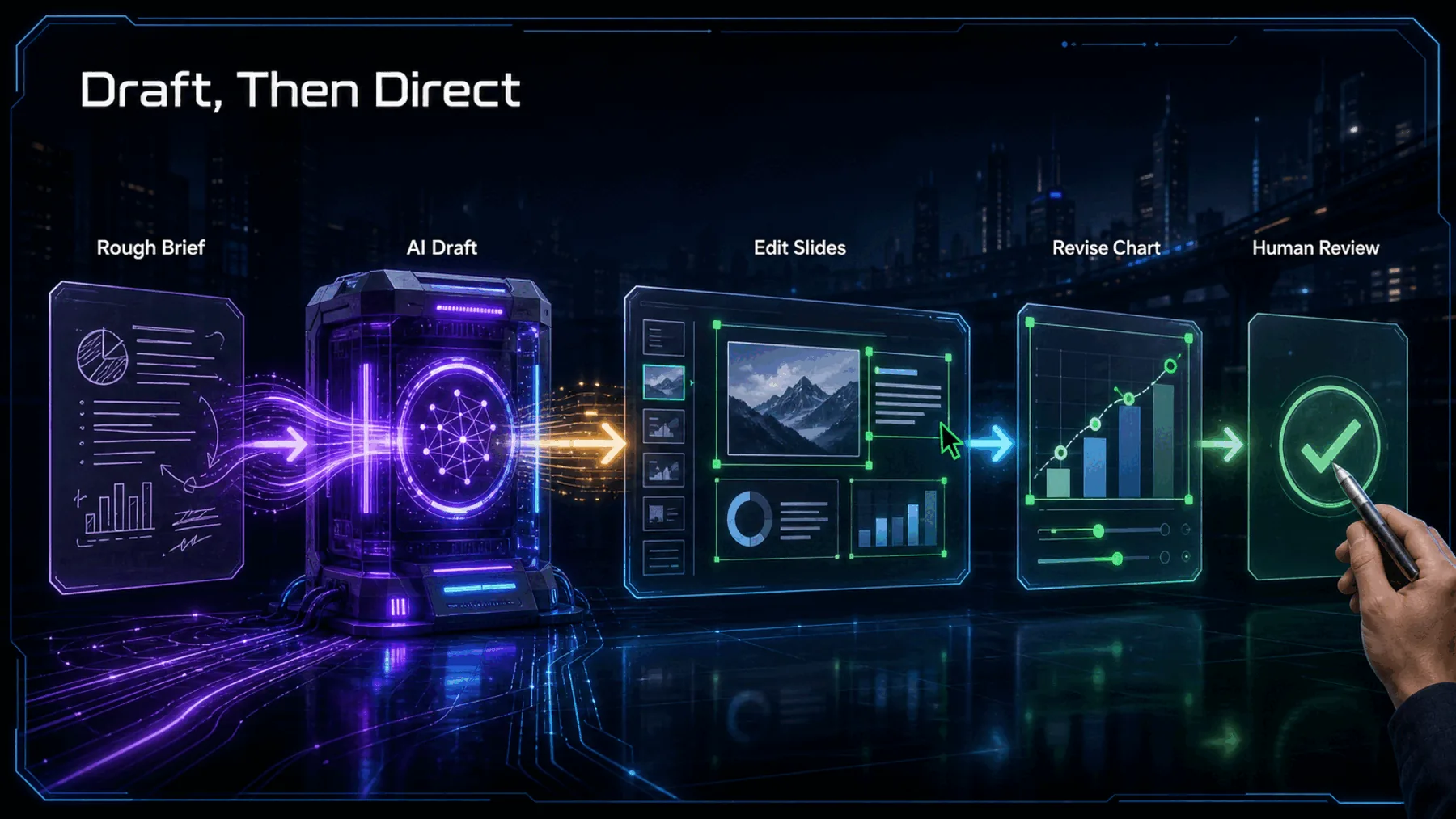
Kimi says Slides can take a topic or reference material, use Kimi K3 for research and structure, and turn that work into a designed deck with charts and SmartArts. The supplier tutorial then presents the result as editable and ready to download.
That is a more interesting proposition than a polished export alone. A presentation earns trust when we can check its claims, open its chart data and alter its structure before it leaves our hands.
Polish Is Not Proof
A convincing first draft still needs an open route to correction.
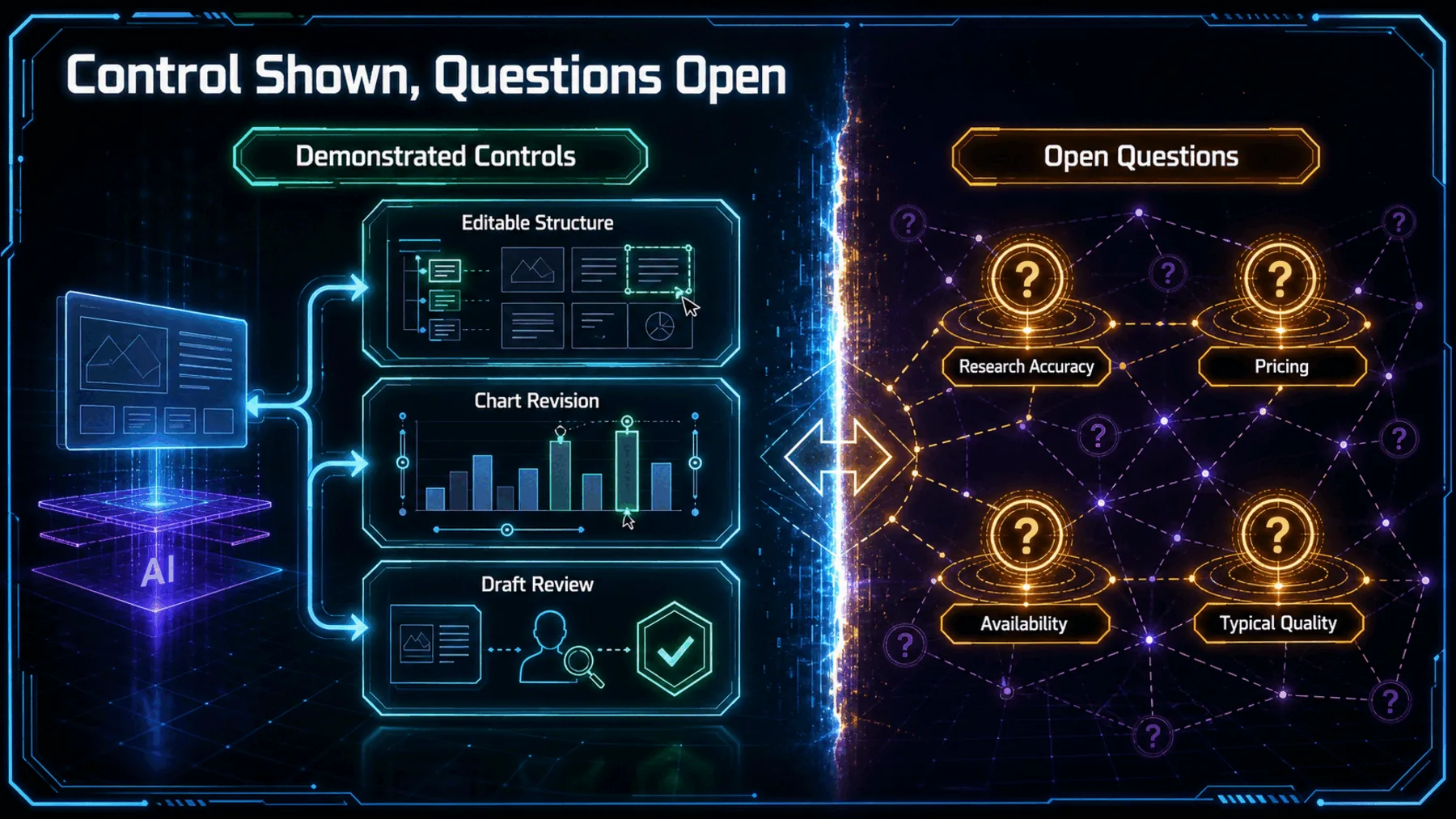
The demonstration makes a narrow case. Kimi shows research and structure, designed slides, chart editing and draft-history controls within one supplier-selected tutorial. Those are useful controls to see, especially when a deck has to change after its first pass.
They are not a reliability verdict. One official demonstration cannot tell us how the research holds up across varied inputs, whether every object stays editable, or what access and pricing look like. The draft is where the product pitch begins; review is where credibility is decided.
From Material To Working Deck
Kimi’s pitch moves from source material to a draft we can revise.
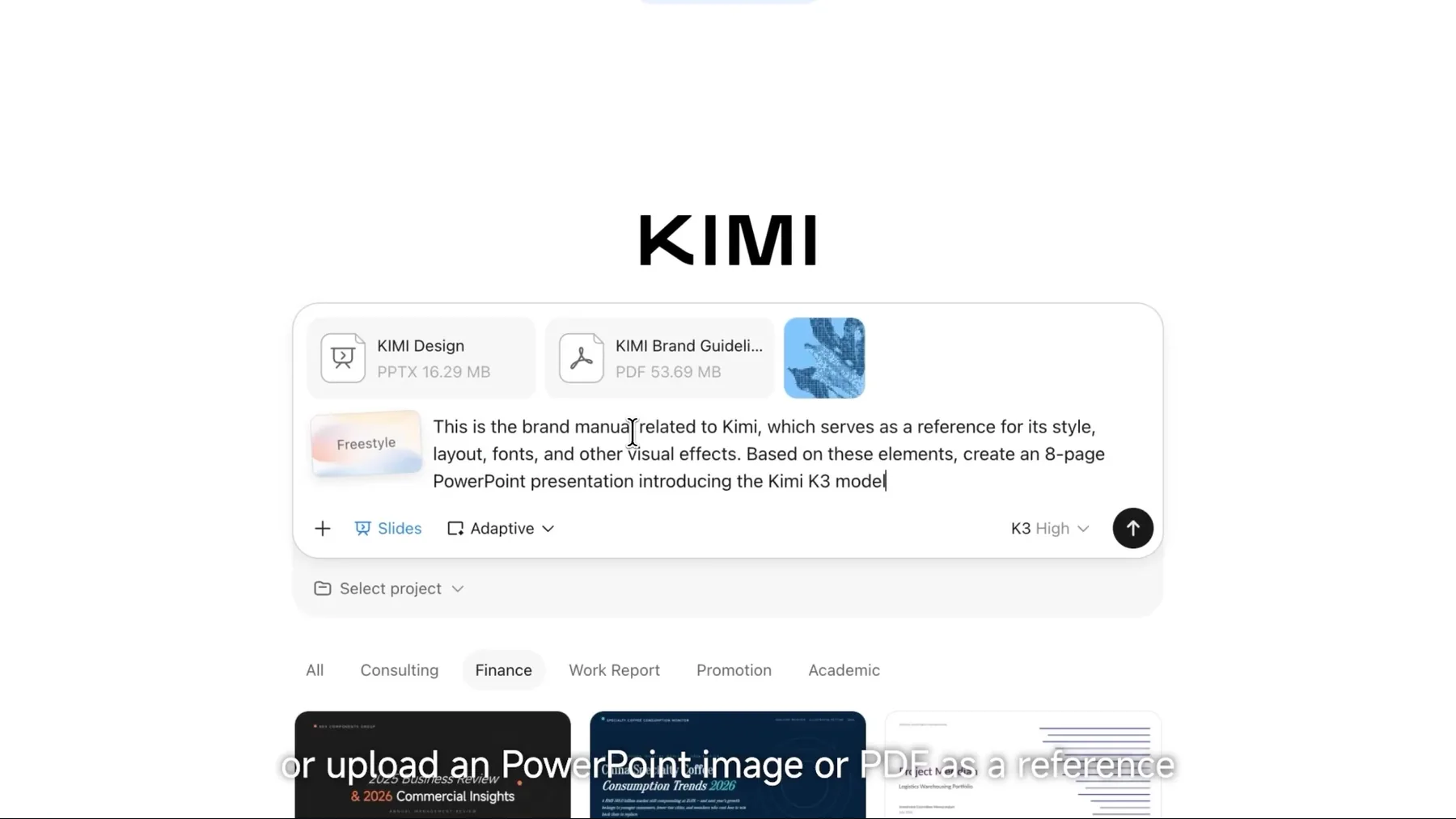
Kimi frames the journey as a connected chain: bring a topic or reference material, let K3 shape the research and structure, turn that into a designed draft, then edit and download. The sequence matters because it keeps the draft in the same conversation as the source material.
We should still separate the demonstration from the outcome. The tutorial shows the route Kimi wants us to take; it does not establish that every deck built along that route will be accurate, complete or equally workable.
The Chart Opens Up
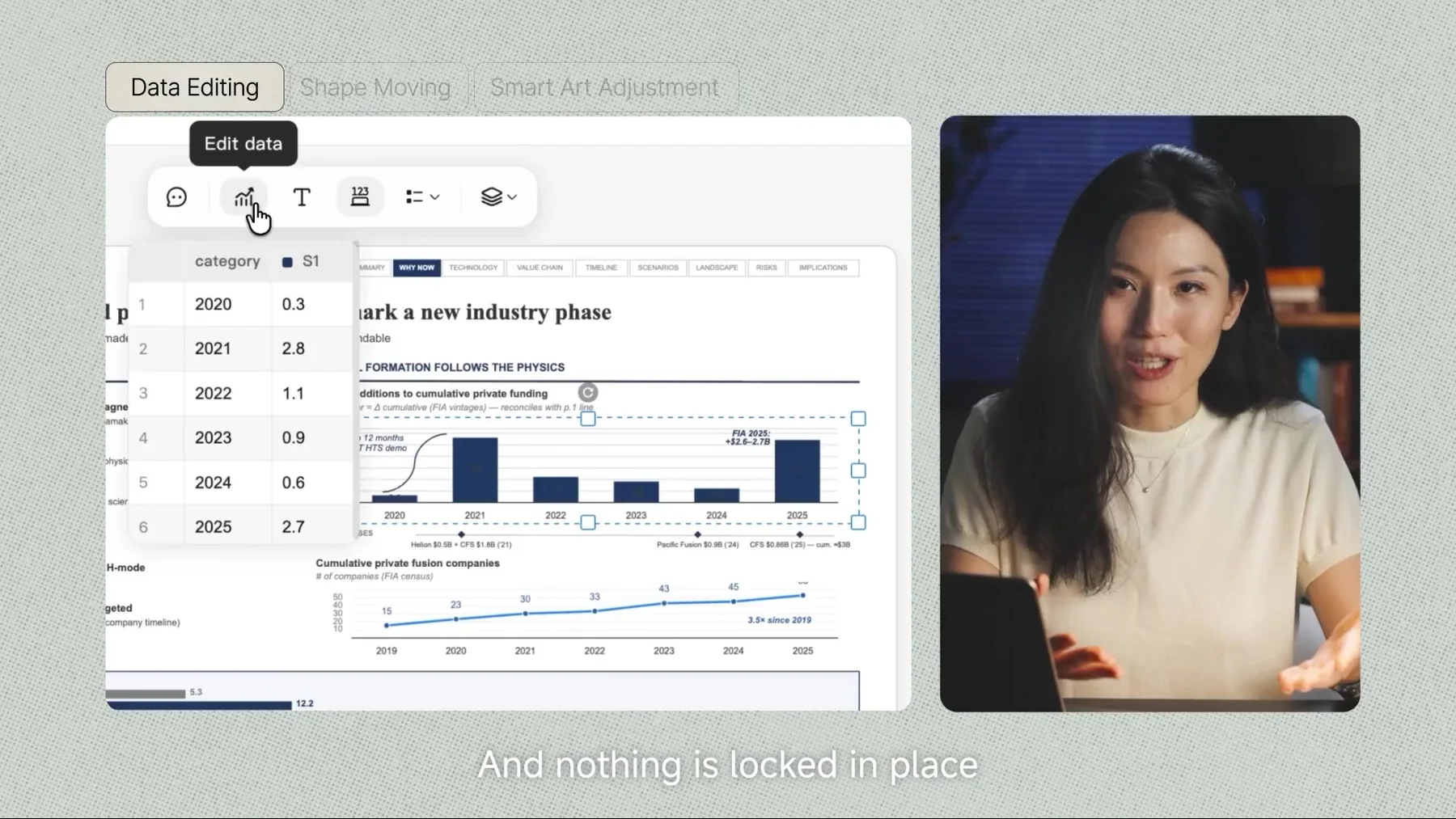
The supplier tutorial shows chart data being edited after the draft is built.
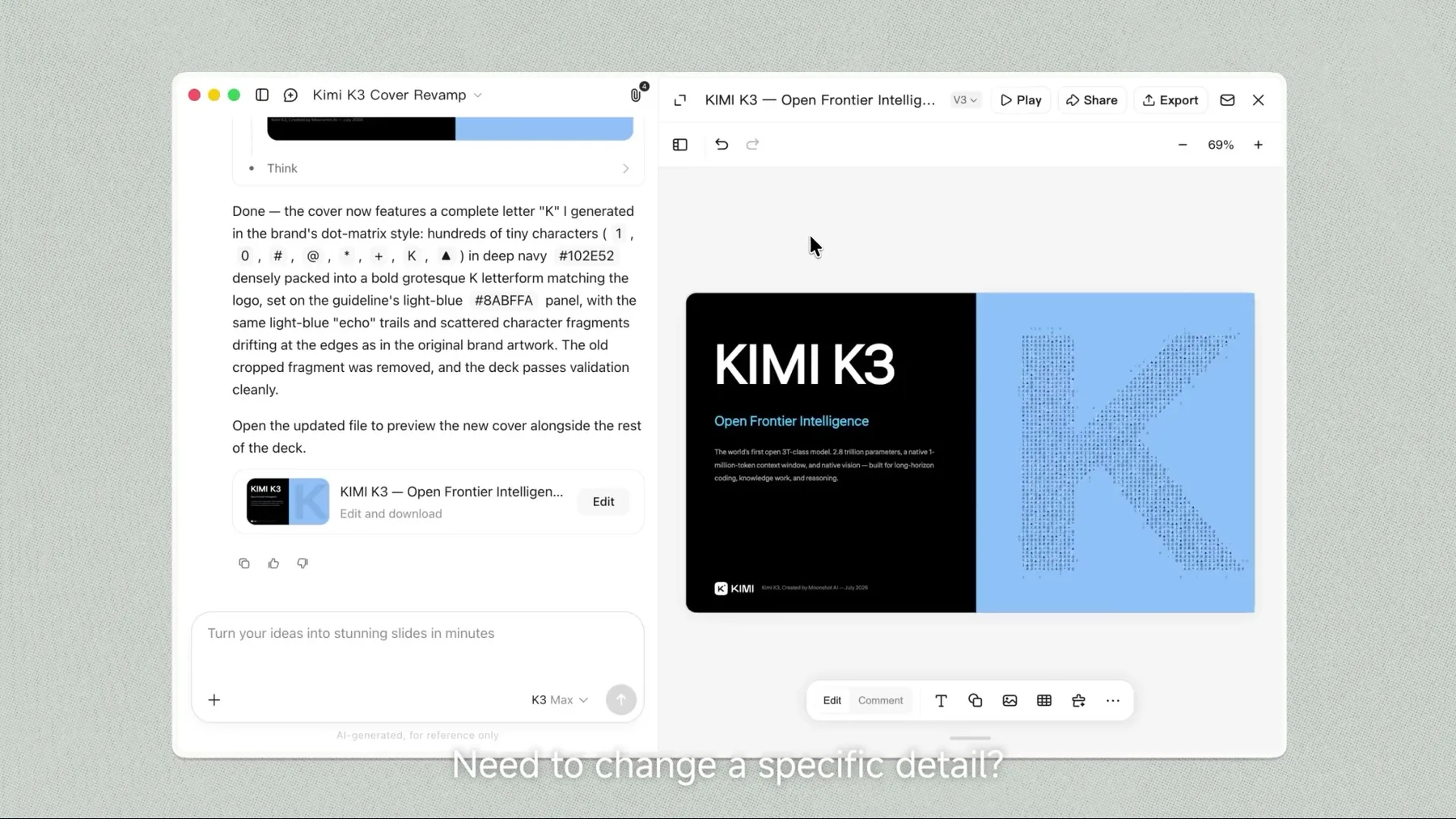
This is the most practical moment in the demonstration. A chart is not just decoration once it carries a decision; we need to see the data behind it, question the numbers and change the shape of the argument when the evidence changes.
Kimi’s tutorial shows that kind of edit in one workflow. That is a meaningful proof point, but a bounded one: the video does not show whether every chart or object remains open under every condition.
Editable and ready to download
Kimi.ai / Moonshot AI, “Build Slides with Kimi Work — Tutorial #1”
Revision Is Not Reliability
The tutorial shows a draft changing; it does not prove that every first draft deserves trust.
Draft history and editing controls make the supplier’s proposition more credible as a working process. They show that the first version need not become a dead end once it is generated.
But revision tools do not settle the underlying questions. We still need to test the factual basis of the deck, the quality of the structure and the limits of what can be changed before treating the output as ready for a real decision.
Keep The Deck Open
An AI-built deck becomes useful when its important parts can survive human review.
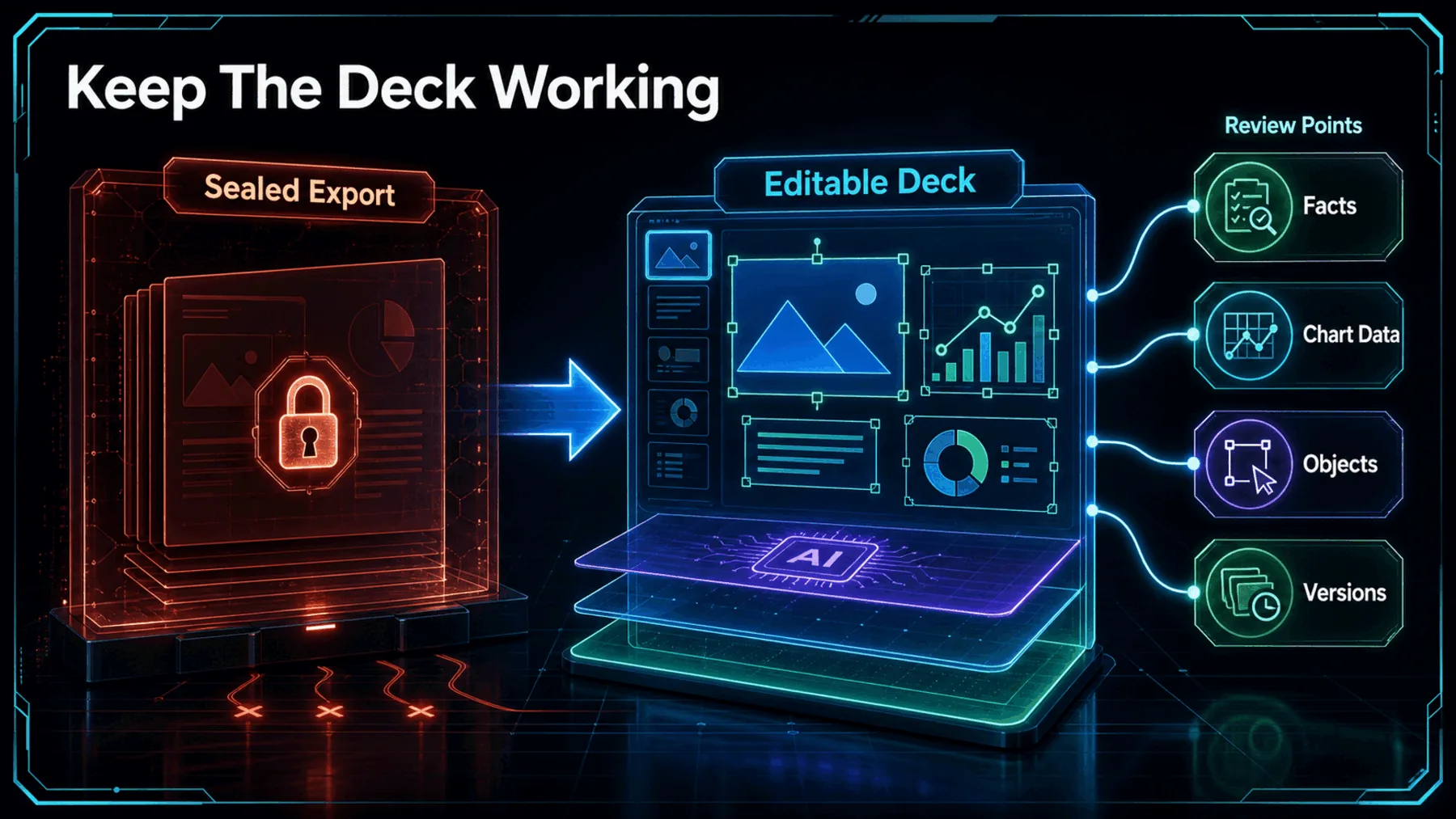
A sealed export gives us a surface. An editable working deck gives us somewhere to apply judgement. The difference becomes obvious as soon as a claim needs checking, a chart needs rebuilding or a layout needs to reflect a different decision.
Kimi’s demonstration is useful because it points towards the second model. The practical value is not automation escaping review; it is automation arriving early enough for review to matter.
Facts
Check every claim against the source material before it carries the decision.
Data
Open chart data and confirm that the visual says what the numbers support.
Versions
Compare revisions so the final narrative remains deliberate.
Review Before We Trust
A polished deck should make it easier to examine the work, not easier to skip the examination.
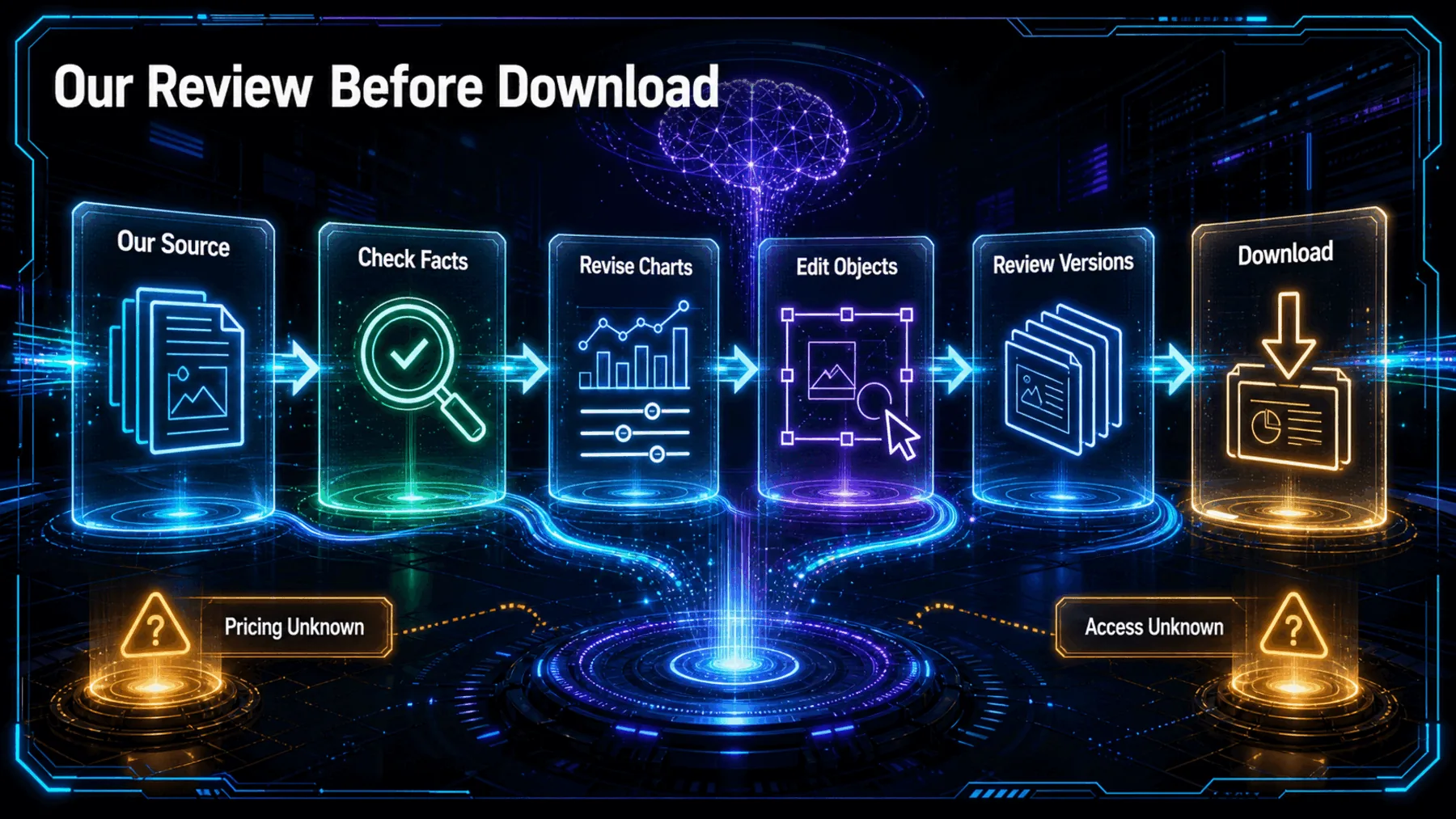
If we try this workflow, the sensible first pass is deliberately modest: supply material we already know, inspect what the draft says about it, and make a visible change to a chart or object before judging the handoff.
That approach tests the part of the proposition that matters without filling the evidence gaps for Kimi. We do not have approved information on price, availability or geography, and the tutorial does not settle accuracy or universal editability.
Source check
Compare the deck’s factual claims with the material we supplied.
Edit check
Change a chart, object or section and see whether the logic holds.
Version check
Review the revised draft before deciding it is ready to download.
Make The First Draft Credible
The useful promise is not an automatic finish; it is a draft we can interrogate and improve.
AI earns its place in the deck when it gives us a first version that remains open to our evidence, edits and judgement.
Synthesis from Kimi’s supplier demonstration
Kimi’s tutorial makes a focused case for an editable presentation workflow. K3 research and structure, designed slides, chart editing, draft history and download are presented as parts of one path rather than separate tricks.
The stronger reading is also the more cautious one. We should not confuse a supplier demonstration with proof of accuracy or typical quality. The real test is whether the first draft stays sufficiently open for us to make it credible.
Test the editable handoff
Create a six-slide internal decision deck on whether a small operations team should replace a weekly status meeting with an asynchronous update. Use a clear argument, cite the assumptions on each relevant slide, include one editable chart-data table comparing meeting time with written-update time, and end with a slide listing the facts we must verify before acting. Keep every slide concise and make the draft easy to revise before download.Ready to copy
Watch The Handoff
When AI builds the first version, the question is not how polished it looks. It is whether we can still inspect, correct and own what the deck says.
Try the promptWhat to watch next
- Fact correction
- Chart-data access
- Object revision
- Access terms