Grok Imagine Image 2.0: The Edit Is the Real Test
Grok Imagine Image 2.0 makes a case for precise image revision, but the practical question is whether one change can leave the rest of the work intact.
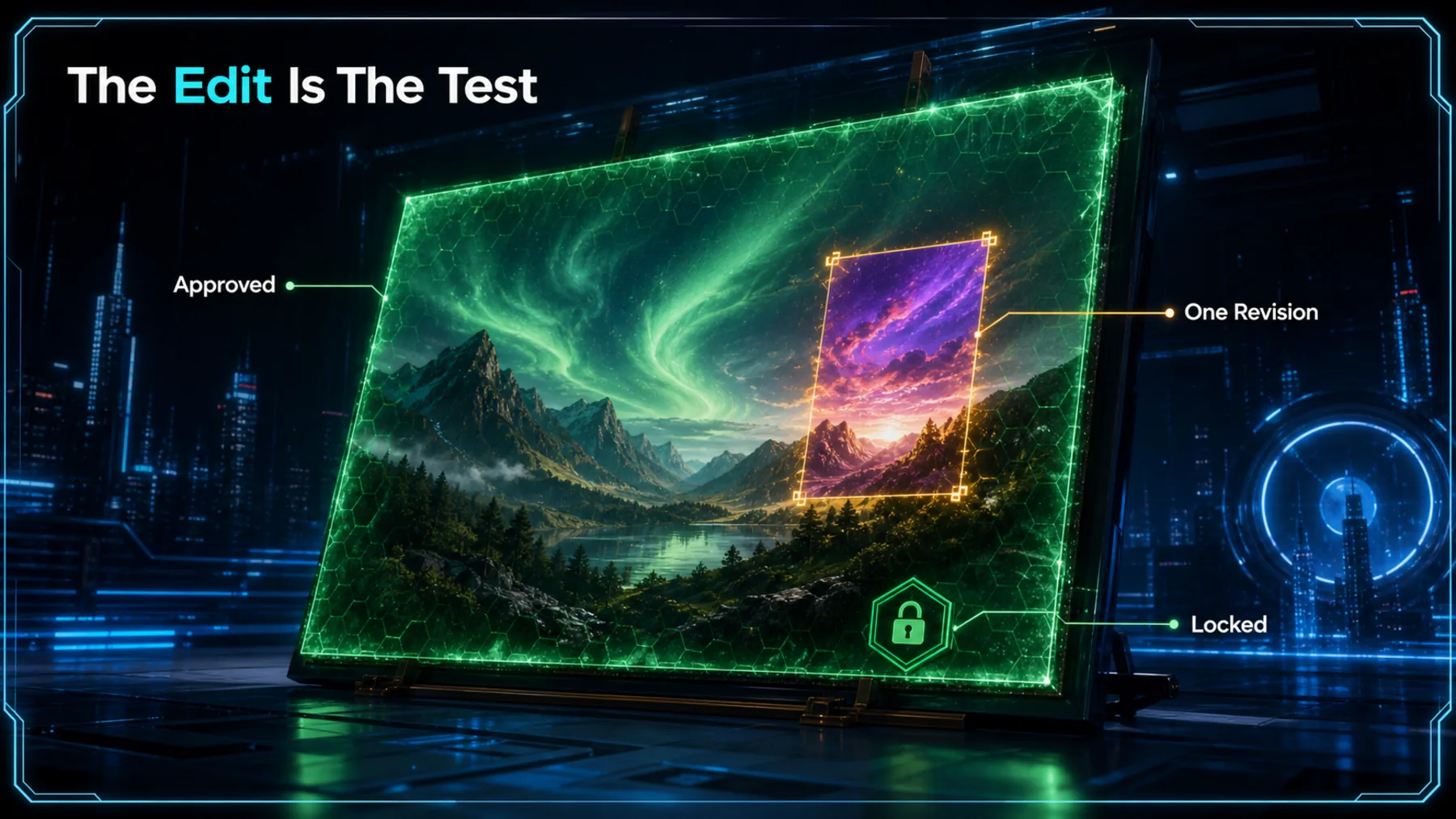
A striking first draft is only the beginning of creative work. We spend the harder part of the process changing a line of text, a product colour or a chosen area without quietly losing the lighting, composition and character that made the first version useful.
xAI says Imagine Image 2.0 can edit selected regions while preserving the rest. That is the claim worth testing, because controlled revision matters more than another handsome image on a launch page.
One Change, Whole Image
The useful test is not whether a model can make an image. It is whether a small instruction stays small.
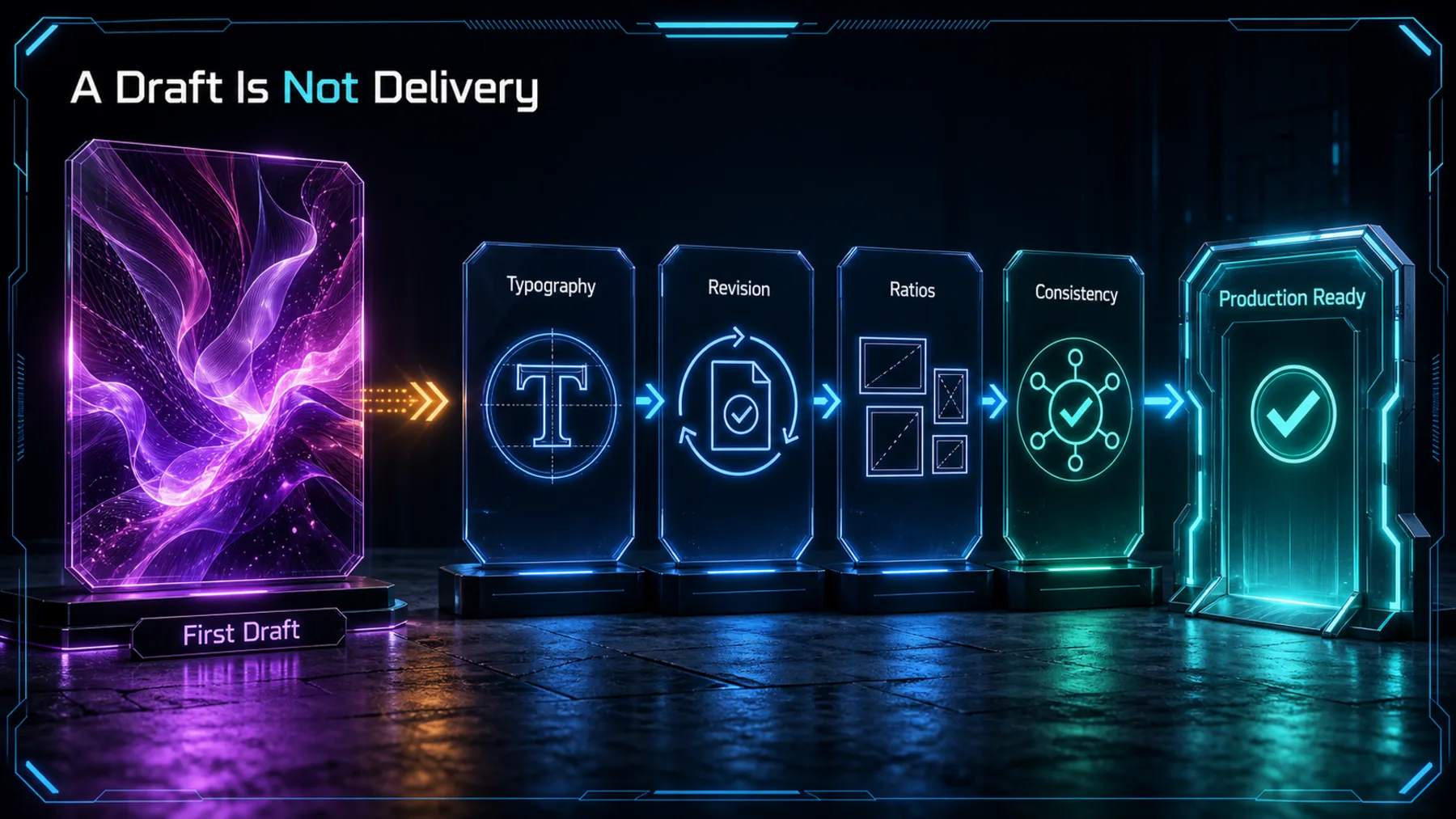
Local editing changes the economics of a creative task only if the approved work survives. A revised label is of little use if the product shape shifts, the type softens or the background becomes a different image.
xAI’s examples point towards that kind of control. They are selected demonstrations, however, rather than a measure of how consistently the model will preserve an image across our own requests.
More Ways to Revise
The release combines generation with selection, reference blending, resizing and background work.
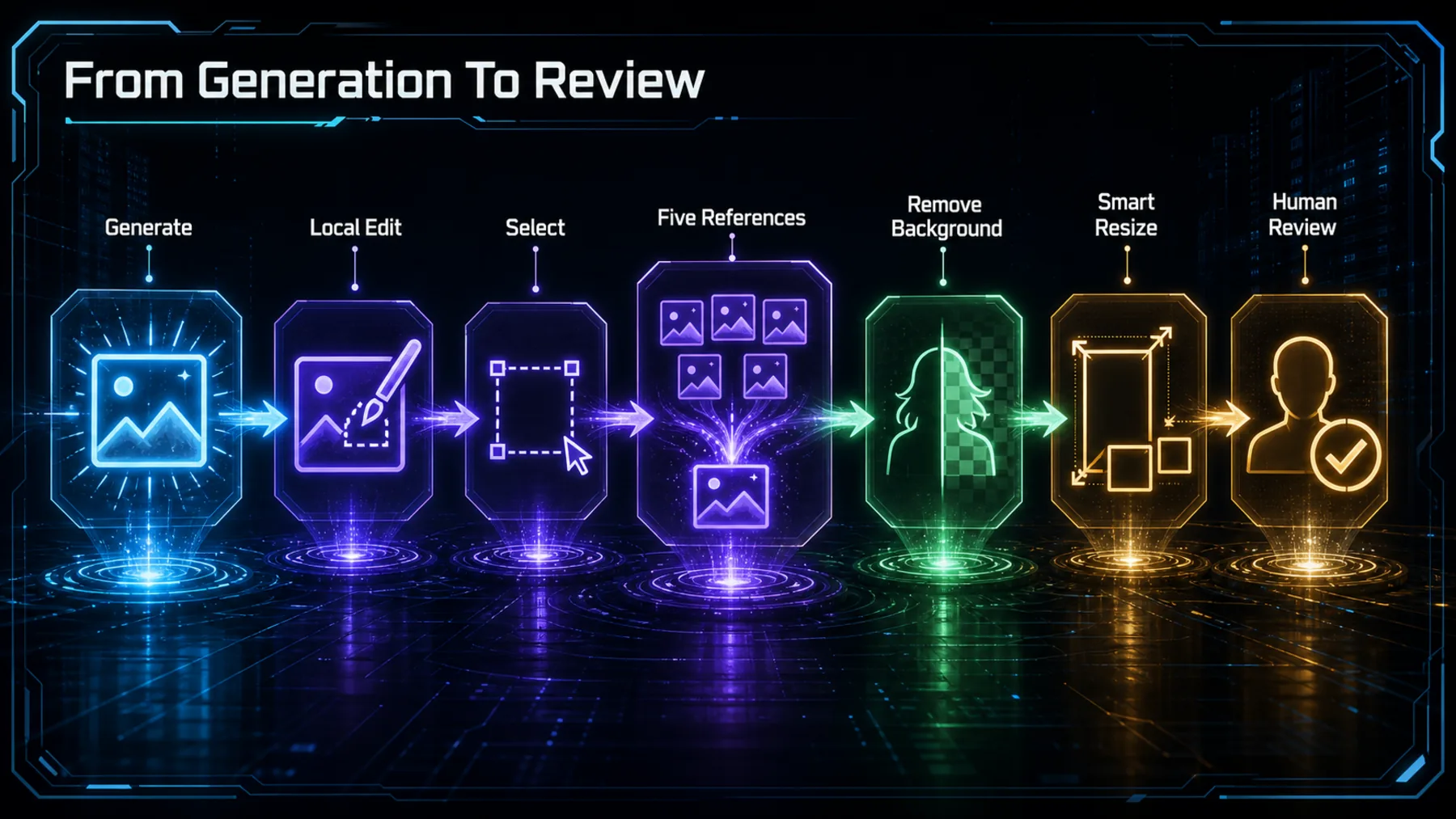
The release brings several familiar creative actions into one surface: Magic Wand for a selected region, Segmentation for precise areas, Background Removal for a transparent subject and Multi-ref editing with up to five input images in one generation.
Smart Resize is the other practical addition. xAI shows the model filling a chosen frame across nine aspect ratios, which could reduce the amount of manual reformatting. The page does not state a price or plan eligibility, and API access is still described only as coming soon.
The Promise in xAI’s Words
The launch frames Image 2.0 as a tool for real creative work, with precision as the central promise.
The magic wand edits the region you point at and leaves the rest untouched.
xAI, Imagine Image 2.0
The wording is direct: point at a region, change it, keep the rest. If that holds under ordinary production requests, it addresses a familiar frustration with image tools that treat every edit as a fresh generation.
xAI also says the model follows detailed instructions, plans typography and preserves inputs across edits. Those are xAI’s claims, not independently validated results, so the launch material sets a useful test rather than settling it.
Promise Is Not Reliability
A polished selected example can show what is possible without showing how often it holds.
The release page includes examples of separately generated characters, locations and props holding together as one visual world. That is a meaningful direction for storyboard, game and campaign work, where consistency is often harder than initial ideation.
The evidence still has a boundary. xAI selected these examples and the source pack excludes outside reactions and third-party tests. We should treat the images as a prompt for hands-on evaluation, not a guarantee that every session will produce the same coherence.
Select, Change, Protect, Verify
A credible local edit has four parts: define the target, make the change, preserve the remainder and inspect the result.
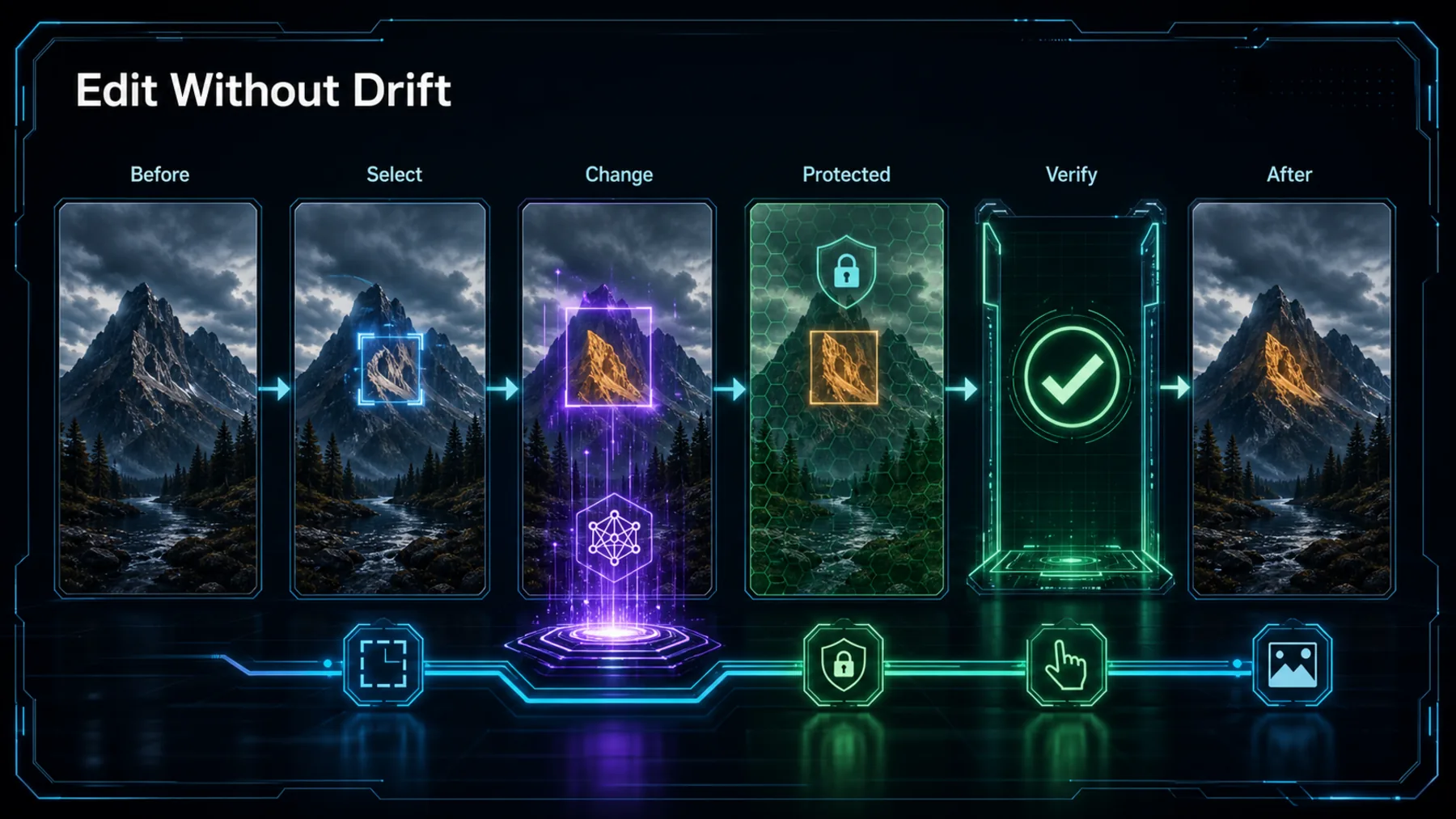
A local-edit test should begin with a finished asset and one deliberately narrow request. Change the label, not the bottle. Replace a background detail, not the lighting. The smaller the instruction, the clearer the result.
Afterward, compare the untouched areas at working size. Look for altered typography, shifted geometry, changed shadows or newly invented details. The tool can make the revision; the final check still belongs with us.
How We Would Test It
One controlled edit can reveal more than a gallery of launch images.
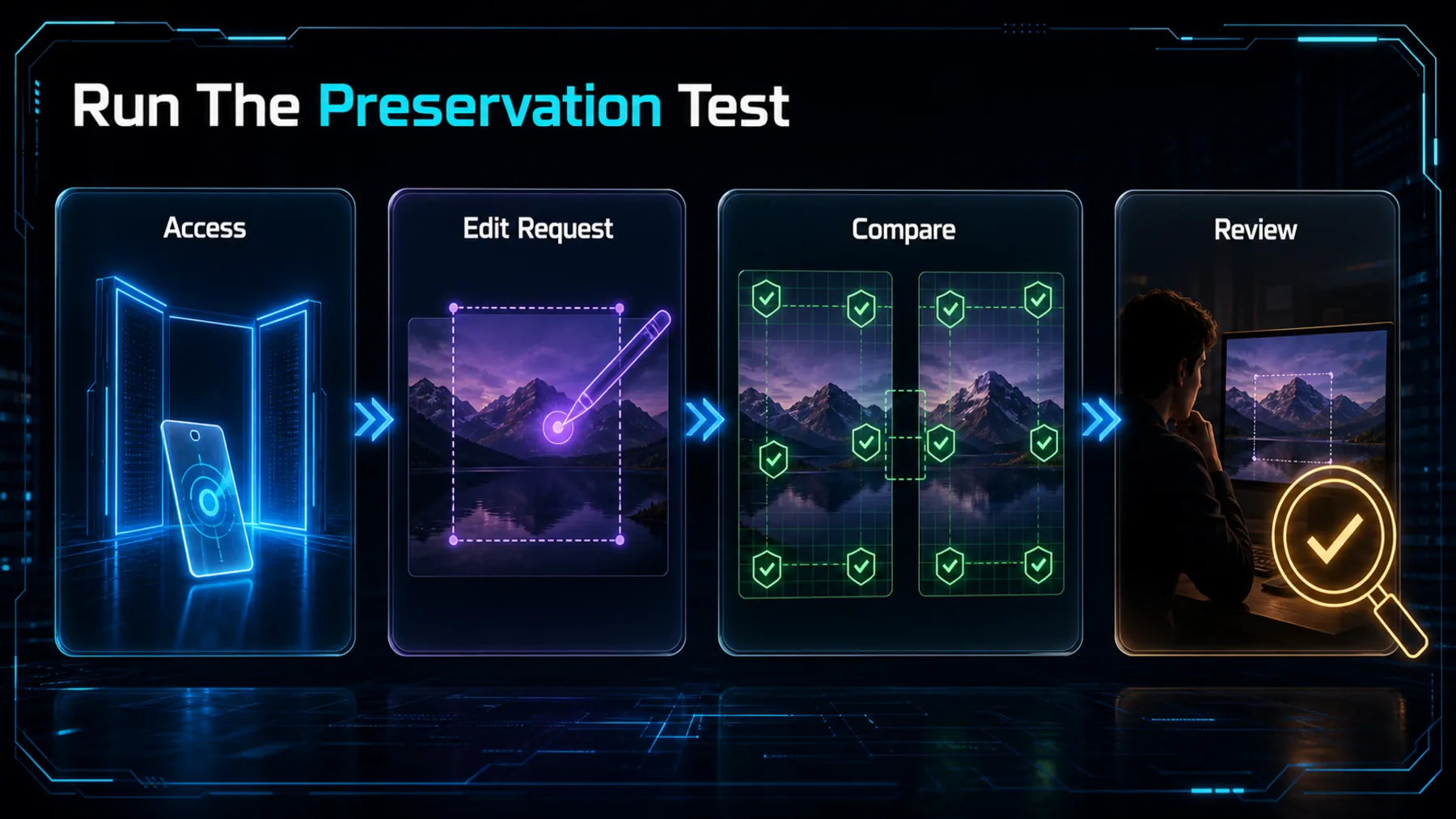
Access
Confirm that Quality Mode is available on the Grok surface we intend to use.
Edit
Request one precise change to a completed image with clear preservation constraints.
Compare
Inspect unchanged areas and the delivered format before accepting the result.
xAI says Image 2.0 is generally available as Quality Mode on grok.com/imagine and its iOS and Android apps. We would first confirm the access route, because the release does not state price or subscription eligibility.
Then we would run the same constrained edit more than once and compare the preserved areas as closely as the changed region. The point is not to crown a winner from one attractive output; it is to find out whether the edit behaves predictably enough for real work.
Control Beats Spectacle
The release becomes useful when a request can be changed without losing the work already approved.
The real advance is not a more impressive first image. It is a revision process we can inspect, constrain and trust only after testing.
Altior AI News synthesis, grounded in xAI’s published feature claims
Grok Imagine Image 2.0 has a credible proposition: selected-region editing, precise selection, multi-reference work, background removal and resizing belong to the same practical problem. The release also names an important constraint by implication: creative output is only useful when we can revise it without starting over.
xAI’s examples make that proposition worth trying. Their limits should shape the conclusion as well. Pricing and eligibility are unstated, API timing is undated, and the performance ranking cited by xAI needs direct corroboration before it can be presented independently.
Run an edit-preservation test
Create a polished 16:9 product photograph of a cobalt-blue insulated bottle on a pale stone plinth, with soft window light and the words “FIELD NOTES” on a small cream label. Then change only the label text to “AUTUMN EDITION”. Keep the bottle colour, plinth, lighting, composition, shadows and every other detail unchanged. Return the edited image and a five-point checklist describing what changed and what was preserved.Ready to copy
Test the Edit First
Watch for independent preservation tests, confirmed access terms and a dated API release before treating the launch claims as settled workflow evidence.
Try the promptWhat could change the conclusion
- Independent preservation tests
- Price and plan eligibility
- API release detail
- Media-rights confirmation