GPT-Transcribe makes context part of the workflow
OpenAI’s new models split live and completed audio into different paths, then let us brief the listener before difficult words arrive.
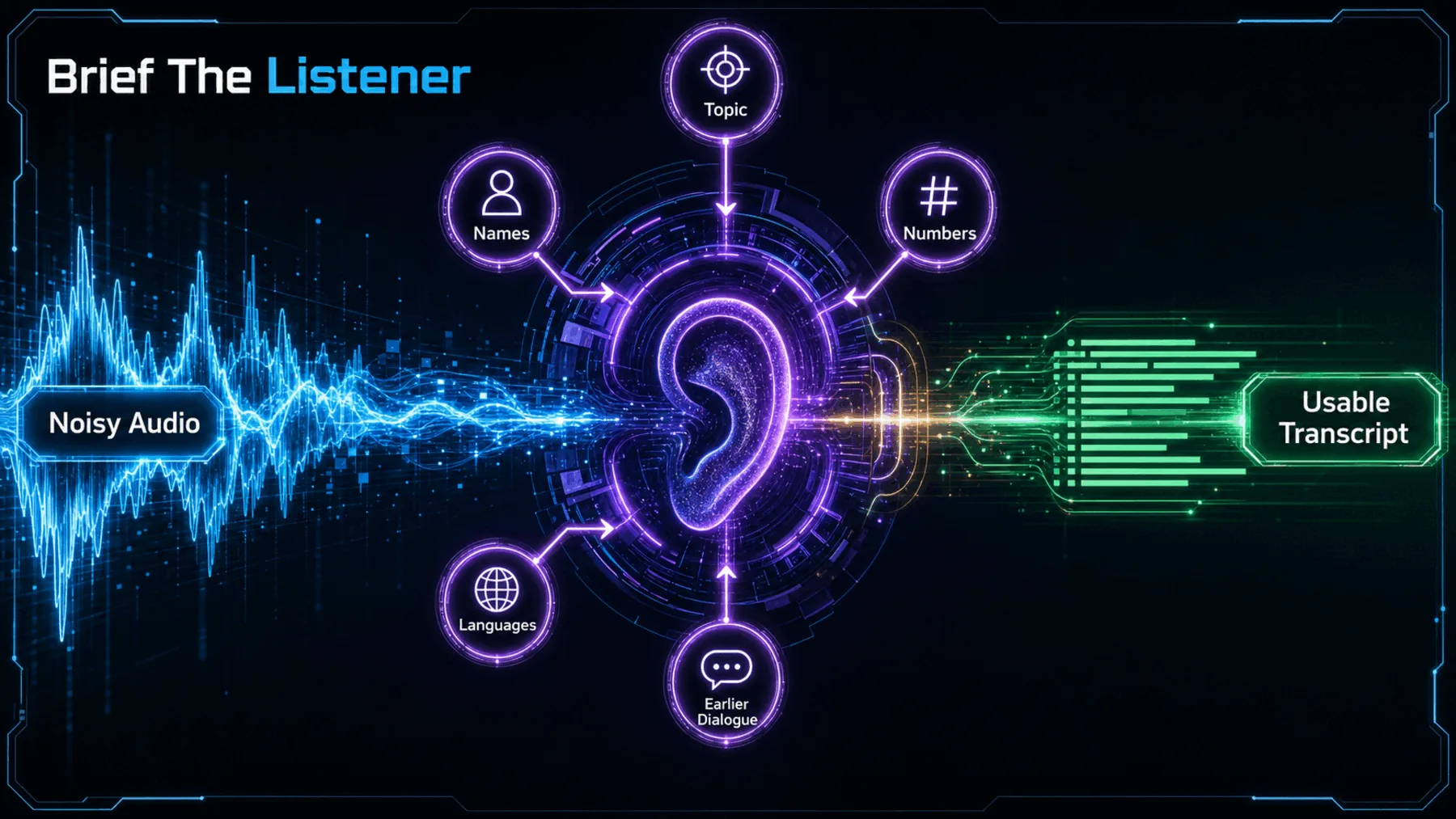
The costly transcription mistake is rarely a page of nonsense. It is the otherwise convincing call note that gets an order code, medication, product name or multilingual phrase wrong. We can read straight past it because the surrounding sentence still makes sense.
OpenAI’s update puts a practical idea at the centre: before audio is transcribed, we can describe its setting, flag literal terms and name the languages we expect. That context may narrow ambiguity; it does not make the transcript immune to error.
Fluent can still be wrong
A plausible transcript is not enough when one small error changes the work that follows.
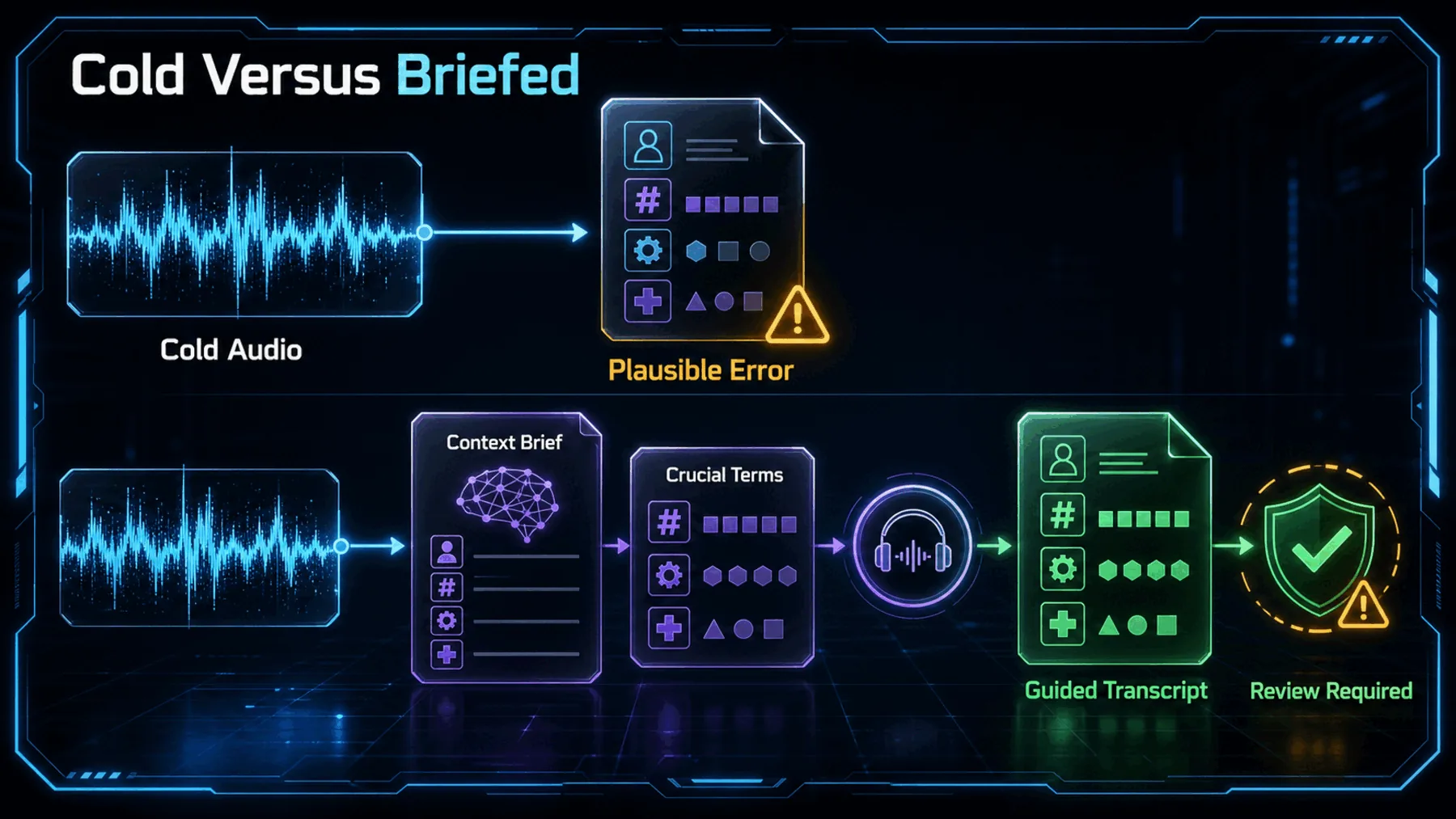
Listening cold leaves the model to infer the setting from sound alone. A short phrase, a noisy line or an unfamiliar name can be the point where a polished-looking transcript becomes unreliable.
OpenAI says its models better understand context across accents, languages, numbers, specialist terminology and noisy audio. The operational question is narrower: do the mistakes that remain matter to our application?
Two paths, one context layer
Finished recordings and arriving speech call for different starting points, while both can use relevant context.
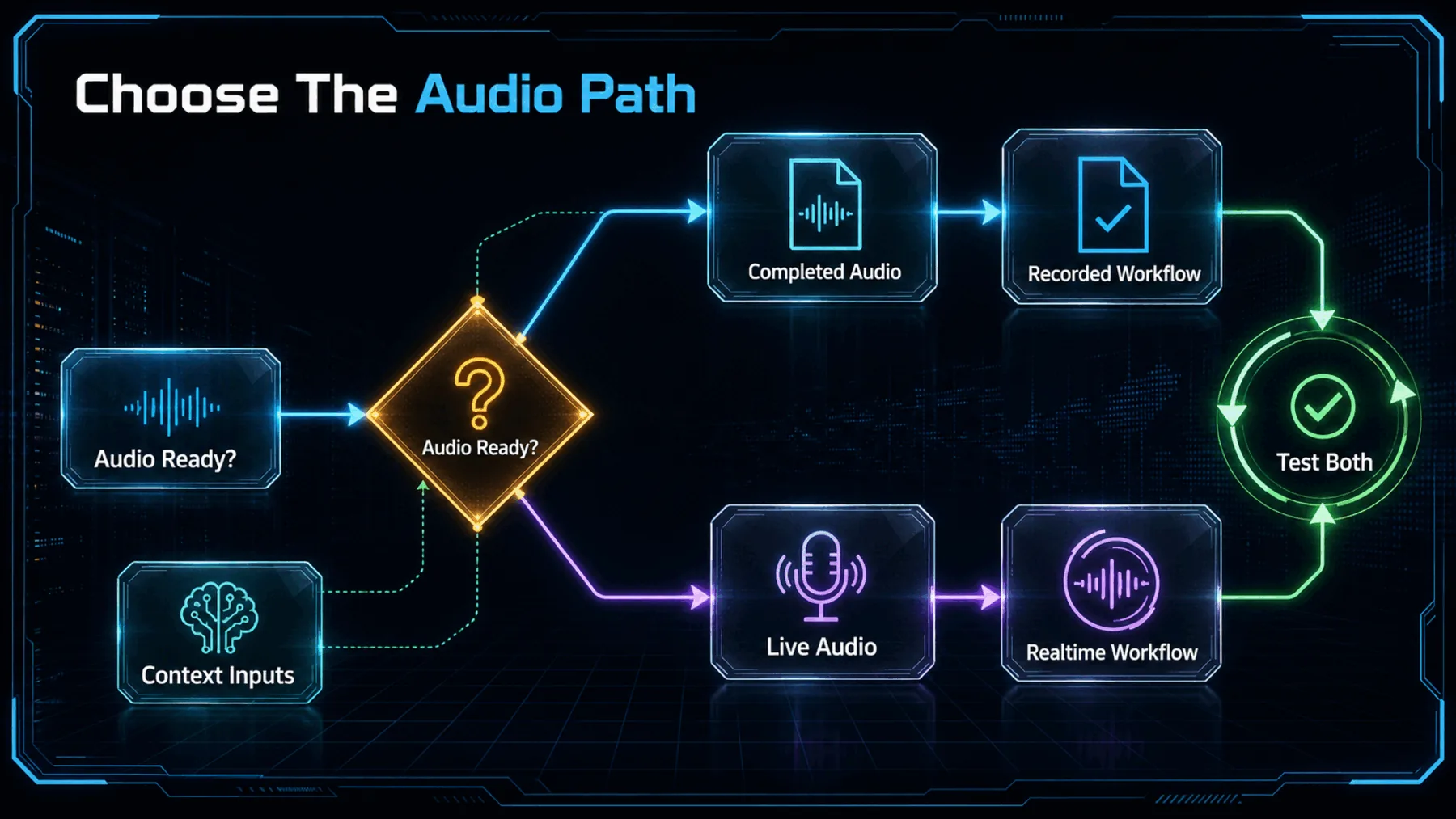
OpenAI’s guidance separates workflow choice from output delivery. We can stream the transcript of a completed file without opening a Realtime session; live audio is the case for the persistent connection.
For either path, the documented context inputs are a free-form prompt about the recording, keywords for literal terms and expected languages. In documented GPT-Transcribe realtime and dedicated transcription sessions, earlier transcribed turns can also provide context.
OpenAI’s two-model receipt
The announcement draws a clear line between speech that has finished and speech that is still arriving.
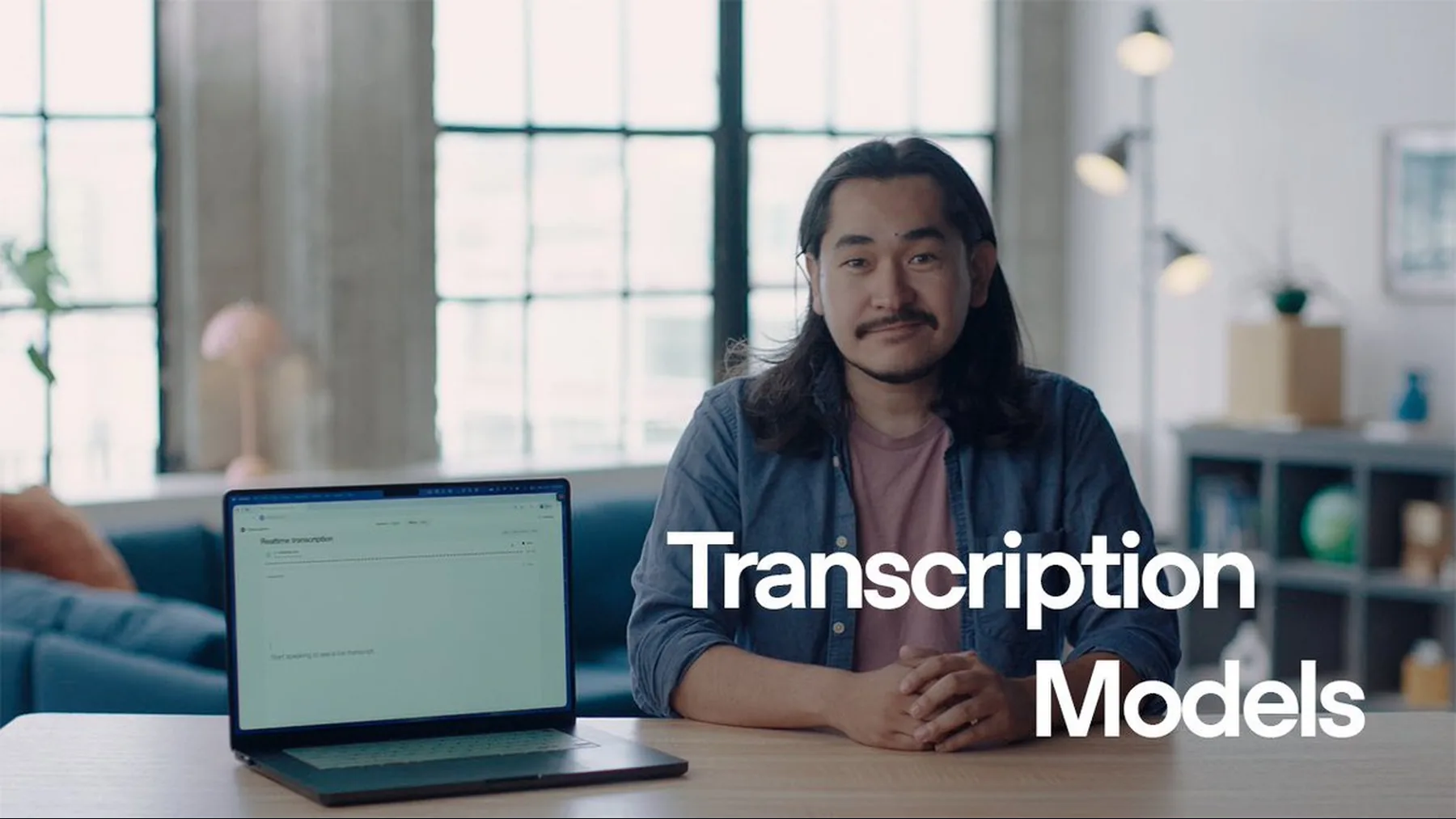
The split matters because it keeps an ordinary completed-file job from being framed as a live-audio problem. GPT-Transcribe is positioned for completed audio files and batch workloads; GPT-Live-Transcribe is positioned for low-latency transcription as speech arrives.
That is a cleaner starting decision than treating every transcript as the same request with different settings attached.
We’re introducing two new transcription models in the API: GPT-Live-Transcribe, built for low-latency live transcription; GPT-Transcribe, optimised for asynchronous transcription of completed audio files and batch workloads.
OpenAI Developers
The benchmark has a boundary
OpenAI reports a gain from context, but a chart cannot settle performance in every recording we handle.
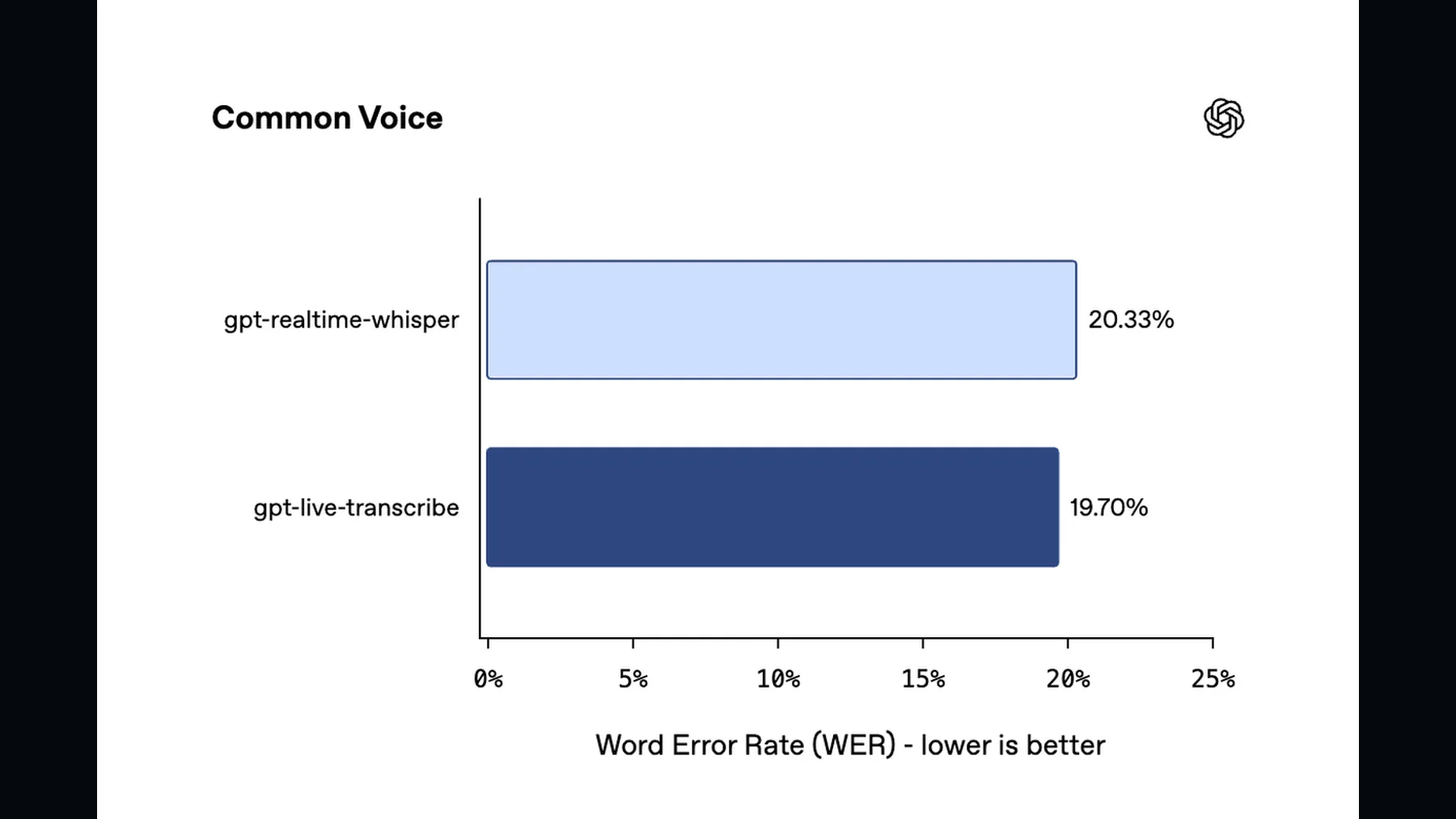
The context figure is useful because it points to the mechanism, rather than claiming that cleaner audio alone solves the problem. OpenAI reports 41.6% semantic accuracy without free-form context and 45.2% with it on its benchmark.
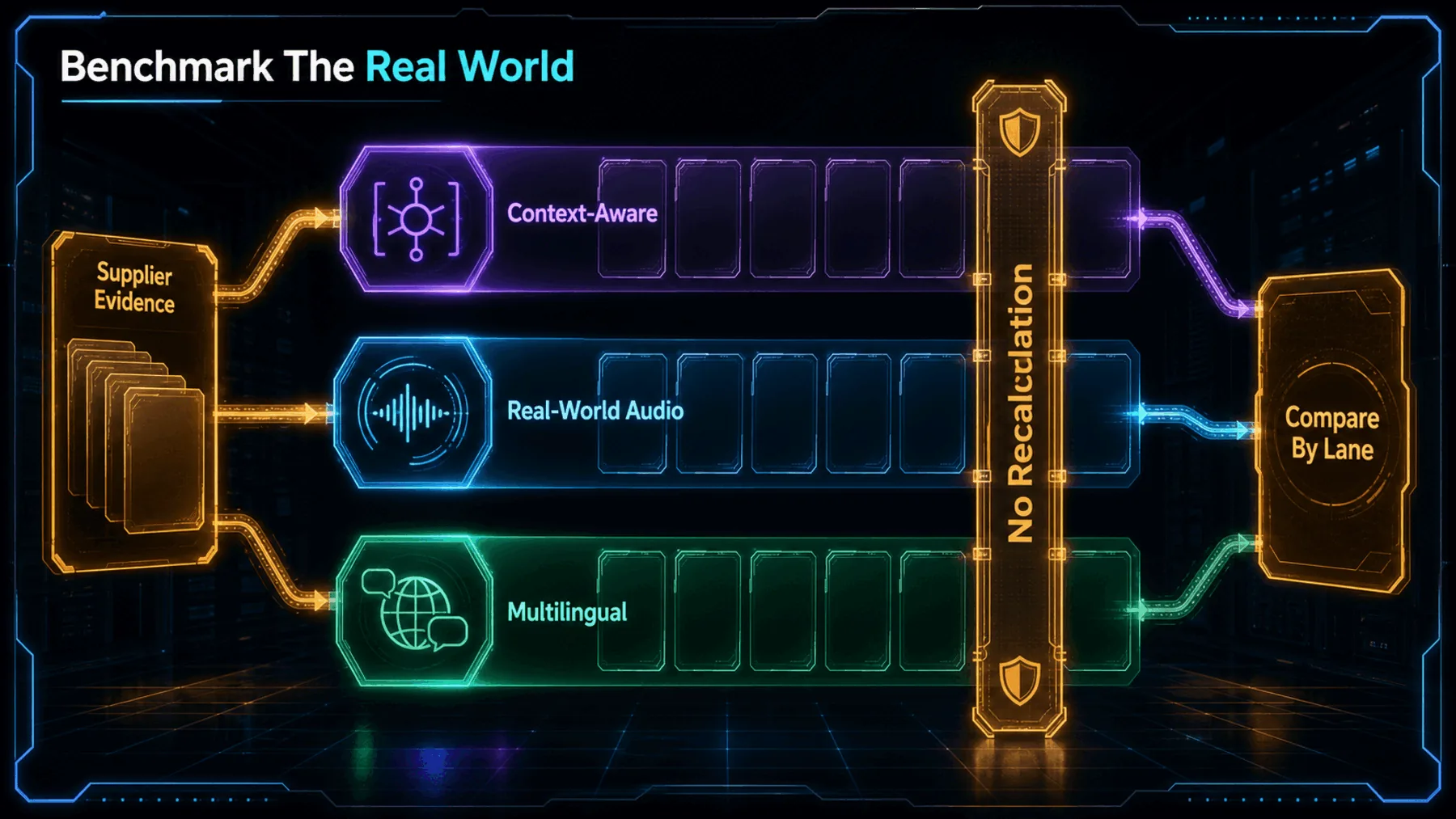
Those are OpenAI-published results. They do not tell us how a particular accent, phone line, domain vocabulary or noisy call will behave in our workflow.
Give the listener a map
Topic, literal terms and expected languages can make the recording less ambiguous before transcription begins.
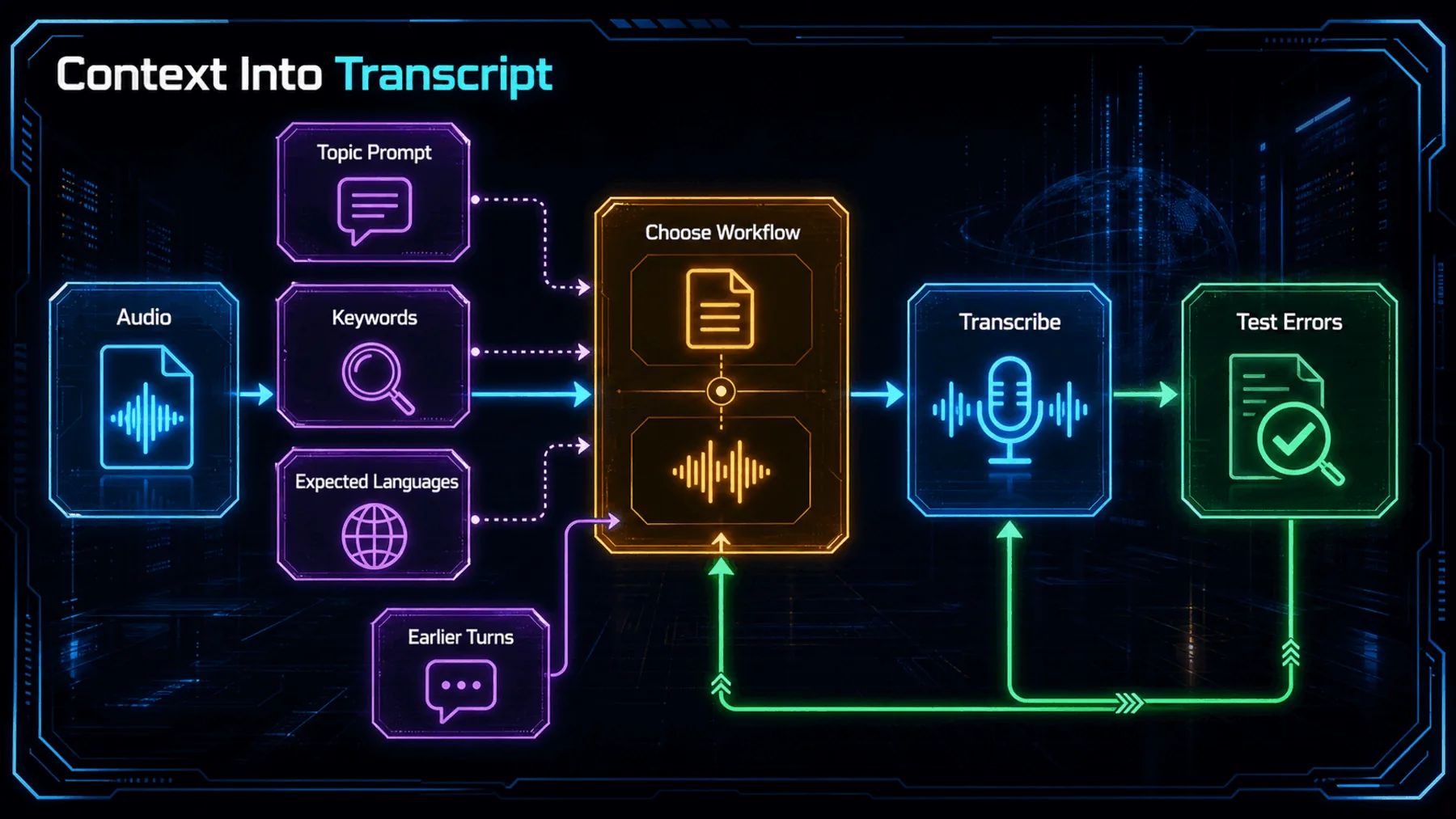
The useful mental model is a briefing sheet. A topic prompt sets the scene; keywords identify names, medications, acronyms or domain terms that may appear; expected languages help when the recording may move between them.
The limits matter. OpenAI’s guide says keywords are hints, not required output. A term belongs in the transcript only when the audio contains it, so context guides the listening rather than rewriting what was said.
Topic
Keywords
Languages
Choose, brief, test
The first useful trial follows the shape of the audio we actually handle, then checks the errors we cannot afford.
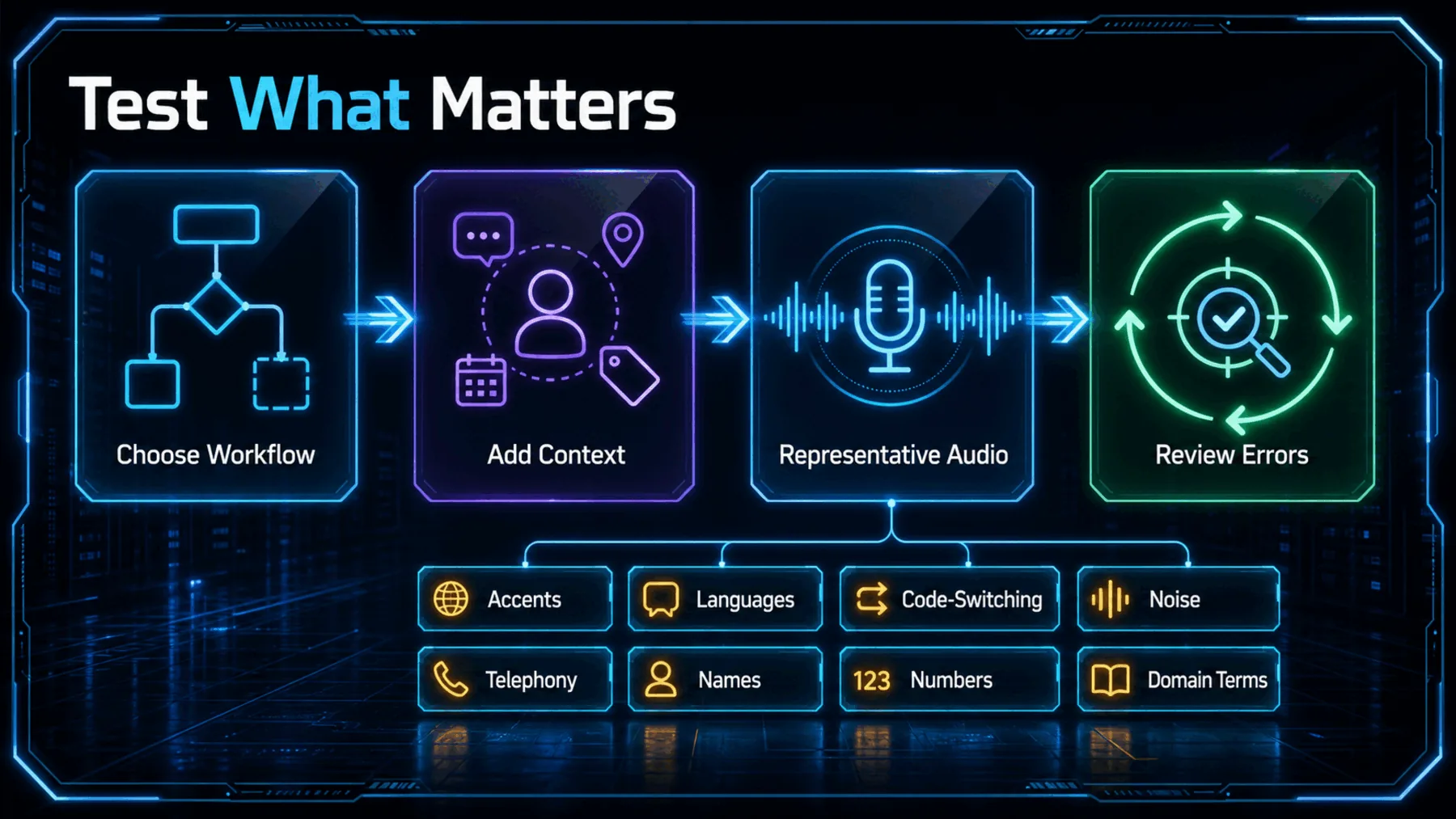
We can start by matching the model to the audio: GPT-Transcribe for a completed recording or bounded request, GPT-Live-Transcribe for a microphone, call or live stream. Then we add only the context that belongs to that audio.
The test should include the conditions our work will meet: accents, code-switching, background noise, microphone or telephony quality, short utterances, long recordings, names, numbers and specialist vocabulary. The important measure is the error that disrupts the application, not a single average alone.
Choose
Brief
Review
Context helps; testing decides
The briefing is the practical lever, but representative audio decides whether the workflow is good enough.
Context can make a transcription system less likely to guess in the dark. Only representative audio tells us whether it is ready for the work.
Creator Broadcast
OpenAI’s release is more useful as a workflow change than as a model-name update. It asks us to decide whether audio is finished or live, then give the transcription system the context it needs to hear the recording in the right setting.
The disciplined conclusion is also the practical one. Use the context layer, keep its limits visible and test against the moments where a fluent transcript can still send the work in the wrong direction.
Test a context brief against a real recording
Transcribe the attached recording. The recording concerns OpenAI’s GPT-Live-Transcribe and GPT-Transcribe; treat those model names as possible literal terms, but include them only if spoken. Expect English, with possible technical terms and numbers. Return: 1) a clean transcript with timestamps at speaker or paragraph changes; 2) a short list of uncertain names, numbers, or technical terms with their timestamps; 3) three focused checks we should run against the audio before using this workflow more widely.Ready to copy
Test the errors that matter
Run the chosen workflow against representative audio, then review the names, numbers, languages and domain terms that would change the outcome if they were wrong.
Try the promptWhat to check next
- Workflow fit Check whether the audio is completed or arriving live before choosing the model.
- Context support Confirm the context inputs and session behaviour available in the implementation we use.
- Representative results Track application-important errors across the accents, noise and vocabulary we expect.