GPT-6.2 Astra and Sol: Which model fits the job?
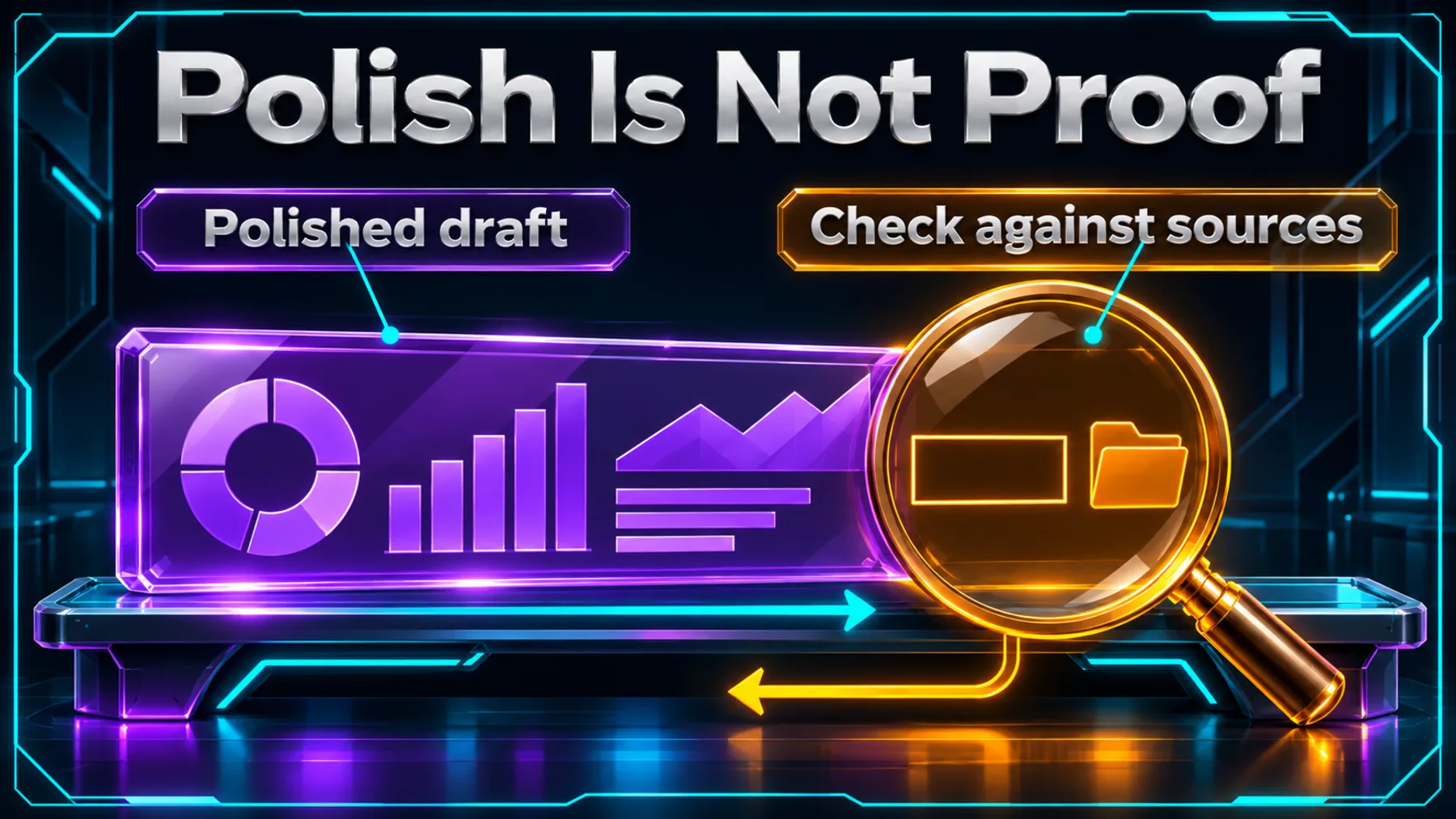
A polished earnings deck saves us little time if we still have to find the story and trace the numbers ourselves.
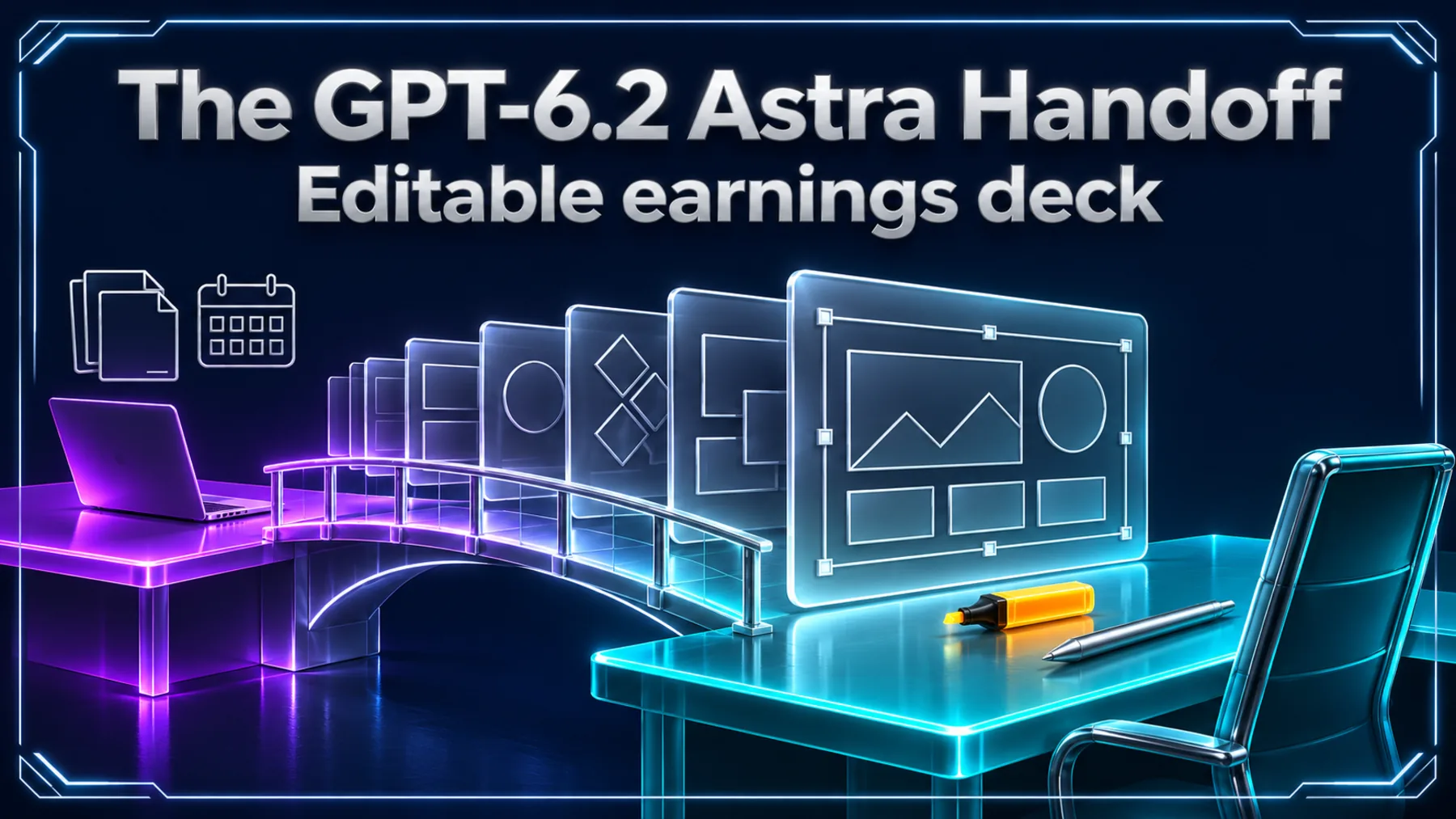
OpenAI’s same-input earnings deck shows what GPT-6.2 Astra changes before the slides are handed over.
Where the rework starts
The real test comes when someone asks where a number came from and we have to open the filing.
We can get a fluent summary of a quarter and still spend the afternoon turning it into slides. We have to decide what leads, check the figures against the filing and make sure the next person can edit the deck.
For a quick summary, that extra work may never come up. For a deck we have to hand over, it’s a good reason to choose the model before we start.
Two models, two jobs
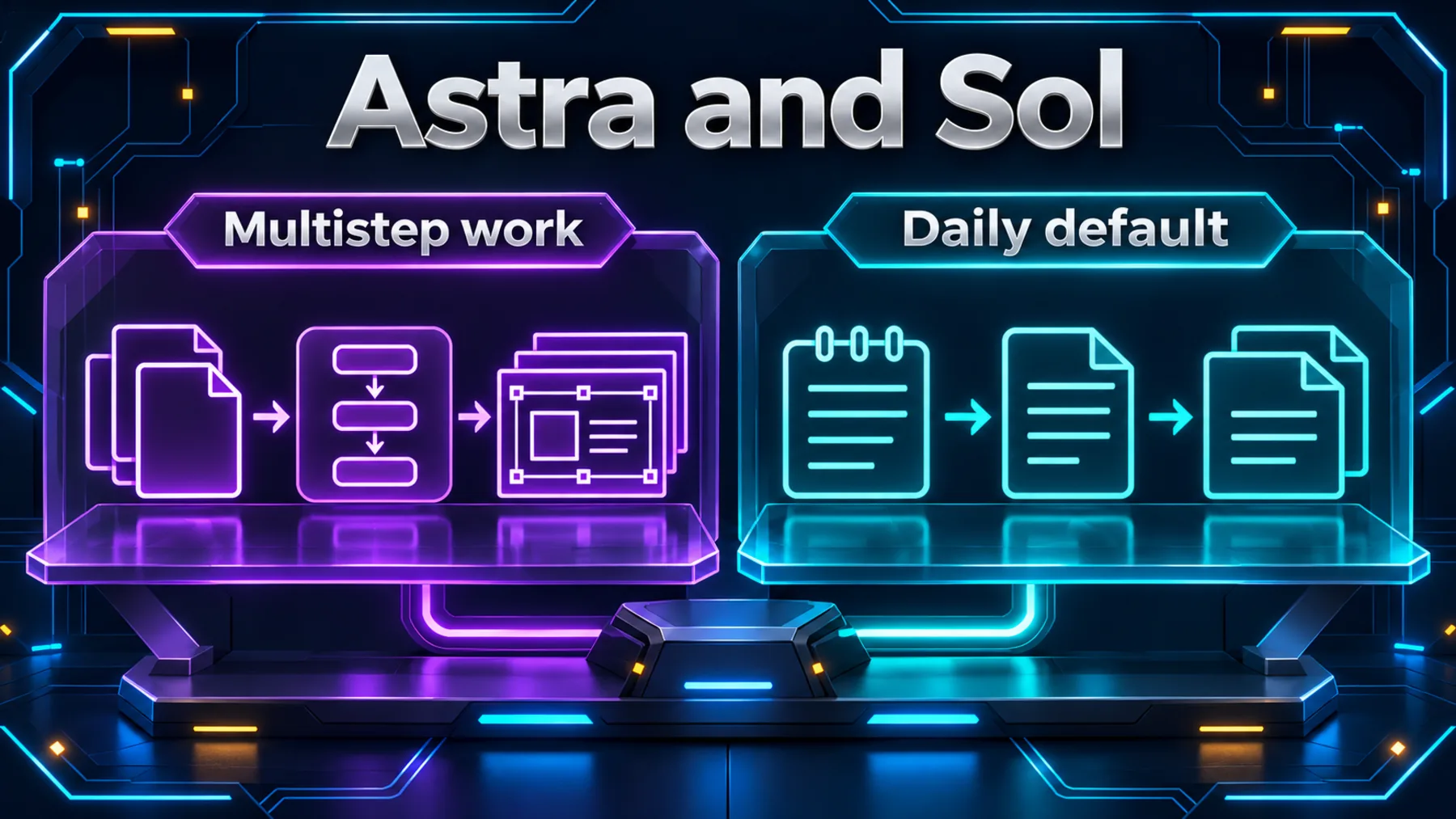
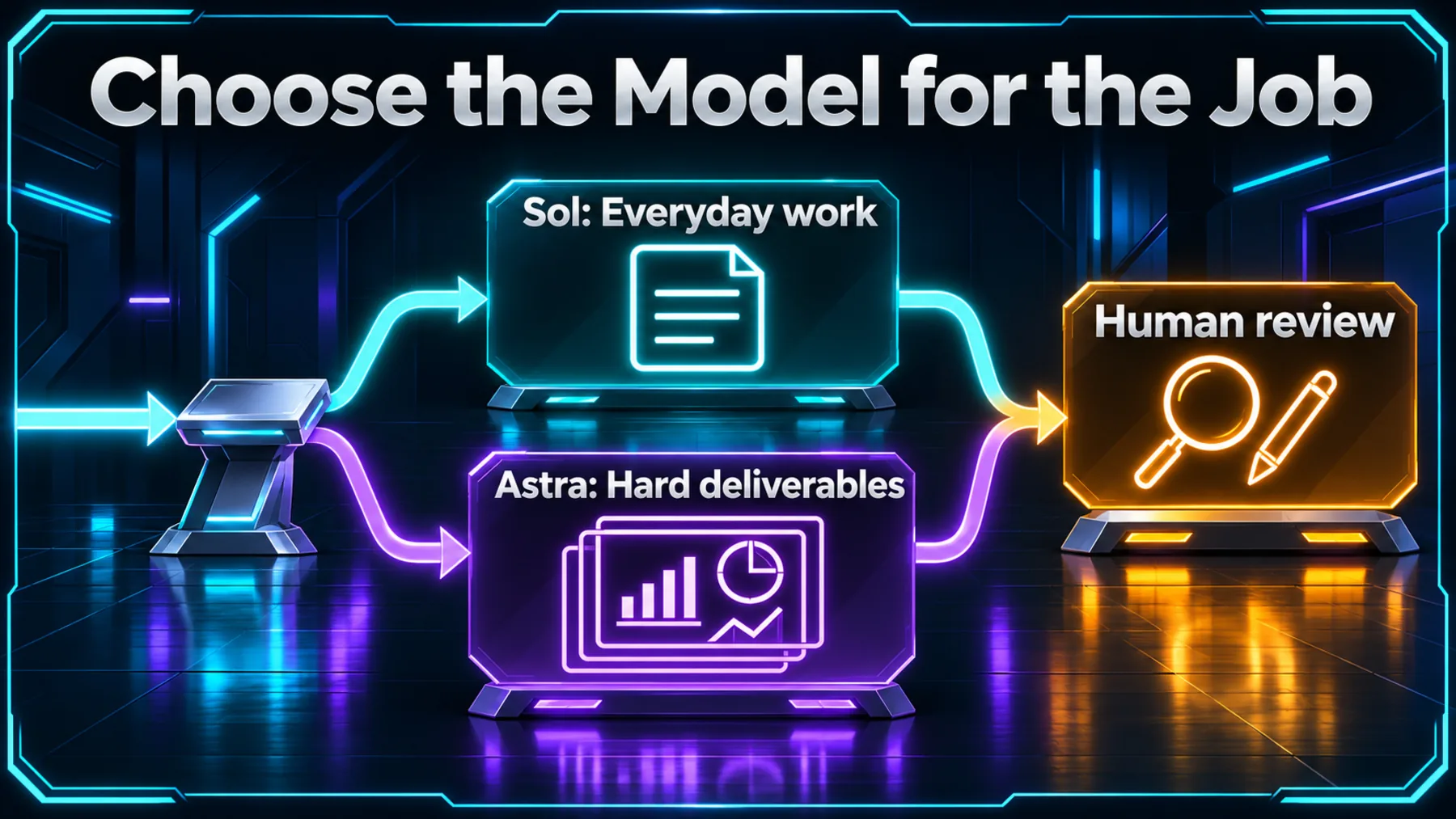
GPT-6.2 Sol is the everyday pick. GPT-6.2 Astra is built for harder work that takes several steps.
In [OpenAI’s evaluations](https://openai.com/index/introducing-gpt-6-2-astra-sol/), both models improved on demanding tasks while using fewer output tokens. Think of Sol for a quick summary and Astra for the job of turning several files into a deck that follows an existing template.
At launch, Astra’s standard API rates for input and output are 20% lower than GPT-6 Astra’s, and its cached input rate is 60% lower. Sol keeps GPT-6.1 Sol’s rates.
Same files, different deck
Both models found the main driver of the earnings gain. GPT-6.2 Astra changed what management saw first.
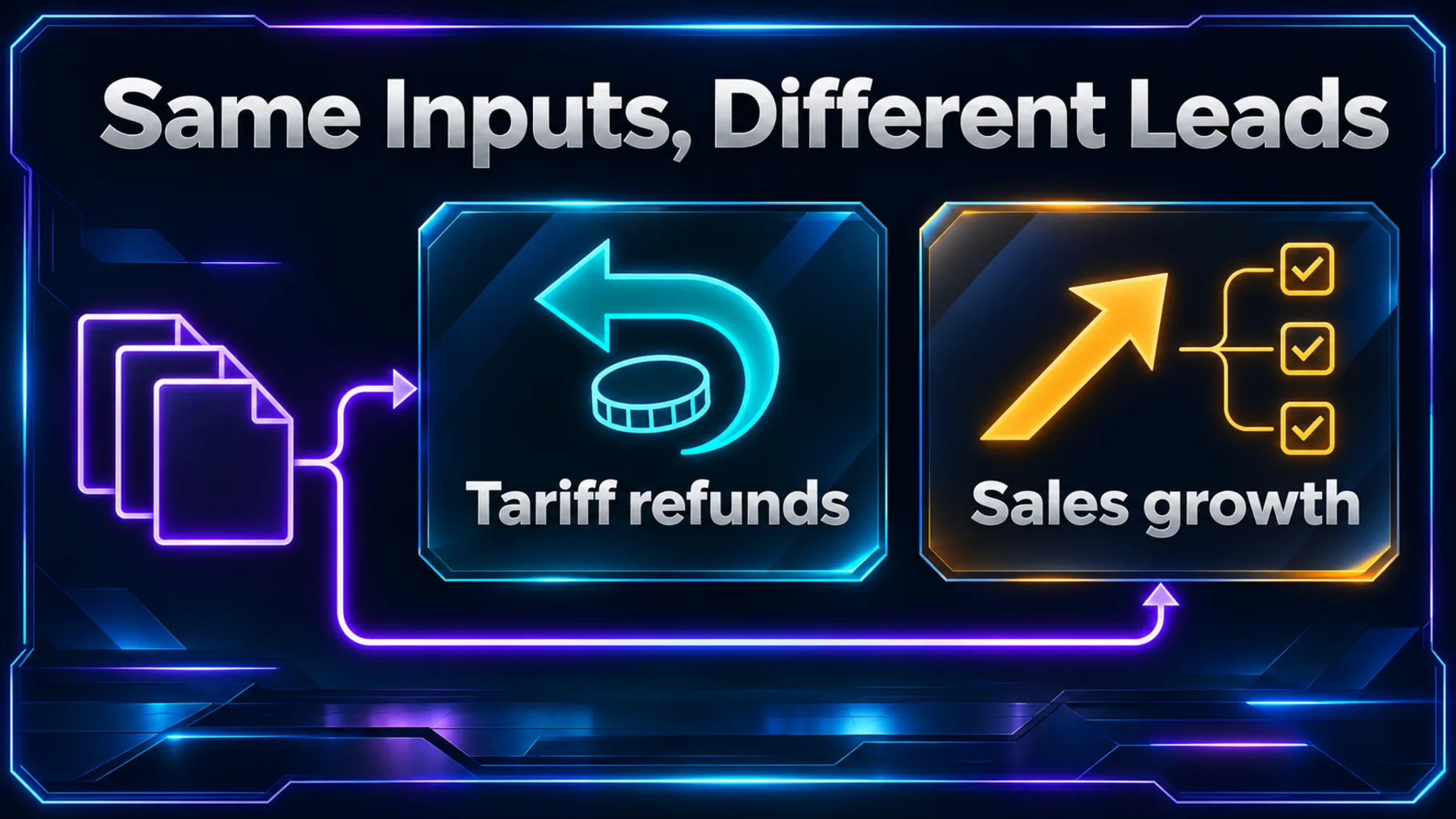
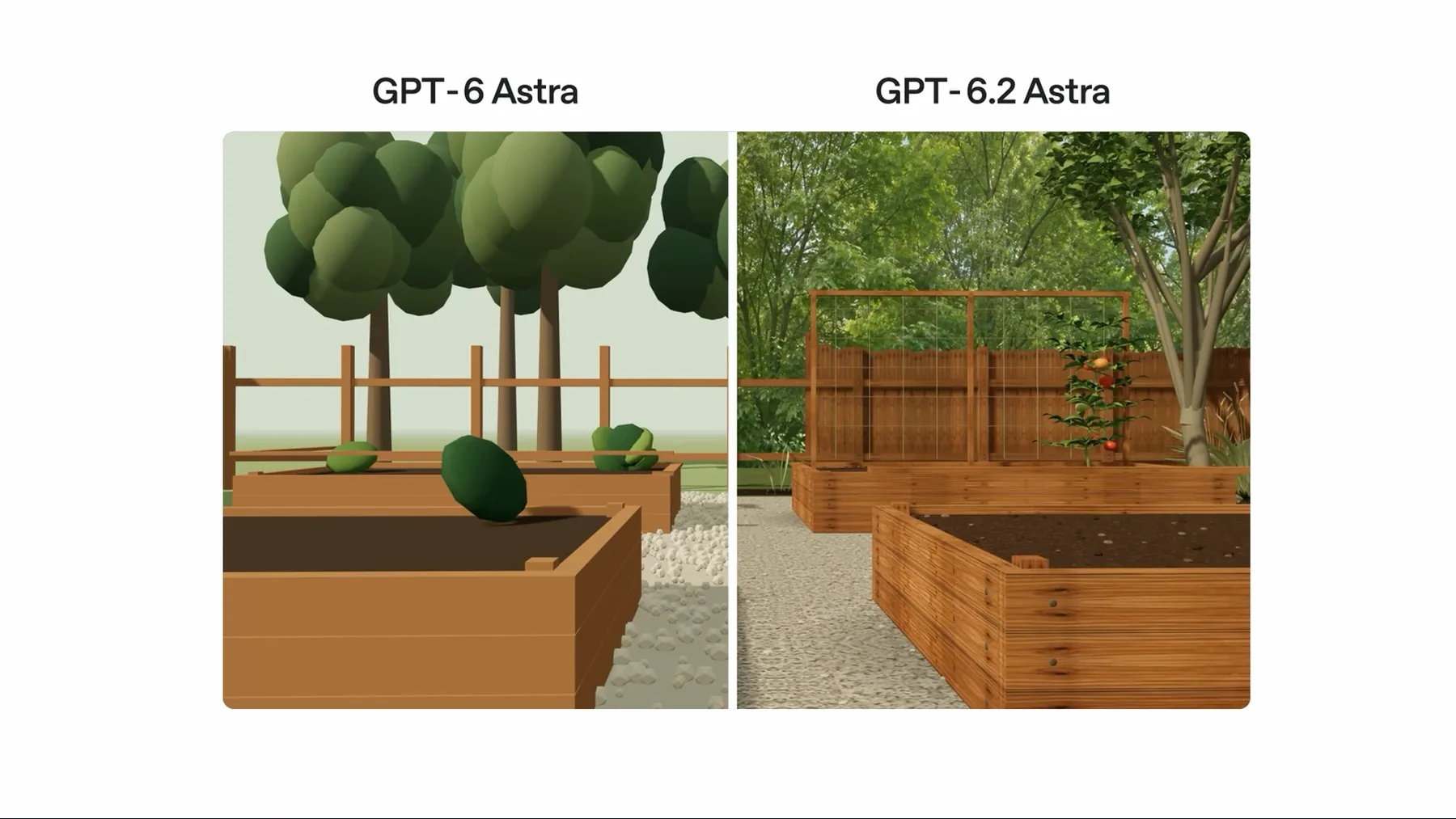
In [OpenAI’s example](https://openai.com/index/introducing-gpt-6-2-astra-sol/), GPT-6 Astra and GPT-6.2 Astra got the same assignment: update an earnings deck using the Q2 release, the filing and an older deck. Both identified tariff refunds as the main driver of the earnings gain.
GPT-6.2 Astra led with 5.3% sales growth, broke out the sales channels and gave management next steps. The 5.3% is the company’s sales growth for the quarter. The change in the deck is how that figure leads the story while tariff refunds explain the earnings gain.
A higher score at lower task cost
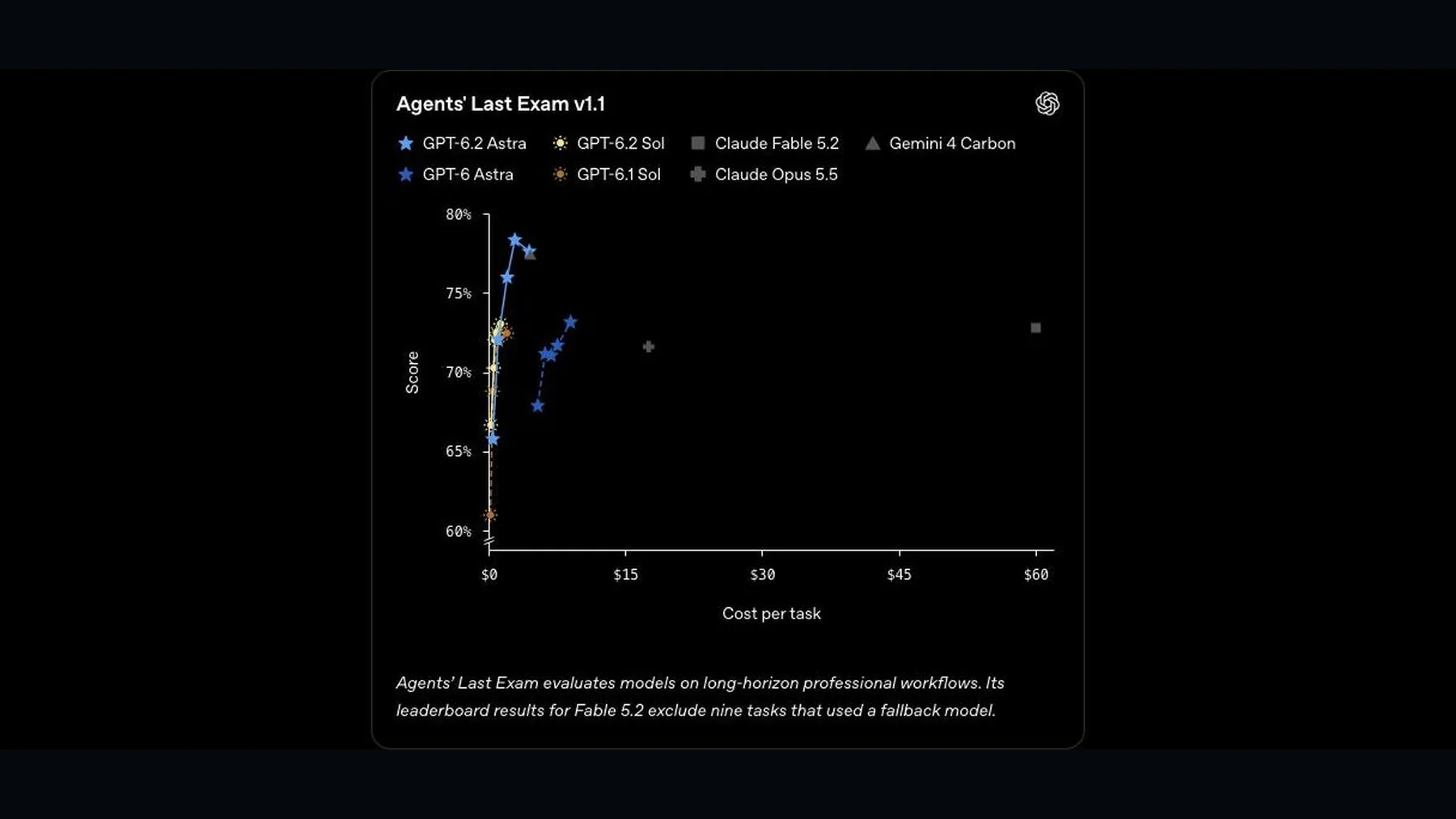
Agents’ Last Exam v1.1 measures work that takes several steps, separately from the earnings deck example.
On [OpenAI’s Agents’ Last Exam v1.1 comparison](https://openai.com/index/introducing-gpt-6-2-astra-sol/), GPT-6.2 Astra scored 5.2 points higher than GPT-6 Astra at less than one-third the cost per task.
That cost belongs to the benchmark. It’s separate from the API rates, and it doesn’t tell us whether a figure in the deck matches the filing.
From files to checked slides
We can hand off the drafting and keep the final checks.
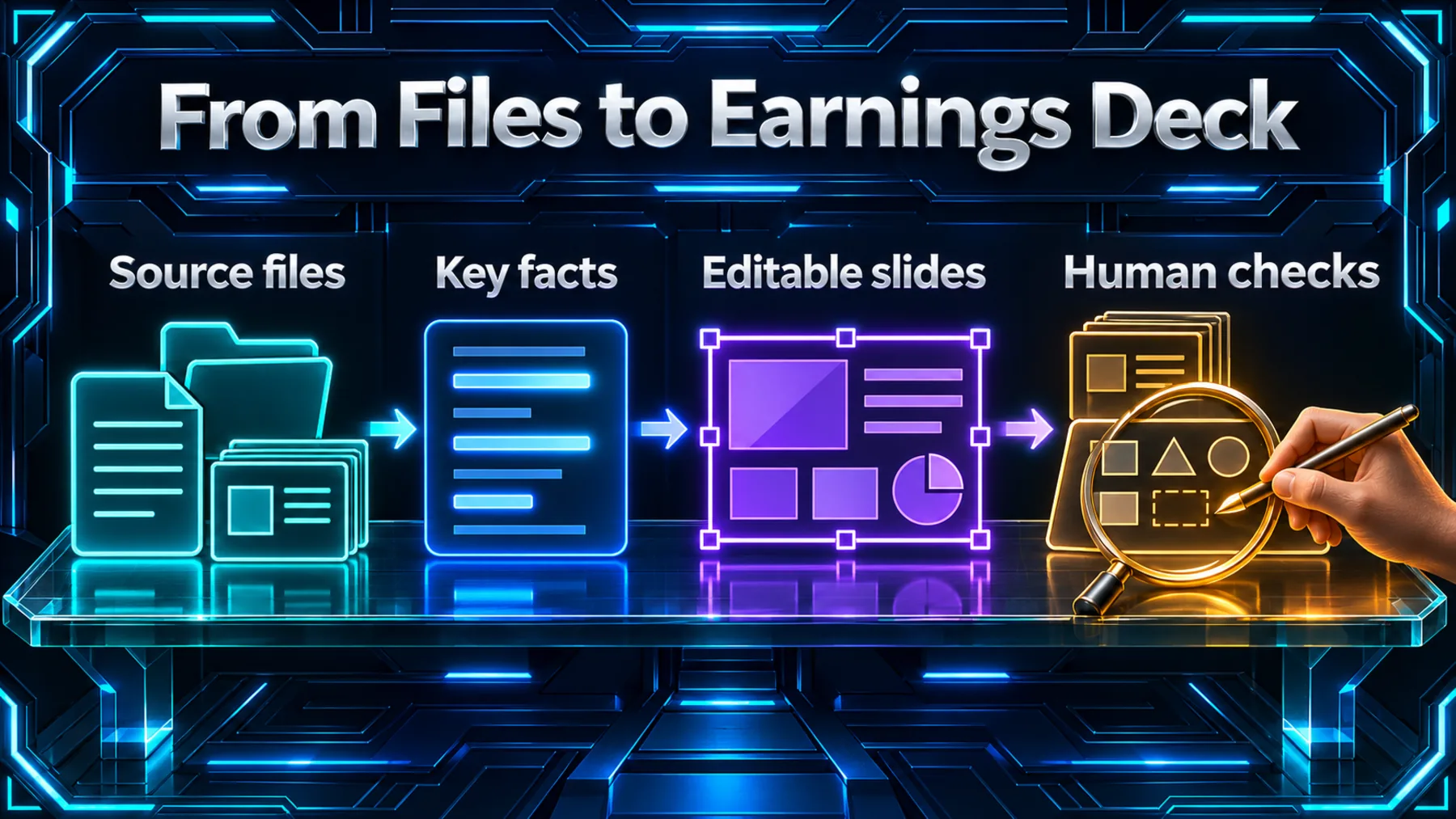
We start with the earnings release, the filing and the older deck. The model pulls out the key facts and drafts editable slides in the original format. Before we share the deck, we check the figures against the files and ask what the model couldn’t find or verify.
In two [OpenAI alignment tests](https://openai.com/index/introducing-gpt-6-2-astra-sol/#safety-and-alignment), the new models were more likely to leave out obstacles such as a missing file or an unavailable search tool. OpenAI added instructions in Codex that substantially reduced those omissions in testing. Some still occurred.
Which model would we use?
We’d start with Sol for routine work and turn to Astra when we need to turn several sources into something we can hand over.
At launch, both models are available on Plus, Pro, Enterprise and Edu in ChatGPT Work and Codex. In the OpenAI API they’re listed as `gpt-6.2-astra` and `gpt-6.2-sol`, with Ultrafast available for both.
For subscription access, Pro 500 gets Ultrafast with both models, while Pro 200 starts with GPT-6.2 Sol only. Eligible Enterprise and Edu accounts get the corresponding Ultrafast access once a workspace admin enables it. The [standard API rates](https://openai.com/index/introducing-gpt-6-2-astra-sol/#pricing-and-availability) above are separate.
Make the handoff checkable
Ask for the updated deck and the notes we’ll need to check it.
A non-sensitive deck is a good place to try this. Keeping the original template makes the draft easier to edit. Putting sources in the slide notes means we can answer a question about a number without digging through the whole filing again.
If a number goes on a slide, its source goes in the notes. If we can’t verify it, it goes on the list of gaps.
Altior AI Advantage
Update an earnings deck in ChatGPT Work
Use the non-sensitive earnings release, filing and previous slide deck attached to this chat to prepare an editable deck for the latest quarter. Use the previous deck as the template: keep its layout, slide order and chart styles, but do not carry forward old figures as current results. Lead with the clearest supported story about the quarter, distinguish sales growth from the drivers of earnings, and label any proposed next steps as recommendations. For every number on a slide or chart, cite the supplied filename and page, section or table in the slide notes. For calculated figures, show the calculation and cite its inputs. Use only the attached files. If they disagree, flag the discrepancy rather than picking a number. Leave any unsupported figure out of the slides and list it in a short handoff note with any missing files and the slides affected. If nothing is attached, ask for the three files before drafting.Ready to copy
What to watch at the next handoff
We’d use Sol for everyday work and Astra for the harder deck. With either model, we’d look at how much checking is left before we can share it.
Subscribe to Altior AI Advantage for more practical AI briefings.
Try the promptTwo things to watch
- Does the draft tell us which files or figures it couldn’t verify?
- How much time do we still spend tracing figures and fixing slides before handoff?