Google AI Studio Build adds two-way GitHub syncing
Google says AI Studio Build can now sync to and from GitHub, connecting an existing repository with AI-assisted changes.
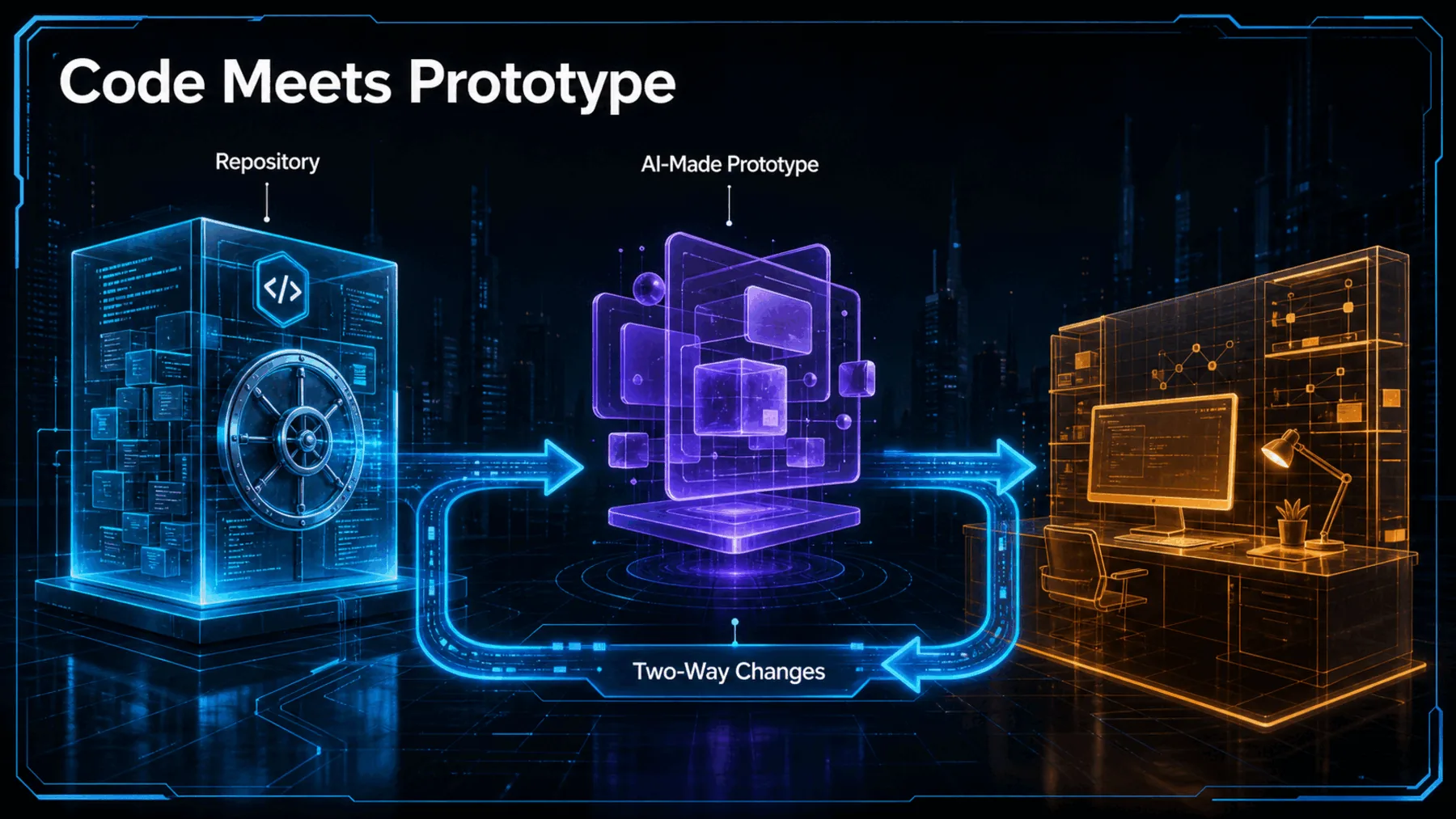
A prototype can be compelling and still become a detour when it sits apart from the repository. Google AI Studio says AI Studio Build now supports syncing to and from GitHub, with a route to begin from existing code and move changes back and forth.
That makes the announcement more practical than a one-way hand-off. The promise is a round trip: bring the repository into the builder, make changes there, then push or pull across environments.
A prototype with a return path
The claimed value is continuity between an idea explored quickly and the repository where development continues.
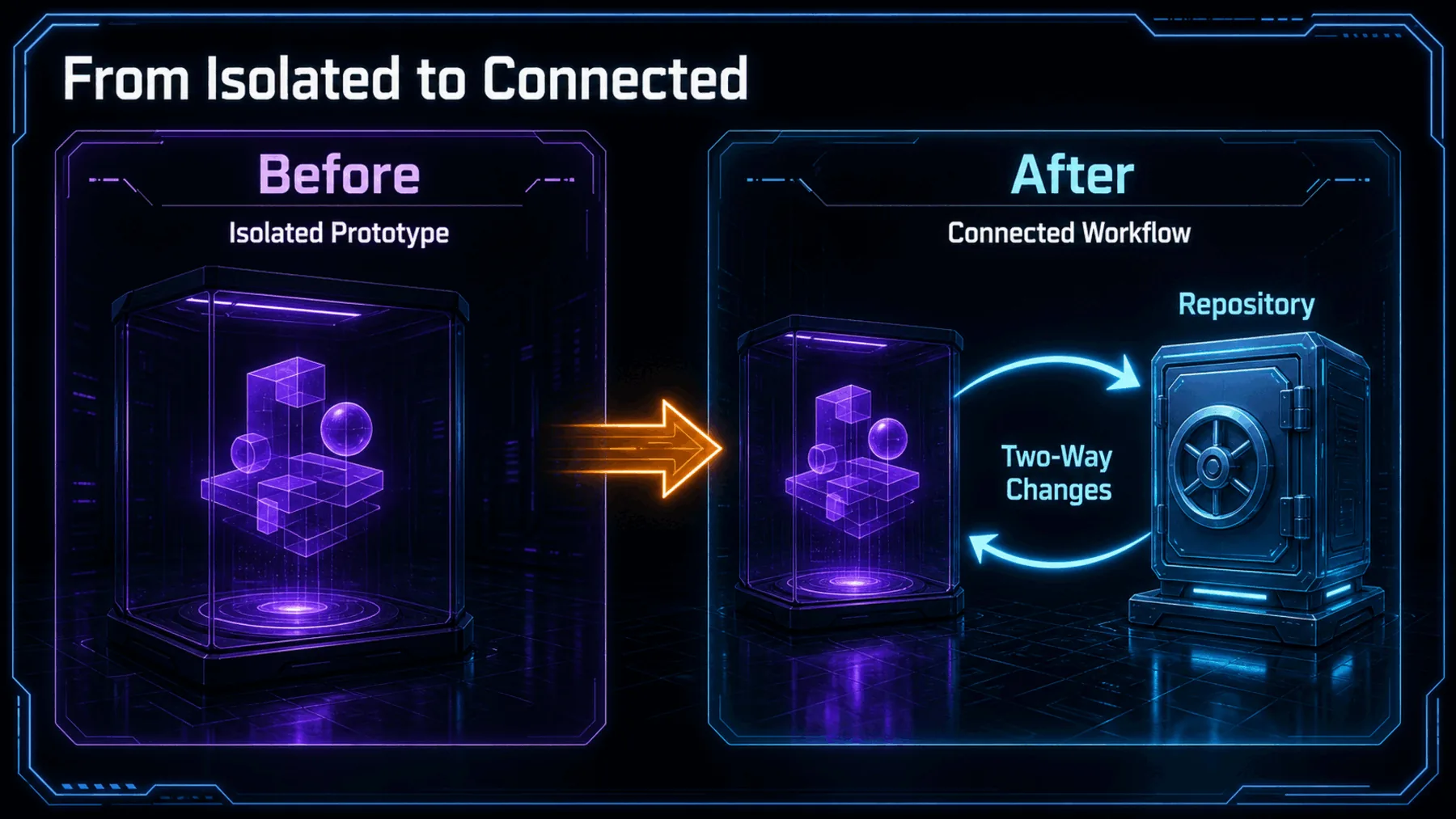
A prototype that cannot return to the main codebase creates another place for code to drift. Google’s stated change points in the other direction: existing repository in, AI-assisted changes made, then pushed or pulled back.
Pulling brings the repository’s latest changes into the working environment. Pushing sends new changes back. Google calls the movement seamless, but that remains Google’s description rather than independently verified behaviour.
What Google actually announced
The public claim is concise: GitHub syncing is supported in AI Studio Build.
Google AI Studio announced the change on 19 August 2026 in a post that also carried a video. Its wording names three parts of the workflow: start with an existing repository, push and pull changes, and work across environments.
Those are the boundaries of the evidence. The post establishes the claimed capability, not the operational detail behind it.
Google’s exact claim
The central statement is a direct claim about syncing in AI Studio Build.
Google AI Studio’s language makes the intended workflow clear enough to describe, while leaving its operating conditions open. The announcement says an existing repository can be the starting point and that changes can move in both directions.
The word “seamlessly” belongs to Google’s own post. It should not be read as proof of conflict-free collaboration, automatic merging, or any particular deployment path.
“syncing to and from @github is now supported in ai studio build”
Google AI Studio on X, 19 August 2026
The proof — and its limits
The announcement supports a capability claim, not every operational conclusion that might follow from it.
The supplied post and video support the announcement itself. They do not explain authentication, branch behaviour, conflict handling, repository limits, account tiers, regions, pricing, permissions, deployment, or security behaviour.
That distinction matters. A useful new connection can still have meaningful constraints, and none of those constraints should be filled in from assumption.
How the claimed loop works
The source supports three named points in the journey and leaves the mechanics between them unexplained.
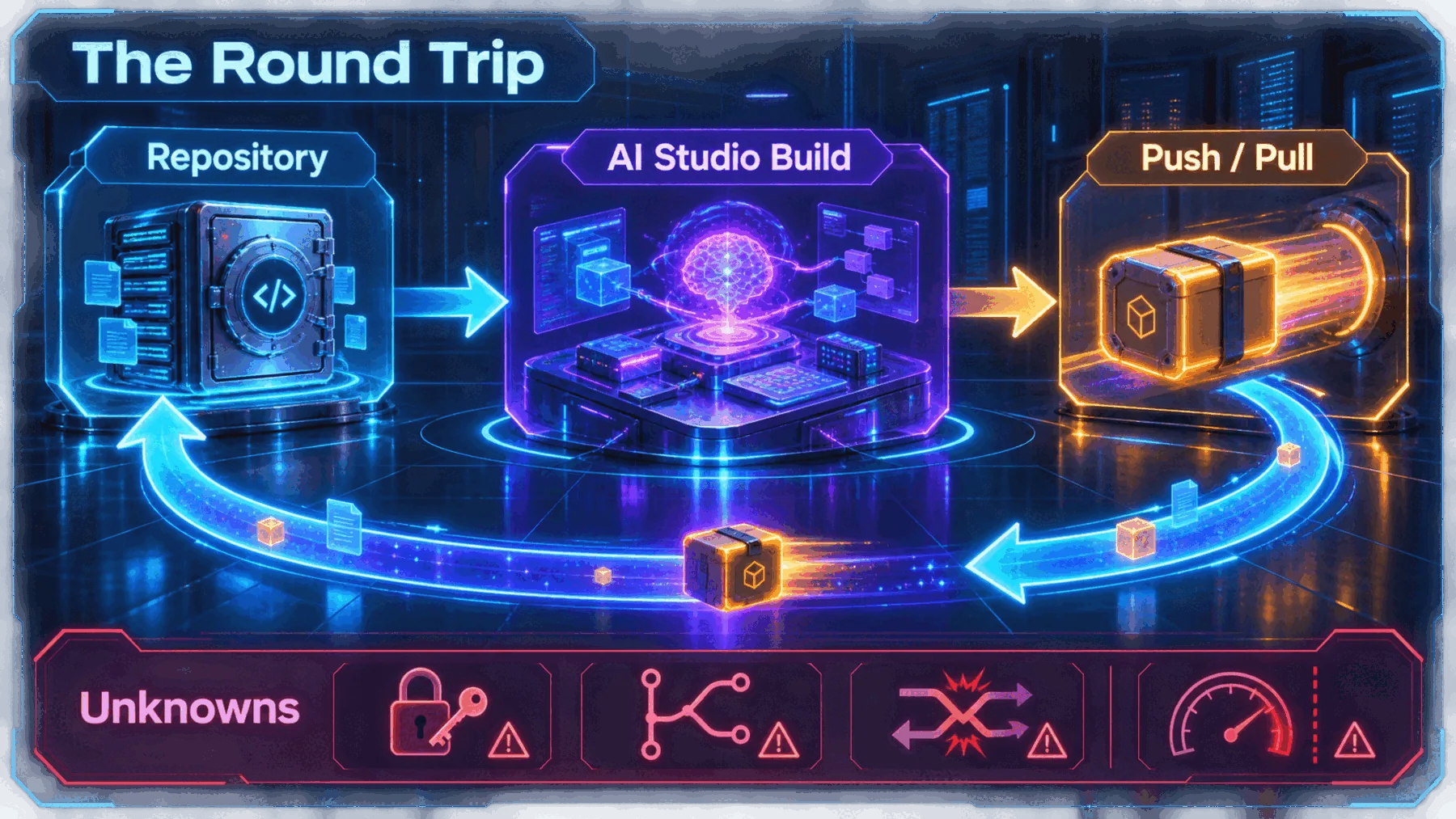
The cleanest reading is a three-part loop. Existing code enters AI Studio Build; changes are made in that environment; then the work can move back through push or pull.
That is deliberately less than a systems diagram. Google’s post does not describe authentication, branches, conflict resolution, or automatic synchronisation, so those remain outside the claimed loop.
What the workflow feels like
The announcement suggests a way to explore changes without treating the prototype as a separate destination.
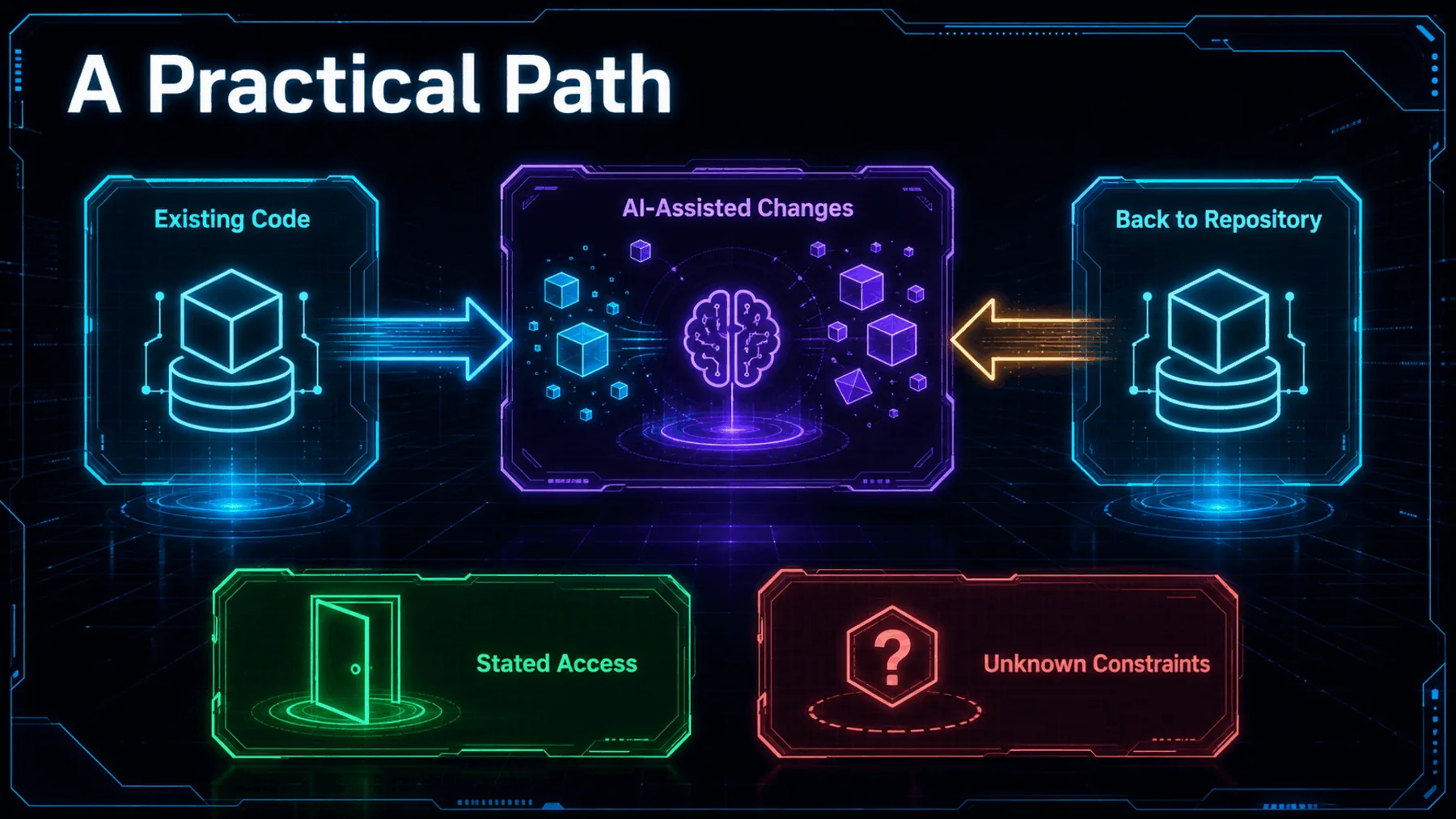
For us, the attraction is simple: an AI-assisted build session need not begin from a blank slate or end as isolated code. Google says the workflow can start from the repository already carrying the work forward.
What happens around that path is still unknown. We do not yet know the applicable access conditions, costs, permissions, branch flow, conflict behaviour, or security model.
The builder joins the workflow
Google’s claim matters because it reconnects prototyping with the repository, rather than treating them as separate places.
The meaningful change is not that a prototype can be made quickly. It is that Google says the prototype can travel back to the repository where development continues.
Based on Google AI Studio’s 19 August 2026 announcement
Google AI Studio has announced a more connected path for AI Studio Build: existing GitHub code can enter the environment, and changes can be pushed or pulled back. That is the whole practical promise of the round trip.
It is also the appropriate limit of the conclusion. The post does not establish how reliably the connection behaves or which repositories, accounts, and workflows it covers.
Map the GitHub round trip
Act as a technical workflow analyst. Based only on this announcement — AI Studio Build supports syncing to and from GitHub, starting from an existing repository, and pushing and pulling changes across environments — create a three-step workflow map. Label what is stated, then list authentication, branches, conflicts, repository limits, pricing, permissions, deployment, and security as unanswered questions. Do not assume automatic merging or production deployment.Ready to copy
Watch the mechanics
Keep the round-trip claim separate from the unanswered questions that will decide how broadly it can be used.
Try the promptWhat could change the takeaway
- Authentication and permissions
- Branches and conflicts
- Limits, tiers, and pricing
- Security and deployment