Gemma takes local AI from laptops to orbit
Google Gemma’s examples span a Mac app, a Slack workflow and onboard satellite diagnostics—but each relies on a different model and stack.
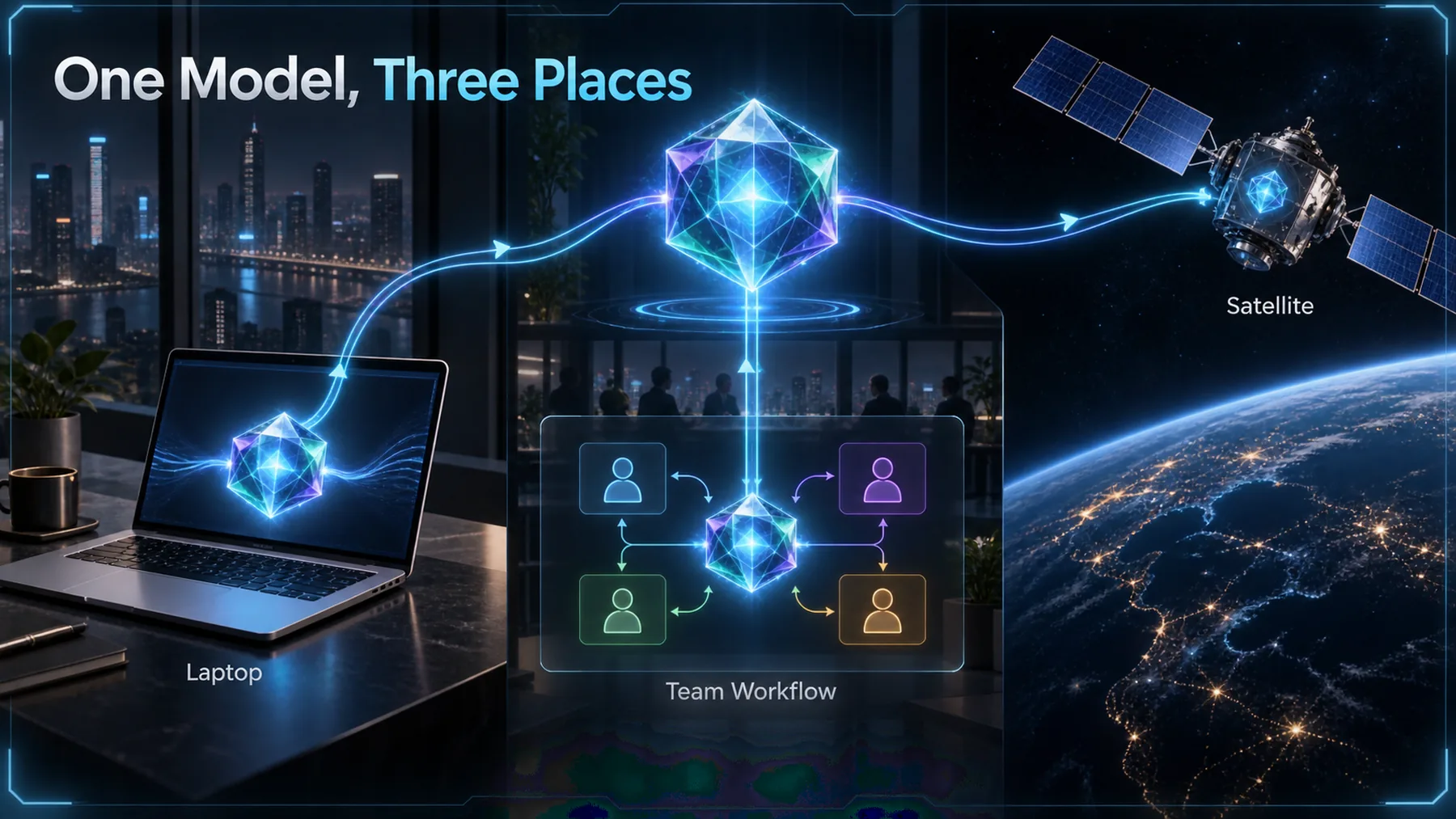
The range is striking: Gemma 4 12B in Google AI Edge Gallery on Mac, Gemma 4 26B-A4B in a structured Slack standup workflow on an Apple M5 Max, and Gemma 3 1B onboard satellites. It is not one model travelling unchanged from desk to orbit.
Google Gemma says each deployment handles work close to where the data is produced. The useful lesson is narrower than a universal local-AI claim: the model, runtime, hardware and task have to fit together.
Why local changes the job
Processing near the data can change the constraints we design around, without removing them.

A local model can keep a task on the device or machine nearest its inputs rather than sending every request to a remote service. That can matter when connectivity, bandwidth, latency or data handling shape the job.
But locality is not a magic property. The practical result still depends on the task, the available hardware, the runtime and the model chosen for that environment.
Three environments, three fits
The shared model family masks three deliberately different deployment choices.
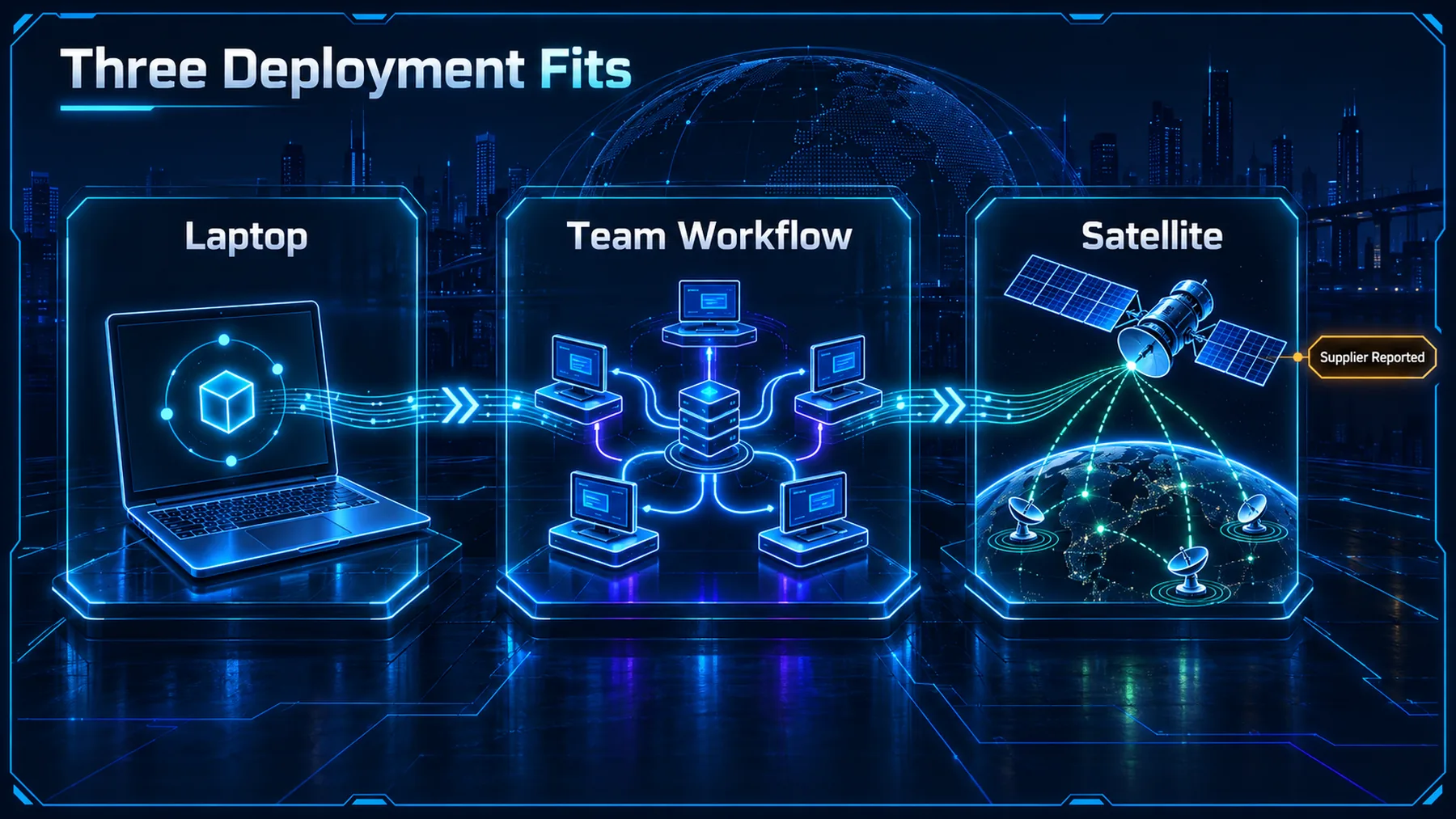
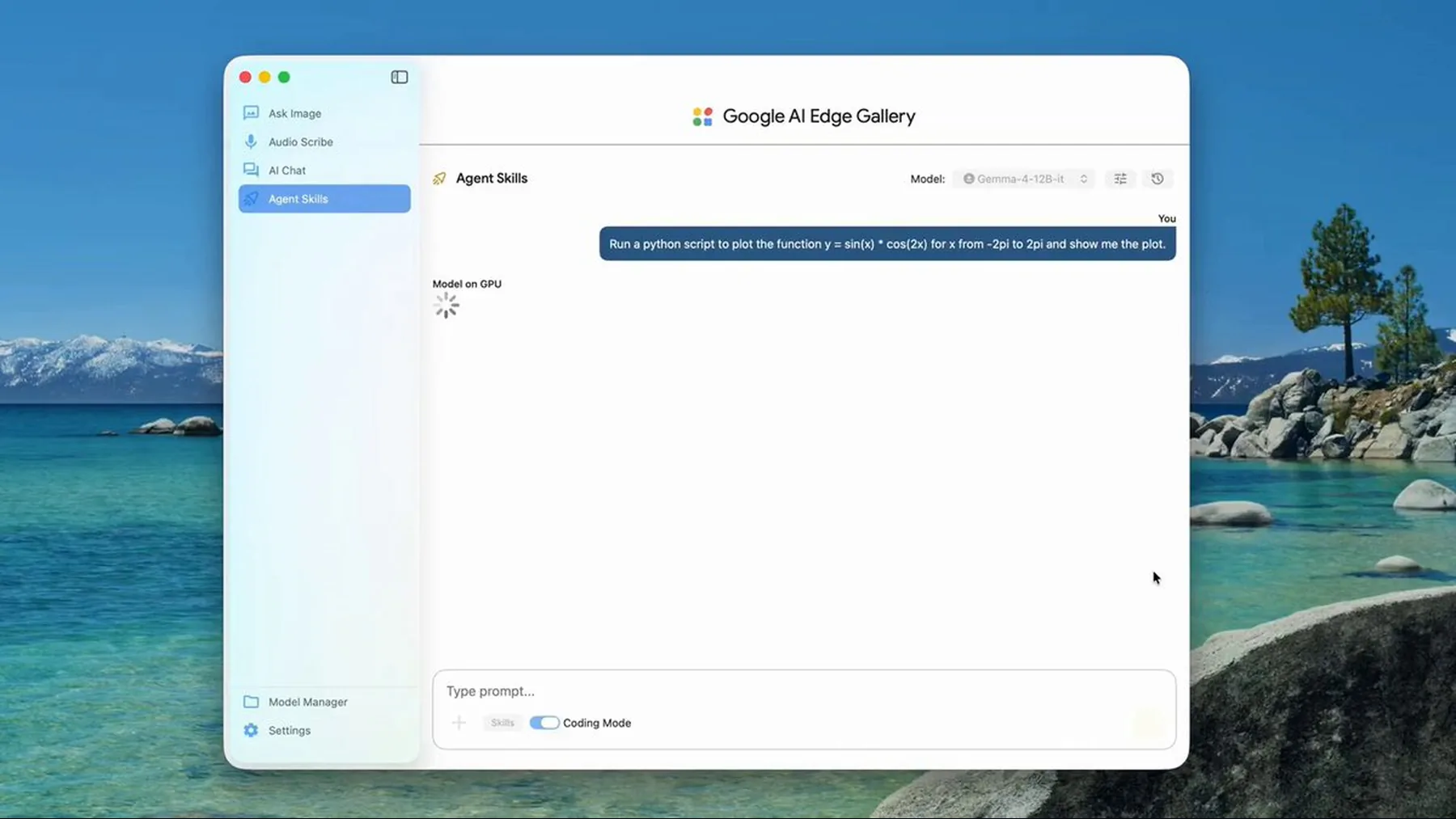
Google Gemma says Google AI Edge Gallery on Mac supports Gemma 4 12B with vision and audio inputs, configurable vision-token budgets and MTP. That scope does not establish performance or availability beyond the stated app on Mac.
Its Standup Pulse example names Gemma 4 26B-A4B through GGUF and llama.cpp on an Apple M5 Max, alongside Mastra and CopilotKit Channels. Satlyt, by contrast, is described as using Gemma 3 1B onboard satellites for telemetry analysis and fault diagnosis. Google Gemma reports a diagnostic payload reduction of over 64%; that figure is not independently verified.
The stacks are not interchangeable
The examples share a family name, not a single deployment recipe.
That distinction changes the reading of the release. A model family can support very different jobs, but the surrounding stack determines what we can actually test, operate and trust in each setting.
The Mac example is a stated application scope. The Slack example is a named workflow and runtime combination. The satellite example is a smaller-model deployment under strict power and bandwidth constraints.
“Running AI in space requires strict power and bandwidth management.”
Google Gemma, Satlyt deployment post
What the source actually shows
The posts provide useful deployment detail, but they are Google Gemma’s accounts rather than independent tests.
The available X payloads are truncated, so their unfinished passages cannot support extra claims. We can report the named models, platforms and workflow components that appear before the truncation; we cannot infer the missing implementation detail.
Google Gemma’s published examples are valuable as evidence of what it says has been deployed. They are not independent validation of speed, cost, privacy, security, reliability or general satellite performance.
How local processing works
The general idea is simple: keep the work close to the inputs when the environment makes that sensible.
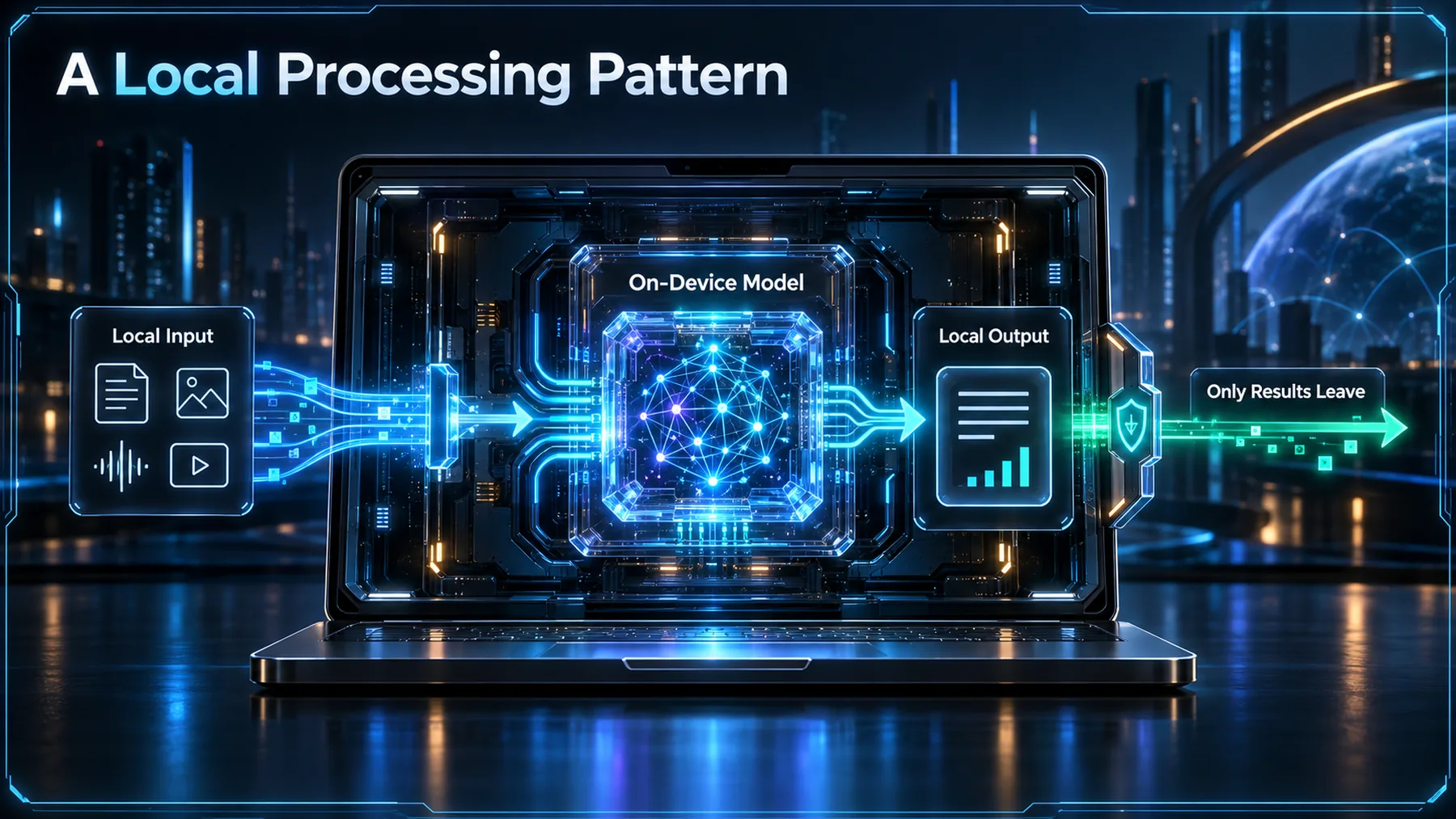
In a local setup, raw input can be handled on or near the device, passed to an on-device model for a defined task, and turned into a useful local result. Whether anything then leaves the device depends on the workflow, not on the label “local AI”.
That is why the three Gemma examples should not be collapsed into a single promise. Each begins with a different environment and ends with a different operational fit.
Choose the fit, not the biggest model
The right question is not which model is largest, but which combination can do the work under the constraints we actually have.
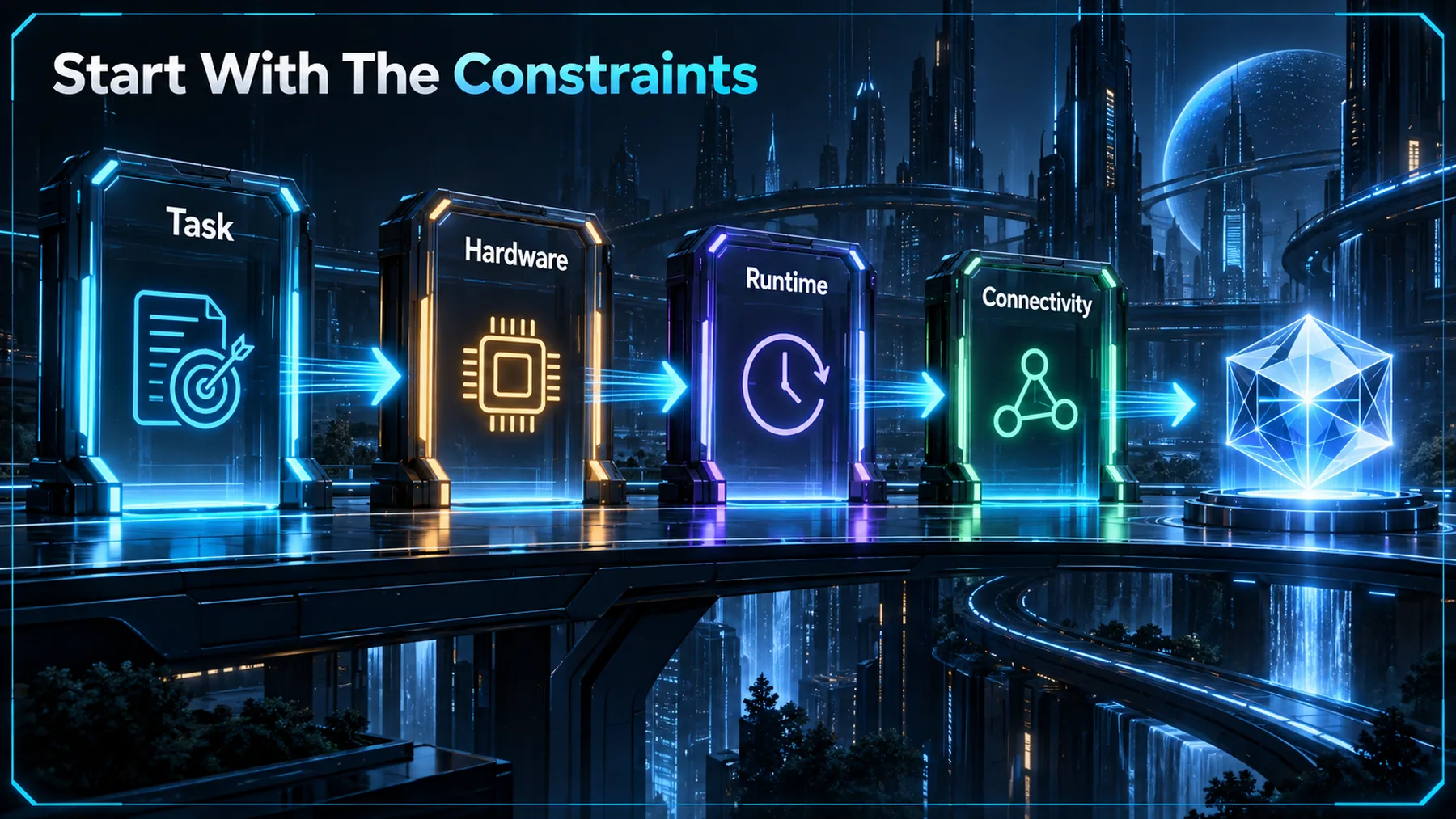
Start with the task: what must the system interpret, produce or decide? Then account for the hardware, the runtime that can operate there, the data path and the connectivity available when the work needs to happen.
A larger model may be appropriate in one setting and impractical in another. The Google Gemma examples point to a more useful discipline: make the deployment fit explicit before treating model size as the answer.
The useful pattern
Local AI becomes practical when the surrounding system is designed for the environment it will inhabit.
Local AI is not one deployment pattern scaled up or down. It is a fit between the work, the model, the runtime and the environment.
Altior synthesis from Google Gemma’s three stated examples
The Mac, Slack and satellite examples make the same point from increasingly demanding contexts. A model family is only the starting point; the value emerges when the deployment is shaped around the job it must do.
That is the standard worth carrying forward. Treat supplier examples as useful evidence, preserve their limits, and test the fit in the environment where the work will actually run.
Map a local AI deployment
Act as a systems architect. Given one task we want to run near the data, create a concise deployment-fit brief covering: the task, available hardware, runtime options, connectivity constraints, data that must remain local, and the smallest model class worth testing. End with three assumptions to validate before deployment. Do not invent benchmarks, prices, privacy guarantees or unsupported performance claims.Ready to copy
Test the fit first
Before choosing a local model, map the task, hardware, runtime and connectivity constraints together—then validate the assumptions that matter in the real operating environment.
Try the promptWhat to watch next
- Supported hardware
- Runtime fit
- Task constraints
- Independent results