Gemini joins the Waymo back seat
Google says Waymo riders can use Gemini for cabin comfort, route help and nearby-place discovery—without making it part of the driving claim.
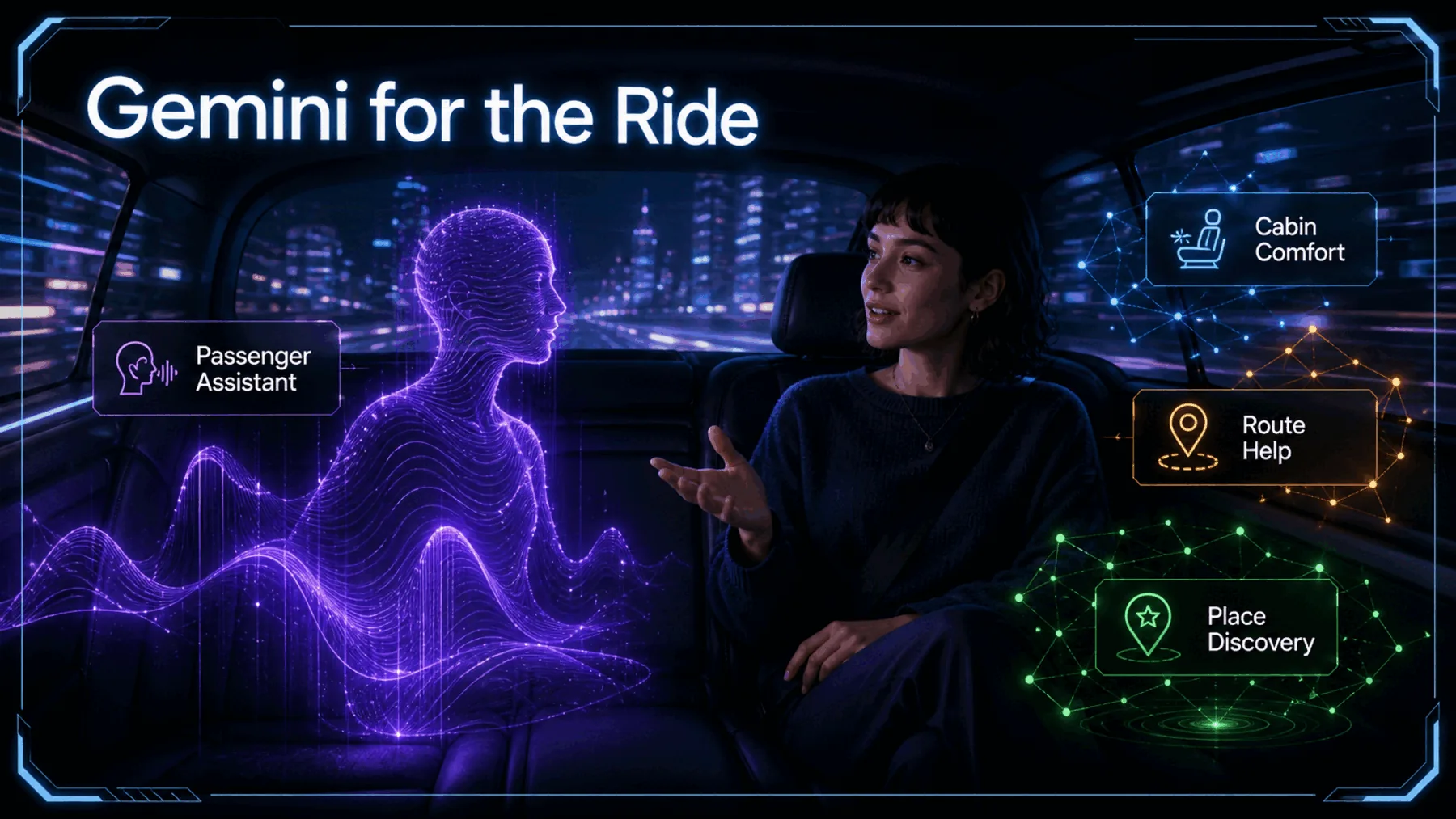
Google’s announcement starts with the small things that matter in a trip: turn up the A/C, move the seat, ask about the route, find coffee nearby. The company says those requests can be spoken after pressing the Gemini icon on the in-car screen.
The boundary matters. This is Google’s description of passenger assistance inside Waymo, not evidence that Gemini steers, brakes or directs the vehicle.
The screen starts listening
The shift is from working through a menu to saying what we need from the trip.
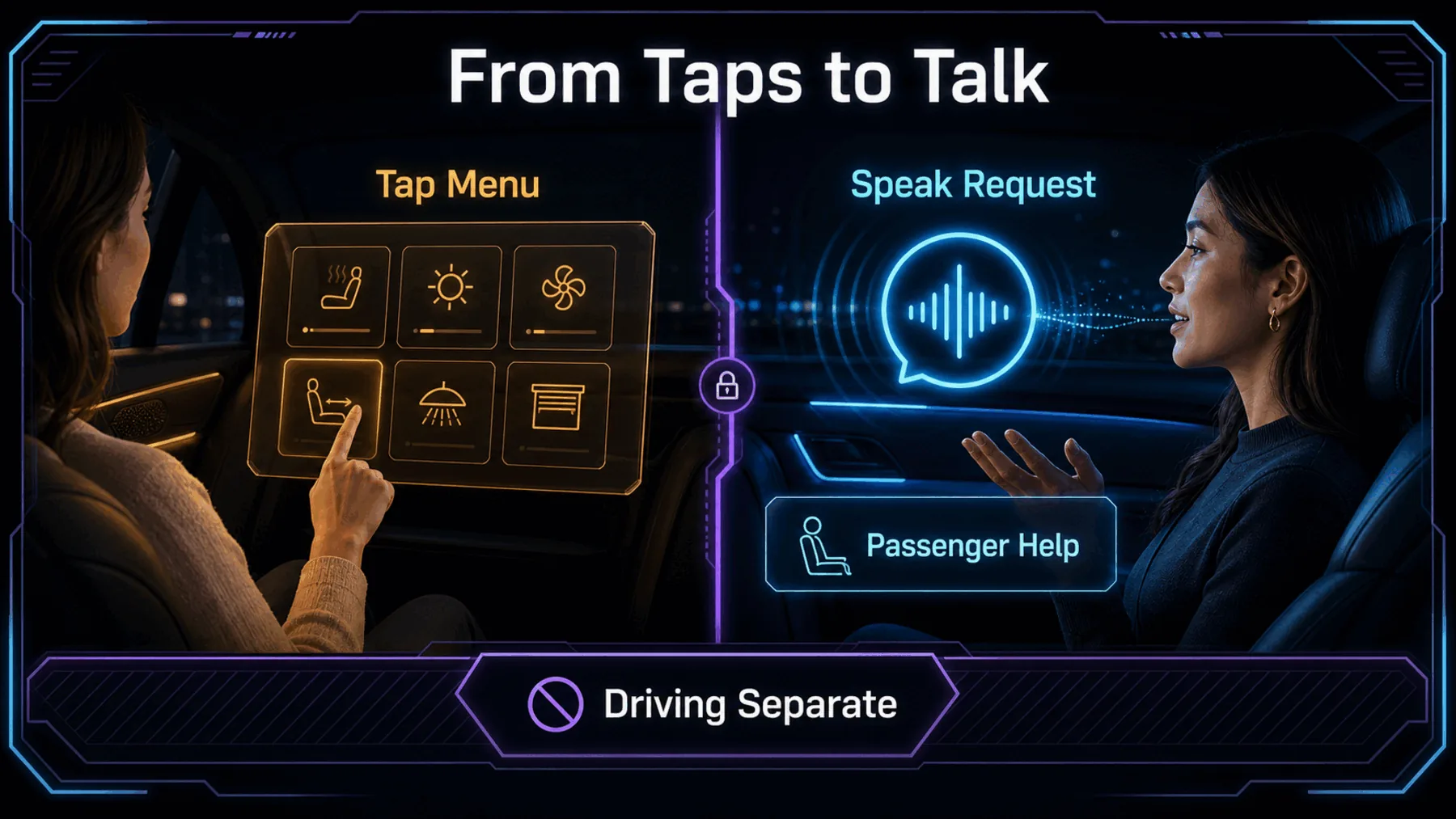
A rear-seat screen has usually asked us to navigate its options before it can help. Google’s pitch is simpler: press the Gemini icon, speak naturally, and keep the journey moving.
That changes the feel of the interface more than the mechanics of the car. The useful claim is conversational passenger help, with the driving system kept outside the announcement.
Four tasks, many unknowns
Google gives concrete examples, while the terms around access and operation remain unstated.
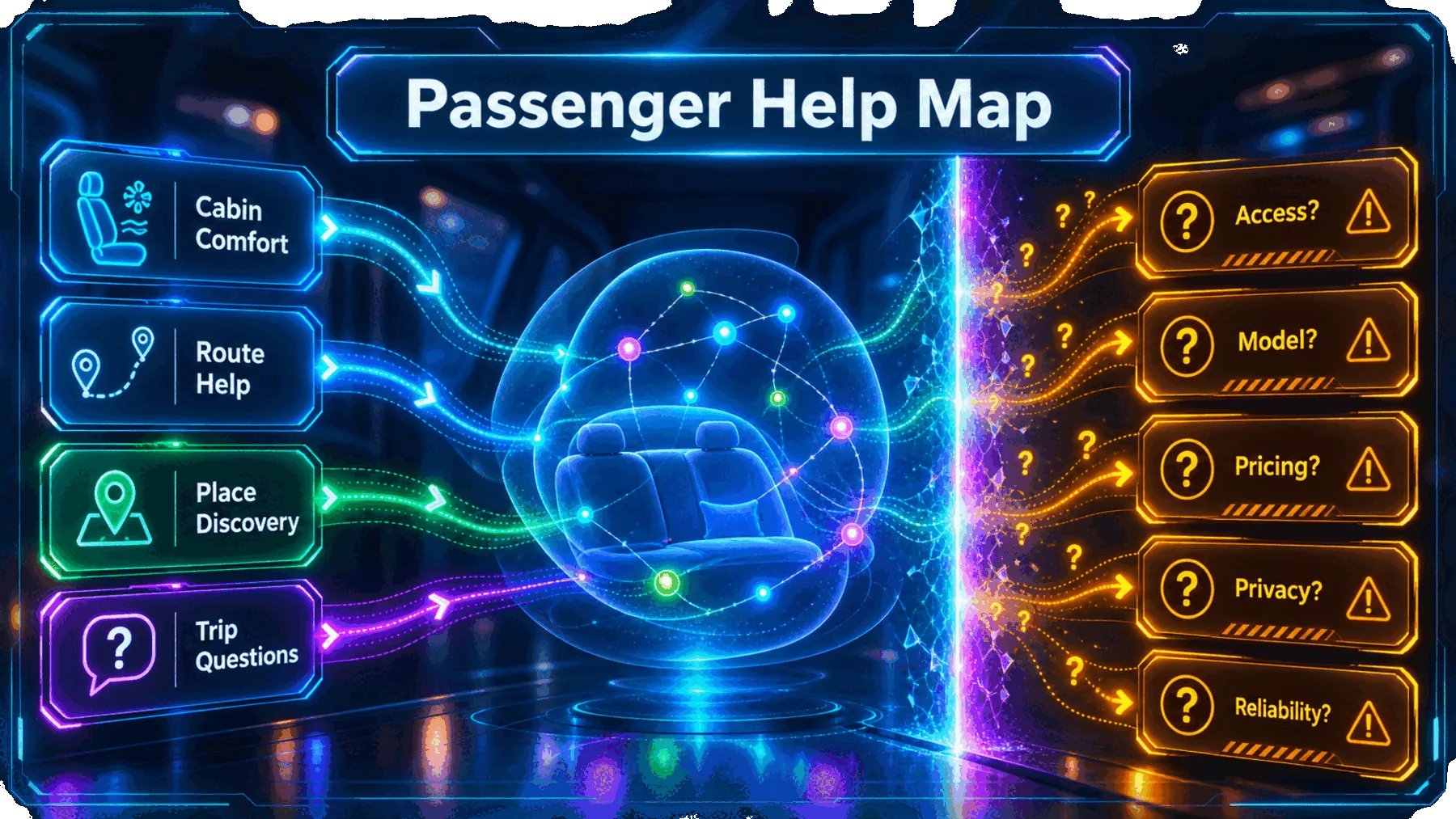
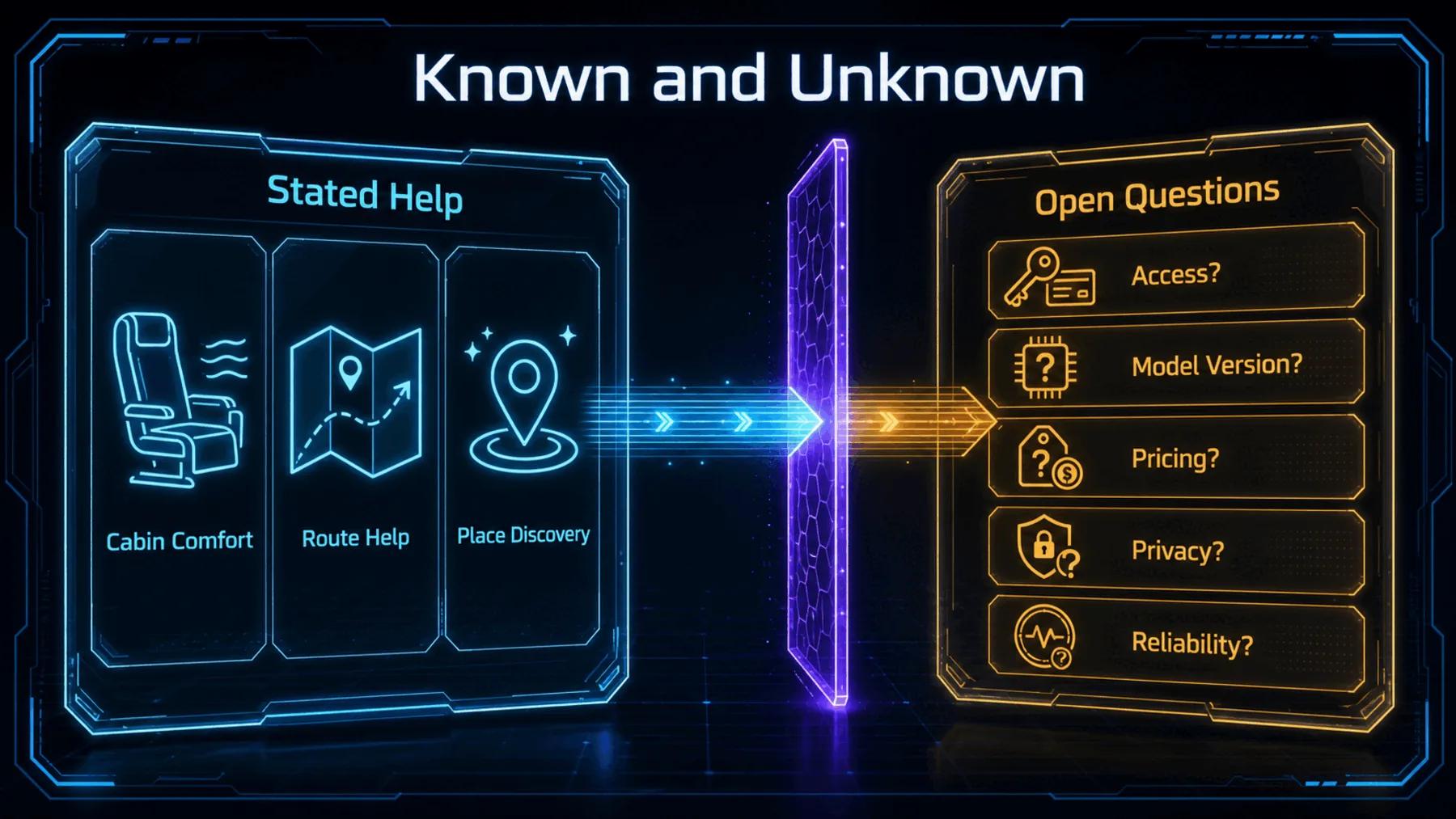
The announcement is specific enough to show the intended interaction, but not the operating terms around it. We do not know which vehicles, cities or rider groups receive it, whether access is staged, or which Gemini version is involved.
That leaves a deliberately narrow reading: Google has described four kinds of passenger request. It has not described a wider rollout, a price, or how the feature performs in use.
What Google actually said
The claim rests on one Google post describing voice-operated help from the in-car screen.
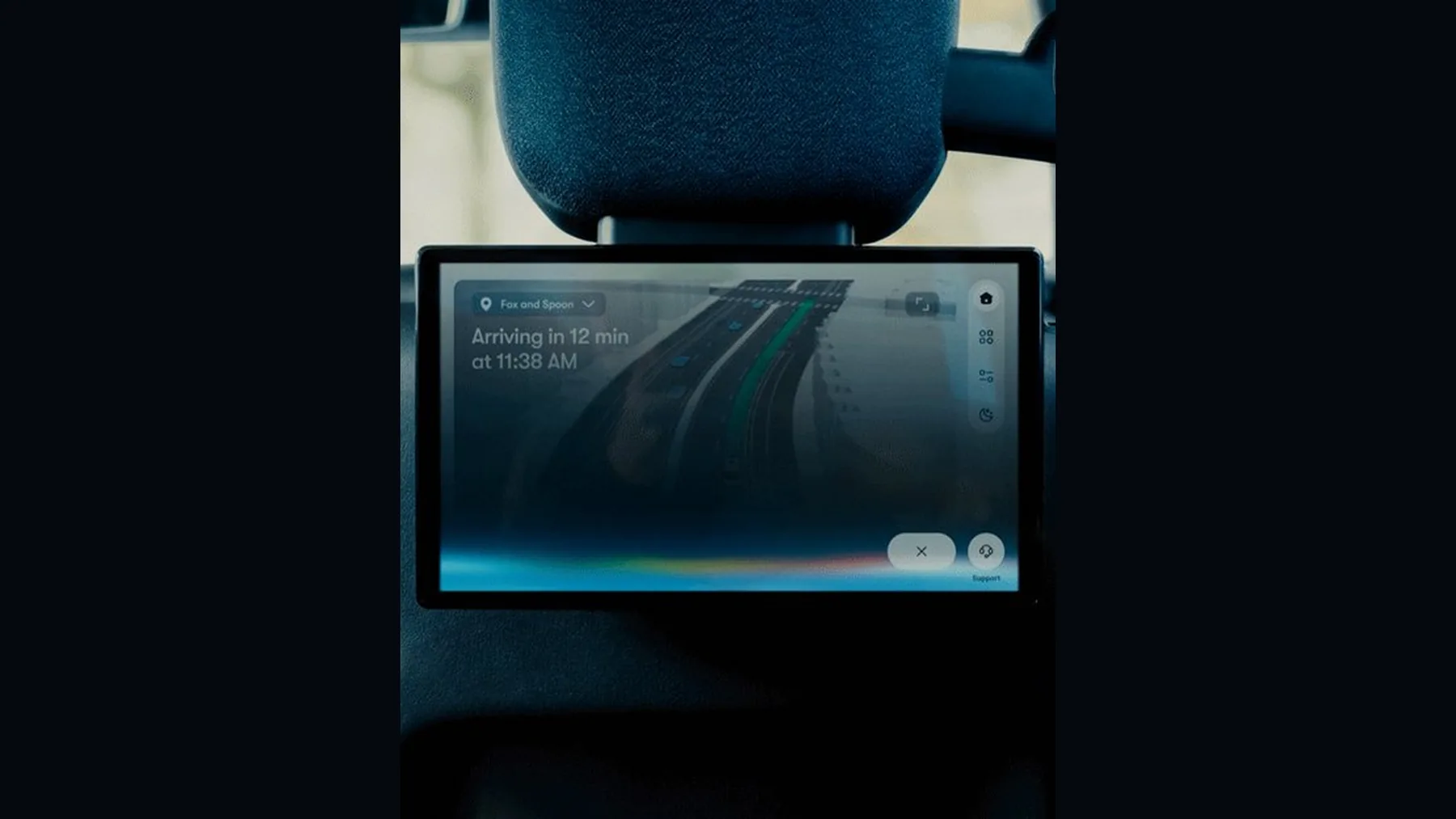
Google says riders can press the Gemini icon on the in-car screen and use their voice for hands-free temperature, seating and route assistance. Its examples move from adjusting the A/C and seat to asking for the best coffee shops in the city.
Those examples give the announcement its shape: Gemini is presented as a trip companion for the passenger, not as a statement about Waymo’s autonomous-driving system.
Just press the Gemini icon on the in-car screen to use your voice for hands-free temperature, seating, and route assistance — from ‘turn up the A/C’ and ‘move the seat up’ to ‘where are the best coffee shops in the city?’
Google on X, 21 August 2026
Proof, with limits
The post supports the passenger-assistance claim; it does not fill in the terms around it.
The Google-published post is useful evidence for the interaction it describes. It does not establish privacy, retention, latency, reliability, safety controls, pricing or a technical architecture.
Nor has Altior independently tested the feature. The sensible conclusion is therefore bounded by the announcement itself: a new conversational surface for passengers, with many operating details still unanswered.
Passenger request, not driving command
Google describes a spoken request through the screen, then assistance with the passenger side of the trip.
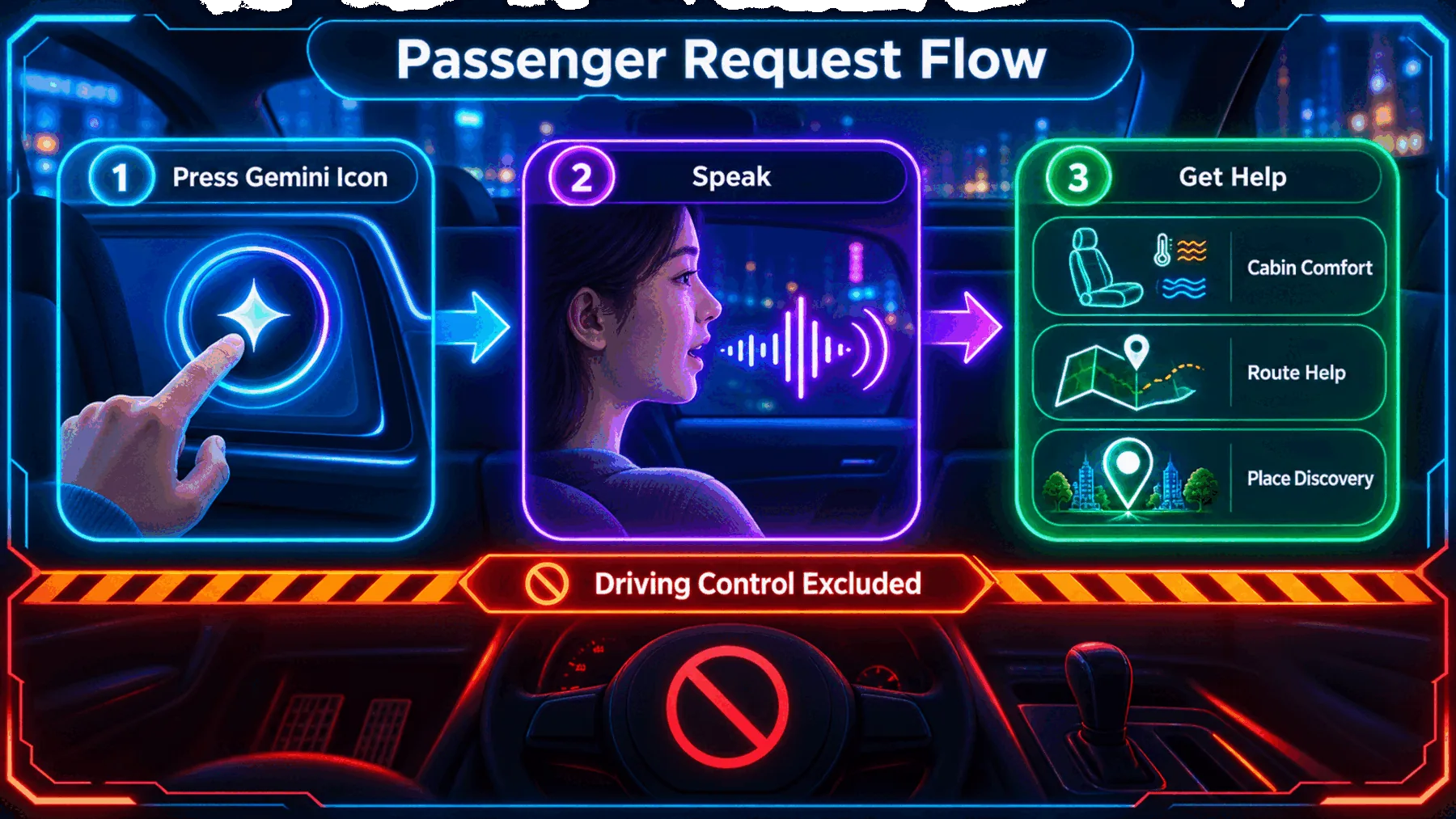
The sequence Google names is straightforward: press the Gemini icon, speak, and ask for help with the cabin, route or a nearby place. There is no need to add an imagined wake word, confirmation flow or hidden system behind that description.
More importantly, the request ends at passenger assistance. Nothing in the post establishes that Gemini takes driving commands or controls how the Waymo moves.
What riders still need to know
The announcement makes the interaction clear, but leaves practical conditions open.
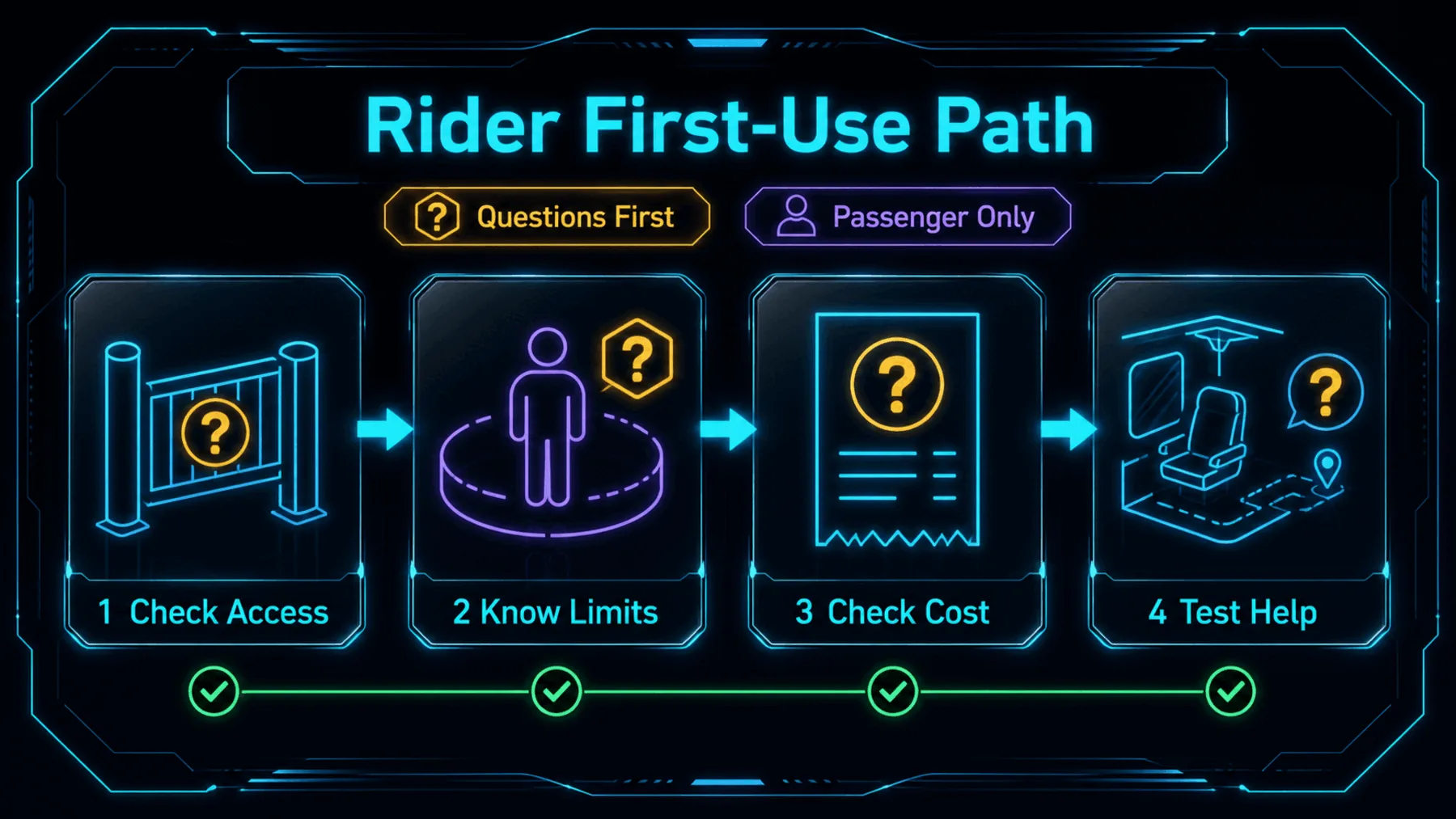
Access
See whether the Gemini icon is available in the Waymo we enter.
Limits
Keep requests to the cabin, route and nearby places Google describes.
Terms
Look for any published detail on cost, privacy and use conditions.
The first question is practical: does the Gemini icon appear in the vehicle we are riding in? Google’s post does not answer that, or identify the conditions that govern access.
Once it is there, the most useful first test is modest. Try a passenger request that fits the stated scope, then keep an eye on any published detail that clarifies cost, privacy or reliability.
The interface is the story
Google is positioning Gemini as a conversational layer around the trip, not as proof about the driving stack.
The announcement matters because it gives the passenger a voice in the cabin without claiming a voice in the driving system.
Synthesis from Google’s announcement
A/C, seat position, route questions and coffee stops are ordinary requests. Putting them behind a conversational interface makes the rear-seat screen feel less like a control panel and more like a companion for the journey.
That is the stronger, narrower reading of Google’s post. Gemini is part of the passenger experience Google describes; the company has not made it evidence about how a Waymo drives.
Plan a Waymo trip without touching the screen
You are a calm trip companion in a Waymo. Plan a short passenger-side itinerary for a 45-minute journey to a museum: suggest one nearby coffee stop, give one route-related question to ask, and draft two concise cabin-comfort requests. Keep the response to four labelled bullets. Do not suggest vehicle-control commands, driving decisions, availability details, prices, or safety claims.Ready to copy
Watch the boundary
Follow the passenger interface claim closely, and wait for Google to publish the access, operating and privacy details that would make the picture more complete.
Try the promptWhat could change the picture
- Rollout scope
- Gemini details
- Terms of use
- Claim boundary