Gemini 4 Argon comes to AI Studio builders
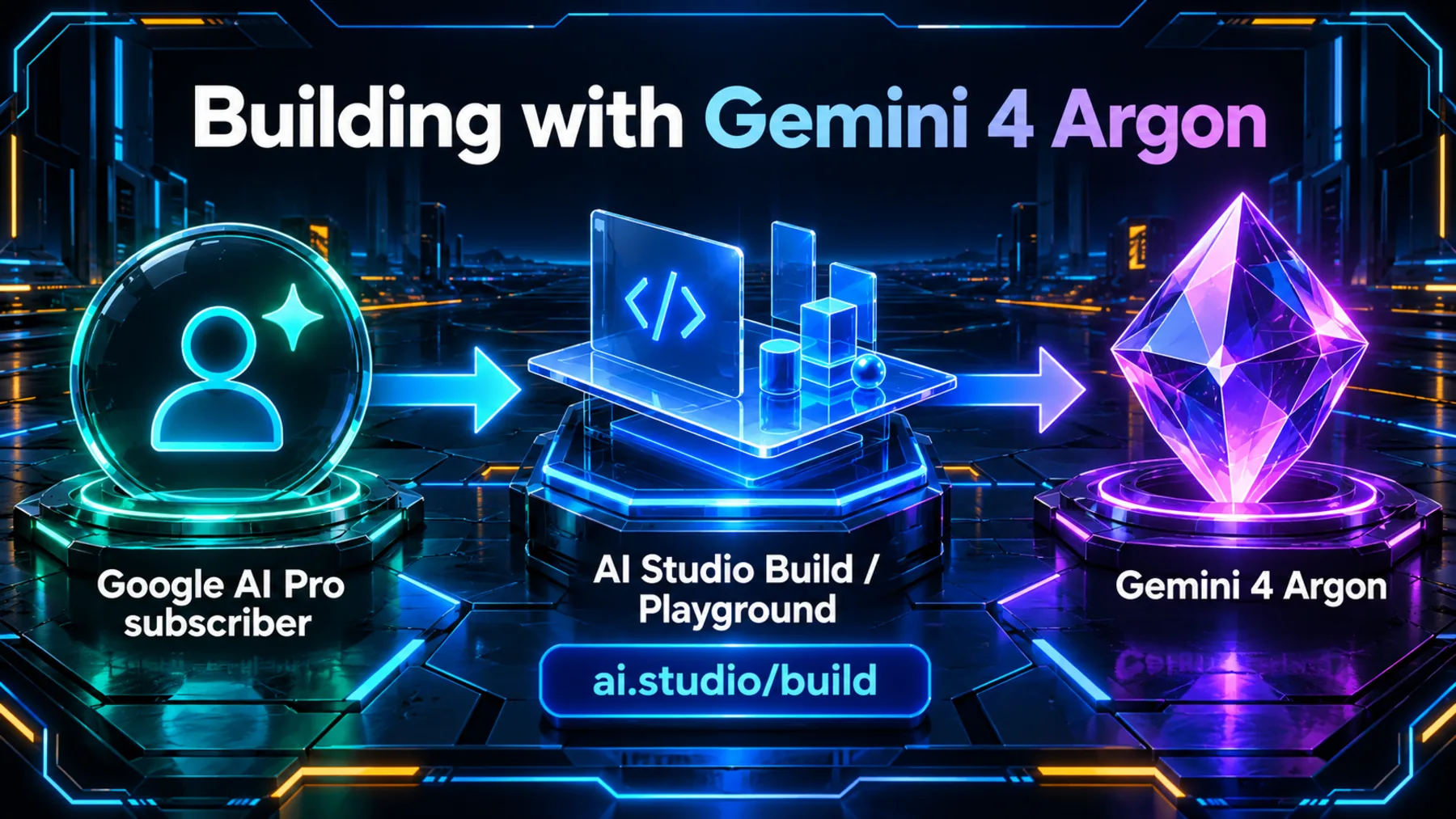
Google AI Pro subscribers can now build with Gemini 4 Argon in AI Studio Build / Playground.
For our next project idea, there is a concrete destination to keep in mind. The announcement brings together a subscription, a model and a place to build.
A place for our next build
With Google AI Pro, we can take a project idea to AI Studio Build / Playground and build with Gemini 4 Argon.
The useful detail is the named workspace. If we already subscribe to Google AI Pro, AI Studio Build / Playground is a place to start working with Argon. We can approach it with a project in mind, rather than leave the announcement as another model name to remember.

The subscription, the model and the workspace
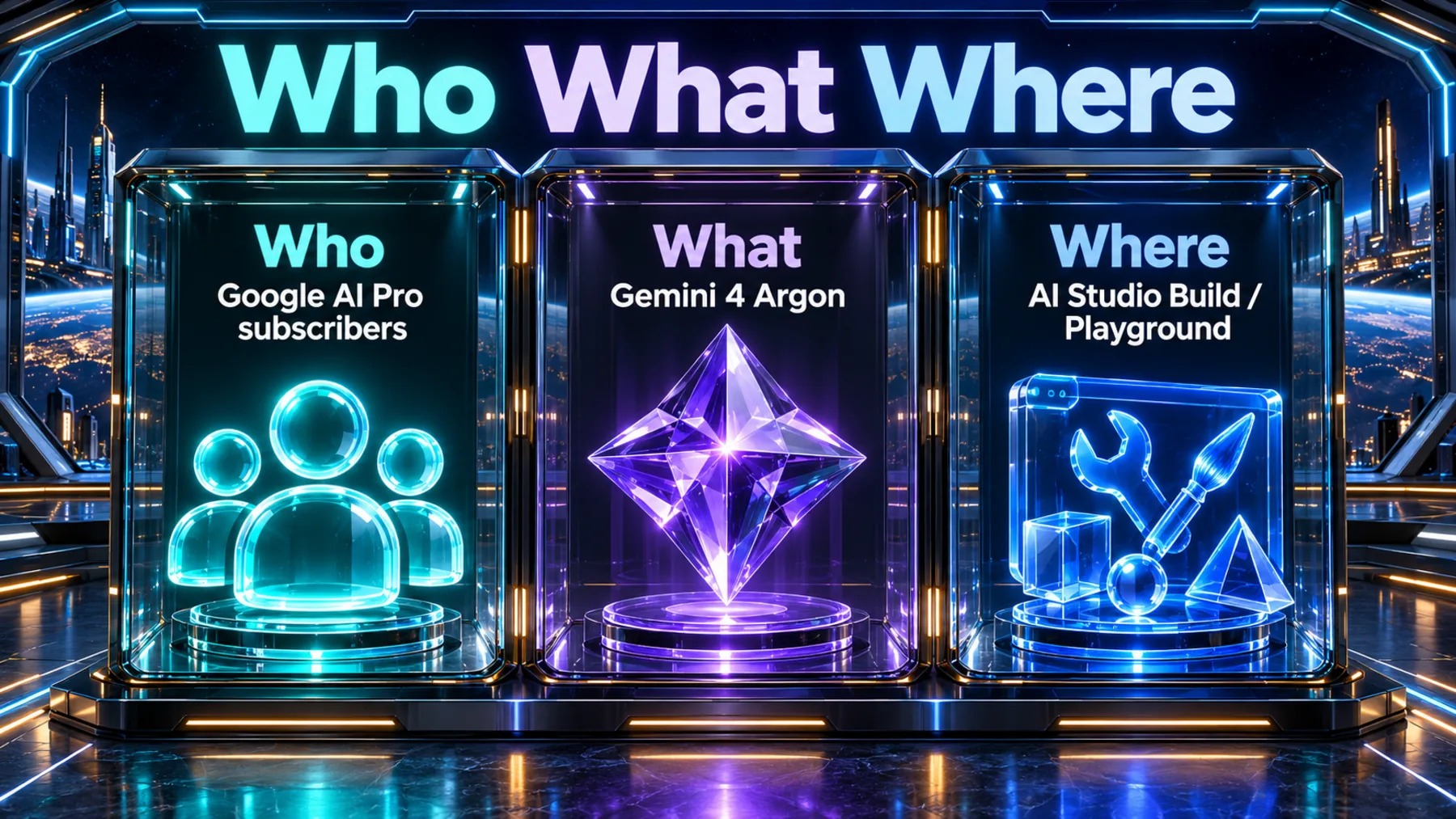
Google AI Pro subscribers. Gemini 4 Argon. AI Studio Build / Playground.
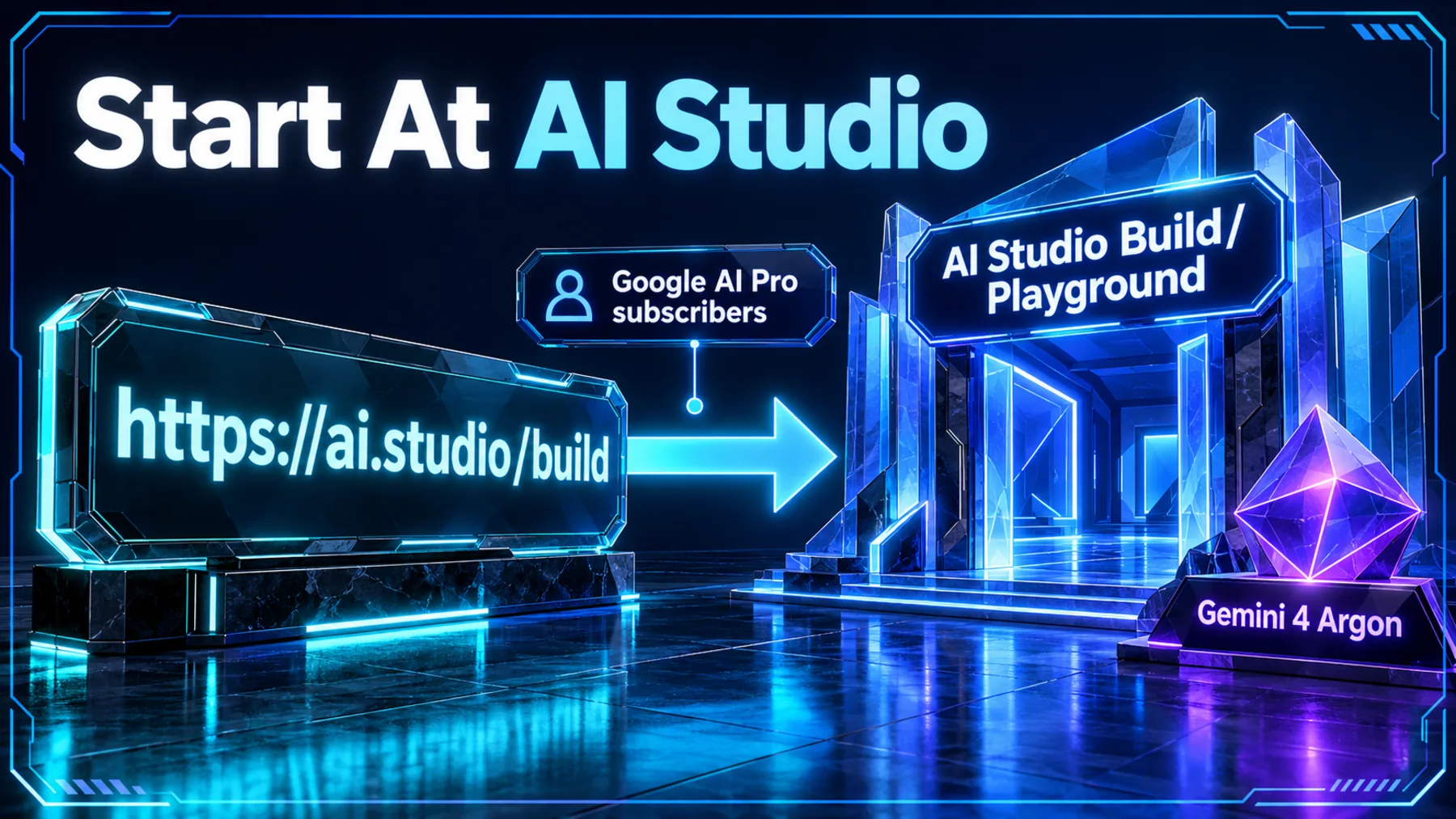
Google AI Pro is the subscriber qualification in this announcement; Gemini 4 Argon is the model available for building. The named workspace is AI Studio Build / Playground, and Google supplies https://ai.studio/build as the starting link.
The subscriber condition is in the opening line
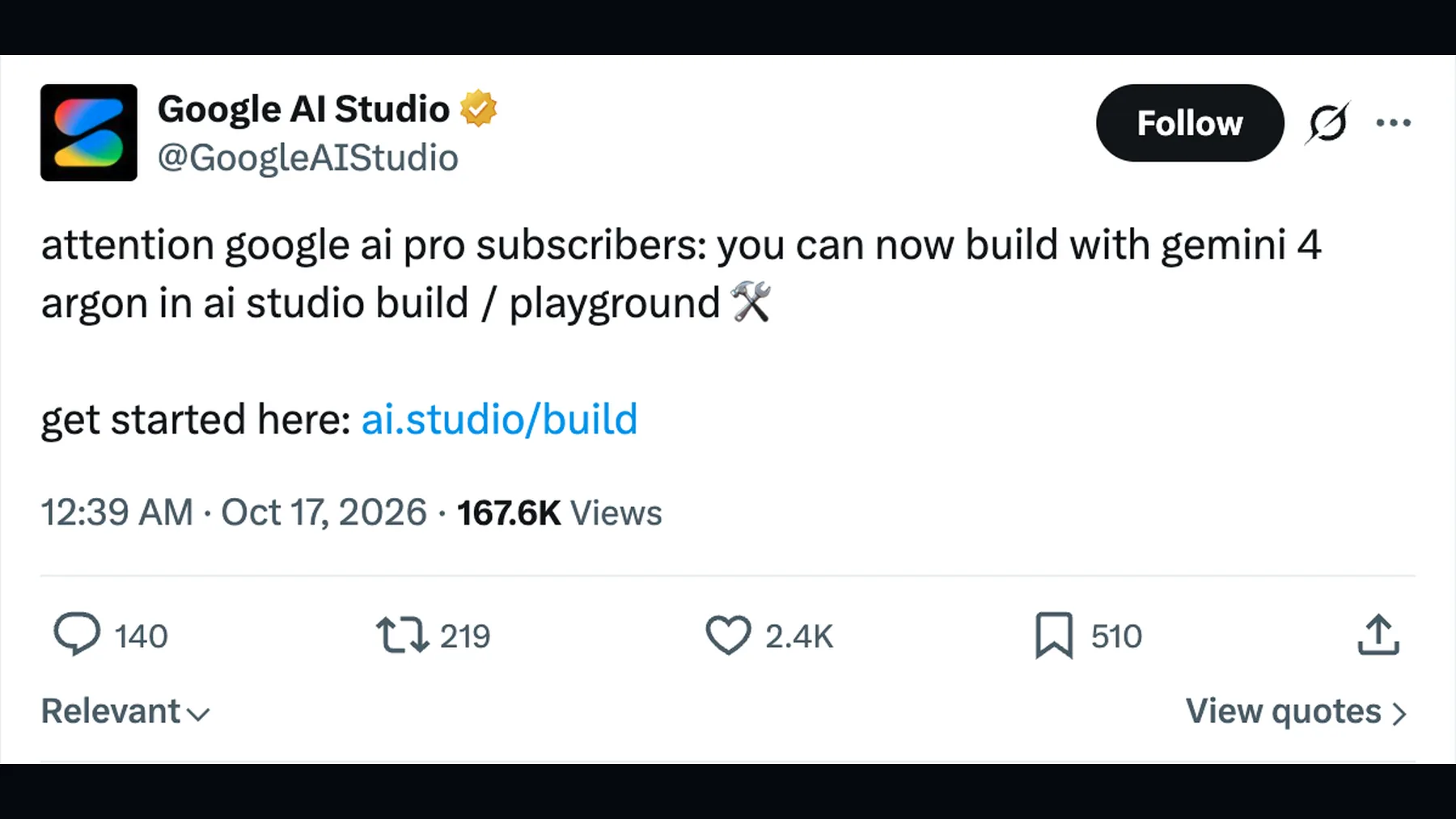
Google AI Studio names both the eligible subscription and the building workspace.
The announcement leads with Google AI Pro subscribers, then names Gemini 4 Argon and AI Studio Build / Playground in the same sentence. Here is that opening paragraph in full.
The announcement and its starting link
The original Google AI Studio post puts the access update and ai.studio/build together.
Below the opening sentence, Google adds “get started here” and the ai.studio/build link. The original post keeps the subscription condition and the destination together.
How the pieces connect
Our Google AI Pro subscription is the condition; AI Studio Build / Playground is the workspace; Gemini 4 Argon is the model.
The relationship is straightforward: as Google AI Pro subscribers, we can build with Gemini 4 Argon in AI Studio Build / Playground. Keep ai.studio/build alongside that relationship as the starting destination.
Bring a small, specific project
If we subscribe to Google AI Pro, our starting destination is https://ai.studio/build.
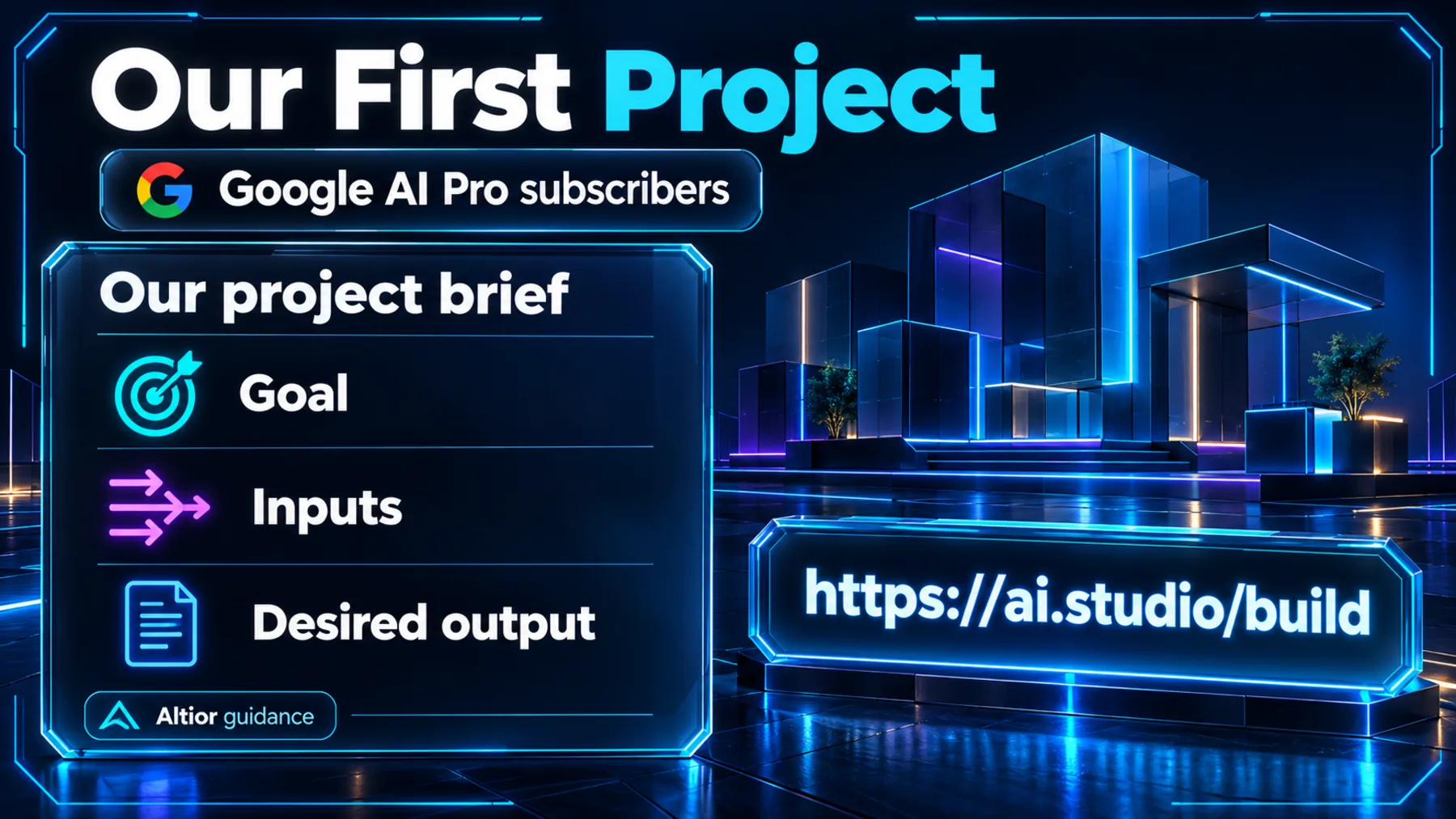
Our recommendation is to prepare a short brief before we begin: who the project is for, the problem it should solve, the outcome we want and the constraints we need to respect. A narrow first version gives us something concrete to work towards.
Decide what we want to build
The next useful step is to give a project idea enough detail to work on.
Google has supplied the building destination. We recommend bringing a brief that makes the intended outcome clear before expanding the scope. The prompt below uses a small appointment-request organiser as a complete example, with fictional data and human booking decisions.
For our first project, define the smallest useful outcome and what we will leave out.
Altior
Give our first Argon project a clear brief
Help us prepare a concise project brief before building with Gemini 4 Argon in AI Studio Build / Playground. Our idea is a simple appointment-request organiser for a small consultancy. Its intended users are two colleagues who currently collect requests in email and manually assemble a daily list. The problem is keeping track of the requested service, preferred date and outstanding questions. Our desired outcome is a single view of requests that need a response. Write a practical brief of no more than 400 words covering: intended users, problem, desired outcome, the smallest useful version, information needed, constraints and acceptance checks. For the first version, use fictional sample requests only. Exclude email connections, calendar connections, automatic messages, payments and real personal data. Keep every booking decision with a person; a request must never be presented as a confirmed appointment. Include three fictional requests that would help us check the proposed design, including one with a missing preferred date. Propose three observable acceptance checks. Clearly separate our supplied requirements from your design suggestions, and finish with the three decisions we should settle before building. Produce the brief, not code. Do not assume any particular Gemini feature, integration or interface control.Ready to copy
Start building in AI Studio
Google AI Pro subscribers can now build with Gemini 4 Argon in AI Studio Build / Playground. Open https://ai.studio/build.
Try the promptWhat we’ll watch next
- Any further official Google guidance on access.
- Any official usage details Google publishes.