Gemini 3.5 Transcribe cleans up what you meant
Google says Gemini 3.5 Transcribe can clean up corrections, filler and formatting before speech becomes usable input.
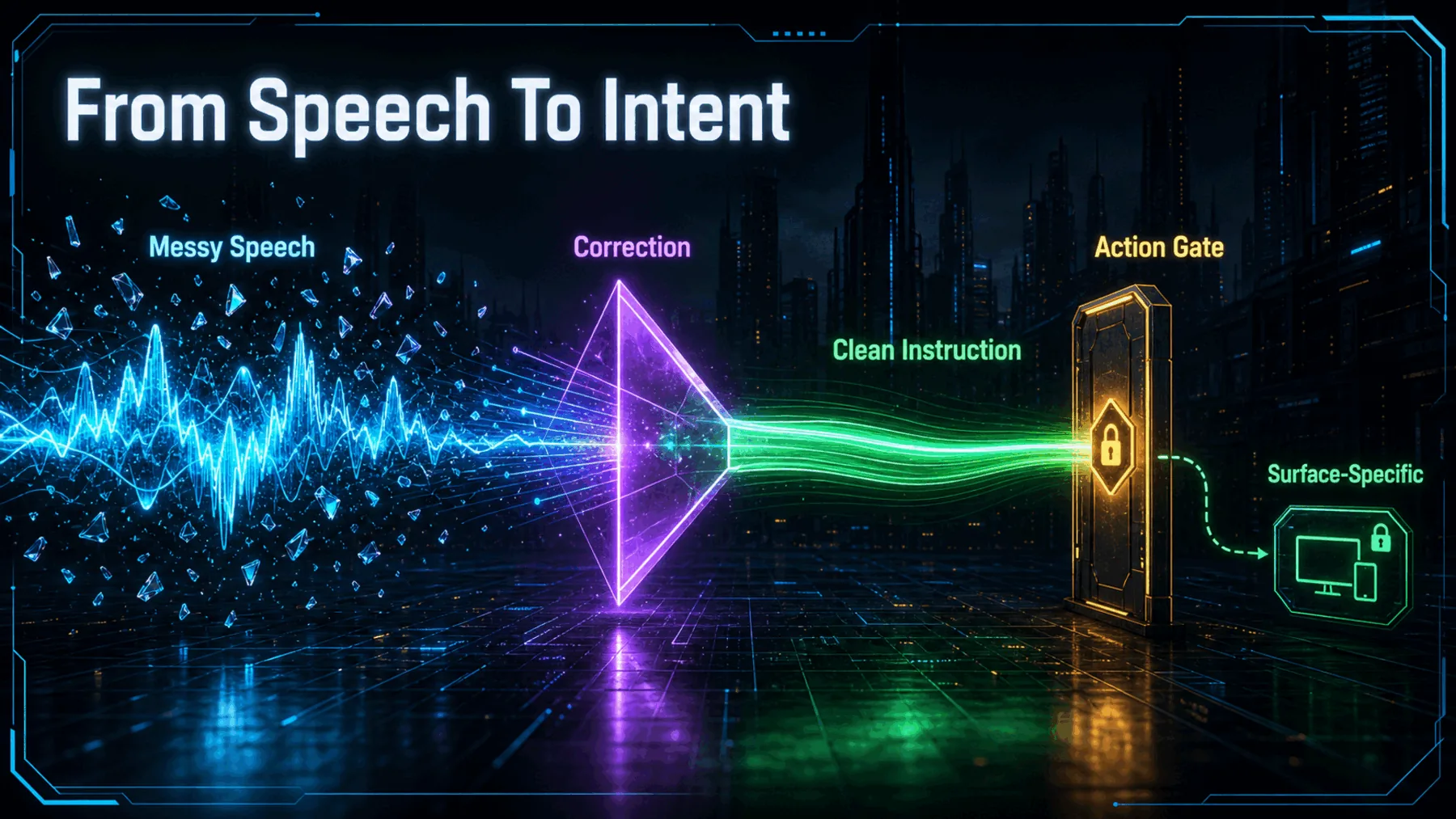
“Tuesday—no, Wednesday” is an ordinary piece of speech: a thought revised in flight. A literal transcript keeps both versions. Google says Gemini 3.5 Transcribe is designed to resolve that correction, remove filler and return formatted text instead.
That is a small change with a larger implication. Voice input can begin to reflect intended meaning rather than simply preserve every hesitation.
False starts need not survive
Google’s demo makes a familiar correction the test: can the transcript follow the thought, not merely the words?
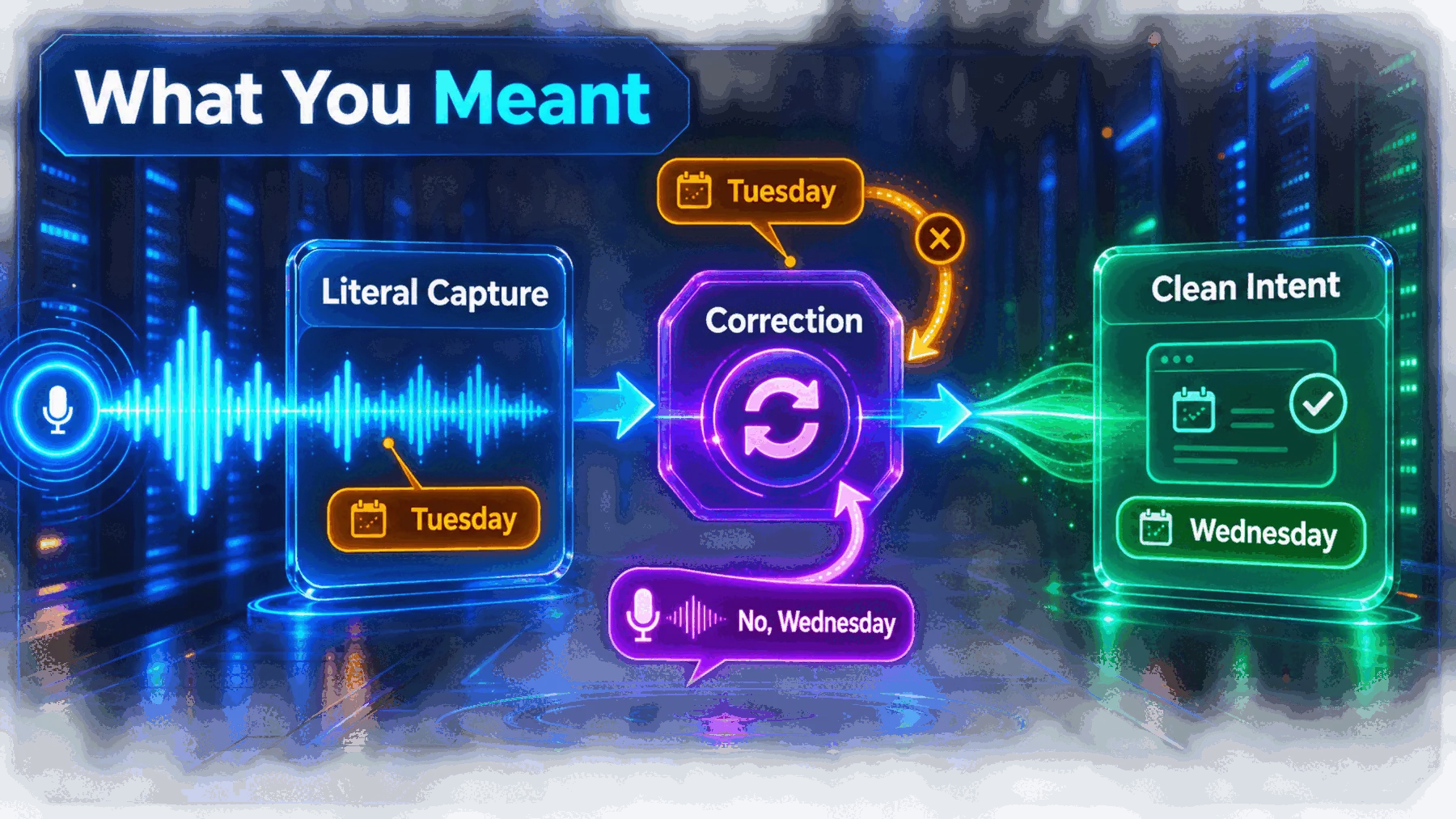
Google’s example is deliberately mundane: “let’s meet Tuesday—no, Wednesday.” The promise is not that speech becomes perfect. It is that a correction can be understood as a correction, rather than left behind as competing text.
Google also says the model can remove ums and ahs, and auto-format the result. Those details matter because natural dictation is rarely delivered as a clean command.
The claim is broader than clean text
Google separates real-time and recorded transcription, then adds vocabulary, languages, speaker attribution and timing.
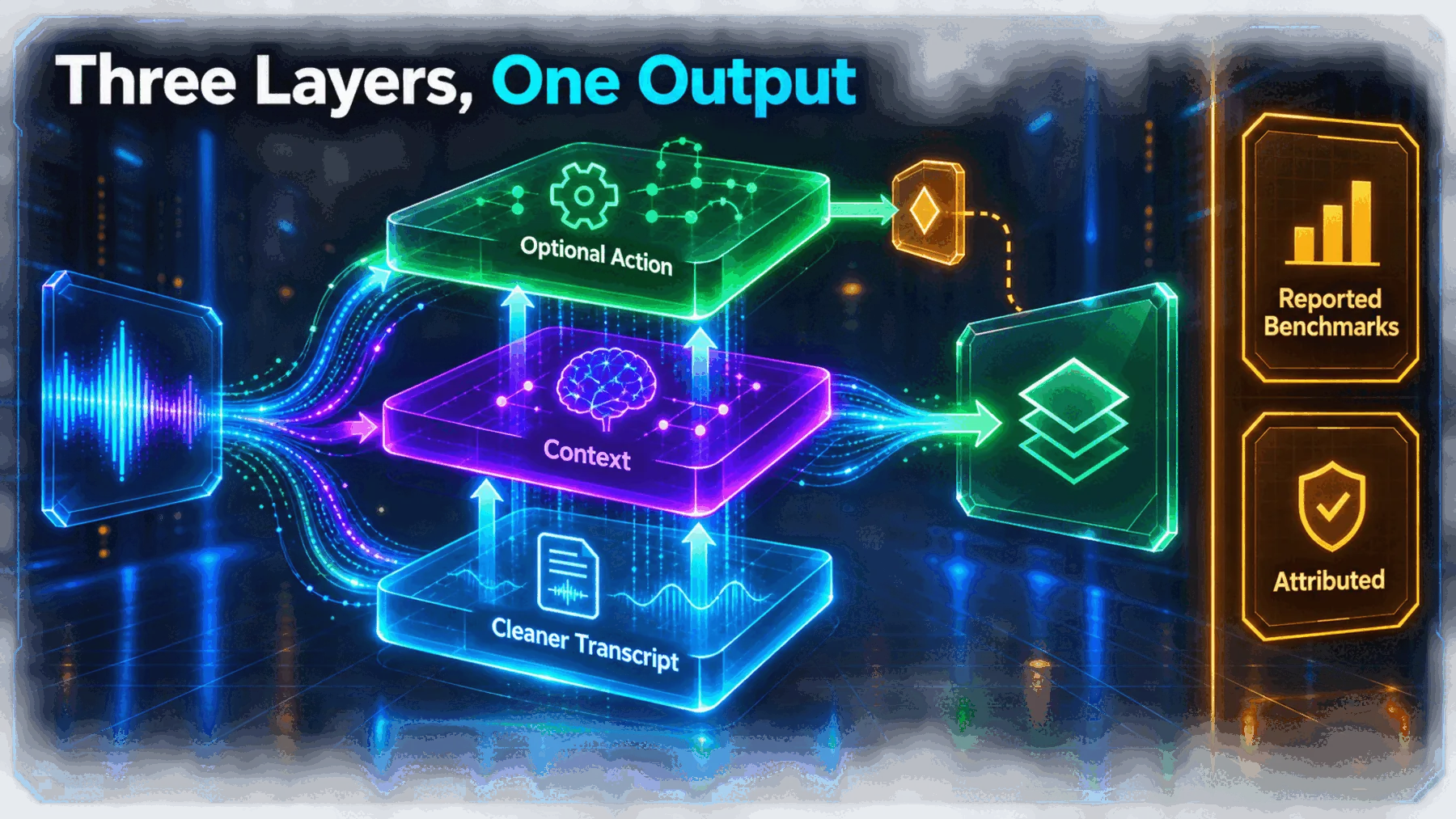
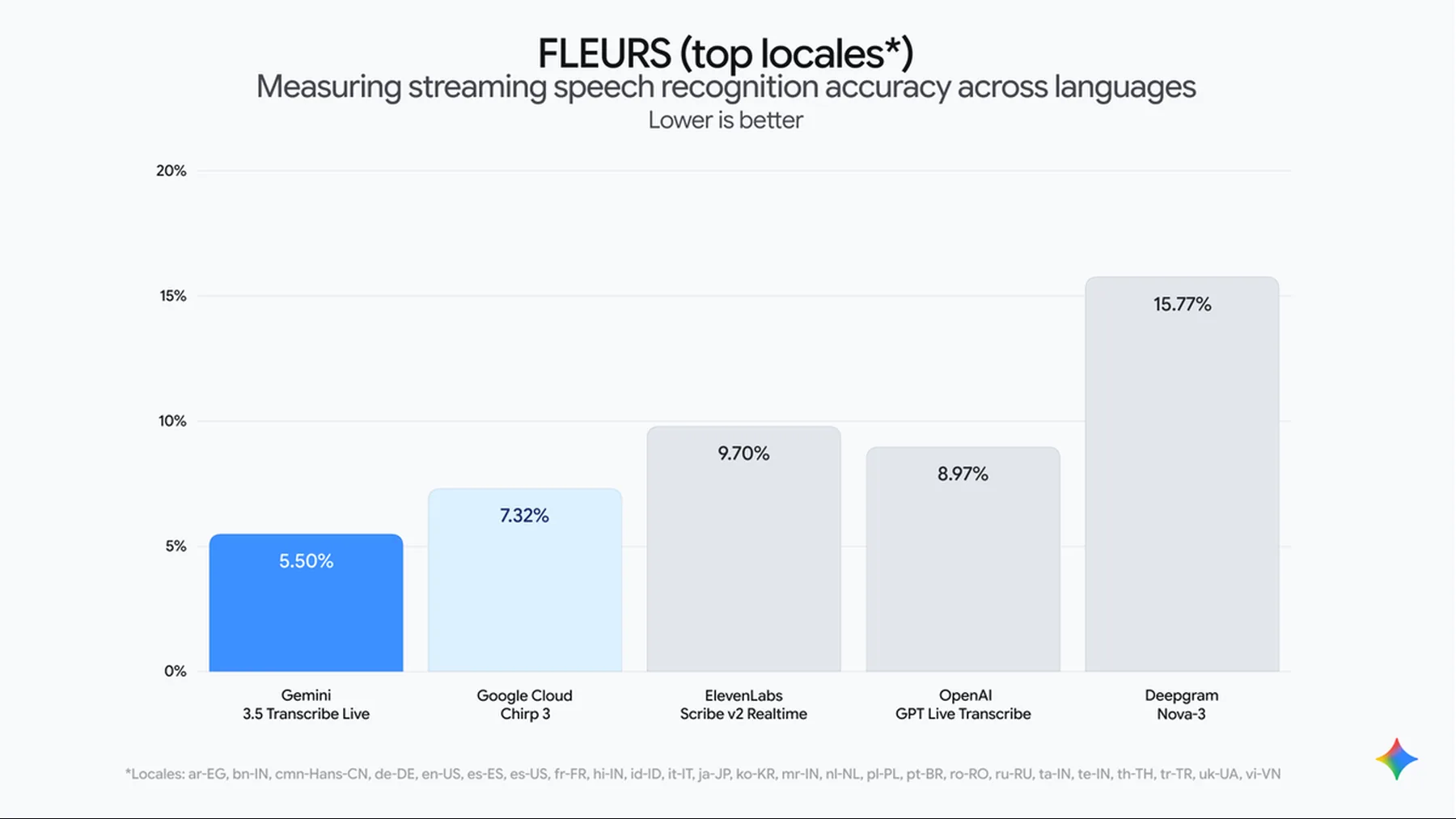
Google reports a 5.50% streaming and 5.04% non-streaming Word Error Rate on its stated FLEURS locale set. Word Error Rate is the share of words a recogniser gets wrong, so lower is better; these are Google’s results, not an independently verified verdict on every recording or language.
The company also says the model supports custom vocabulary, more than 85 languages and speaker attribution with word-level timestamps for recorded audio. Support for more than three speakers is experimental.
The correction in Google’s own demo
The useful proof is narrow: Google shows a self-correction being turned into the intended wording.
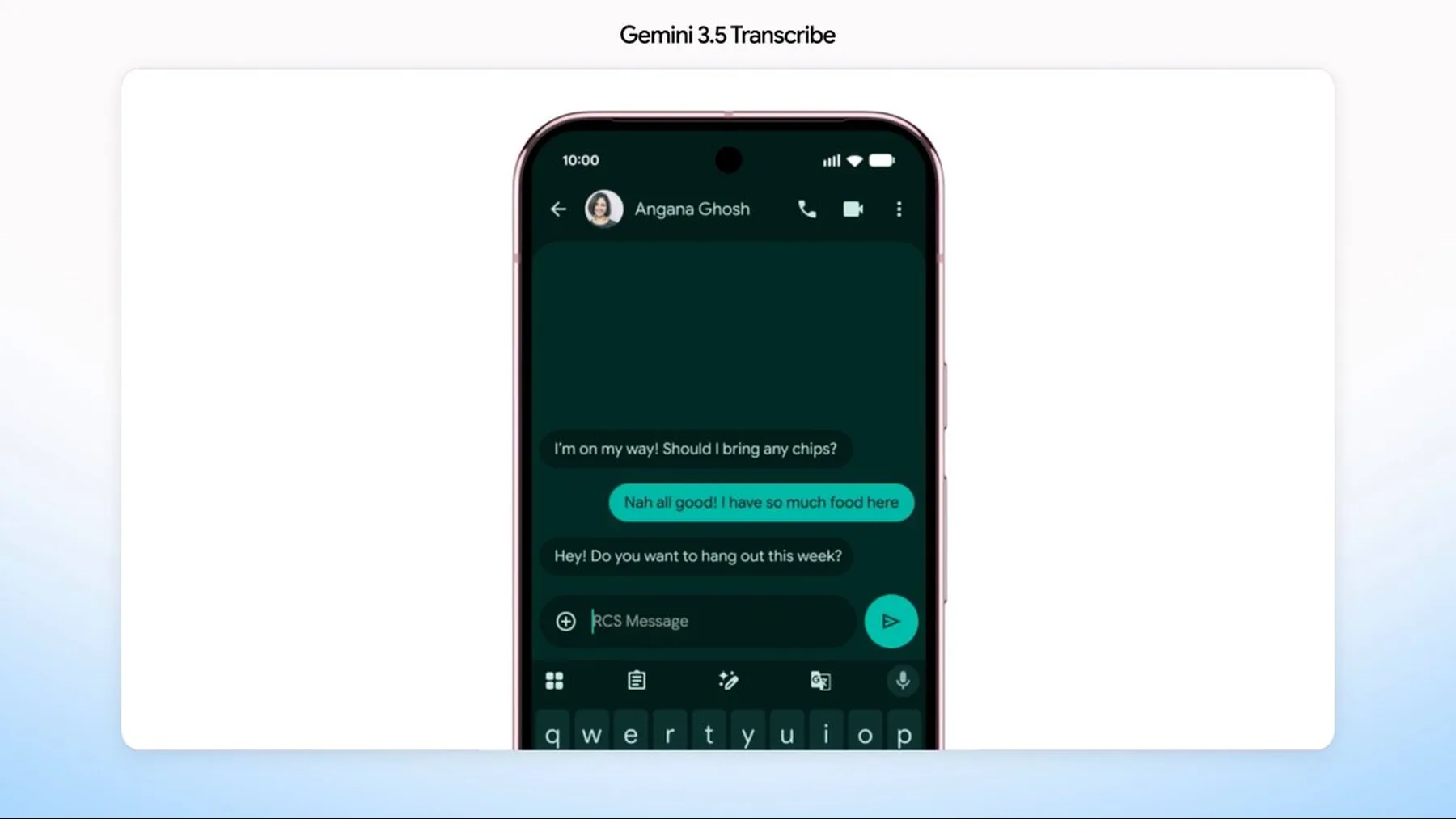
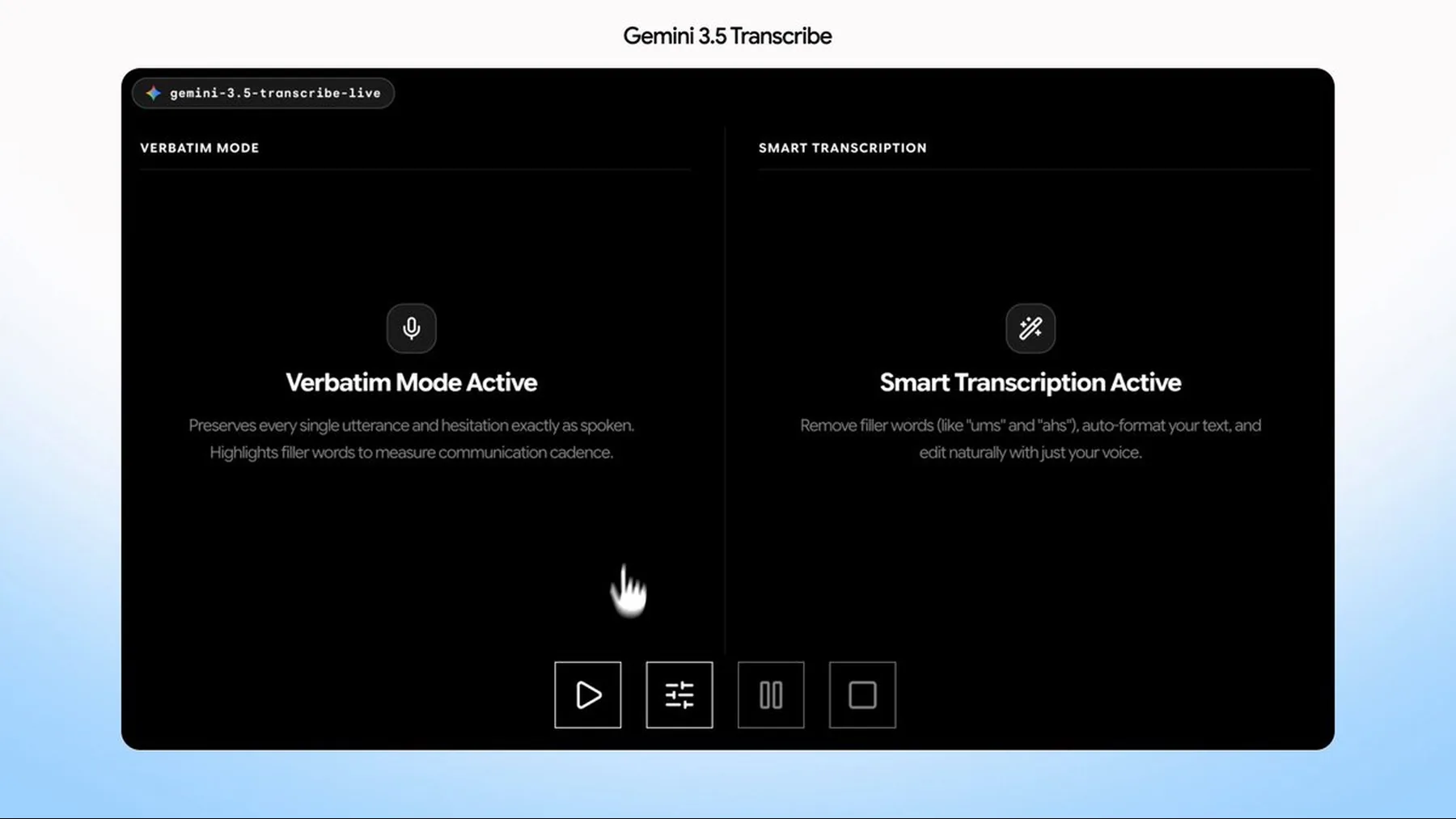
Google describes smart transcription as handling self-corrections, removing filler words and auto-formatting text. That is the centre of the release: speech can stay conversational while the output becomes more usable.
It is still a supplier claim. Creator Broadcast did not independently test how consistently the model resolves corrections across accents, noisy recordings or specialised language.
Smart transcription: Seamlessly handles self-corrections (like “let’s meet Tuesday—no, Wednesday”), removes filler words (“ums” and ‘“ahs”), auto-formats your text.
Google AI Studio
The demo is broader than the rollout
Google shows several voice surfaces, but they do not establish one universal experience.
Google says Rambler on Android can turn spoken thoughts into formatted text, while Google Antigravity can use screen context and chat history with permission to improve transcription accuracy. Those are named surfaces with distinct conditions, not one feature set we can assume everywhere.
Function calling is narrower still. Google says it is currently available in the Gemini app on macOS, where voice commands can call other Gemini models for tasks such as file summaries, text repurposing and image generation.
How voice becomes usable input
The release separates cleaned transcription from the surface-specific step where context or an action may follow.
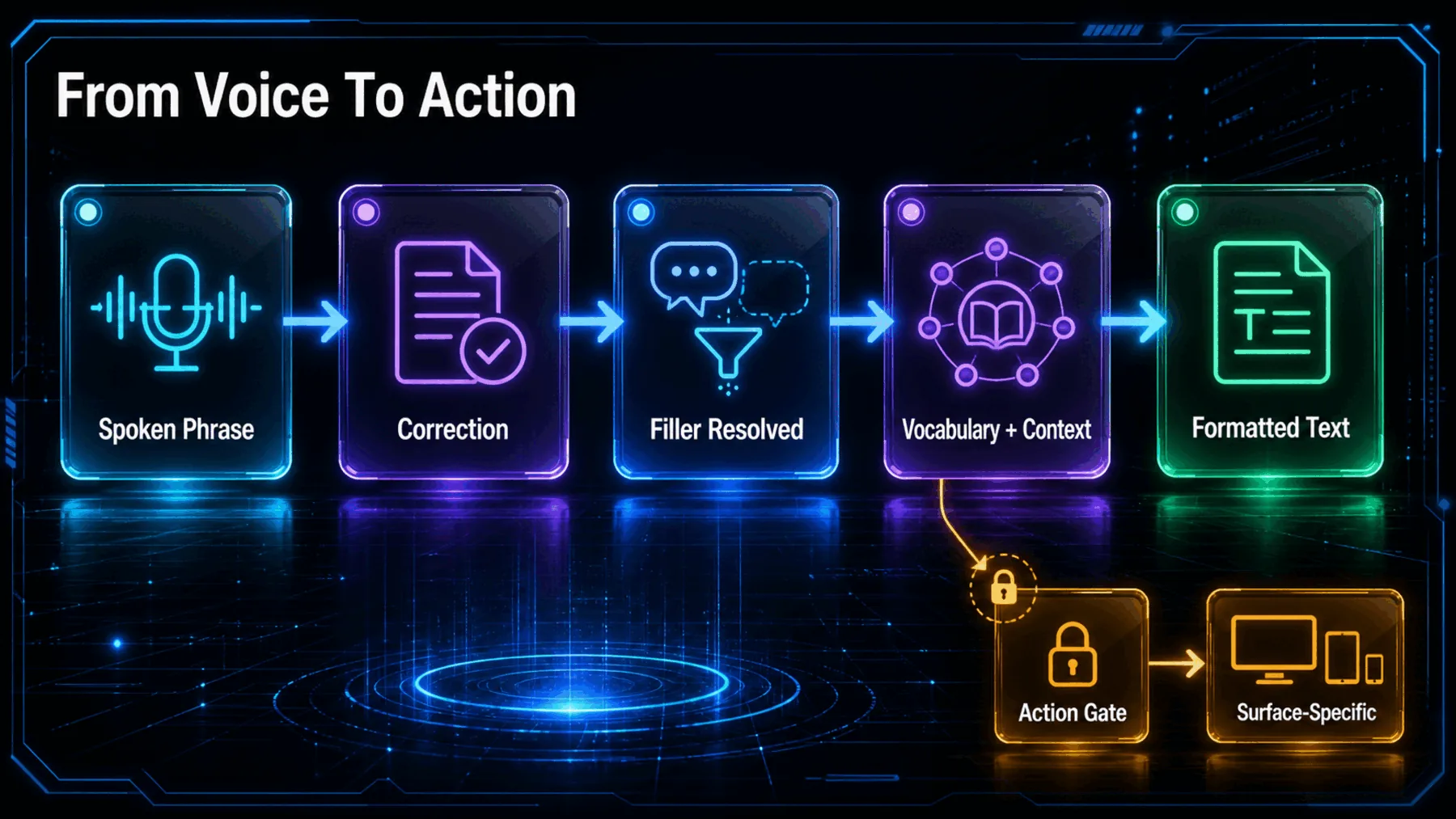
First comes the spoken phrase: a correction, filler, a name that needs custom vocabulary or a recording with several speakers. Google says Gemini 3.5 Transcribe can return a cleaner, formatted transcript from that material.
What follows depends on the surface. Context from a screen or chat history may shape transcription where Google says it is supported; a function call is a further, explicitly gated branch rather than an automatic property of every transcript.
Access is split by surface
Developer, enterprise and consumer routes are all described differently, with preview and regional limits still in view.
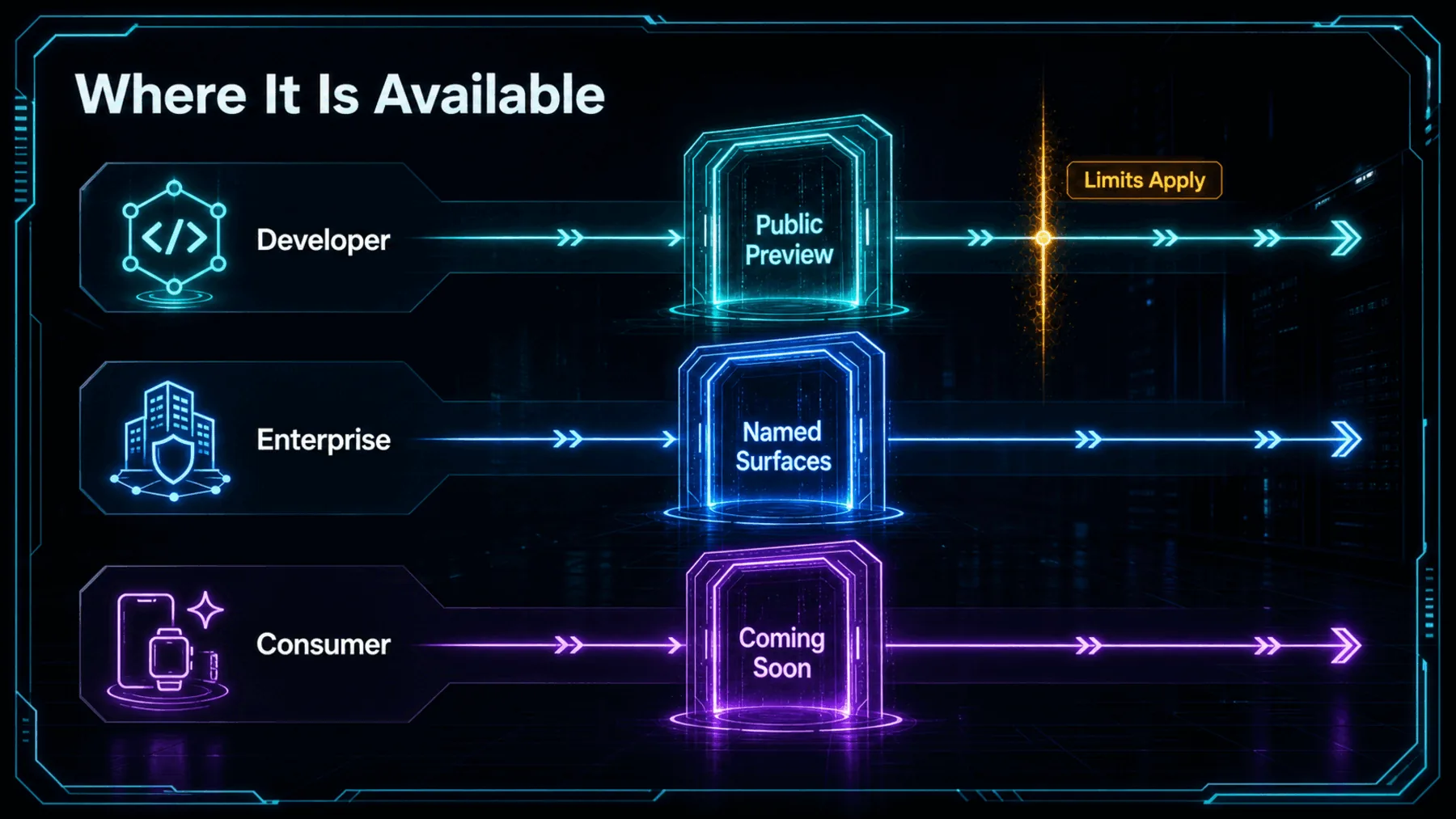
For developers, Google says Gemini 3.5 Transcribe is in public preview through the Gemini API in Google AI Studio and Google Antigravity. For enterprises, it says public preview is available through Gemini Enterprise Agent Platform, with Gemini Enterprise for Customer Experience coming soon.
For consumer use, Google names the Gemini app on macOS in English and Rambler on Android in select countries and languages. Chrome is described as coming soon. The cleanest reading is that access is real, but fragmented.
API route
Live streaming and recorded transcription use different Google APIs.
Surface limit
Context and function calls depend on the named product surface.
Rollout state
Preview, language, country and coming-soon limits still apply.
The microphone becomes a control surface
Google’s announcement points beyond transcription, while its split rollout keeps the practical claim contained.
The meaningful upgrade is not that speech produces text. It is that a spoken revision can begin to arrive as the instruction we intended.
Creator Broadcast synthesis, grounded in Google AI Studio’s announcement.
That distinction changes the role of the microphone. Instead of treating speech as a rough draft we must repair afterwards, Google’s stated direction is toward voice as an intent-aware input layer.
The ambition should not outrun the evidence. Cleaner transcription, contextual assistance and function calling are related in this announcement, but they are not interchangeable capabilities and do not arrive on every surface at once.
Turn a spoken correction into a usable brief
Act as a careful editor of dictated notes. Clean this spoken project update without inventing facts: “Move the launch review to Tuesday—no, Wednesday; um, keep the Android notes, and make the summary suitable for the team.” Return: 1) the cleaned note, 2) a one-line list of corrections made, and 3) any ambiguity that still needs confirmation.Ready to copy
Test the boundary, not the slogan
Start with a real dictated correction, then check which API or surface is involved, what remains in preview and whether the claimed action step is actually available there.
Try the promptWhat could change the takeaway
- API documentation
- Preview status
- Surface expansion
- Function-call boundary