A Security Scan Starts in Chat
OpenAI demonstrates four familiar actions for beginning a scan, but the evidence ends before access, coverage, quality, privacy or outcomes become clear.
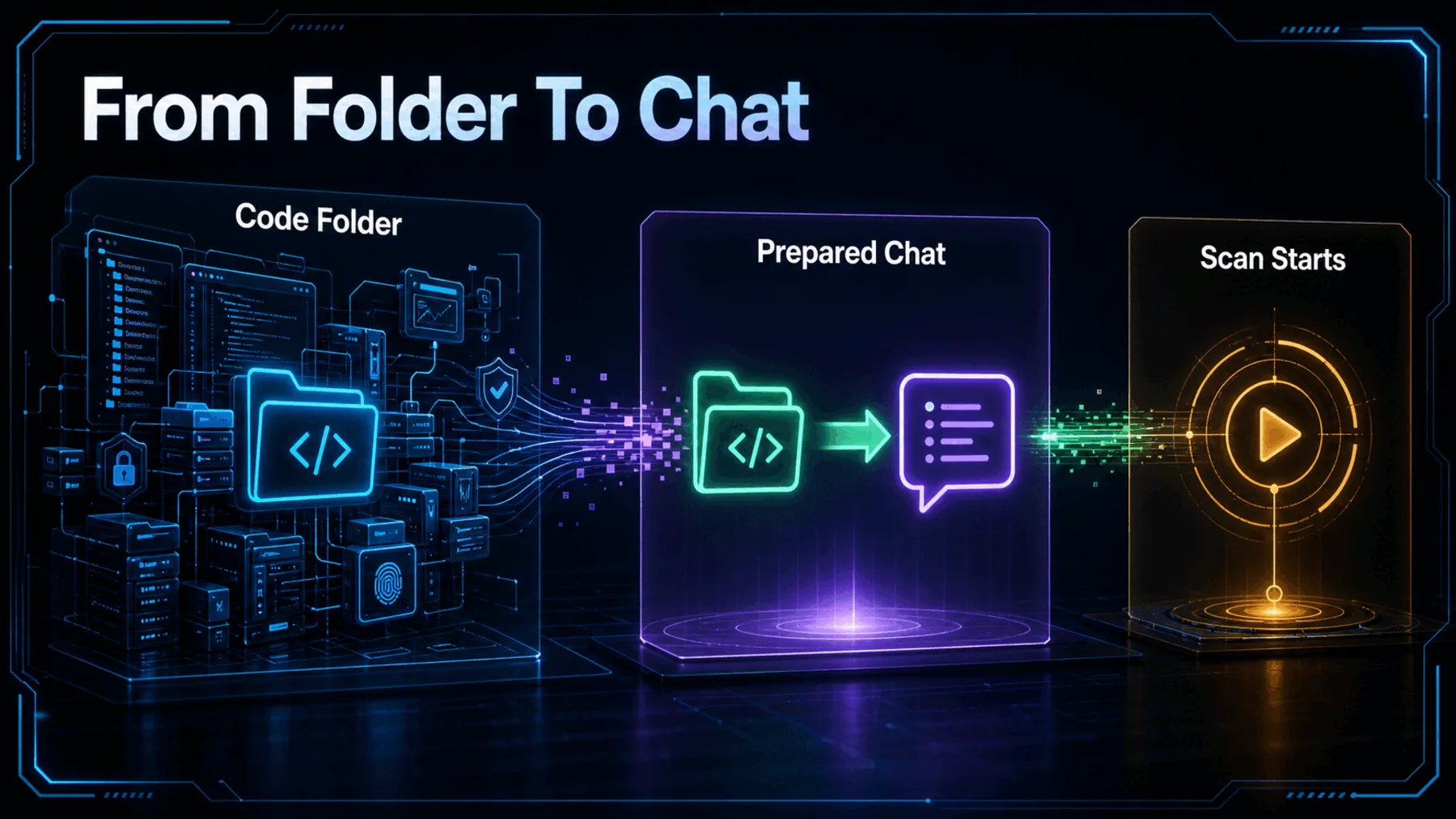
OpenAI has turned the visible start of a Codex Security scan into a familiar handoff: add the plugin, open the prepared chat, choose the folder containing our code and press Send.
That is a meaningful change in how the task is presented. It is not evidence that the scan itself is effortless, comprehensive or effective.
The Friction Has Moved
A specialist-looking setup begins with actions we already recognise from ordinary chat workflows.
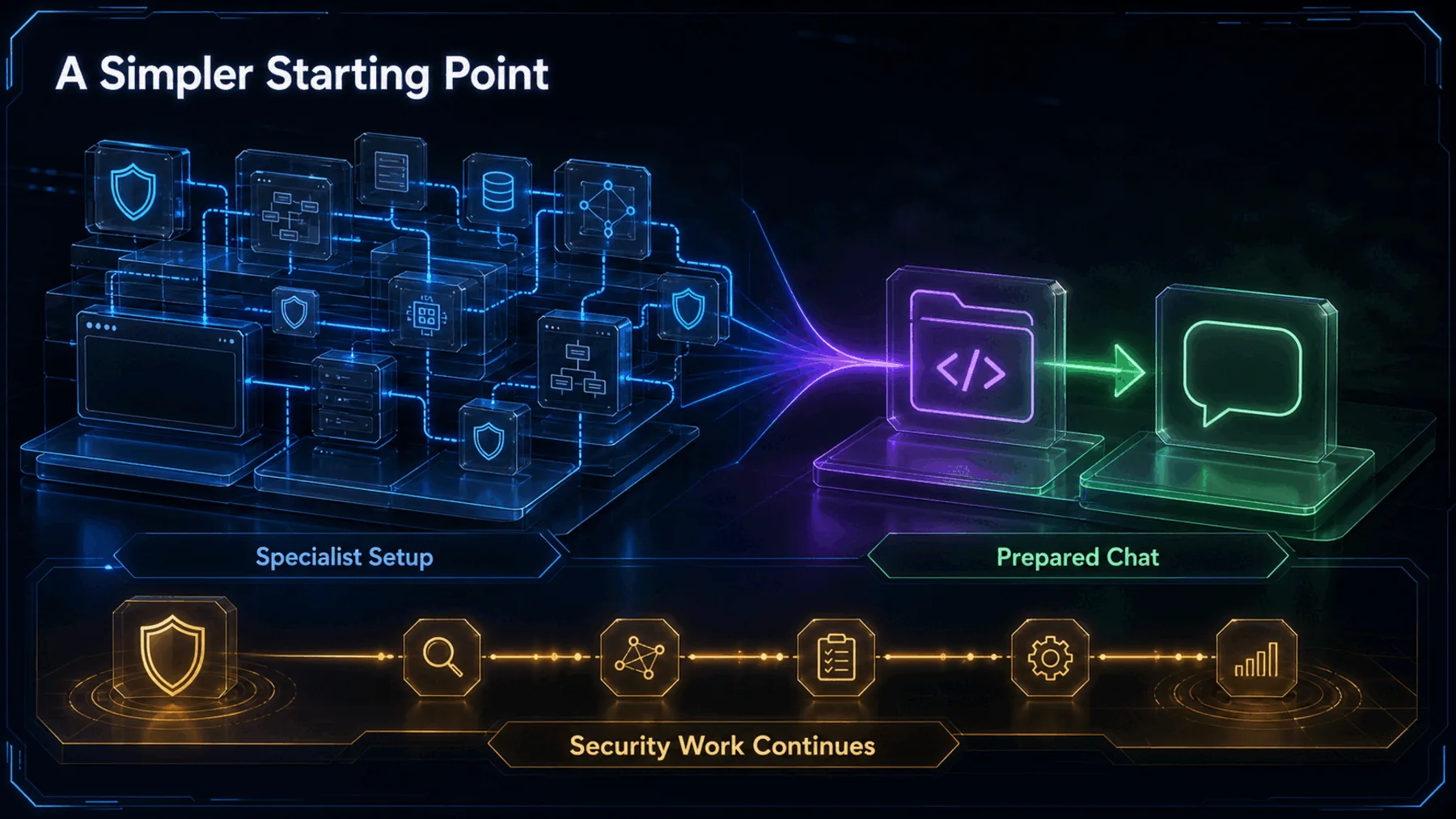
Beginning a security review can feel like a task that demands tooling knowledge before any useful work starts. OpenAI’s demonstration brings that first move into Codex and gives us a prepared route into the scan.
The simplification belongs to the interface. The source does not establish what happens inside the scan or how well it performs.
Four Actions to Begin
OpenAI’s post supports a short sequence that ends when the scan starts.
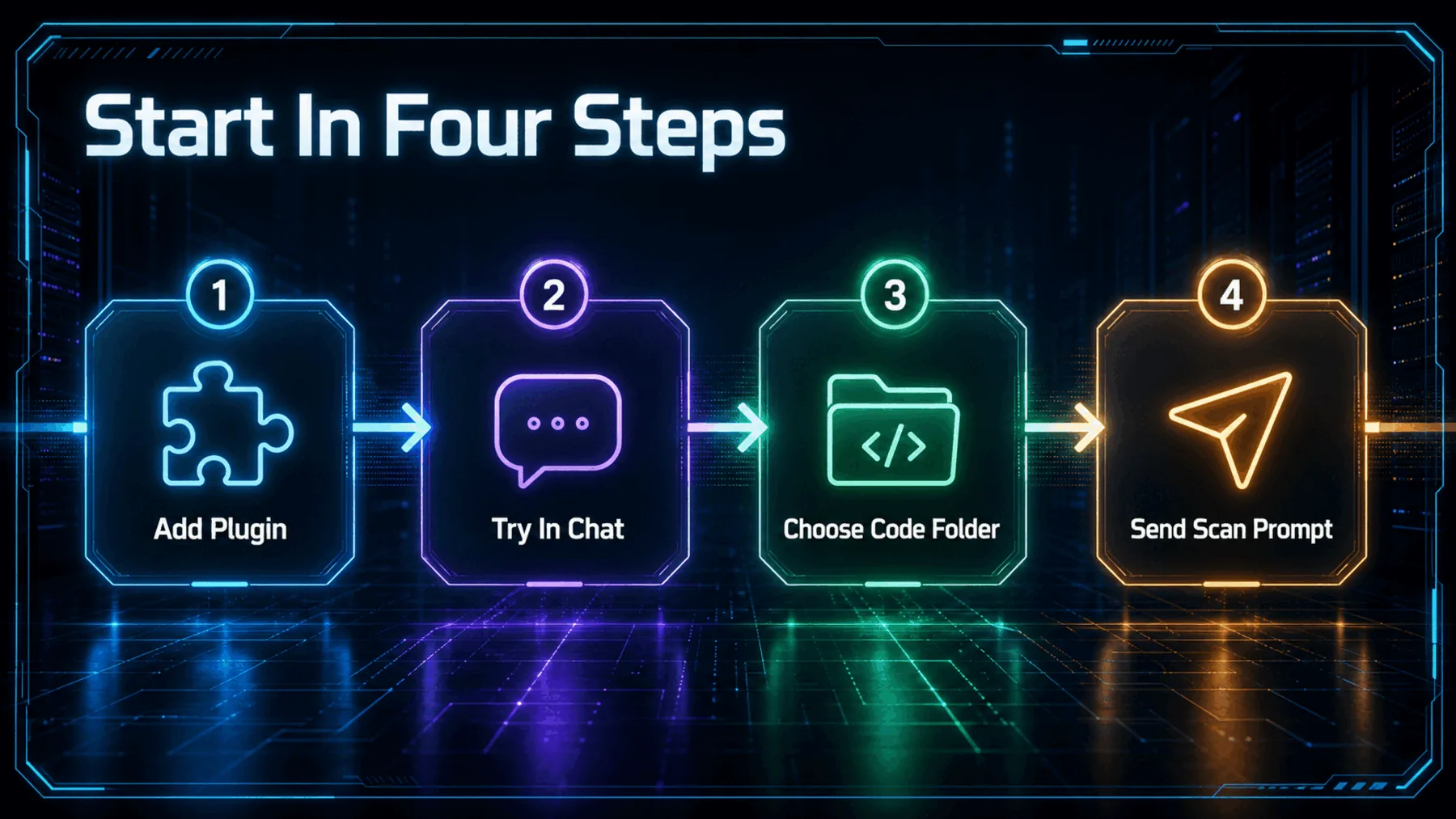
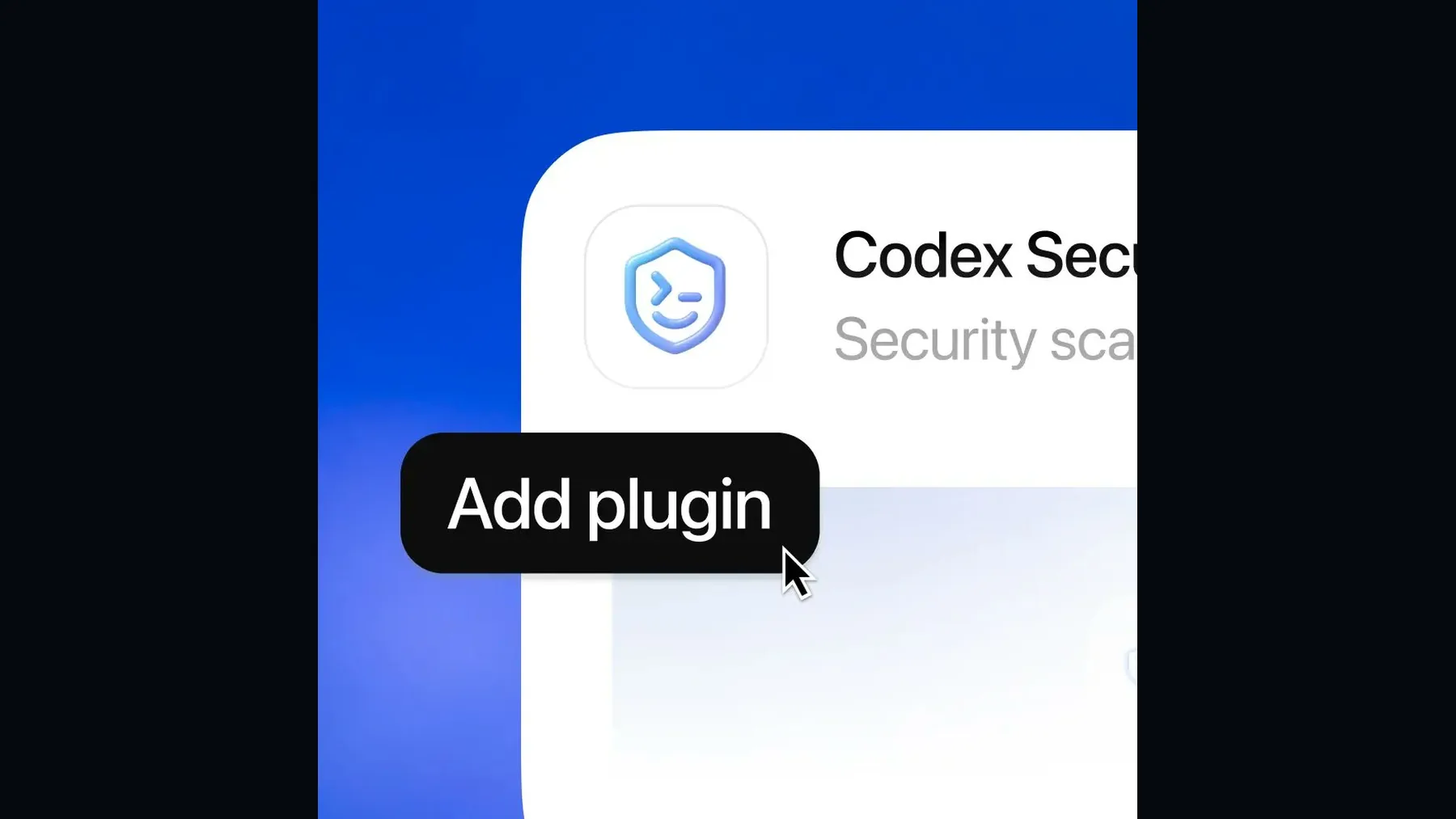
OpenAI says installation changes the plugin button to Try in chat. Selecting it opens a new Codex chat with a Codex Security scan prompt ready to run. We then choose a folder containing the code and press Send.
The order matters because it is the whole supported journey. Anything beyond the scan starting would extend the evidence past what OpenAI’s post demonstrates.
What OpenAI Actually Says
One OpenAI X post documents the onboarding sequence in direct interface language.
“Press ‘Send’ to start the scan.”
OpenAI, @OpenAI
The wording is narrow and useful. OpenAI explains how to add the plugin and get started, then walks through the controls that lead to Send.
It does not show findings, a report or a remediation flow. Reading the source at its actual boundary gives us a clear onboarding story without turning it into a broader product verdict.
The Proof Stops at Send
The post shows the handoff into a scan, not what the scan discovers or delivers.
The preview substantiates the interface transition: after installation, Try in chat opens a prepared Codex Security conversation. That makes the starting mechanism visible.
It does not establish eligibility, pricing, supported code, scan duration, detection performance, privacy handling or the quality of any findings. Those questions remain open rather than negative.
The Request Takes Shape
Codex prepares the conversation; we provide the code location and the final instruction to begin.
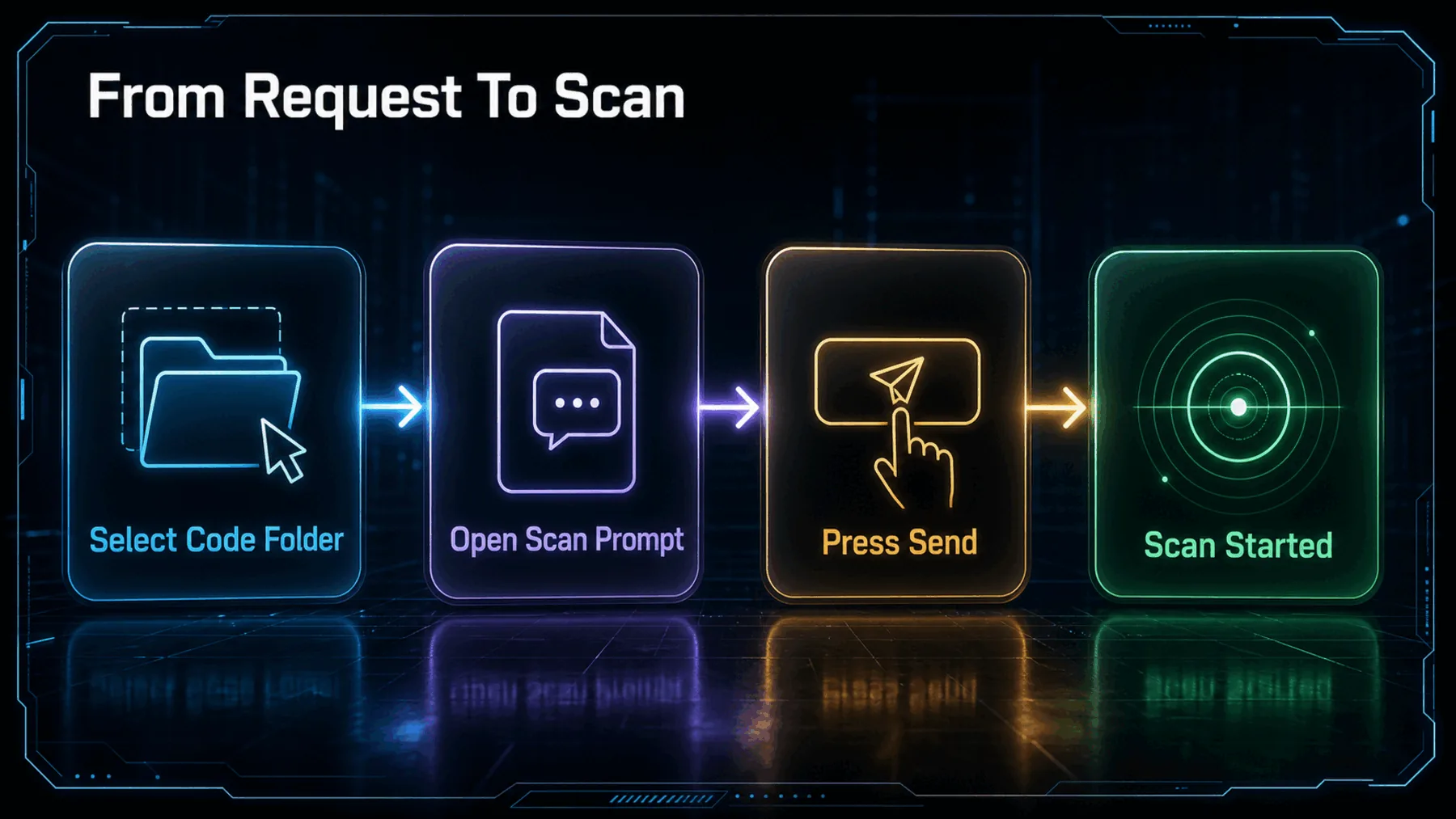
The demonstrated flow separates preparation from consent. Codex opens the scan prompt ready to run, but we still choose the folder containing the code and press Send.
That distinction is useful: the interface prepares the request without the source revealing the prompt’s contents, the underlying system or any subsequent output.
A Clear Start, Then Questions
The onboarding path is visible; the practical boundaries of the service are not.
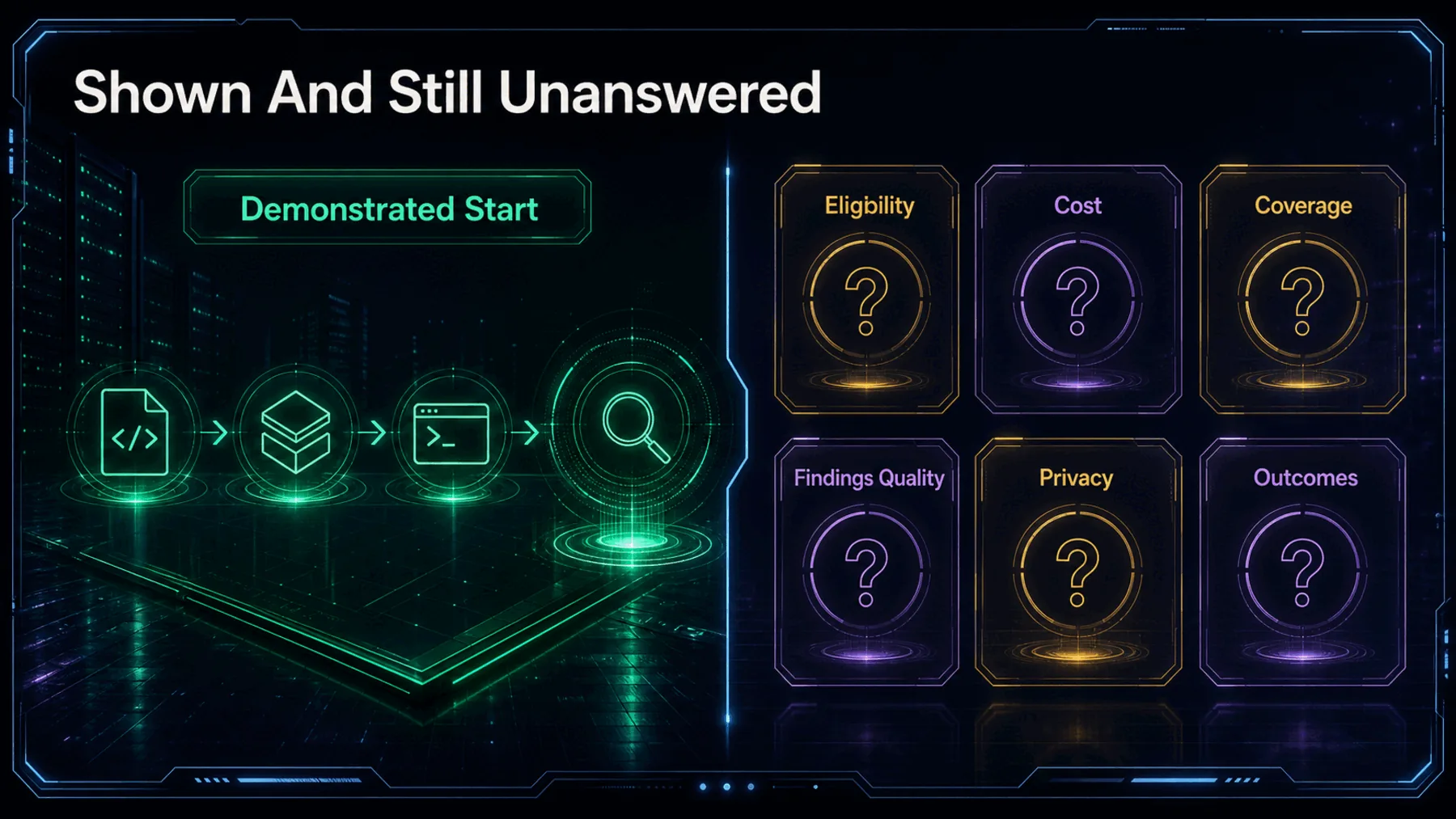
We know how OpenAI presents the start: add the plugin, move into chat, select the relevant code folder and send the prepared prompt. That is enough to understand the interaction model.
We do not know from this source who has access, what it costs, what code it supports, what data handling applies or how dependable its findings are. The honest conclusion is a boundary, not a forecast.
The Interface Is the Move
Codex Security is introduced through a prepared conversation rather than a separate-looking security ritual.
The notable shift is not a proven security outcome. It is that beginning a security review now looks like starting a guided Codex conversation.
Synthesis grounded in OpenAI’s 17 July 2026 X post
That framing could matter because the first barrier to using a specialist tool is often knowing how to begin. OpenAI’s sequence gives us an immediate route from installation to a scan request.
But approachable packaging and trustworthy performance are different claims. The post establishes the first and leaves the second for later evidence.
Run a source-bounded security review
Use Codex Security to review the code folder selected in this chat. Do not modify any files. For every potential issue, report the severity, file path, relevant line or function, supporting code evidence, security consequence, confidence level and a specific remediation. Separate confirmed findings from items that require manual verification, identify anything the scan could not inspect, and state clearly if no evidence-backed findings are returned.Ready to copy
Test What Follows Send
Use the demonstrated path as the starting point, then record the access conditions, scope, findings, evidence and data-handling details the onboarding post does not answer.
Try the promptEvidence to Watch Next
- Access and cost
- Supported code
- Finding quality
- Privacy and outcomes