Your next Codex agent need not start blank
OpenAI says ChatGPT Work and Codex can bring selected work across from other agents—and keep some of it current if we choose.
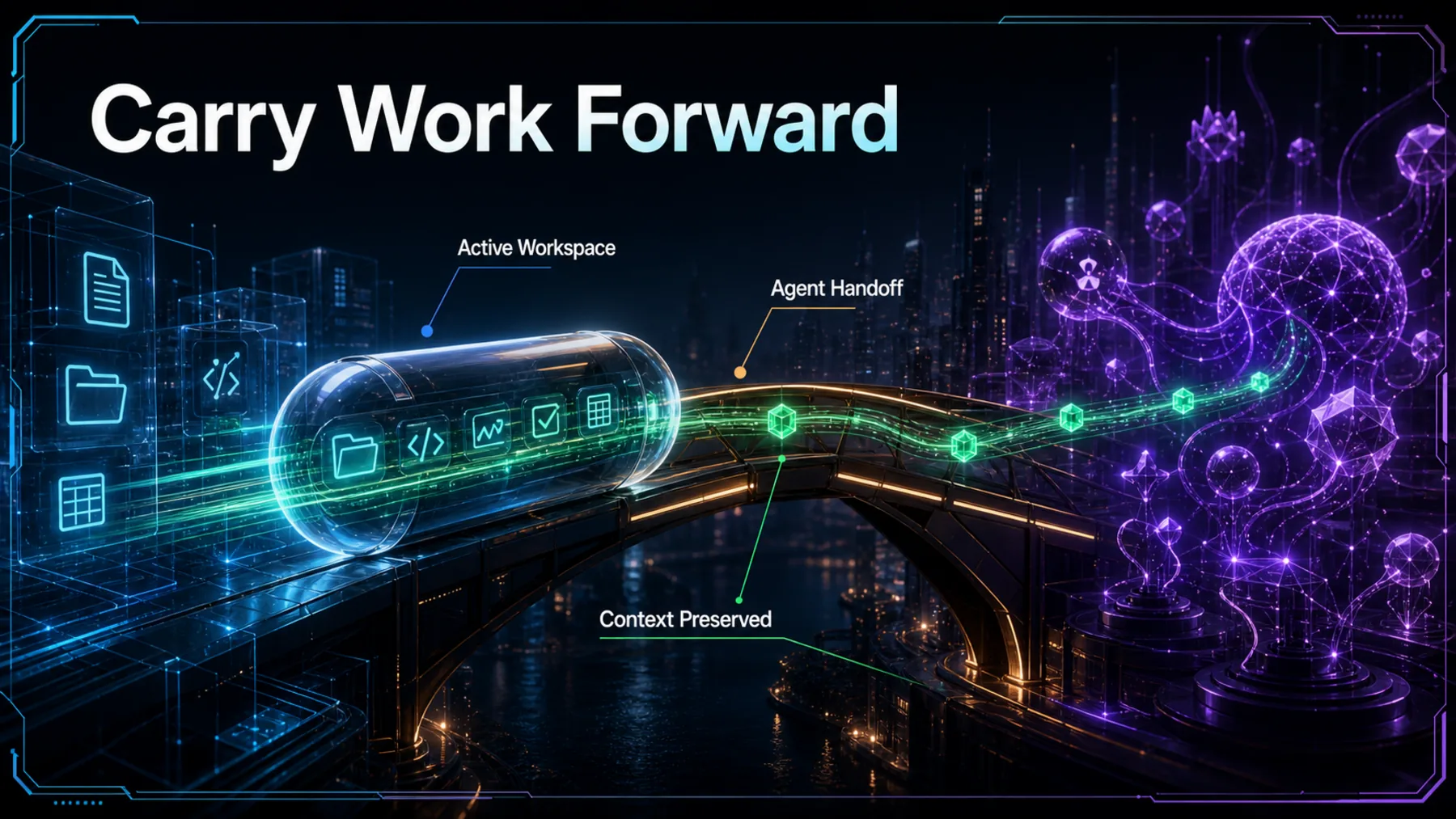
Switching agents can mean leaving behind the small things that make work move: a project’s context, its useful conversations, the skills we return to and the configuration that has already earned its place. OpenAI says ChatGPT Work and Codex can import selected work from other agents, shifting the promise from a fresh start to a more continuous handoff.
That promise has boundaries. The posts name the ChatGPT desktop app, make automatic updates optional and do not establish universal compatibility or lossless transfer. The useful question is therefore not whether everything moves, but whether enough of our working setup can travel to make the next environment productive sooner.
Carry the useful parts forward
A working setup has value precisely because it was not built from nothing.
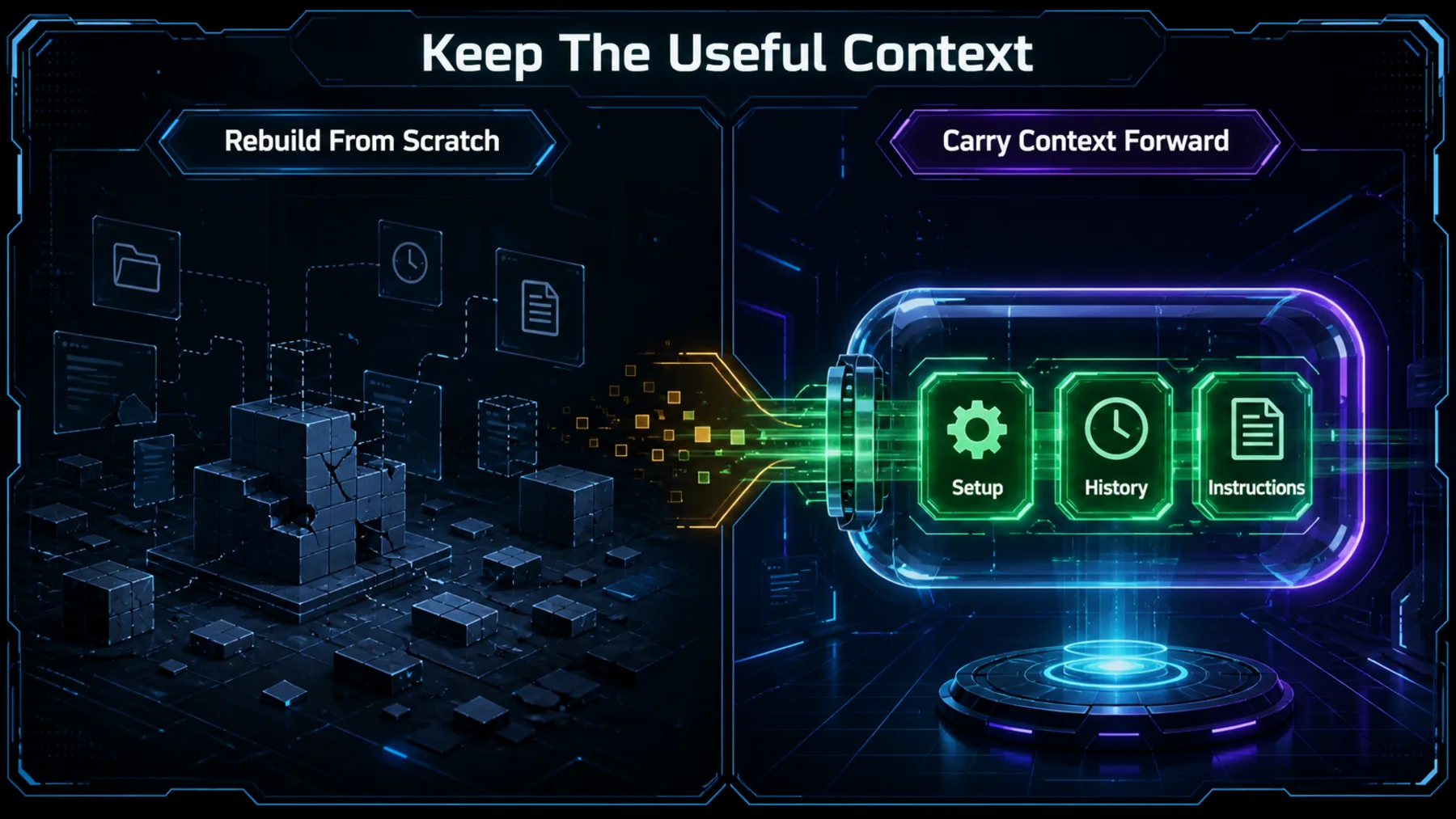
A clean slate can be useful, but it is often expensive. We spend time re-establishing the project, retracing decisions and rebuilding the tools around the work before the new agent can contribute with any real context.
OpenAI’s framing is more practical than grand: bring the work that matters, review what arrived and continue from there. That makes import less like an administrative migration and more like preserving momentum across an agent change.
OpenAI names the moving parts
The list is specific enough to matter, but not broad enough to become a portability guarantee.
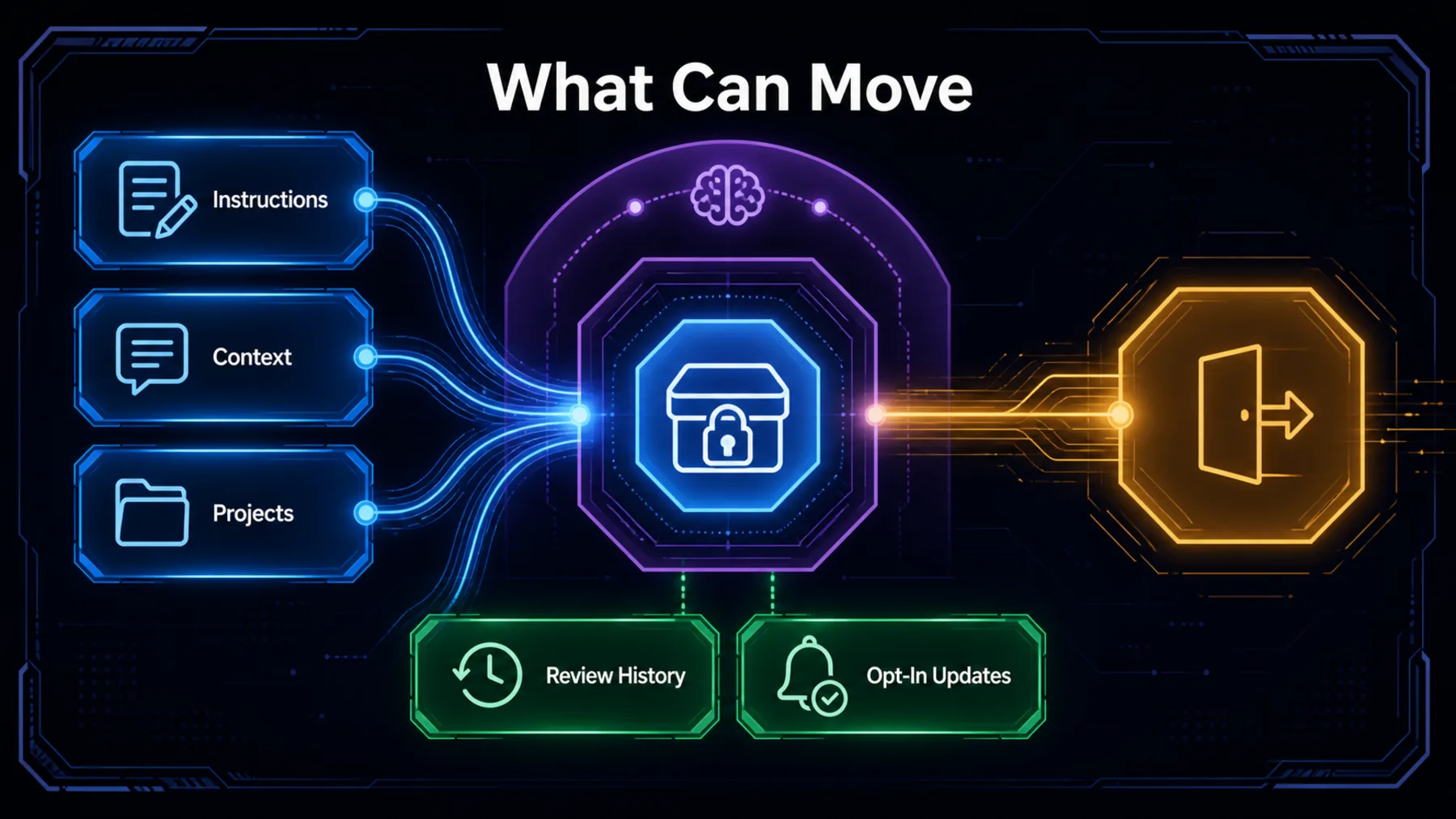
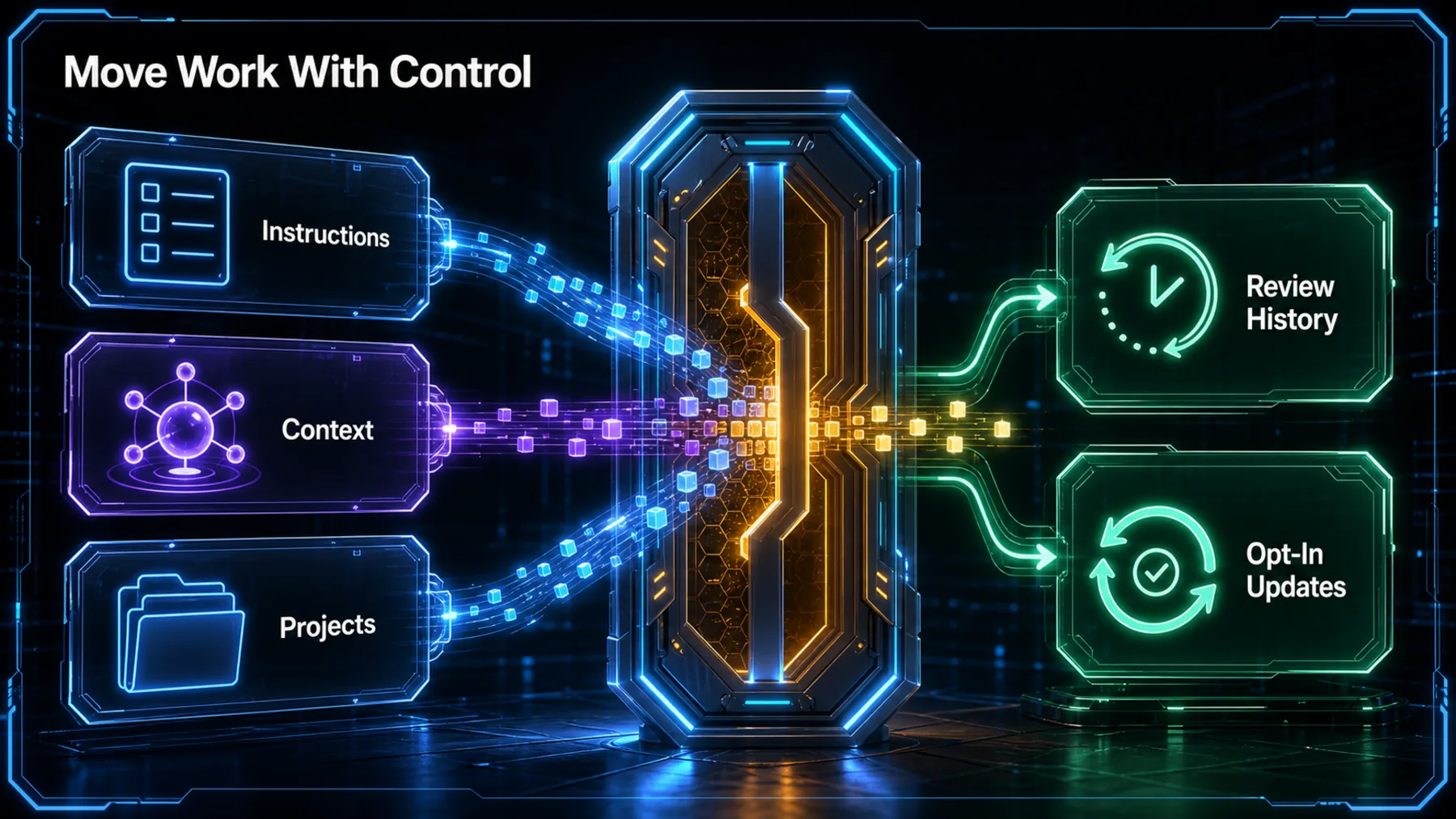
OpenAI’s direct post names projects, chats, skills and plugins. A related OpenAI post embedded in the supporting thread adds settings, agents and project configuration for Codex. Together, those descriptions point to a handoff that reaches beyond a single chat transcript.
The controls matter as much as the categories. Import history gives us something to inspect, while automatic updates remain an explicit choice. That is a more careful proposition than frictionless continuity: work may continue across environments, but the ongoing link is neither implied nor automatic.
The claim in OpenAI’s words
The announcement is narrow, practical and clear about where it is available.
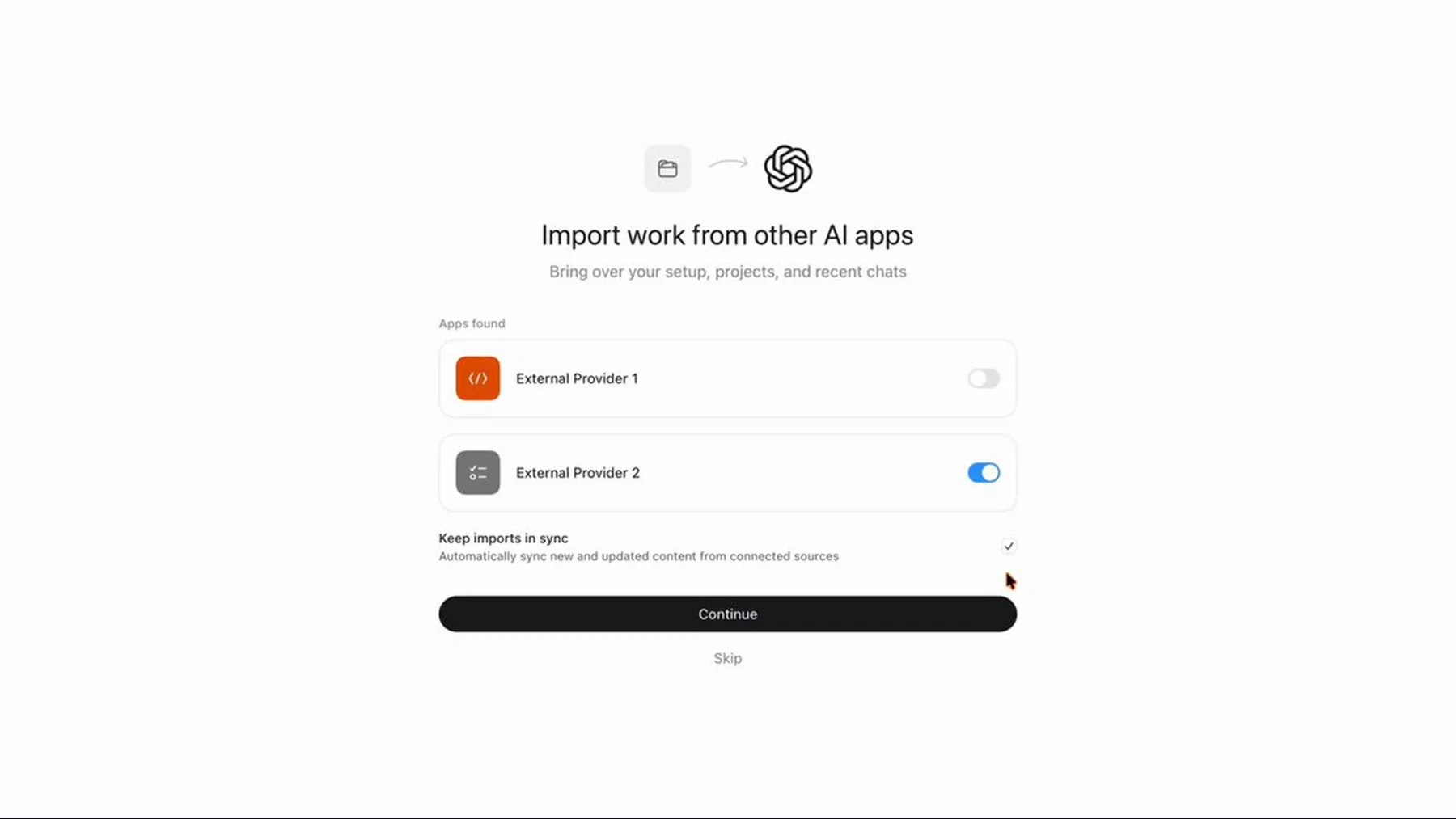
The core claim is not that every agent becomes interchangeable. OpenAI says work from other agents can stay in sync with ChatGPT Work and Codex, then specifies an import-and-review path around that claim.
That distinction is worth keeping. The announcement establishes a product capability and a set of controls; it does not settle how every outside setup will behave once it arrives.
Import projects, chats, skills, and plugins, review your import history, and opt in to automatic updates in Settings.
OpenAI Developers
A promise with visible edges
The source gives us a useful direction of travel, not a universal transfer standard.
The evidence supports a straightforward reading: OpenAI is making it easier to bring selected work into ChatGPT Work and Codex, with a record to review and an optional update setting. It does not tell us that every third-party agent, format or plugin will arrive unchanged.
That is not a minor footnote. Fidelity, compatibility and platform scope are exactly where a promising handoff becomes a dependable working practice. Until those details are established, we should treat import as something to inspect, not something to assume.
Import, inspect, then choose
Continuity depends on a visible review step and an explicit decision about updates.
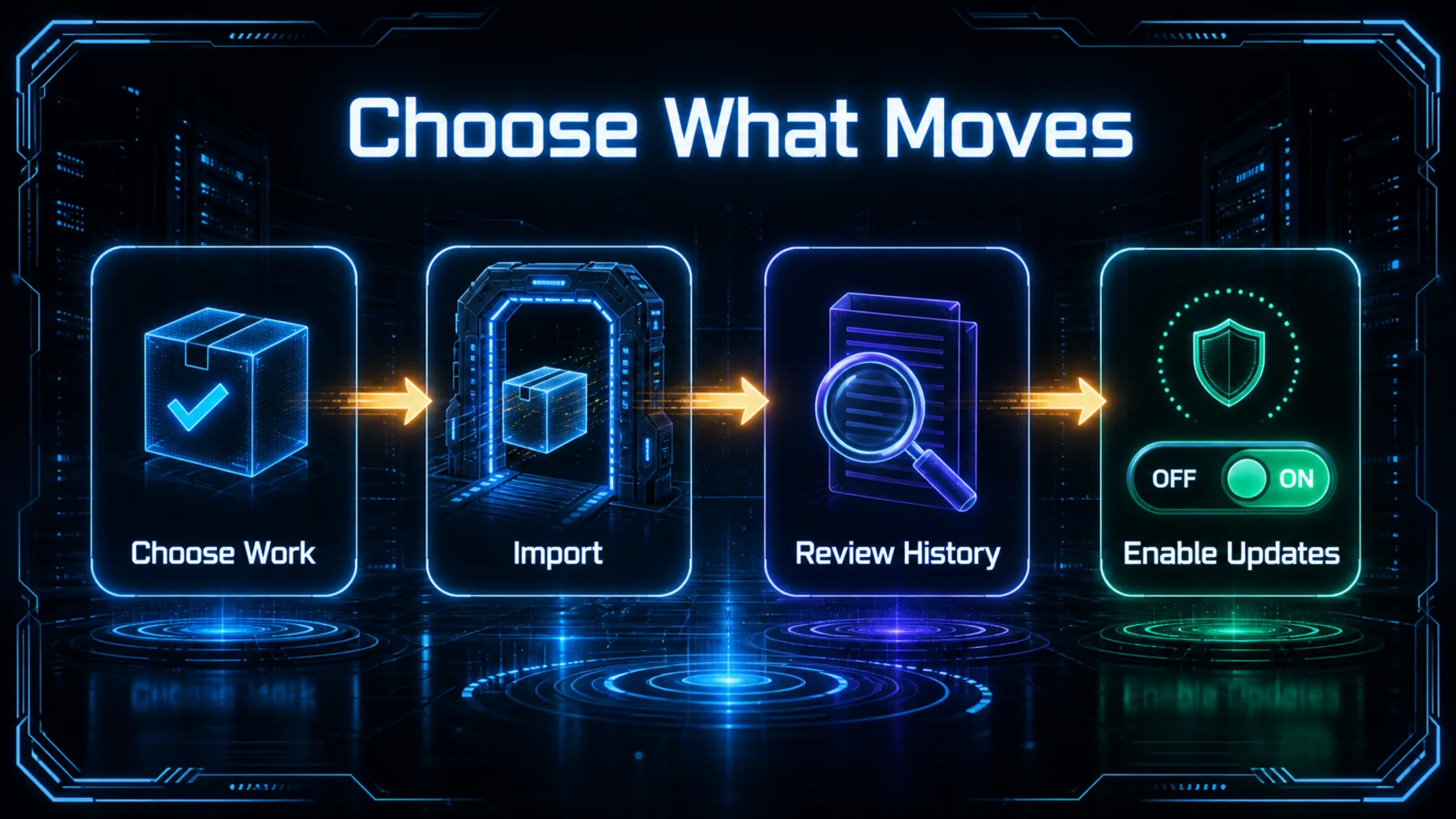
The strongest part of the announcement is the sequence it implies. We choose what comes over, inspect the import record and then decide whether automatic updates belong in the setup. The value is not merely moving files or settings; it is keeping control over the relationship after the move.
That makes the handoff living without making it invisible. OpenAI’s wording leaves updates as an opt-in setting, so the continued connection is a deliberate operating choice rather than a background assumption.
Choose
Bring across the project context and setup that genuinely earns its place.
Review
Use import history to inspect the handoff instead of treating it as opaque.
Opt in
Enable automatic updates only where continued continuity is useful.
Continuity still needs proving
The handoff may reduce rebuilding, but it does not remove the need to check what arrived.
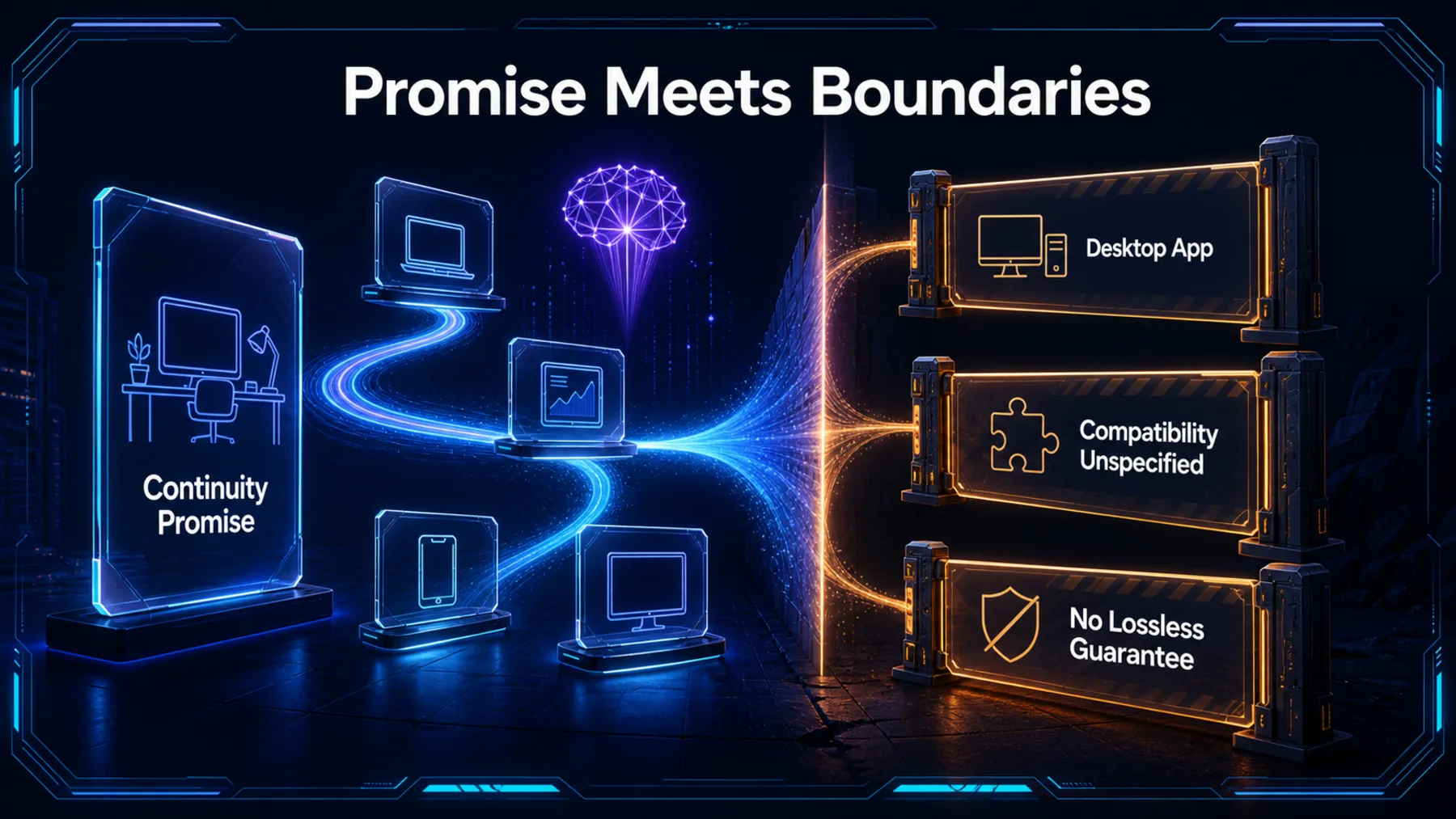
If we try this in a serious workflow, the sensible gain is time: less rebuilding of context and configuration before work resumes. The sensible discipline is verification: check the imported project, the conversations and the tools we expect to rely on.
OpenAI has not claimed that imports are lossless, that all agent formats are supported or that transferred components behave identically. Those unknowns do not erase the opportunity; they define the test we should run before we depend on it.
Select
Start with a bounded project and the setup we can clearly recognise.
Inspect
Review the import history and compare the working context with the original.
Test
Check the important skills, plugins and configuration before relying on them.
Portability becomes product work
When work can follow us, switching agents starts to look less like a reset.
OpenAI’s announcement matters because it treats the accumulated shape of our work as part of the product. Projects, chats, skills and plugins are not incidental baggage when we change environments; they are often the difference between an empty workspace and one that can pick up the thread.
The more cautious reading is also the more useful one. This is not a declaration of universal portability. It is a move towards a reviewable, optional continuity layer—and that is enough to change what we should expect from an agent switch.
The next useful agent may be the one that can inherit the work we have already taught another environment to hold.
Altior synthesis from OpenAI’s announcements
Map a working setup before moving it
Act as a workflow auditor. Create a concise handoff map for a project moving into Codex: list the project context, active conversations, reusable skills, plugins, settings and configuration we rely on; mark each item as essential, useful or optional; then produce a three-step import review plan and a separate list of items we must test after import. Do not assume every item transfers intact or stays updated automatically.Ready to copy
Test the handoff honestly
Start with one bounded project, review what arrives and decide whether optional updates strengthen the workflow before treating continuity as settled.
Try the promptWhat could change the picture
- Compatibility detail
- Fidelity evidence
- Platform scope
- Update behaviour