Your next skill starts with “watch me”
Claude says a recorded desktop demonstration can become a reusable skill, but the announcement leaves the controls around that process unexplained.
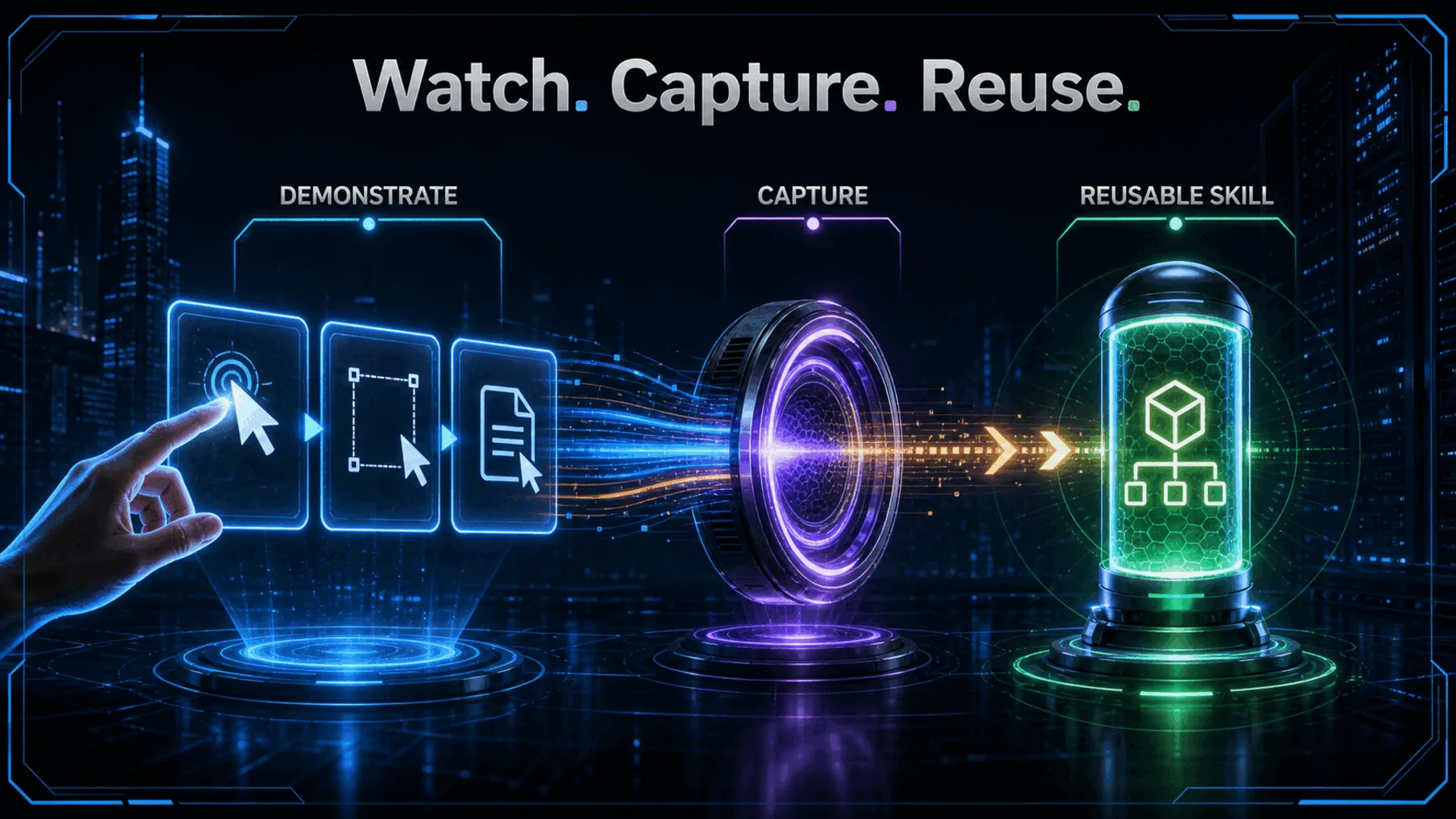
Some workflows are simple to perform and surprisingly awkward to explain. The clicks feel obvious while we are doing them; written instructions make every small decision visible.
Claude’s answer is Record a skill. Claude says we can perform a desktop task, narrate it as we go and turn that demonstration into a skill it can run again. The convenience is clear. The conditions for trusting the result are not.
Showing can beat writing
A demonstration captures the sequence and the judgement that a procedural document can miss.
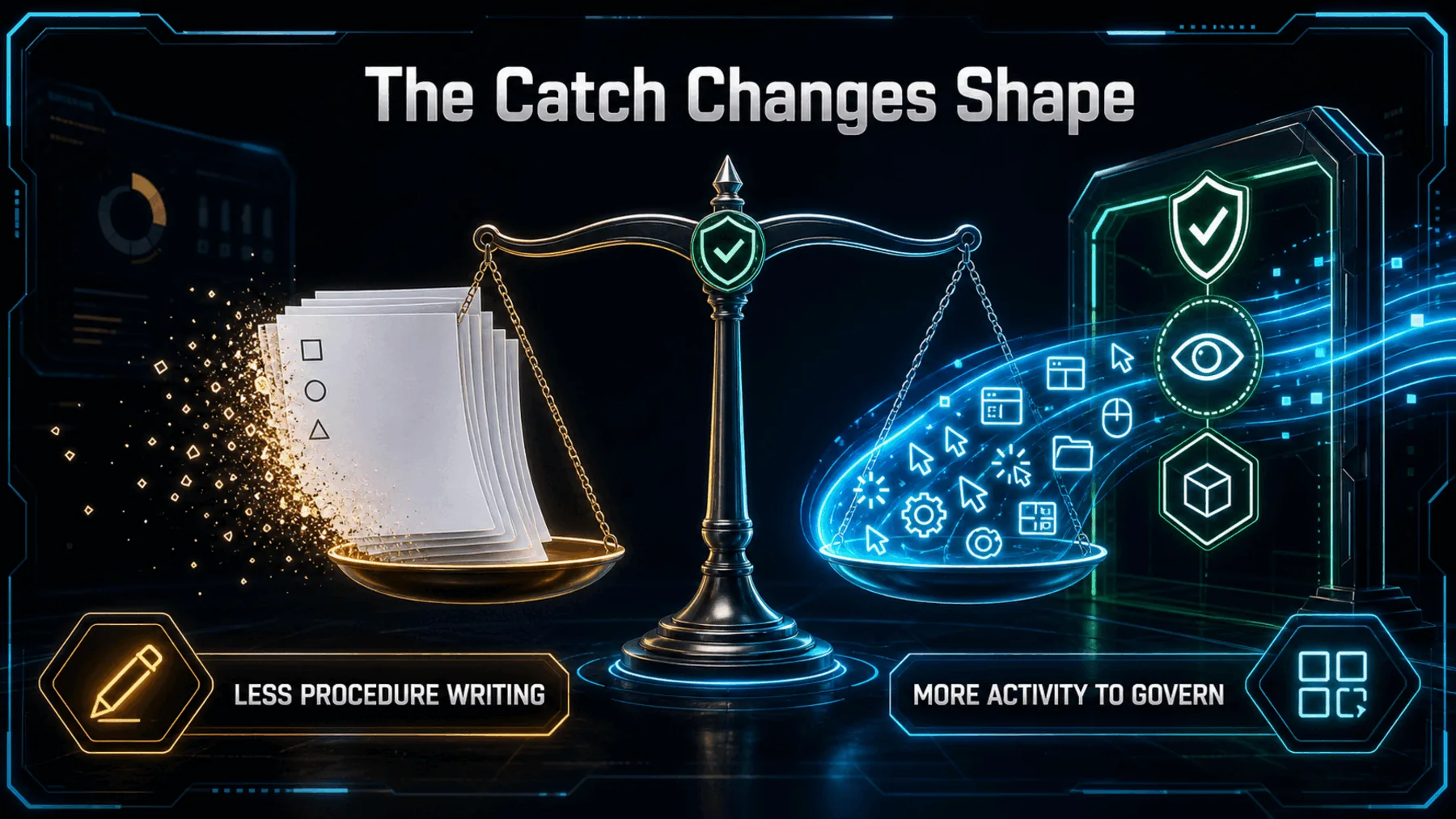
The appeal begins with a familiar mismatch: we often know how to do a task without knowing how to turn it into a precise operating manual. Showing the work lets the sequence emerge from the work itself.
That changes where the effort sits. We may spend less time describing each step, but we still need to decide what Claude can see, what the demonstration reveals and how we will check the skill before trusting it again.
What Claude actually confirmed
The feature promise is specific; the surrounding control model is not.
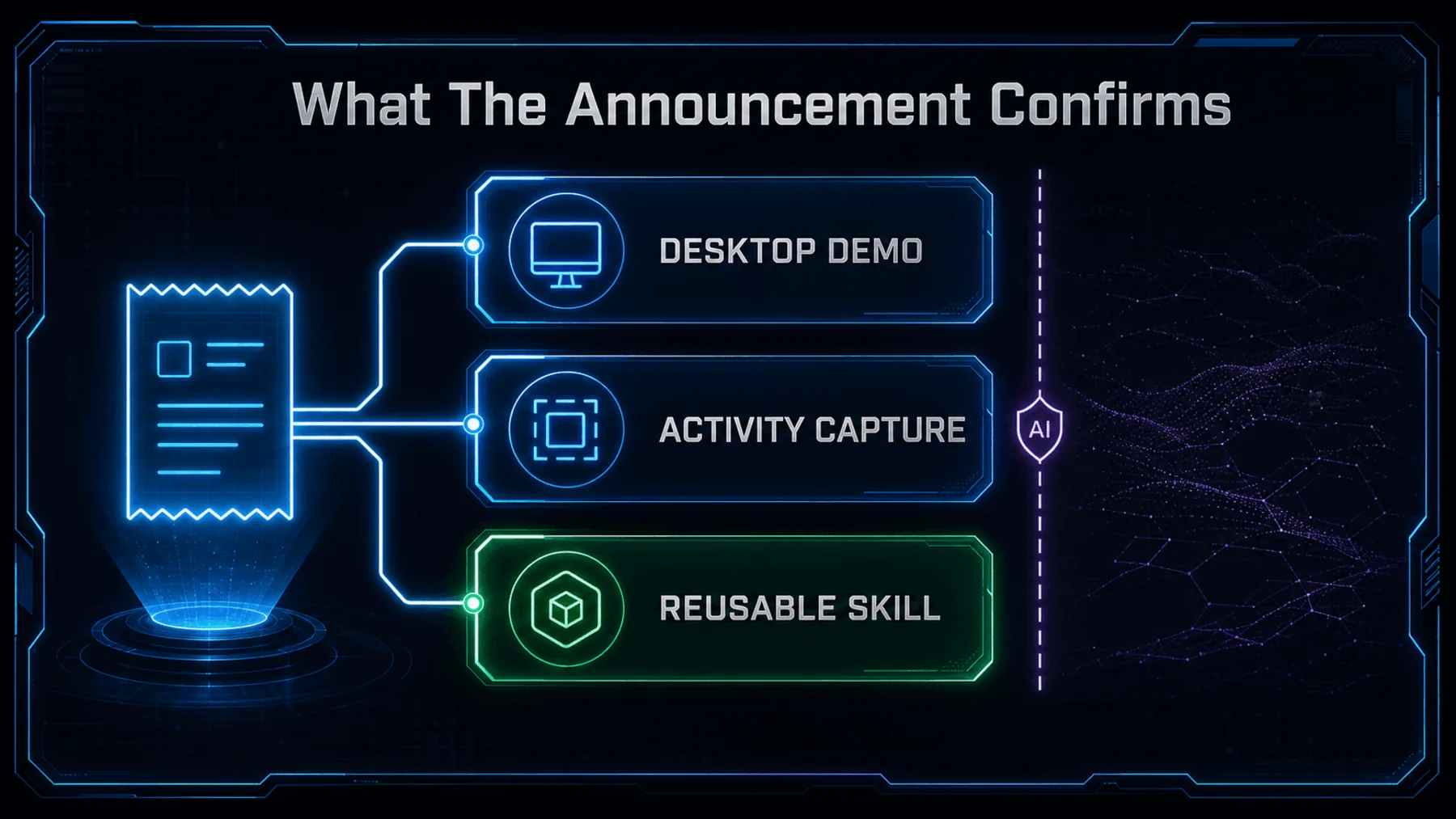
Claude announced Record a skill for Cowork in the Claude desktop app. It appears under the + menu and, according to Claude, is available on Pro, Max and Team plans.
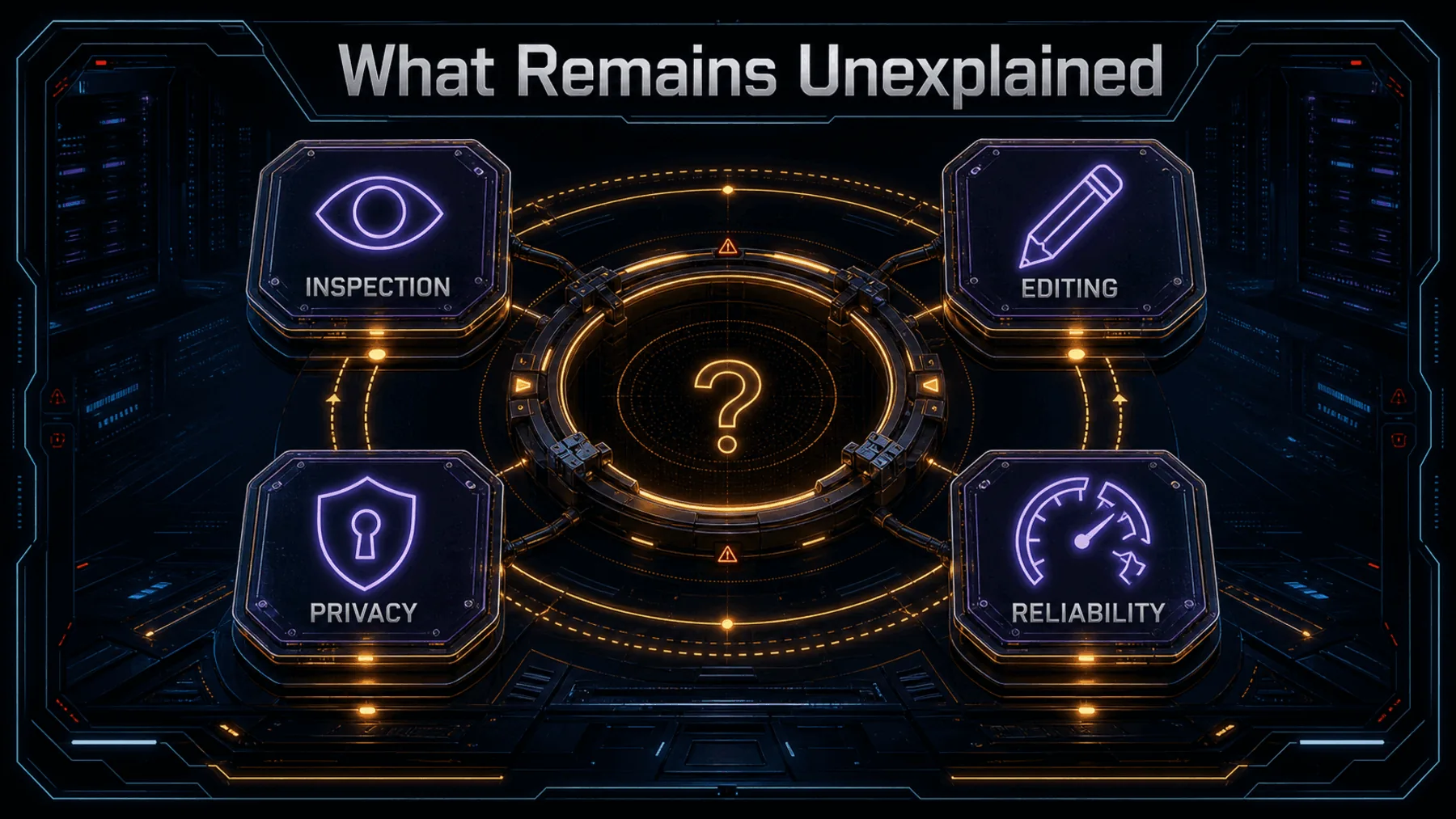
That is the full confirmed perimeter. The post gives no pricing, geography or rollout detail, and it does not explain how a generated skill can be inspected, edited, constrained or validated.
Claude’s own receipt
The interface makes both the promise and the capture disclosure unusually plain.
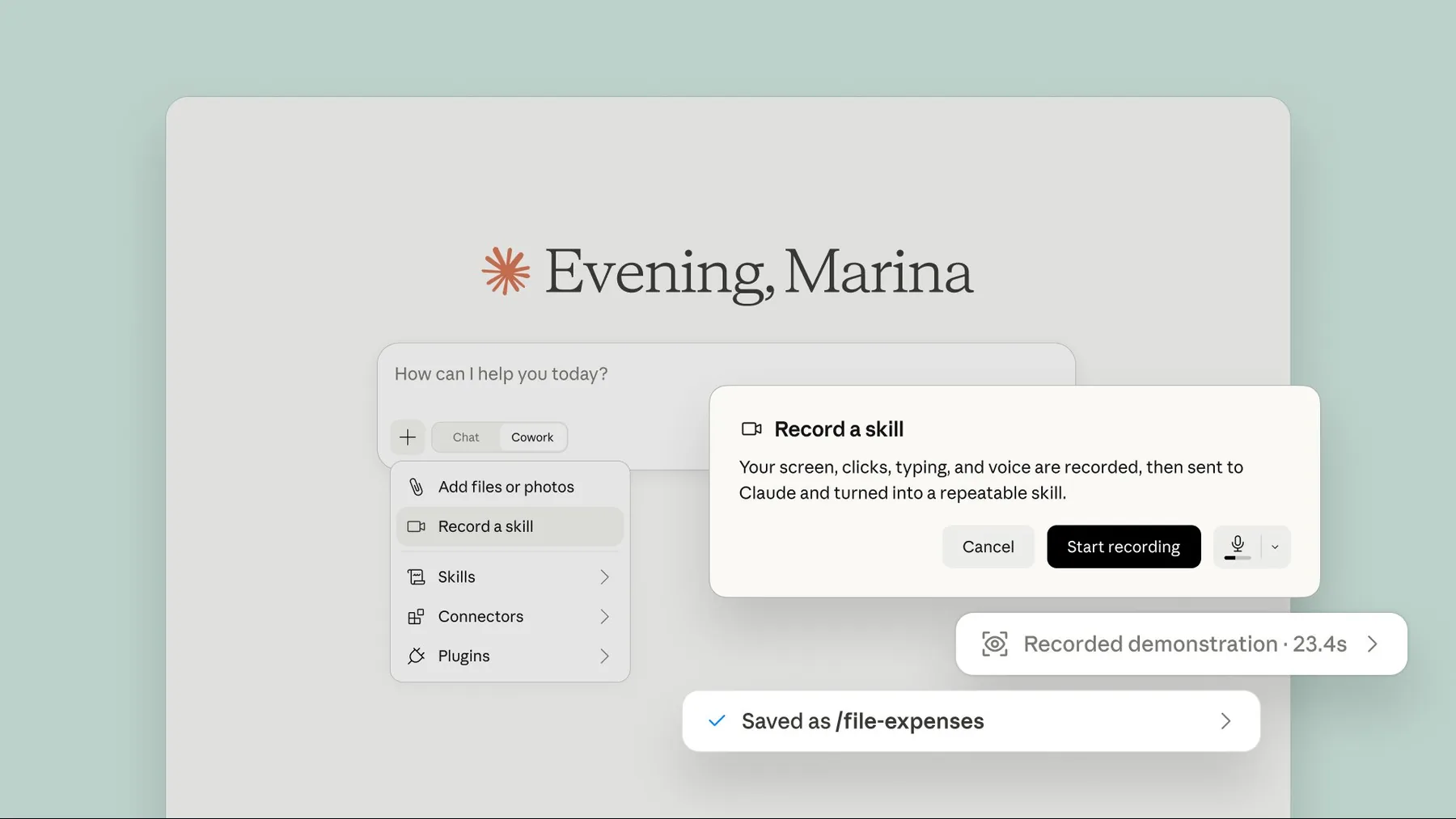
Claude’s product image says the recording includes our screen, clicks, typing and voice before being sent to Claude and turned into a repeatable skill. That disclosure is central to the feature, not a footnote to it.
The same image shows “Saved as /file-expenses.” It is an illustrative result, not evidence that Creator Broadcast has tested the feature or that every recorded workflow will produce a dependable skill.
Your screen, clicks, typing, and voice are recorded, then sent to Claude and turned into a repeatable skill.
Claude-published product image
The proof — and its limit
Claude shows what the feature is meant to do, not how reliably or safely it does it.
The announcement establishes a clear product proposition: demonstrate a task once and preserve it as something Claude can run again. It also identifies the desktop entry point and the three named plans.
It does not provide independent validation, a technical specification or evidence about performance. We can treat the post as proof of what Claude announced, but not as proof that the resulting skill will handle variation, recover from mistakes or reproduce the task consistently.
From demonstration to reusable skill
The public explanation is simple; a cautious first run adds one necessary step.
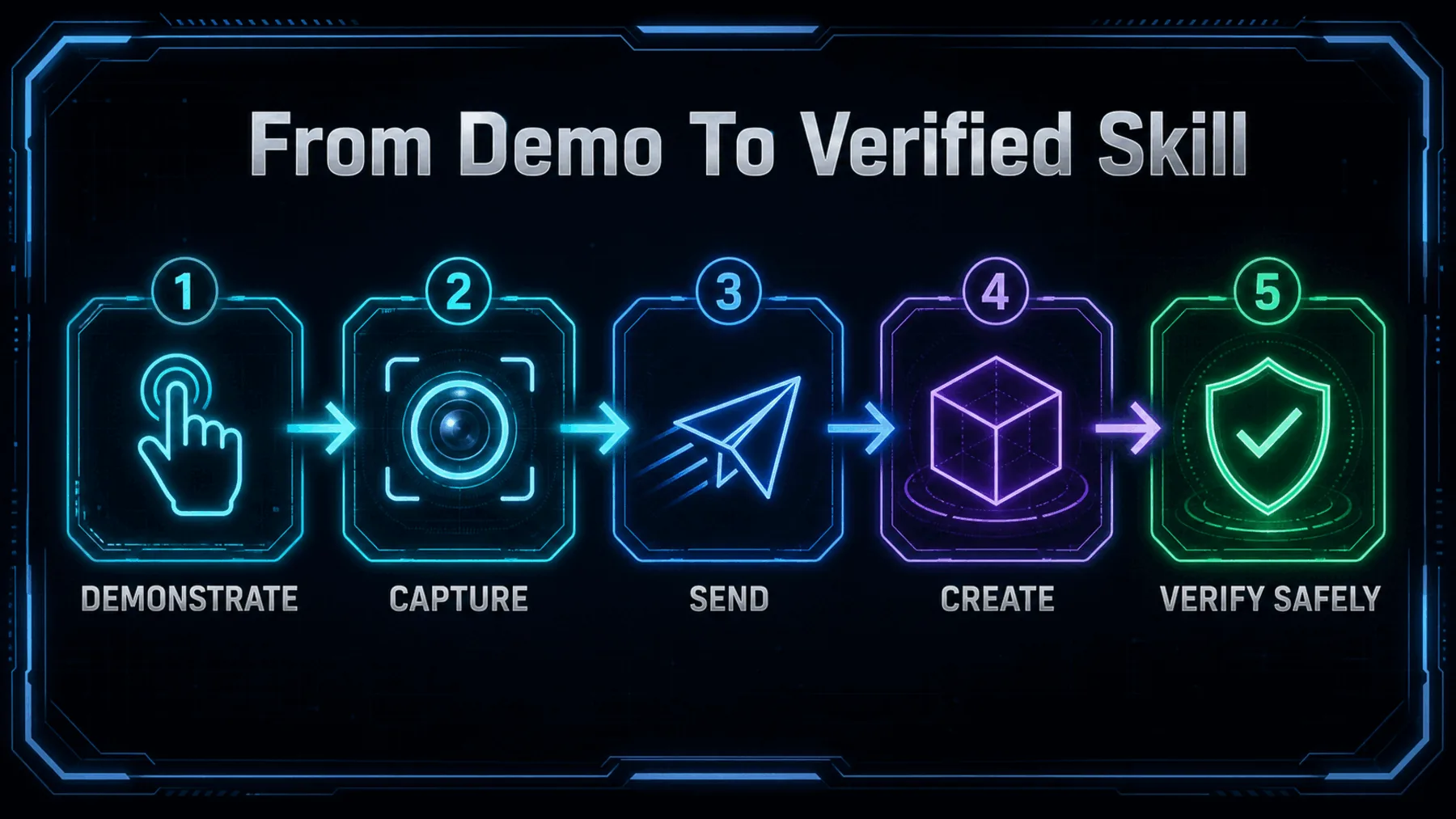
We perform the task on screen and talk through the choices. Claude says the screen recording and narration are sent to Claude, which turns the demonstration into a skill it can run again.
Claude does not describe verification as part of the feature. That final check is our safeguard: repeat the skill on harmless, controlled material and compare the result with what we intended to teach.
Test the convenience carefully
A low-risk trial can reveal whether the saved behaviour matches the demonstrated job.
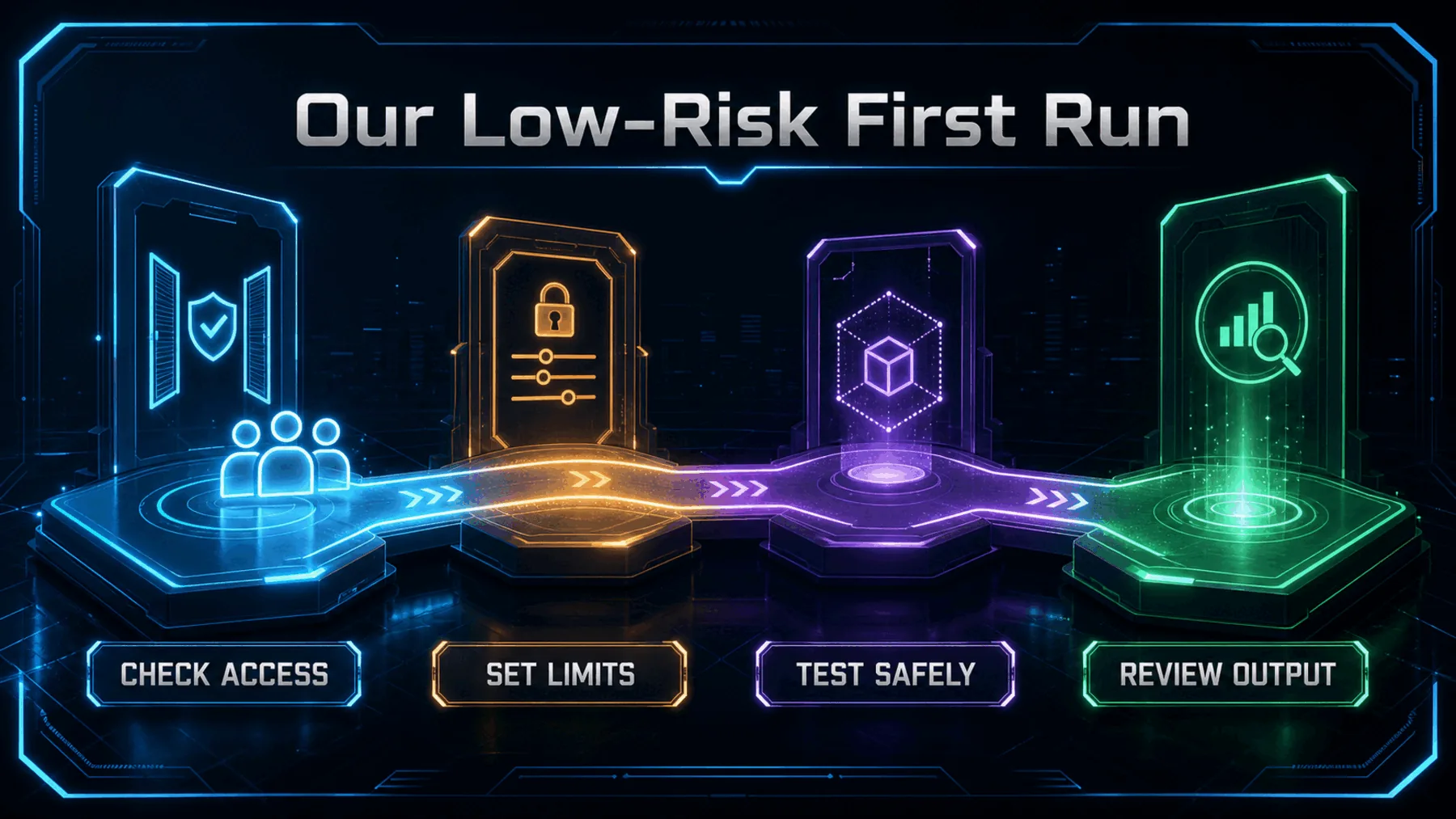
If Record a skill is available on our named plan, the first demonstration should use fictional or disposable material. A narrow filing or formatting task gives us an observable result without exposing sensitive work or creating costly consequences.
We should then run the skill again against a second controlled example and compare the output. This does not resolve the unanswered privacy or administrative questions, but it separates the appeal of the demonstration from the reliability of the saved behaviour.
Work becomes the instruction
Claude is asking us to teach through performance rather than procedural prose.
The important shift is not that Claude can watch us work. It is that the demonstration itself can become the reusable instruction.
Creator Broadcast synthesis, grounded in Claude’s announcement
That could make skill creation more accessible to the people who know a process intimately but would never write a formal procedure for it. Their practical judgement can enter the system through the act of doing the work.
The same directness raises the stakes. A demonstration may contain more than the intended procedure, and a reusable result can preserve mistakes as easily as good judgement. Convenience becomes meaningful only when capture boundaries and verification keep pace.
Build a safe Record a skill trial
In Claude Cowork, create a folder named Claude Skill Trial containing five fictional expense receipts as plain-text files. Give each receipt a different date, merchant and amount, then organise copies into month folders and produce a manifest listing every filename, destination and amount. Do not access, move or alter any existing files. This workspace will be used to demonstrate the same filing process with Record a skill and check whether the saved skill reproduces the manifest accurately on a second fictional set.Ready to copy
Test the controls first
Start with fictional material, keep the task narrow and verify the saved behaviour before Record a skill touches consequential work.
Try the promptWhat to watch next
- Retention and deletion
- Review and editing
- Administrative control
- Reliability evidence