Claude: Tell it once. Carry the context.
Anthropic says Claude memory now moves between chat and Cowork; the more useful question is how visibly we can control what moves with it.

Anthropic says the memory used in Claude chat is now the same one used in Cowork. That makes the release less about a model remembering more and more about whether a piece of working context can survive the move from conversation to action.
The catch is obvious. Shared memory can sound like an opaque profile following us around. Anthropic’s answer is a Topics layer we can inspect, edit, delete, pause or reset.
Less briefing, more continuity
The promise is not perfect recall; it is less time spent rebuilding the same working context.
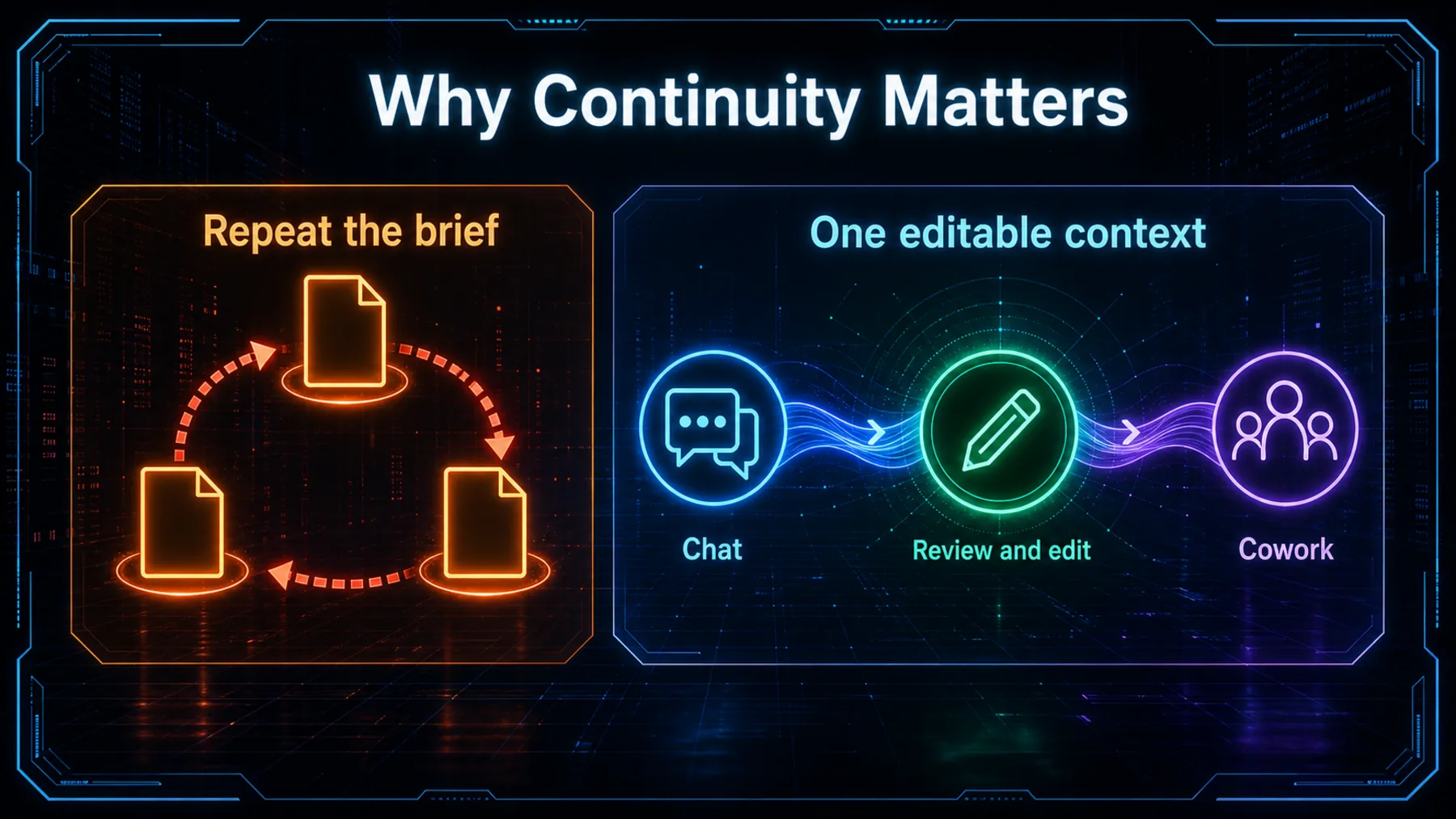
When we move from a chat about a project into a Cowork task, the frustrating part is often the re-brief: the deadline, the tone, the people involved, the decision already made. Anthropic says those details can now travel through the same memory.
That can make a working session feel less fragmented, but it does not turn memory into a guarantee. The useful habit is still to check the context that matters before we rely on it.
Availability has conditions
The launch reaches several plans and platforms, while business access and mobile updates carry their own limits.
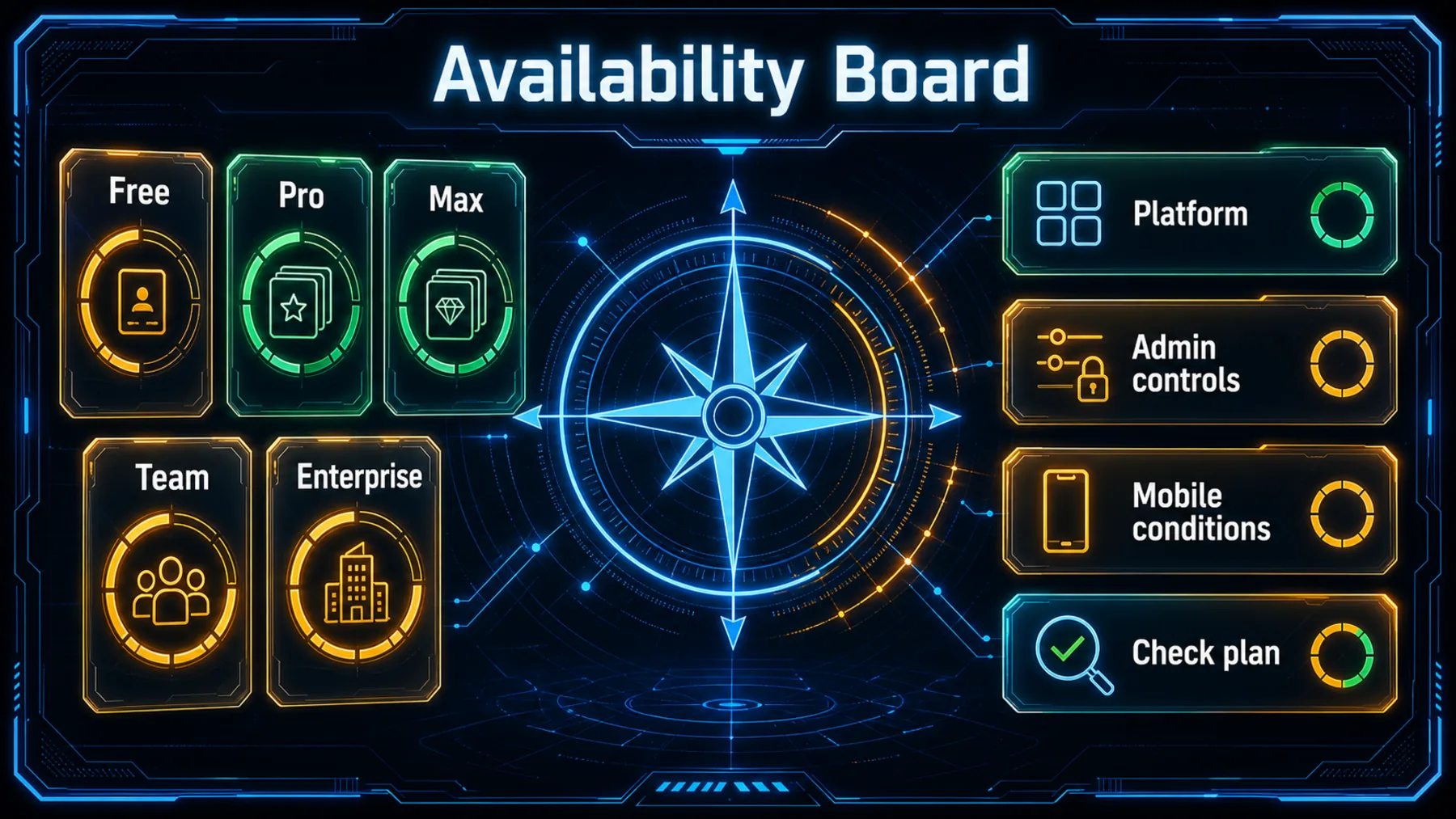
Availability is part of the release, not the whole story. Anthropic says memory is on by default for Free, Pro and Max across web, desktop and mobile; on iOS and Android, we may need the latest app version for the newest updates.
For Team and Enterprise, Anthropic says administrators control availability and memory remains off until each person enables it. That makes checking the actual setting more useful than assuming the feature has arrived everywhere in the same way.
The controls are visible
Saved memory is presented as individual Topics we can inspect and change, rather than an invisible history we must simply trust.
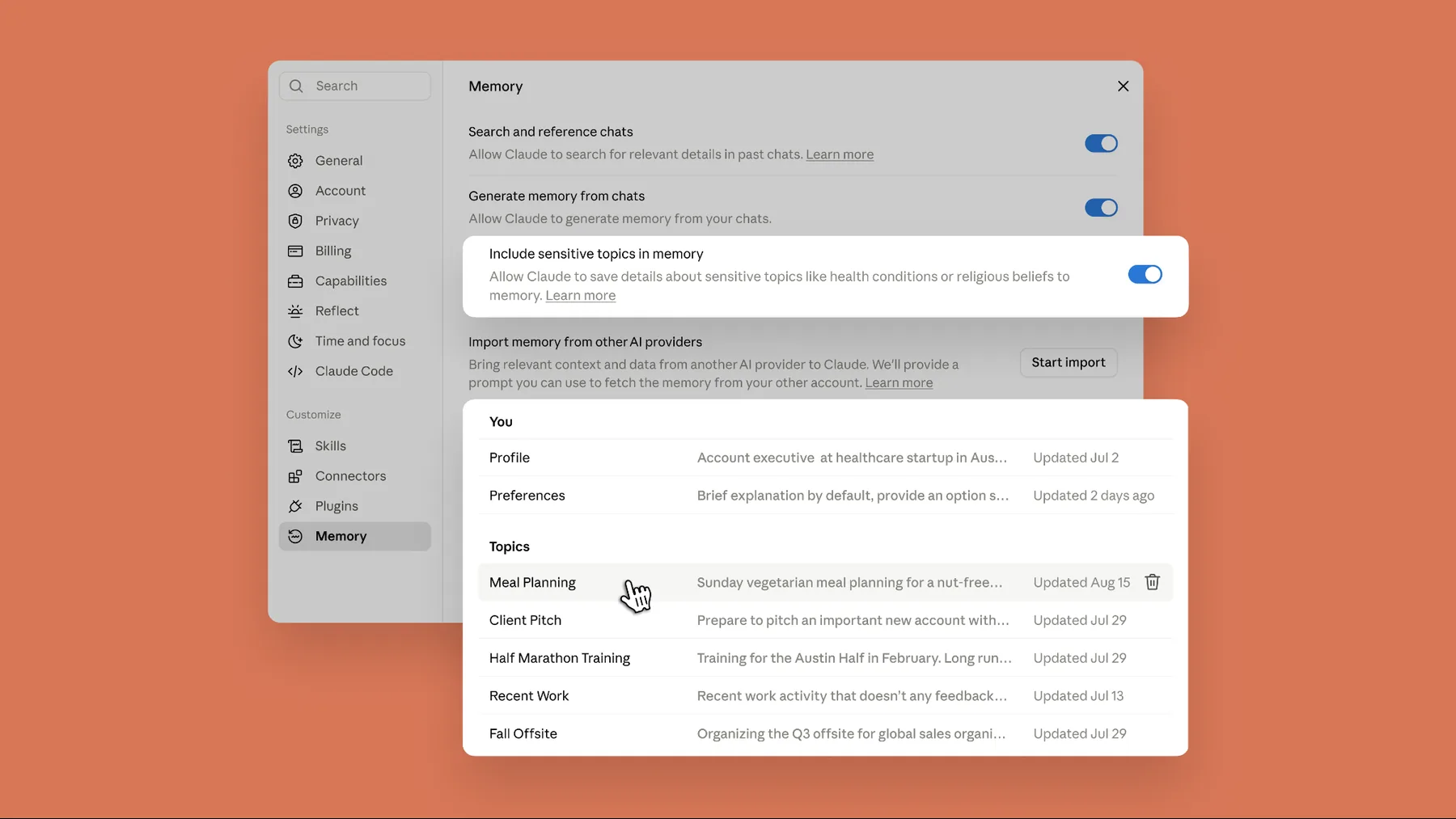
Anthropic says memory is stored as a list of Topics. That matters because a wrong detail should not become a permanent piece of working context: we can find the Topic, correct it or remove it.
Anthropic also says we can explicitly ask Claude to remember something specific. The control is most valuable when it is used as part of the work, rather than treated as a one-time privacy setting.
Everything Claude remembers is in a list of files under Topics in Memory settings, where you can read, edit, or delete each one.
Anthropic, “Claude’s memory works everywhere, and you decide what’s in it”
One memory, two surfaces
Anthropic’s product claim is simple: saved context from chat and Cowork now belongs to the same memory.
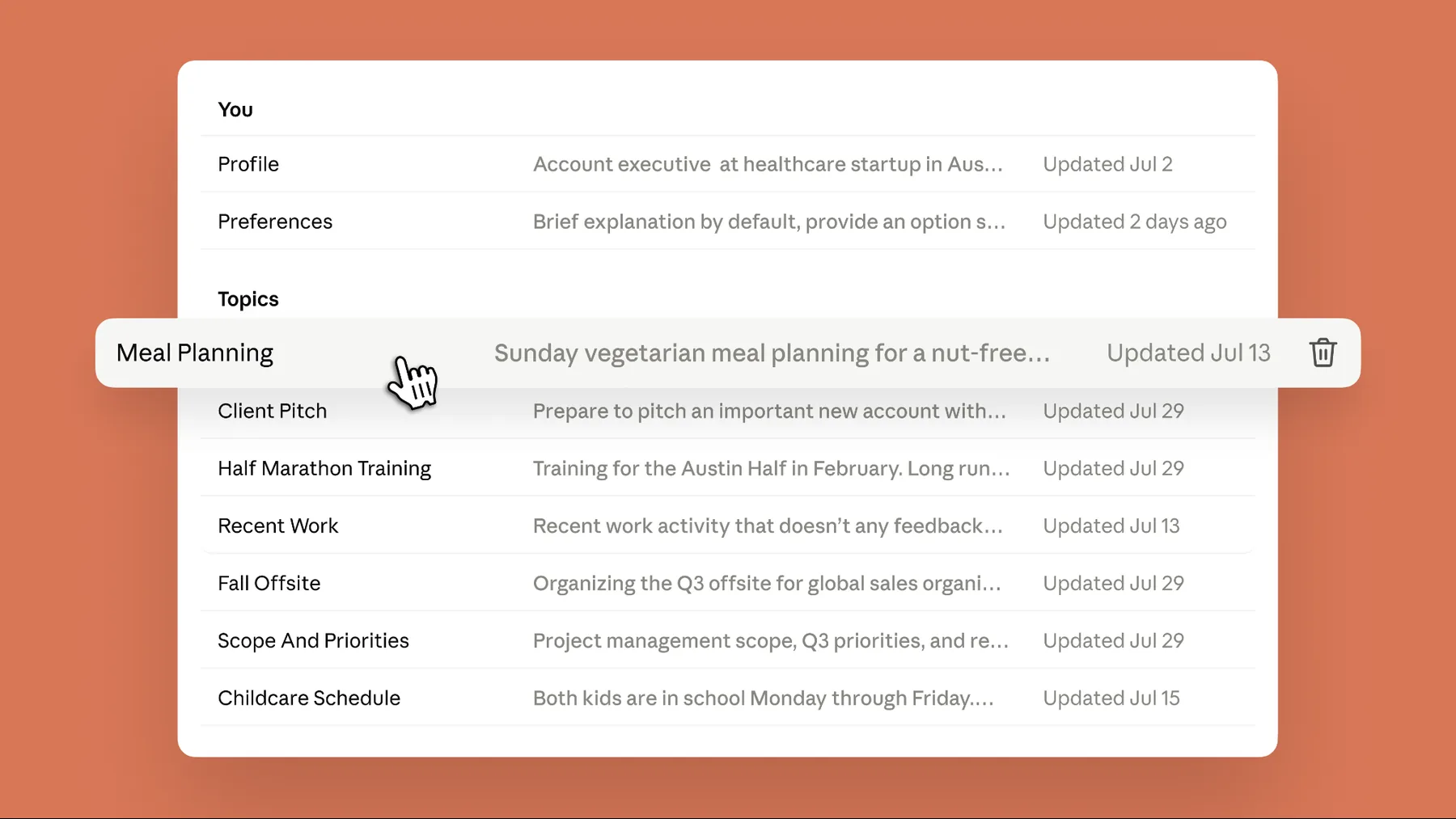
The shared-memory claim is deliberately narrow: Anthropic says chat and Cowork use the same memory. It should not be read as a promise that context flows across every Claude or Anthropic product.
Nor does continuity settle the accuracy question. When a detail carries weight, we still need to check it, especially before using it in a consequential task.
Context can stay editable
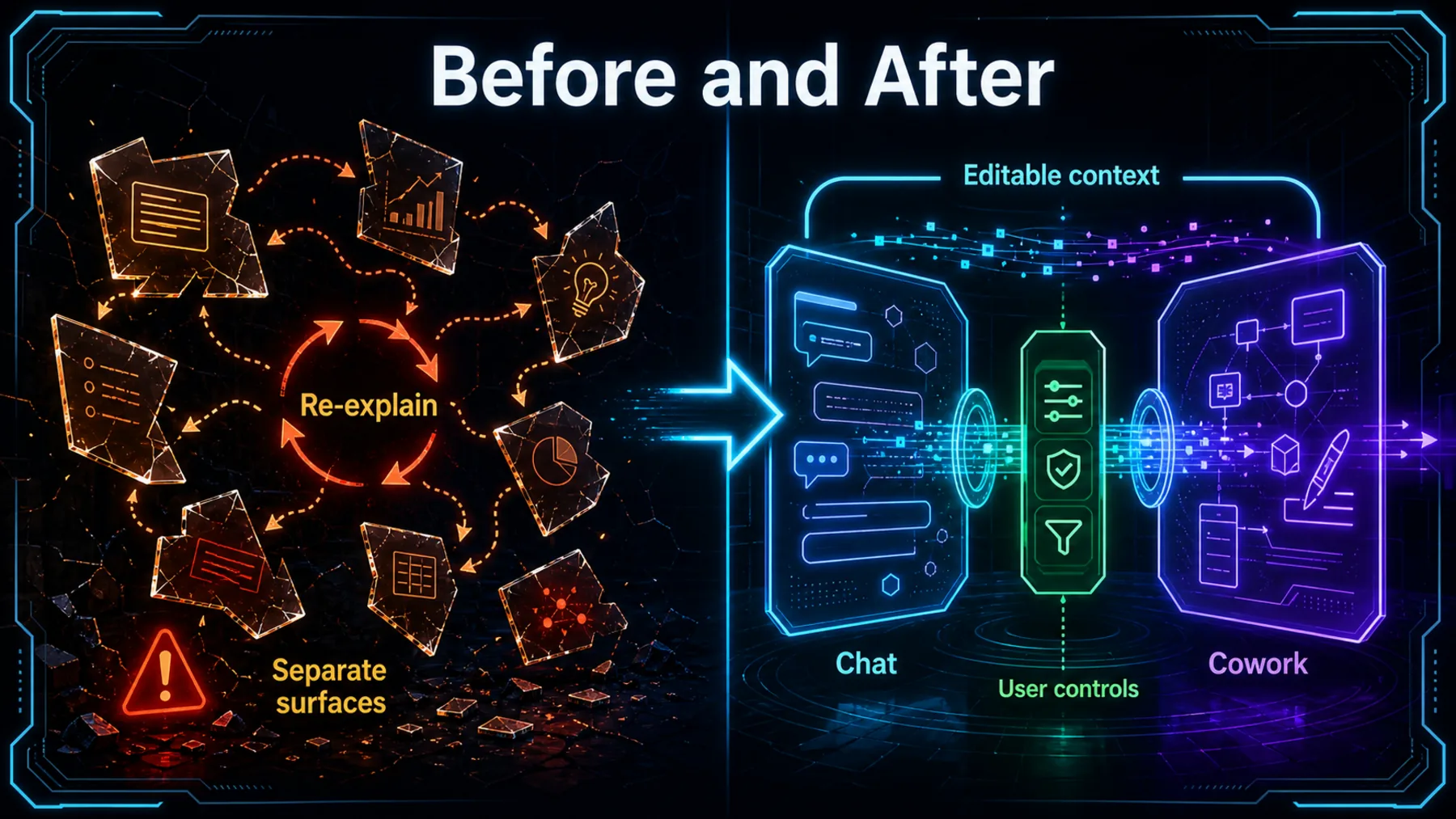
A detail can become a saved Topic, be checked or changed, and then inform later work across chat and Cowork.
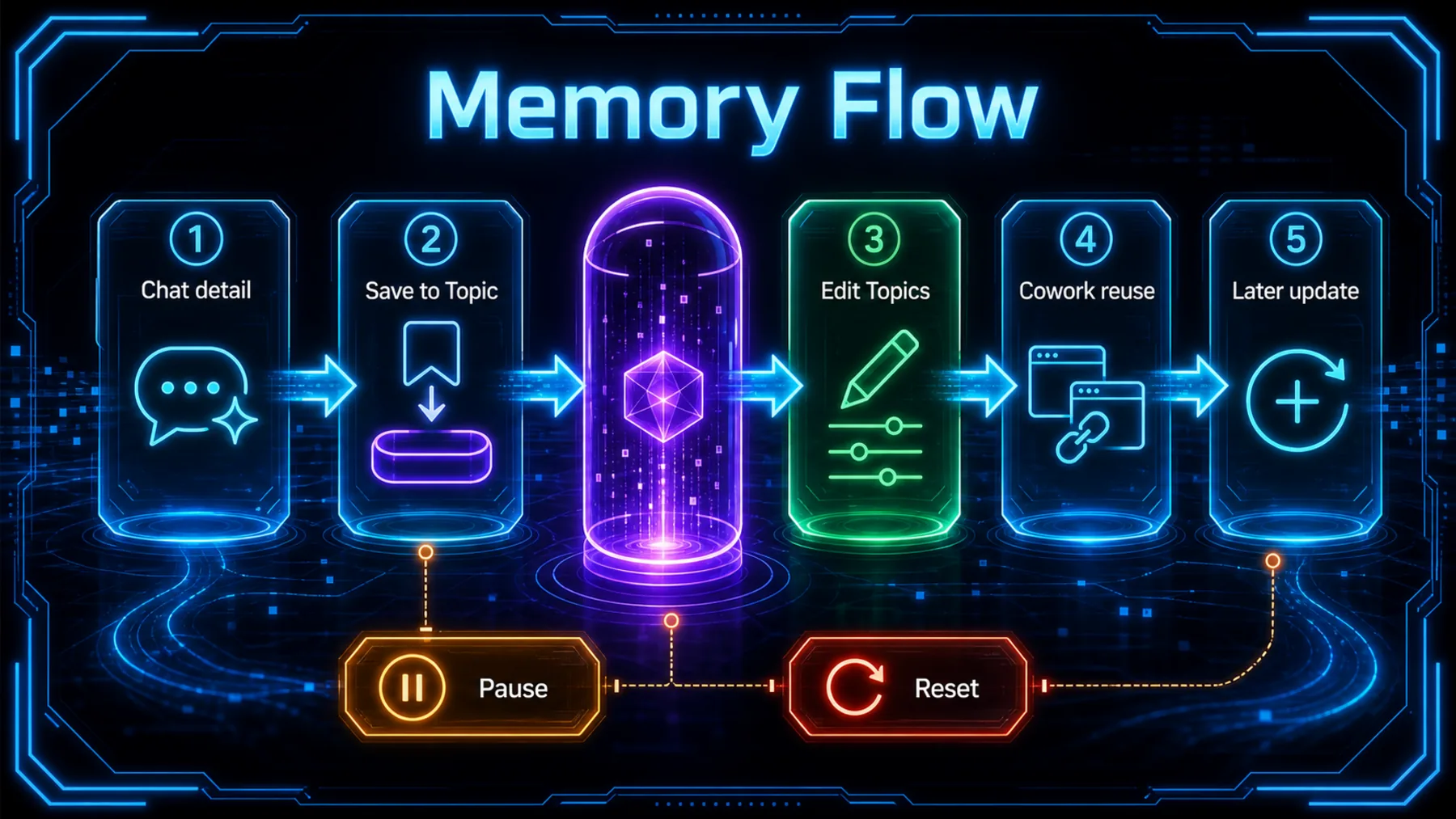
Anthropic says Topics update as we chat rather than only after a conversation ends. A project deadline can become part of the saved context; later, we can inspect the Topic, correct it, delete it, pause memory or reset it.
What happens inside the feature beyond those published controls is not specified here. The practical point is simpler: continuity is only useful when the record behind it remains reviewable.
Trust the check, not magic
The first useful experience is less re-briefing; the durable one is knowing where to inspect and correct what carries over.
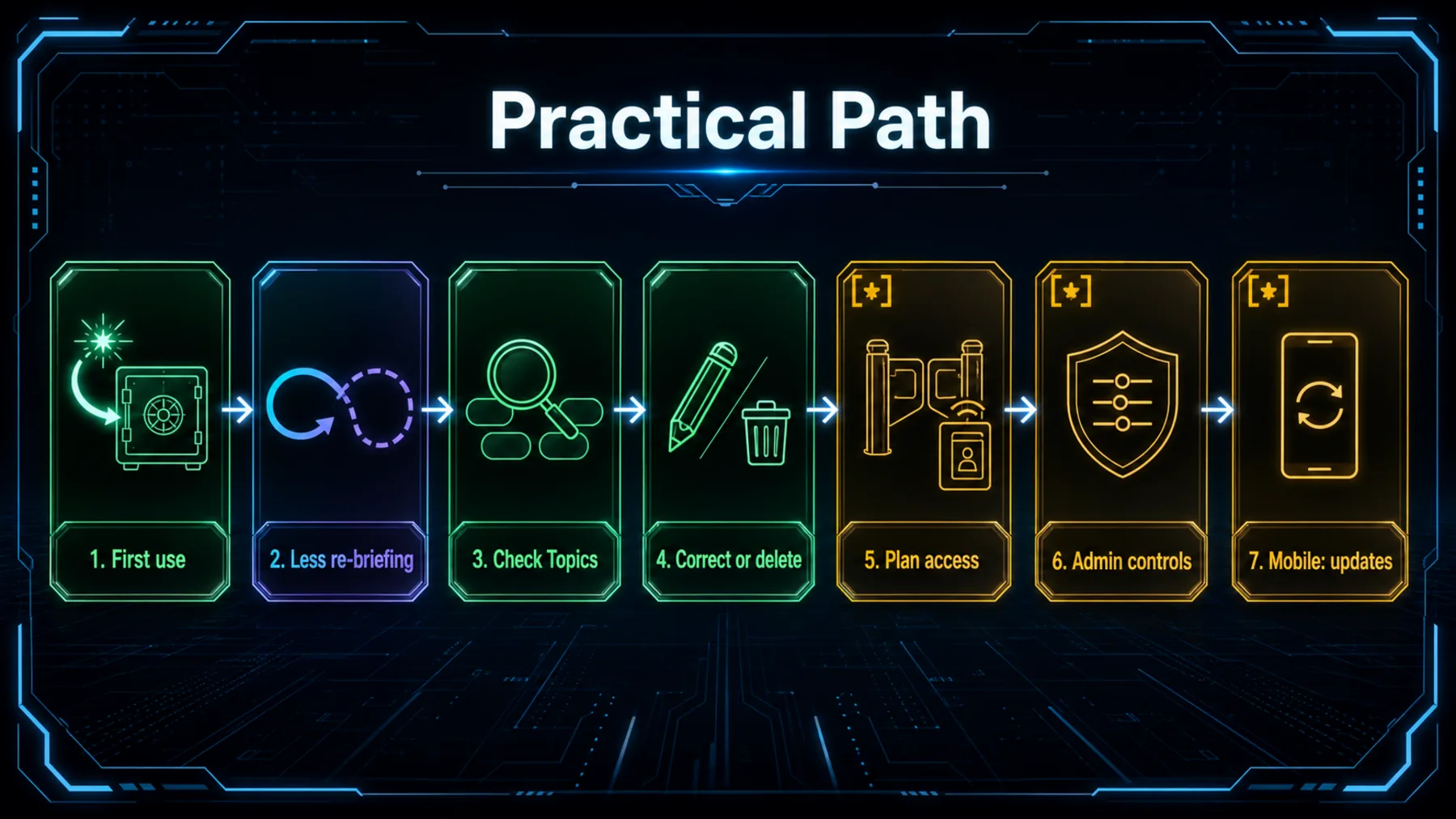
In practice, we might explain a project change in chat, ask Cowork to act on it later, then open Topics to make sure the context is still right. If it is not, the useful action is correction or deletion, not faith that the system will resolve it on its own.
Sensitive-topic handling adds another reason to inspect settings. Anthropic says saving sensitive Topics is off by default, applies going forward if enabled, and does not include every category.
Continuity needs a control surface
Shared context becomes more useful when we can see, question and revise the record that follows the work.
The value of shared memory is not that it carries everything forward. It is that the context we choose to carry remains visible enough to challenge.
Creator Broadcast synthesis from Anthropic’s published memory announcement
Anthropic’s announcement makes a practical case for continuity between chat and Cowork. The stronger reading is also the more cautious one: a saved detail should become easier to revisit, not easier to forget is there.
Before we lean on a remembered context, we can audit the Topics behind it. That keeps the feature grounded in an observable check rather than a vague promise of frictionless work.
Run a memory-control audit
Act as a careful Claude Memory audit partner. Based only on the saved Topics and settings details I paste below, return: 1) a concise list of details that appear outdated, sensitive, or no longer useful; 2) the exact Topics we should inspect, edit, delete, pause, or reset; 3) three questions we should answer before allowing a project detail to carry from chat into Cowork. Do not infer missing facts or claim access to settings.Ready to copy
Check what carries forward
Review the Topics that matter to current work, confirm the available controls and plan conditions, then decide which context deserves to persist.
Try the promptWhat to watch next
- Memory accuracy: whether saved Topics remain useful and correct as work changes.
- Topic controls: how easily we can inspect, edit, delete, pause and reset saved context.
- Sensitive-topic behaviour: which optional settings apply and which categories Anthropic says remain excluded.
- Business enablement: how Team and Enterprise administrators make memory available.
- Mobile availability: whether the latest iOS or Android app version is required for the update.