Claude in Chrome: Your Session Escapes the Tab
Claude says its Chrome side panel can carry the same saved Cowork session across desktop, web and mobile.

Start beside a signed-in page, then pick up the same conversation elsewhere without rebuilding its context. Claude says conversations are saved and its skills and connectors can work in the browser.
That continuity makes browser work feel less disposable. It also asks more of our judgement, because the session can see and act beside the pages we choose to open.
Continuity widens the trust boundary
Less repeated setup is valuable; broader access to visible pages and browser actions deserves equal attention.
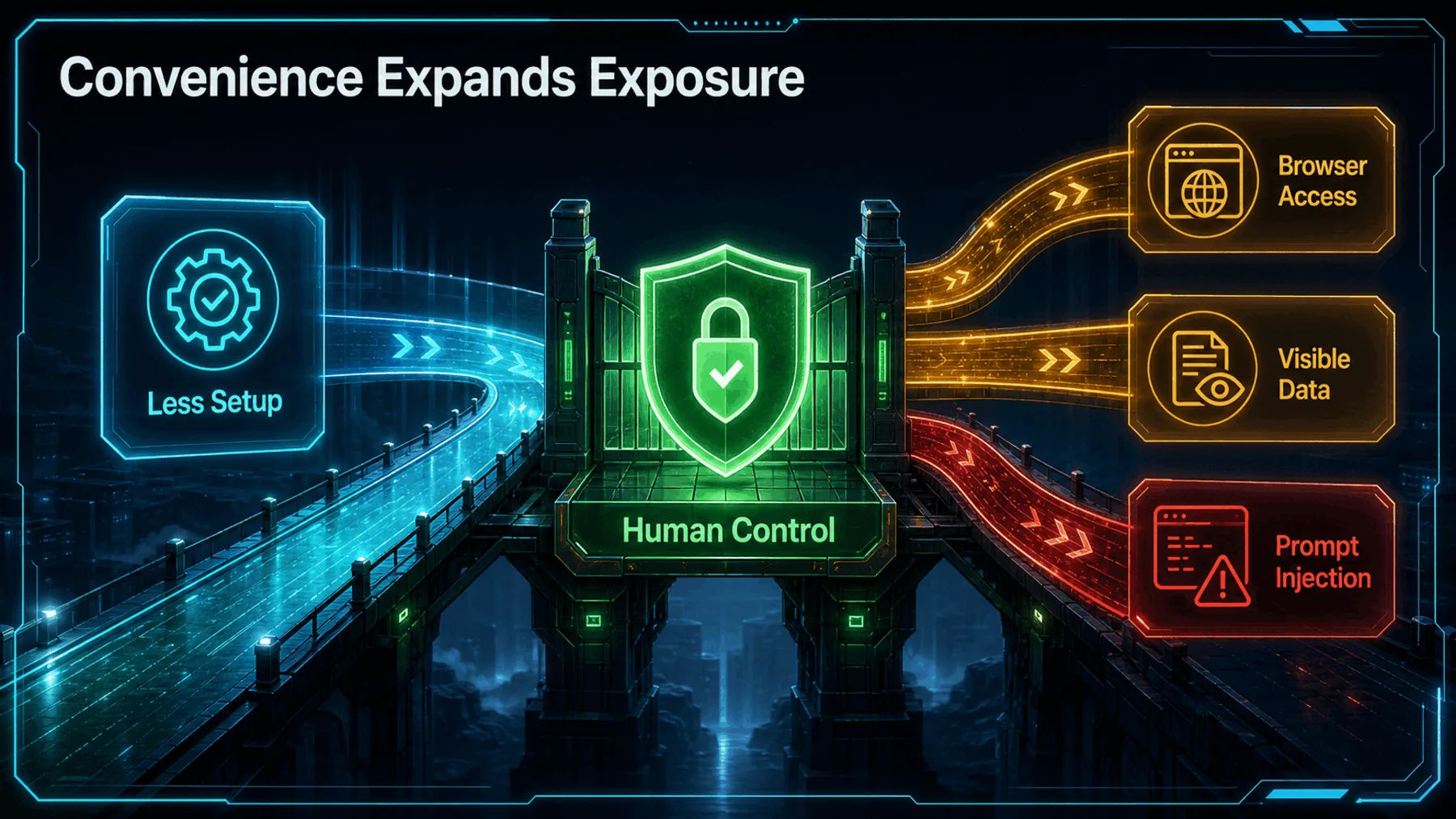
Claude says it can read what is visible on a signed-in page, click, type and fill forms. That can make a real web task easier to continue, but it changes the question from “can this chat help?” to “what should this session be allowed to reach?”
Anthropic says prompt injection is the biggest risk for browser-using AI tools and that the risk is not zero. Convenience is useful only when human control remains part of the work.
What follows the account
The session is designed to persist beyond one Chrome tab, with access and rollout still qualified.
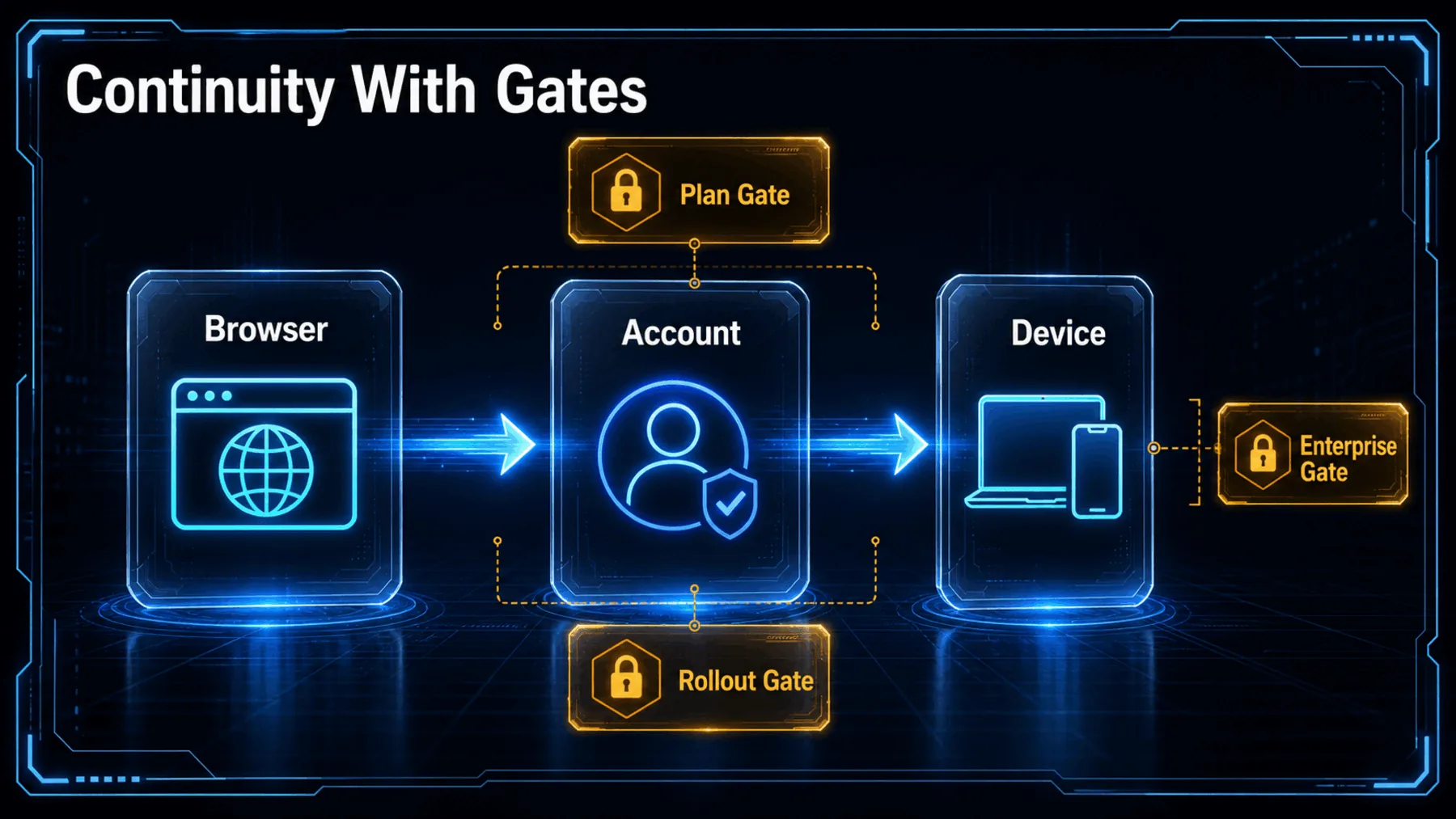

Claude’s launch post names desktop, web and mobile as the places a Chrome session can continue. A related Claude post puts the point more plainly: the side panel runs the same Cowork session, and that session lives with the account rather than a single device.
The details matter. The launch post described Max and Team access with Pro rolling out, while product and Help Centre wording describes a broader paid-plan position with further conditions. Availability is not a timeless claim; it needs checking when this is published.
The account holds the session
Claude’s own description makes the central claim narrower and more useful than a generic browser-extension update.
The account-level design is the practical change. We can begin a task in a tab, retain the conversation and return to it from another Claude surface rather than treating each device as a fresh start.
That does not make every page suitable for browser action. It means the context we preserve, the permissions we grant and the pages we expose travel together as part of one working session.
Sessions live with your account, not on any single device, so you can start in a tab and pick it up later somewhere else.
Claude
What Claude shows—and what it does not
A product depiction can establish Claude’s stated capability without proving universal availability, reliability or safety.
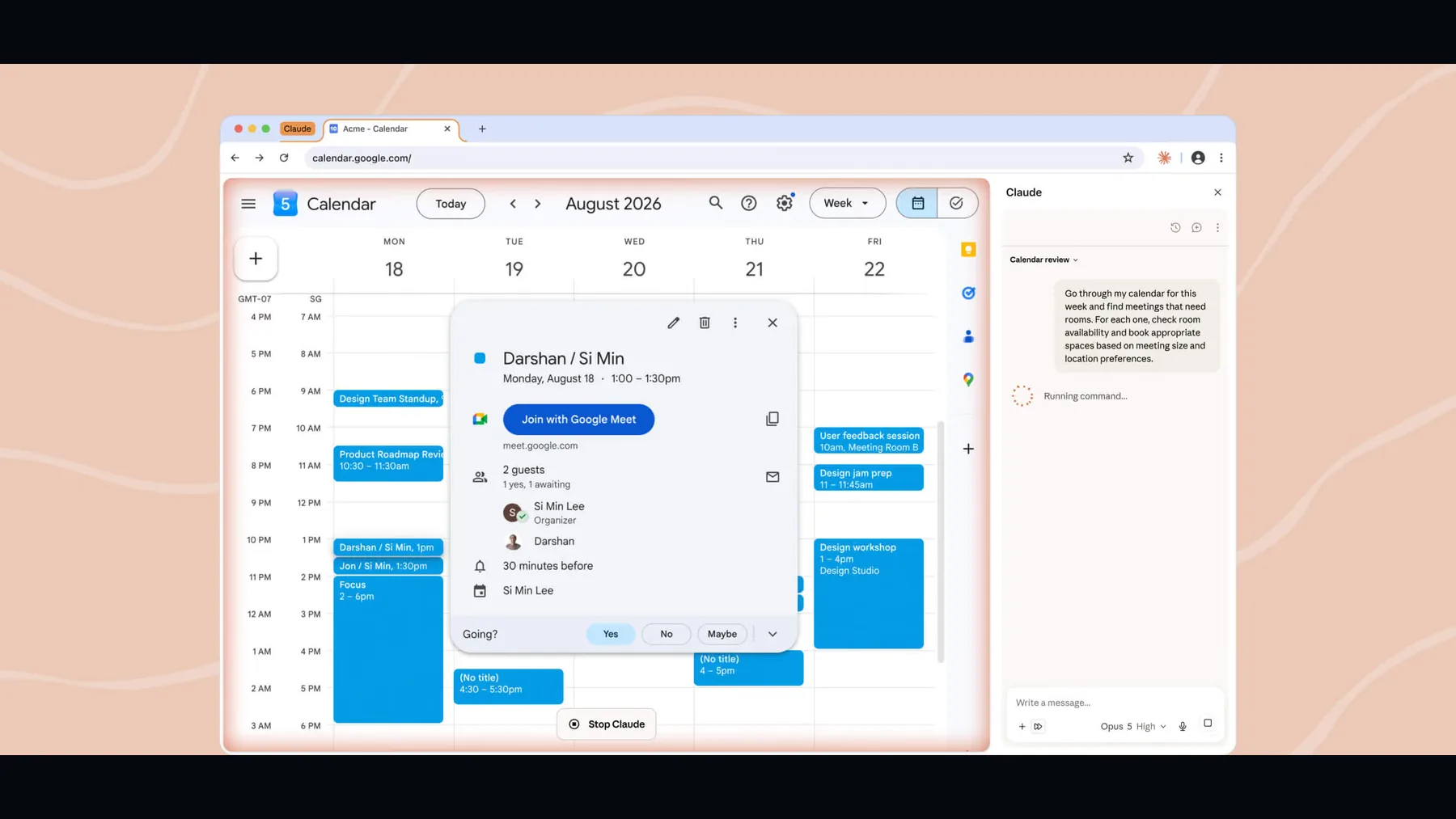
The visual evidence is useful because it is specific: Claude depicts its browser tool operating beside a calendar workflow. Alongside its product and Help Centre material, it supports the narrower claim that Claude is designed to read visible pages and perform approved browser actions.
It cannot settle the harder questions for us. Whether an account has access, whether an organisation has enabled it, and whether a page contains information we should keep out of reach remain live decisions.
A session with control points
Browser continuity depends on an account-held conversation, visible-page access and human decisions at the moments that matter.
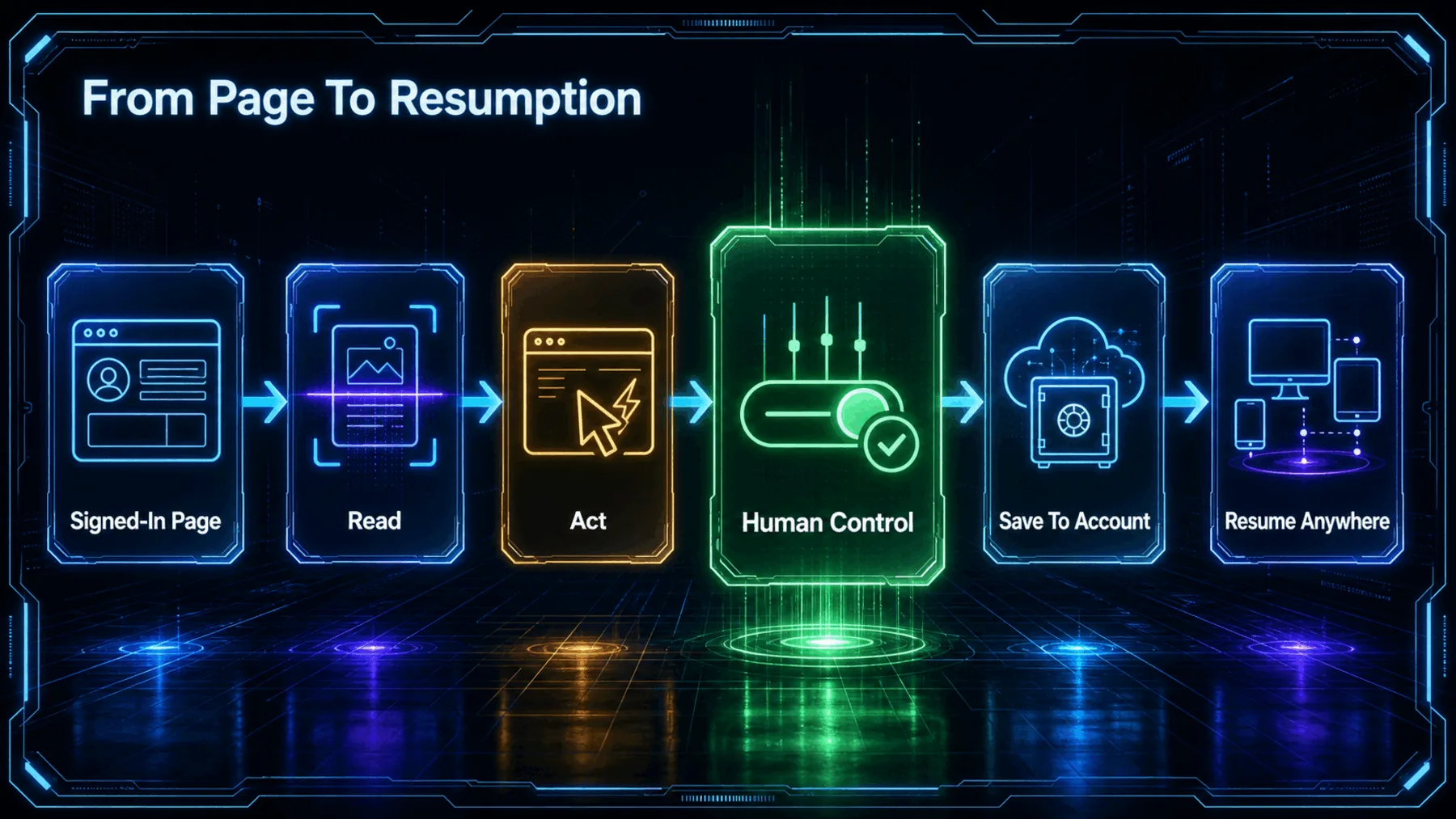
Claude describes a browser side panel that works beside the page: it can read what is visible, click, type and fill forms. The session can then be saved in account history and continued across Claude surfaces.
The important word is control. We still decide which page to open, what to expose and when an action should proceed. Continuity should preserve context, not bypass judgment.
Page access
Open only the pages whose visible information belongs in the task.
Action approval
Pause before clicks, typing or form submission when the consequence matters.
Session history
Treat saved context as useful working memory, not a place for unnecessary sensitive detail.
A task can continue with us
The gain is less reconstruction between surfaces; the condition is deliberate access at every step.
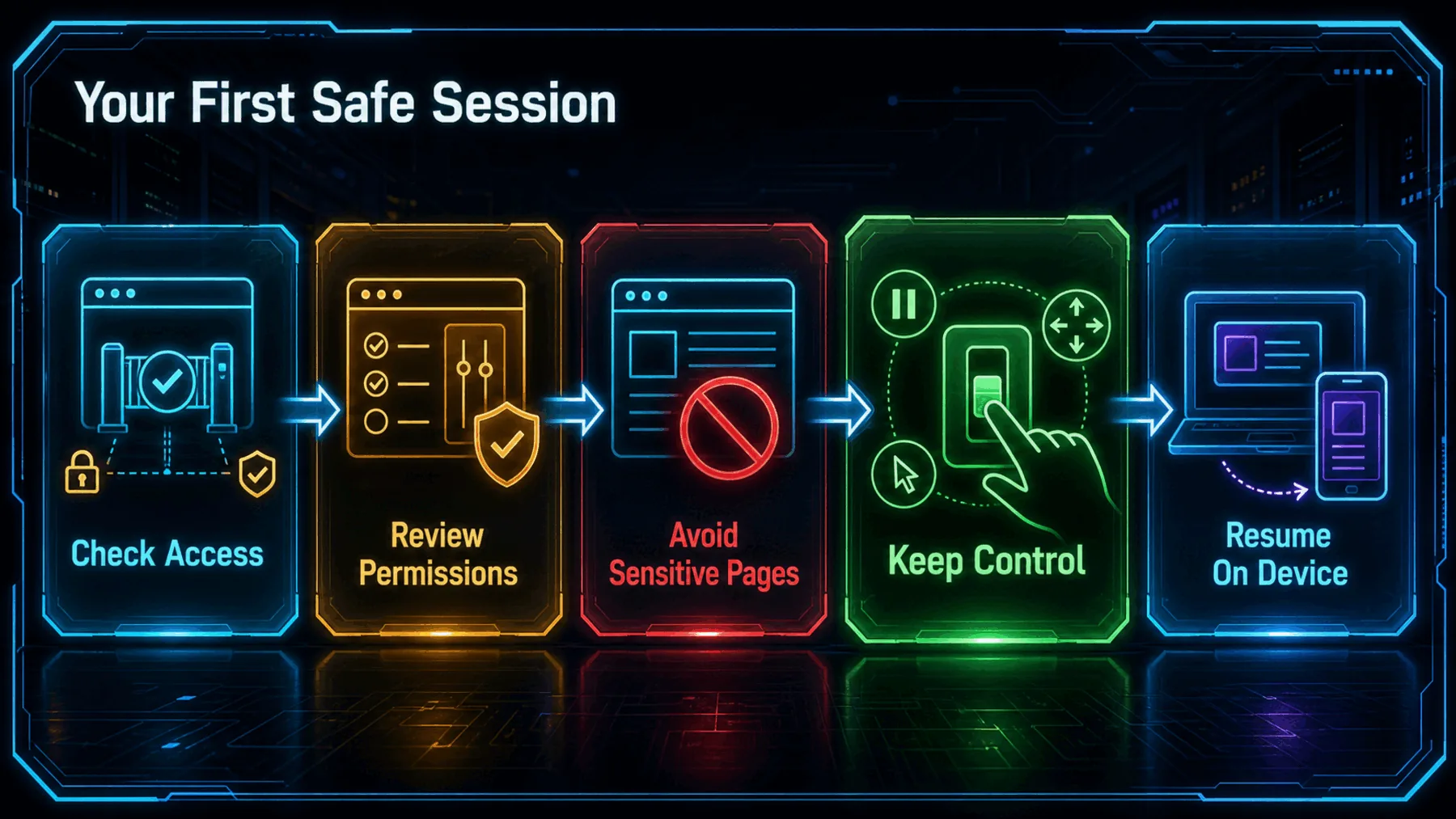
A simple task begins with less friction: we open Claude beside the page, establish the context and keep the conversation when we leave the tab. Later, that same session can be resumed on desktop, web or mobile rather than reconstructed from fragments.
The experience will not look identical for every account. Claude’s rollout and plan wording is time-sensitive, enterprise access can require enablement, and browser action deserves extra care on pages carrying sensitive information.
Plan and rollout
Claude’s stated availability changes over time and should be checked when access matters.
Organisation controls
Enterprise use can depend on administrator enablement.
Sensitive pages
Visible information and browser actions expand the consequences of a poor permission decision.
Convenience is expanded access
The same feature that saves context also makes permissions, visible data and human control more consequential.
A session that follows the account is more useful than a disposable browser chat—and more deserving of deliberate control.
Creator Broadcast synthesis from Claude’s product and safety guidance.
Claude’s account-level continuity is a sensible answer to a familiar frustration: work begun in one place should not have to be rebuilt somewhere else. The value is real when a browser task needs the context already established on another surface.
But continuity is not a free pass for browser action. Anthropic’s own safety guidance keeps the boundary clear: prompt injection remains a risk, and visible sensitive information can be exposed to the session. The stronger habit is to use the continuity while keeping each permission decision explicit.
Map a browser task before granting access
Act as a cautious work assistant. We are preparing a shared calendar update from a signed-in browser page. First list the information visible on the page that you would need, identify any sensitive details we should avoid exposing, and propose a three-step plan. Do not click, type, submit, or change anything until we explicitly approve each action. Return: 1) information needed, 2) risks, 3) proposed actions, 4) the exact approval needed before each action.Ready to copy
Keep control in the loop
Use account-level continuity to preserve useful context, then check availability, page access and action approvals before trusting the session with consequential work.
Try the promptWhat to watch next
- Plan availability Recheck Claude’s current plan and rollout wording before relying on access.
- Enterprise enablement Confirm whether organisation controls affect browser-side availability.
- Permission behaviour Watch how Claude presents page access and action approvals in the live product.
- Safety guidance Follow Anthropic’s current advice on prompt injection and sensitive information on visible pages.