Claude Comes to Our File
Claude says it can read and edit our open Workspace file from a sidebar; judging the proposed change remains our job.

Less explaining, more judging
Help beside the file could reduce the effort of handing over context, but proximity does not make an edit correct.
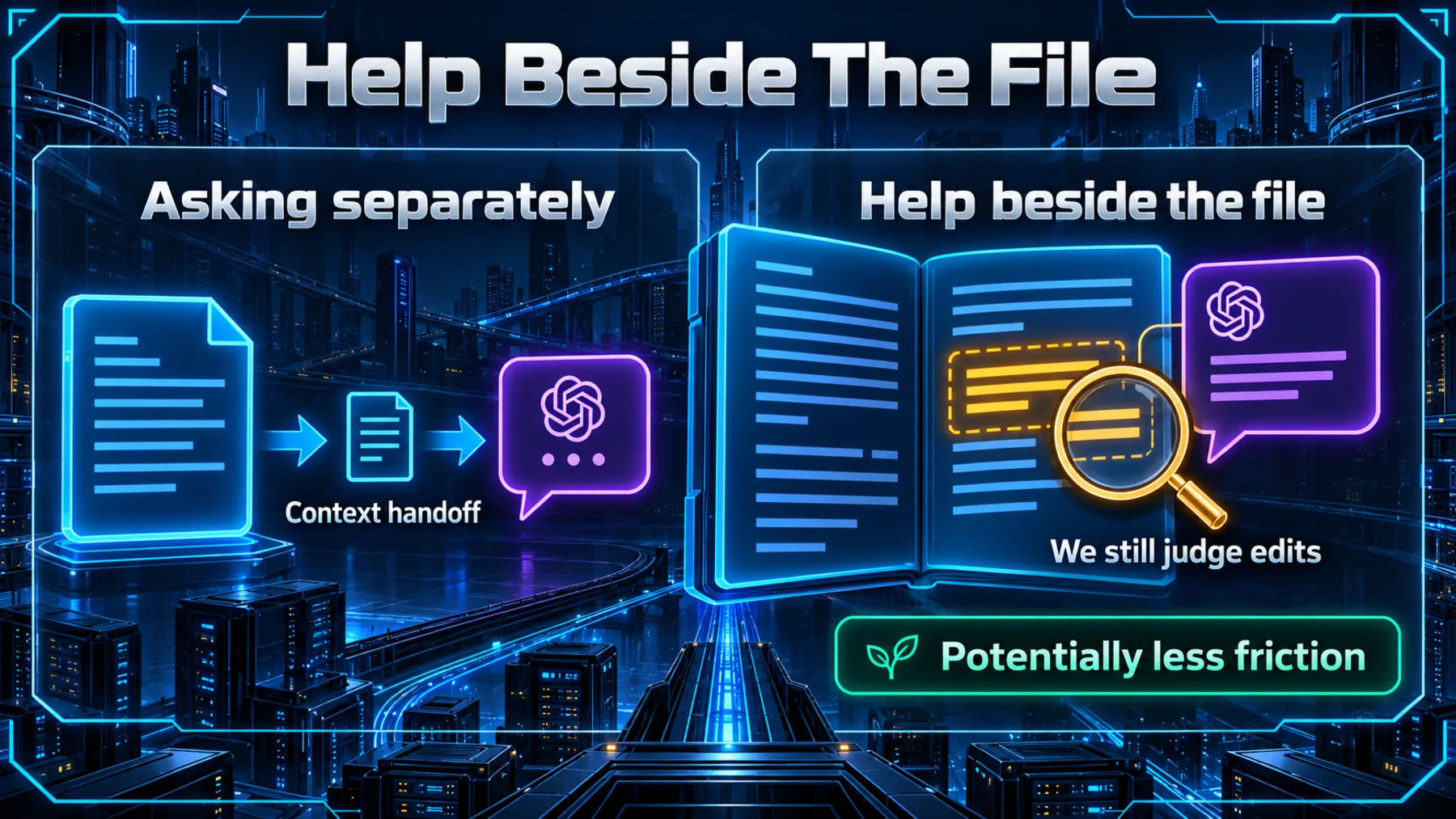
When we ask for help in a separate conversation, we have to decide what to carry across: the passage, the surrounding context, the reason it needs changing. A helper that can read the open file could make that exchange less cumbersome. That is the practical possibility in Claude’s announcement, not a measured time saving.
The tension moves with it. If help can change the file itself, a plausible suggestion deserves more than a quick glance. We still need to check whether the revision says what we intended and preserves the details that matter.
Three apps, two places to work
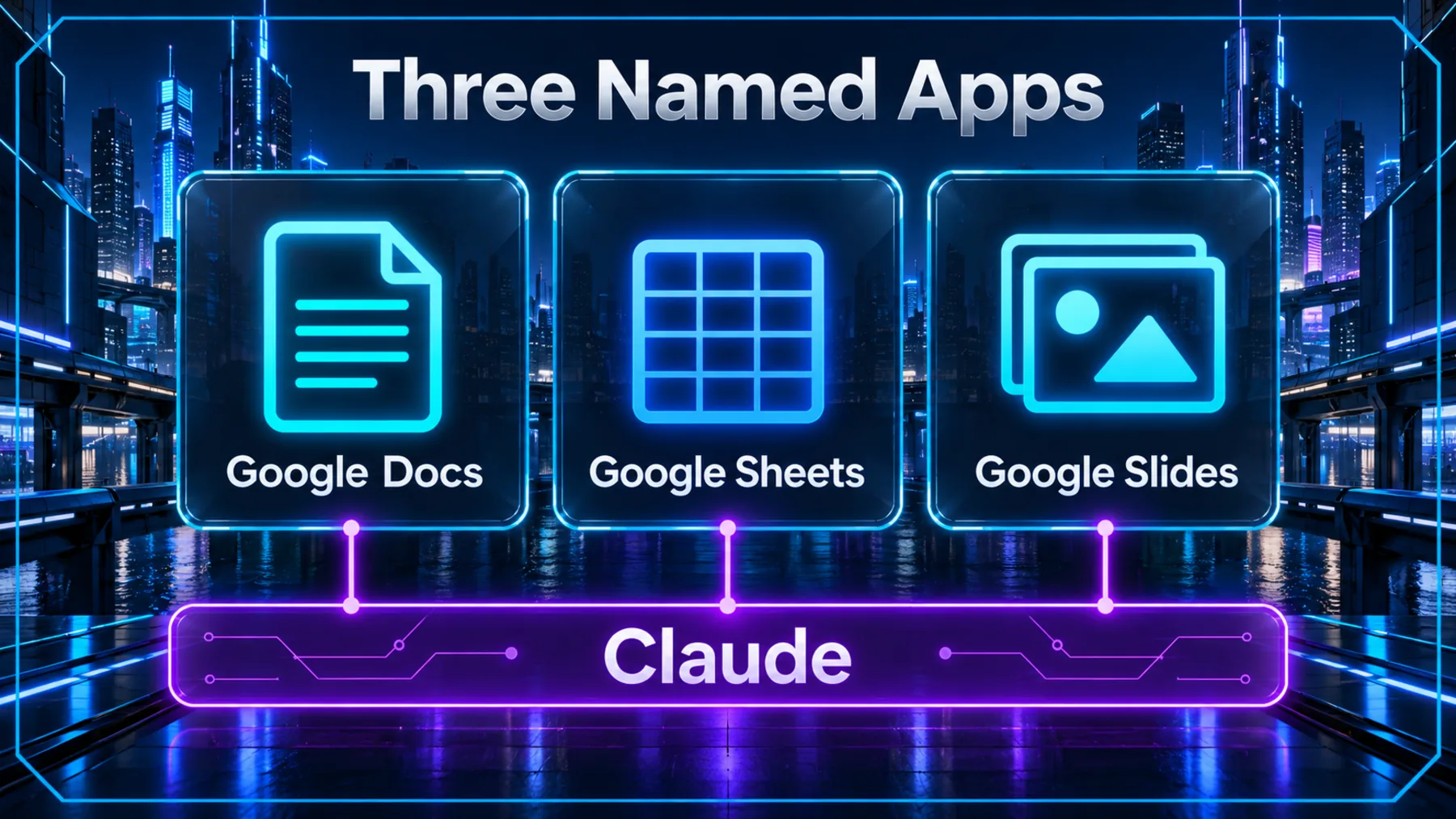
Claude names Docs, Sheets and Slides, with help inside Workspace and those files also opening inside Claude.
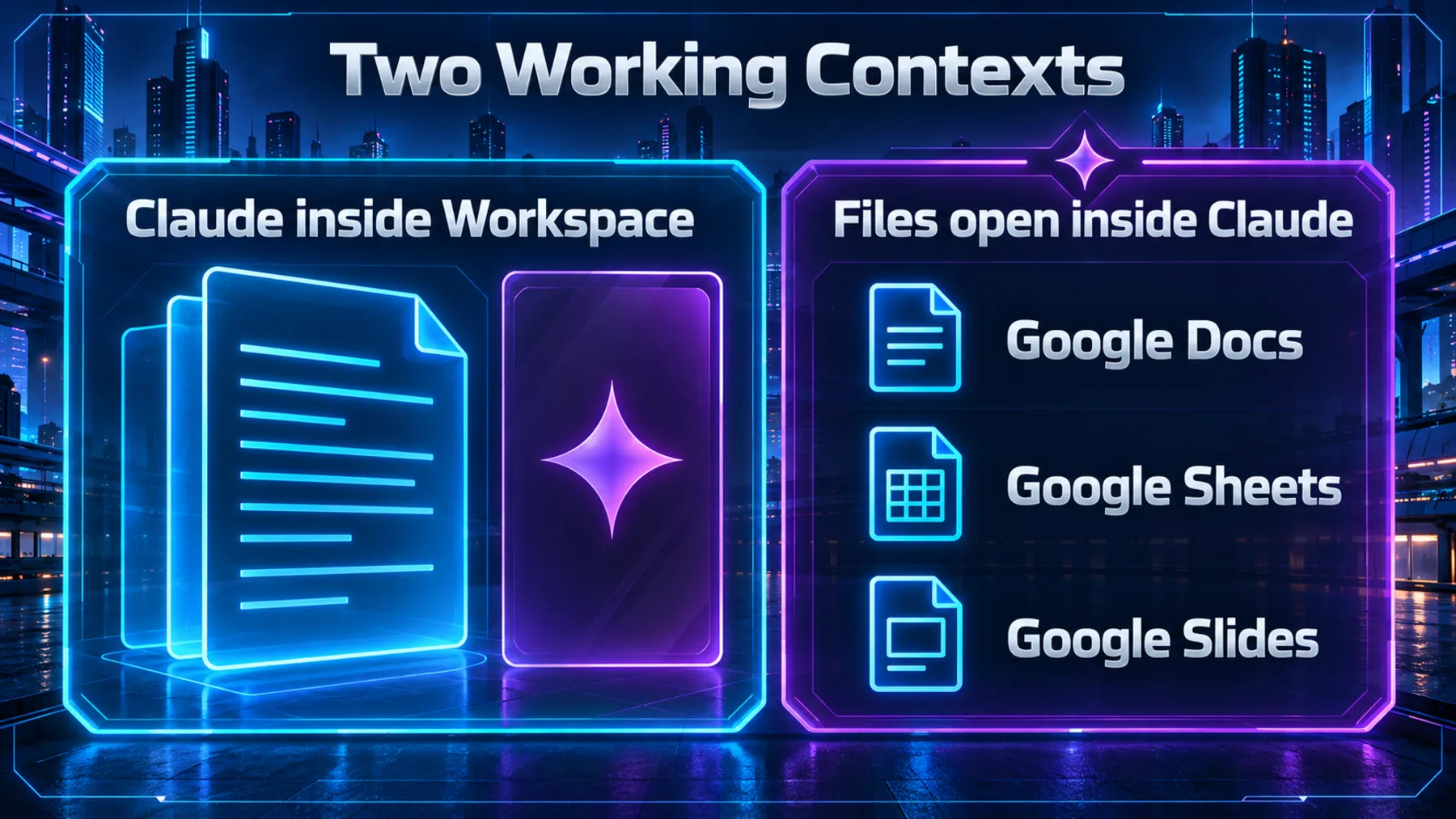
Claude’s post names Google Docs, Google Sheets and Google Slides. It describes two working contexts: Claude inside those Workspace apps, and those files opening inside Claude. Both belong to the announcement; the story is broader than a document sidebar alone.
Those statements do not explain how files move between the two contexts or establish continuous sync or cross-app automation. The post was published on 6 October 2026. That is the announcement date, not confirmation of when any particular account can use the integration.
Claude says we can approve each edit
The important word is “can”: the post describes an opportunity to approve, not a compulsory gate.
Claude describes a sidebar beside the Workspace file, able to read what we have open and edit it in place. It then adds the detail that makes the announcement worth examining: we can approve each edit before it lands.
That is a stated control, not evidence that every change must wait for approval. Nor does it establish that edits are accurate or that the integration offers particular privacy or security protections. The post tells us what Claude claims; we have not independently tested the workflow.
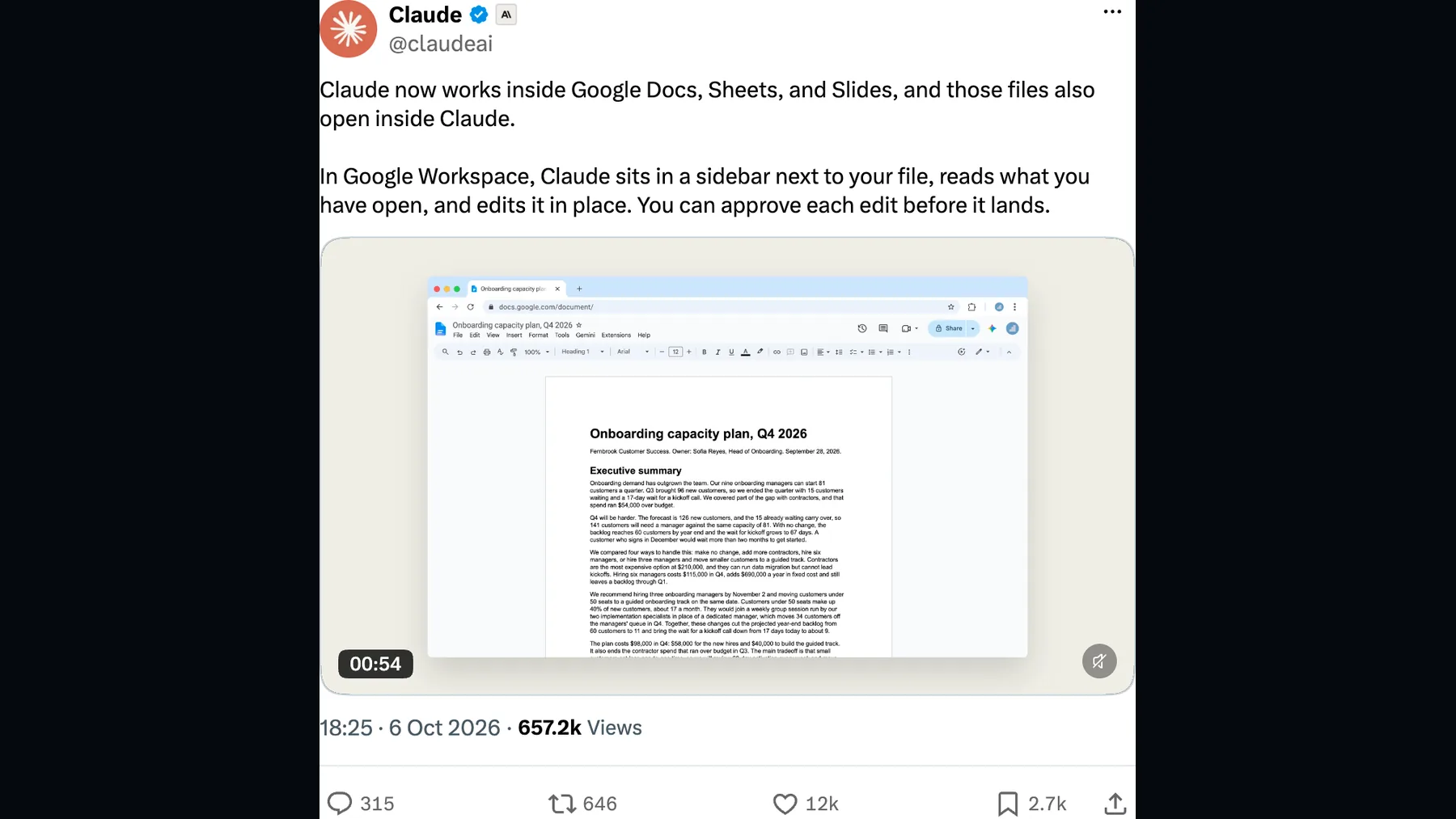
You can approve each edit before it lands.
Claude (@claudeai) on X
An introduction, not a working test
Claude’s poster identifies the Workspace launch; it does not show an edit being completed or approved.
The accompanying poster introduces Claude for Google Workspace and shows the three app icons. It helps identify what Claude is announcing, but it cannot answer the practical question of how a proposed change behaves in our file.
This still does not demonstrate a completed edit or an approval interaction. We should not treat the branded introduction as proof that the workflow has been tested, or infer actions from video content that has not been examined for this article.
From open file to proposed change
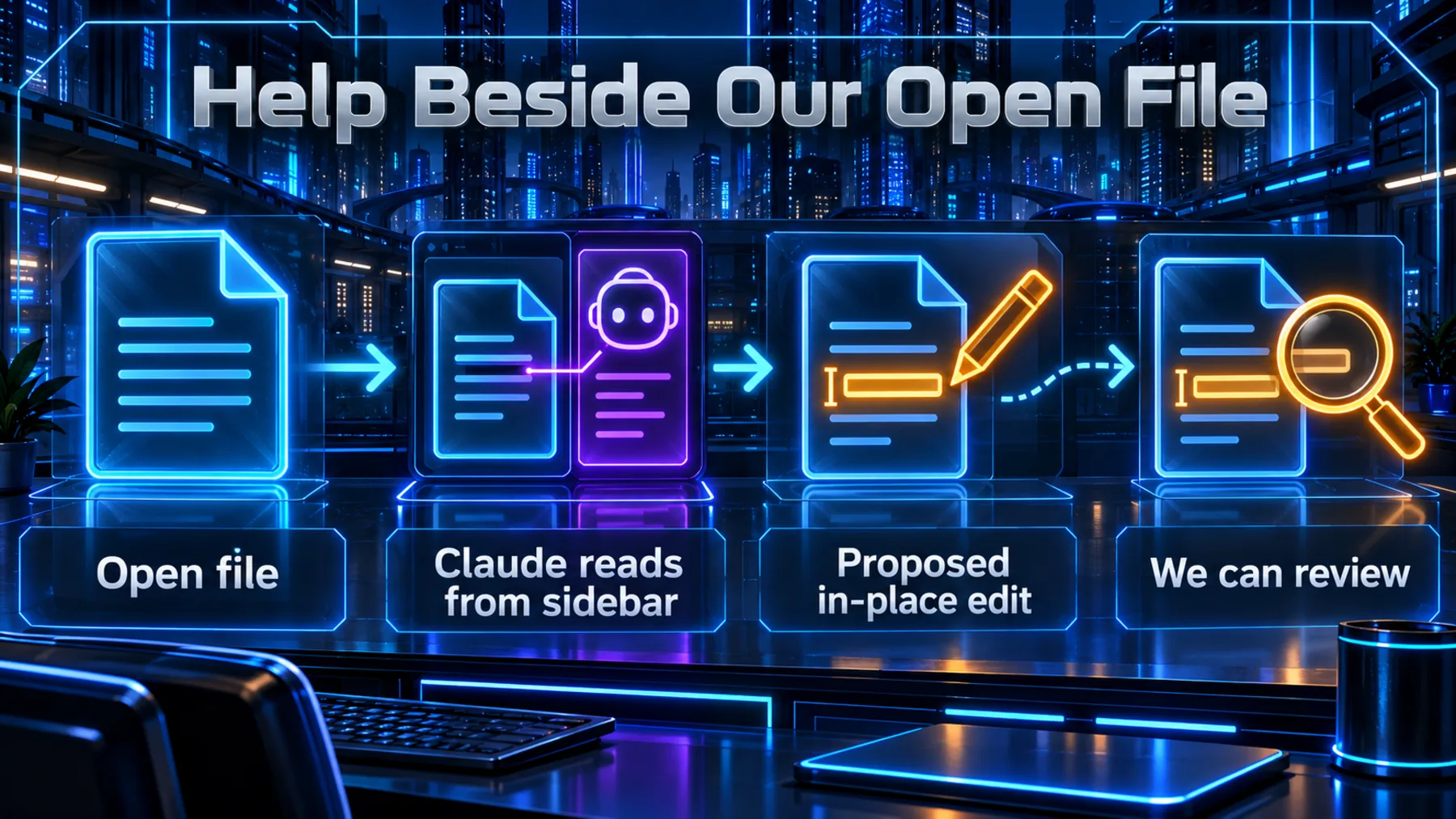
The announced sequence connects file context, in-place editing and an opportunity for us to approve.
Imagine we are polishing a document. In the workflow Claude describes, the sidebar reads the file we have open, so the conversation begins beside the material we want to improve. Claude says it can edit that file in place and that we can approve each edit before it lands.
The diagram makes that description easier to follow; it is not a verified interface or technical architecture. Reading the open file does not establish access to our whole Drive, and an opportunity to approve tells us nothing about whether the proposed wording is right.
Start with one small revision
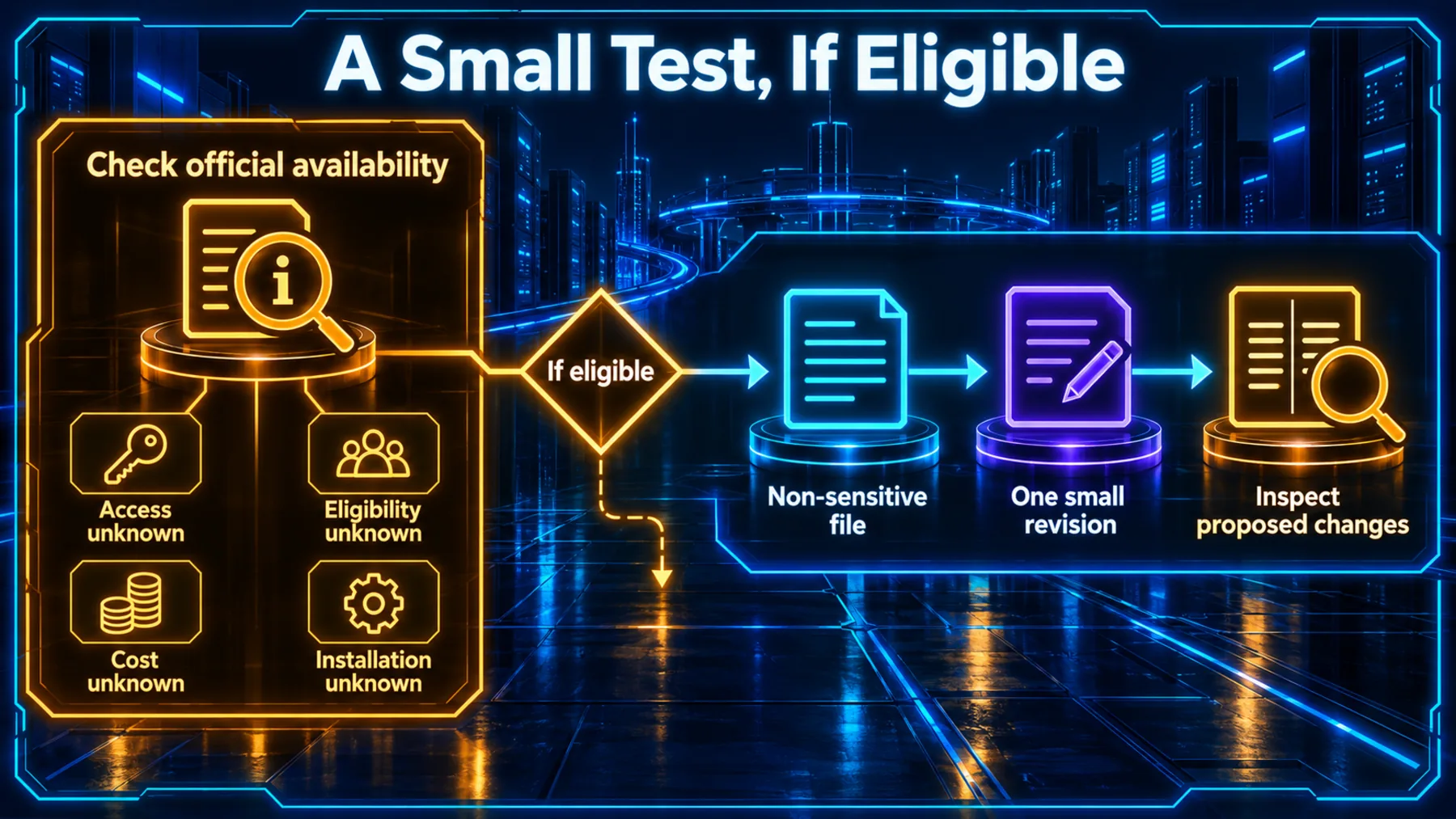
Check official availability first; if eligible, use a non-sensitive test file and inspect a bounded proposal.
The post does not state access, eligibility, cost or installation steps. Before planning work around the integration, we need official information on those questions. The announcement alone is not an onboarding guide.
If we are eligible, our suggested first exercise is deliberately modest: choose a non-sensitive test file, ask for one small revision and inspect the proposed changes against the original. That is general testing advice, not a procedure we have tried in this integration. A non-sensitive file is a precaution, not a security guarantee.
A narrow request gives us something concrete to judge. Has the meaning survived? Have names, numbers or qualifications changed? The prompt below asks for a proposal rather than an applied edit; we still need to check whether Claude follows that instruction.
Closer to the work, still ours to judge
The useful shift is where help happens; the responsibility for accepting a change stays with us.
Our reading of this announcement is that help is moving closer to the material we are working on. If the described workflow works as intended, there may be less distance between explaining a problem and seeing a proposed change in context. The post does not quantify that benefit.
That makes a bounded test more useful than a sweeping request to improve everything. One paragraph, its original meaning and an explanation of the proposed changes give us a manageable basis for comparison. The question is whether the revision improves our work without quietly changing what it says.
Help beside the file could make a revision easier to request. We still have to decide whether the change belongs in our work.
Altior — editorial interpretation
Try one small revision
Read the Google Docs document we have open. Choose the first prose paragraph containing at least three sentences and propose a clearer version of that paragraph only. If there is no such paragraph, say so and stop. Preserve its meaning, factual claims, names, numbers, dates and qualifications. Add no new information and leave the rest of the document unchanged. Show the original paragraph, the proposed revision and a short list explaining each proposed change. Flag any ambiguity rather than guessing. Present the proposal for our review without applying it.Ready to copy
Bring help closer; keep our judgement
Claude describes help beside our open Workspace file, with an opportunity to approve each edit before it lands. The practical takeaway is to examine the change, not assume that being in context makes it correct.
Follow Claude’s official announcements for the missing access and cost details before making the integration part of our workflow.
Try the promptQuestions the post leaves open
- Availability: when and where can we access the integration?
- Eligibility: which accounts or plans qualify?
- Cost: what charges, if any, apply?
- Permissions: what access does the integration request?