Claude Code: See it before you build it
Claude Code’s new /design workflow puts editable artboards between a UI request and implementation.
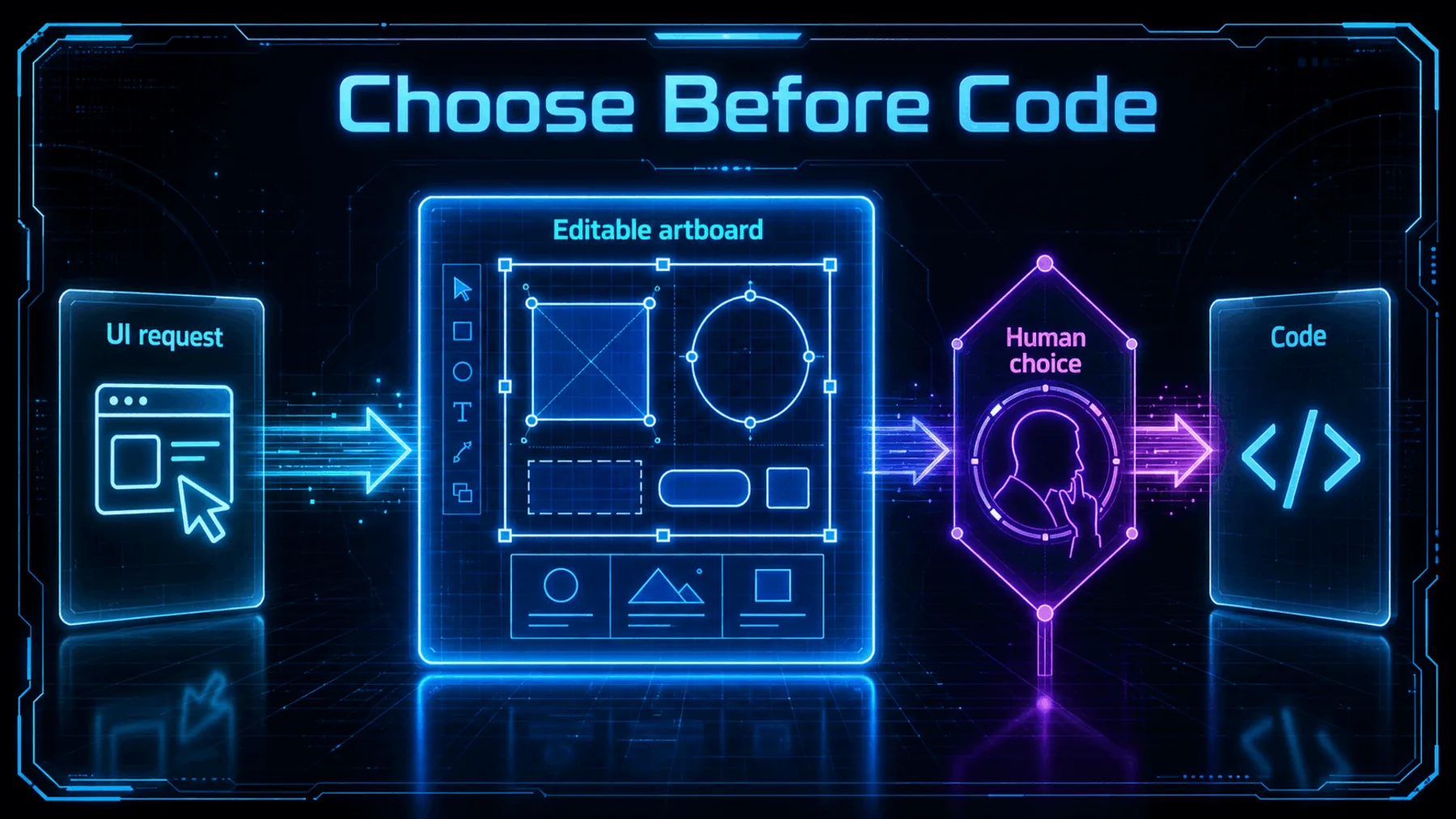
ClaudeDevs says its new /design skill brings Claude Design’s artboard workflow into Claude Code’s CLI and Desktop, built on artifacts. The announcement describes a sequence that starts with a UI request, moves into editable artboards, then returns to implementation.
That inserts a visible decision point into a process that can otherwise feel like a long wait for code. We get something concrete to react to while the direction is still easy to change.
A decision before code
The preview makes room to review the interface while it is still a design choice.
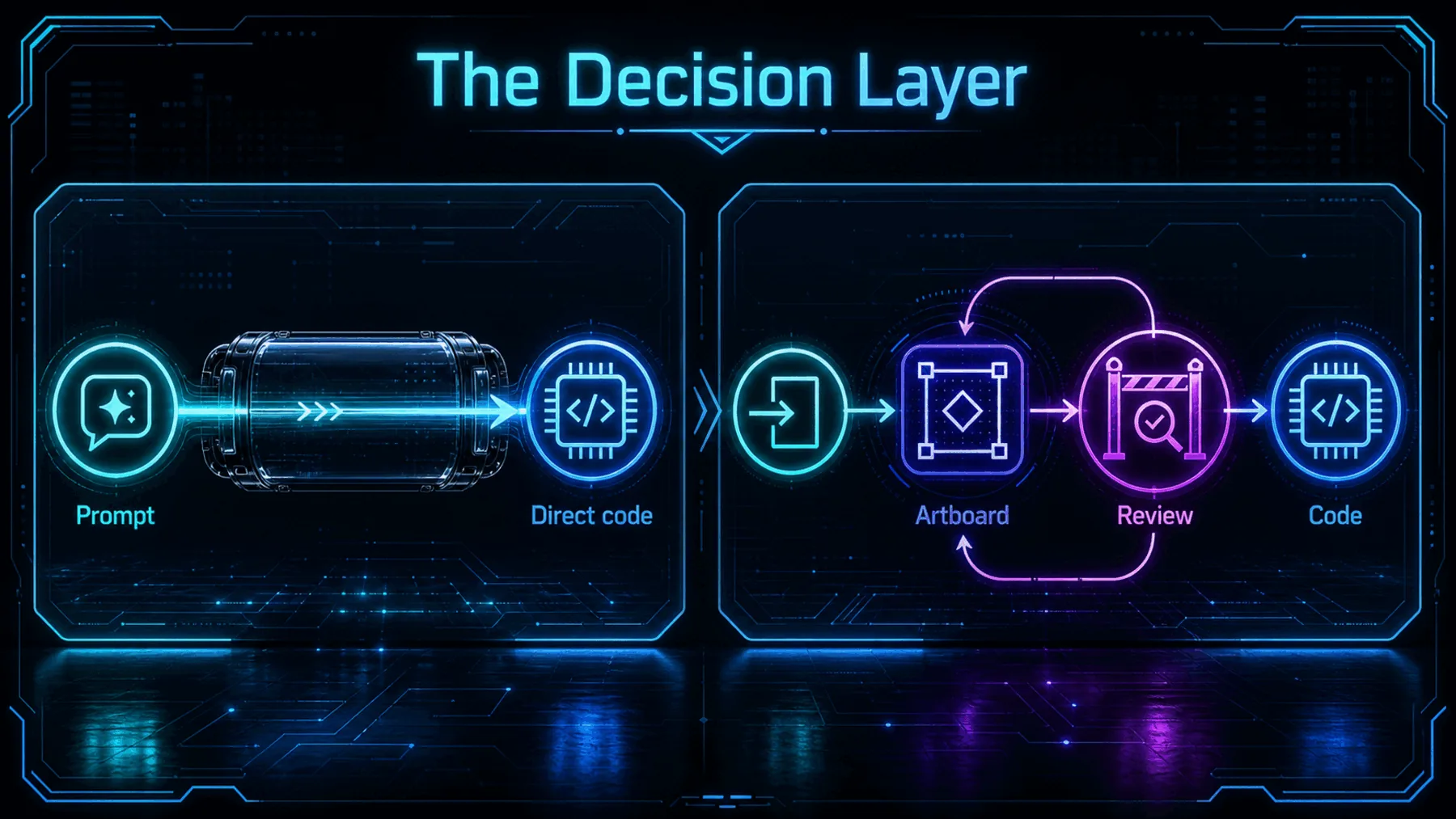
Generated UI imagery is not the whole story here. ClaudeDevs describes editable artboards, which makes the intermediate step a place for judgement rather than a polished image at the end of a process.
That matters because choosing a direction and changing it are explicit parts of the announced workflow. The implementation request follows the decision; it does not erase it.
From request to implementation
ClaudeDevs describes four moves, with the human choice held in the middle.
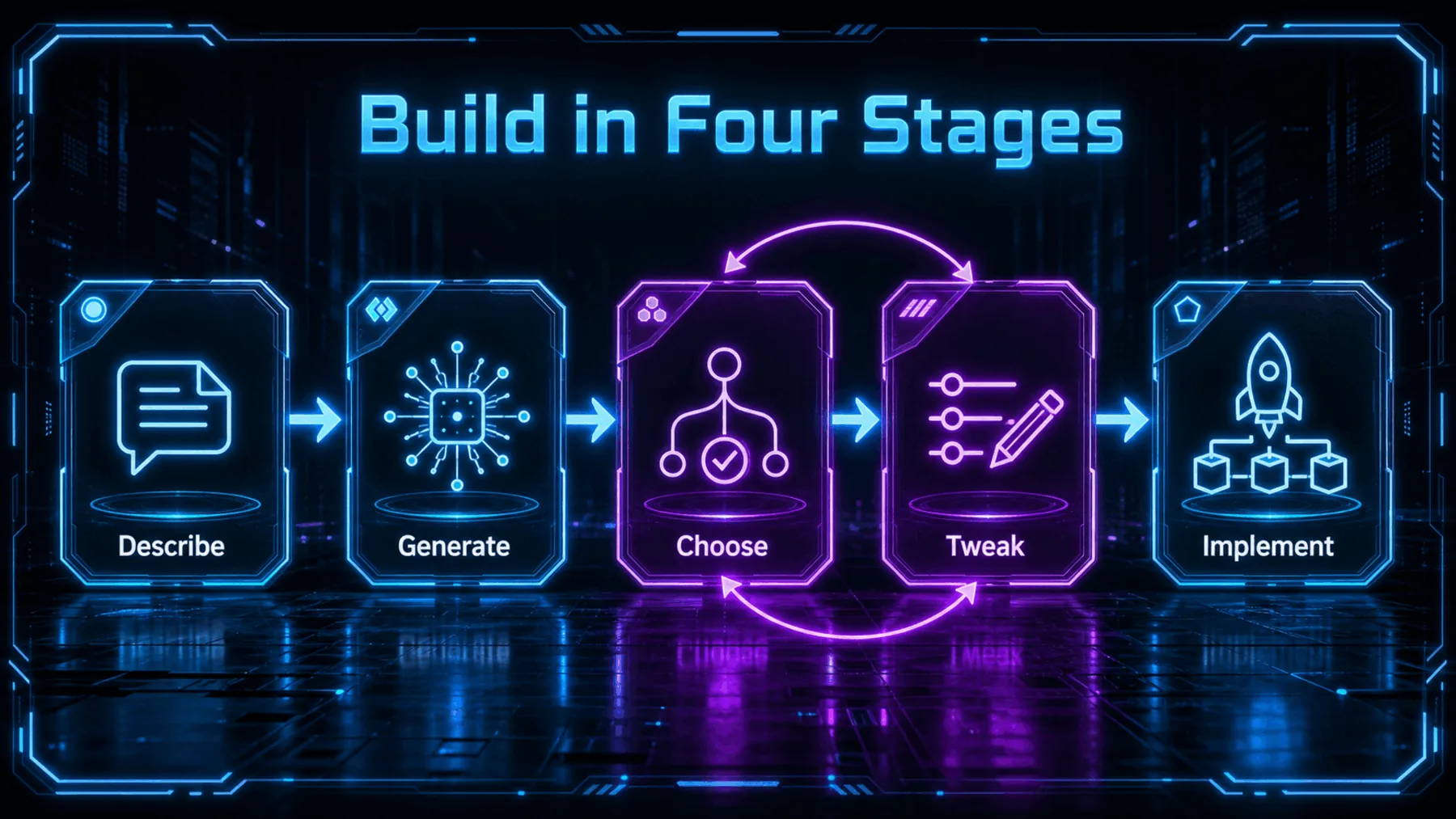
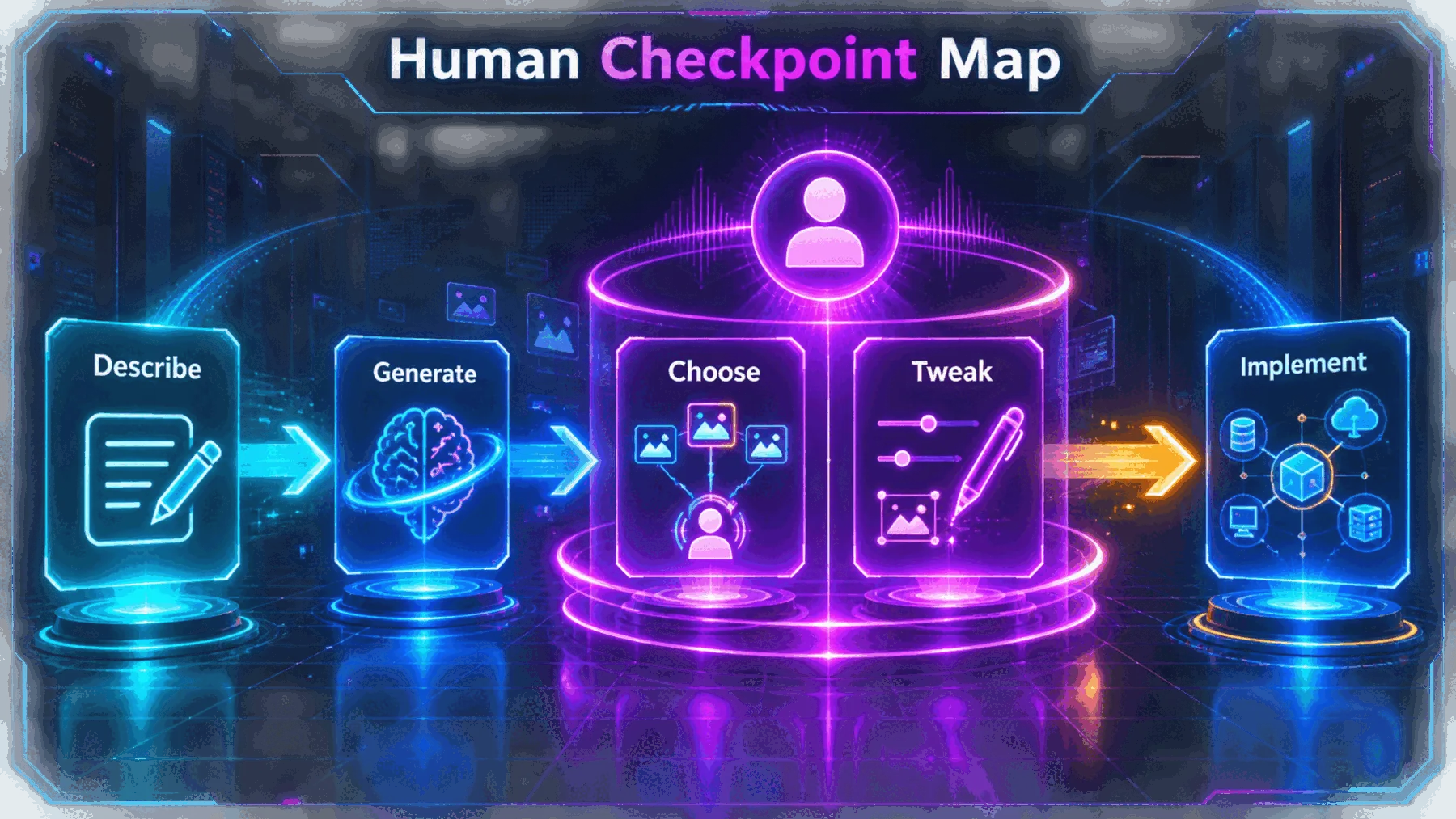
The sequence is deliberately plain: run /design, receive editable artboards, pick one, tweak it, then ask Claude to implement it. That is the scope of the announcement, and it is enough to explain why the preview is interesting.
ClaudeDevs calls it a research preview. There is no source-backed basis here for claims about output quality, speed, cost or production readiness, so the practical value remains a workflow to test rather than a result to promise.
What ClaudeDevs announced
A research-preview /design skill for editable UI artboards in Claude Code.
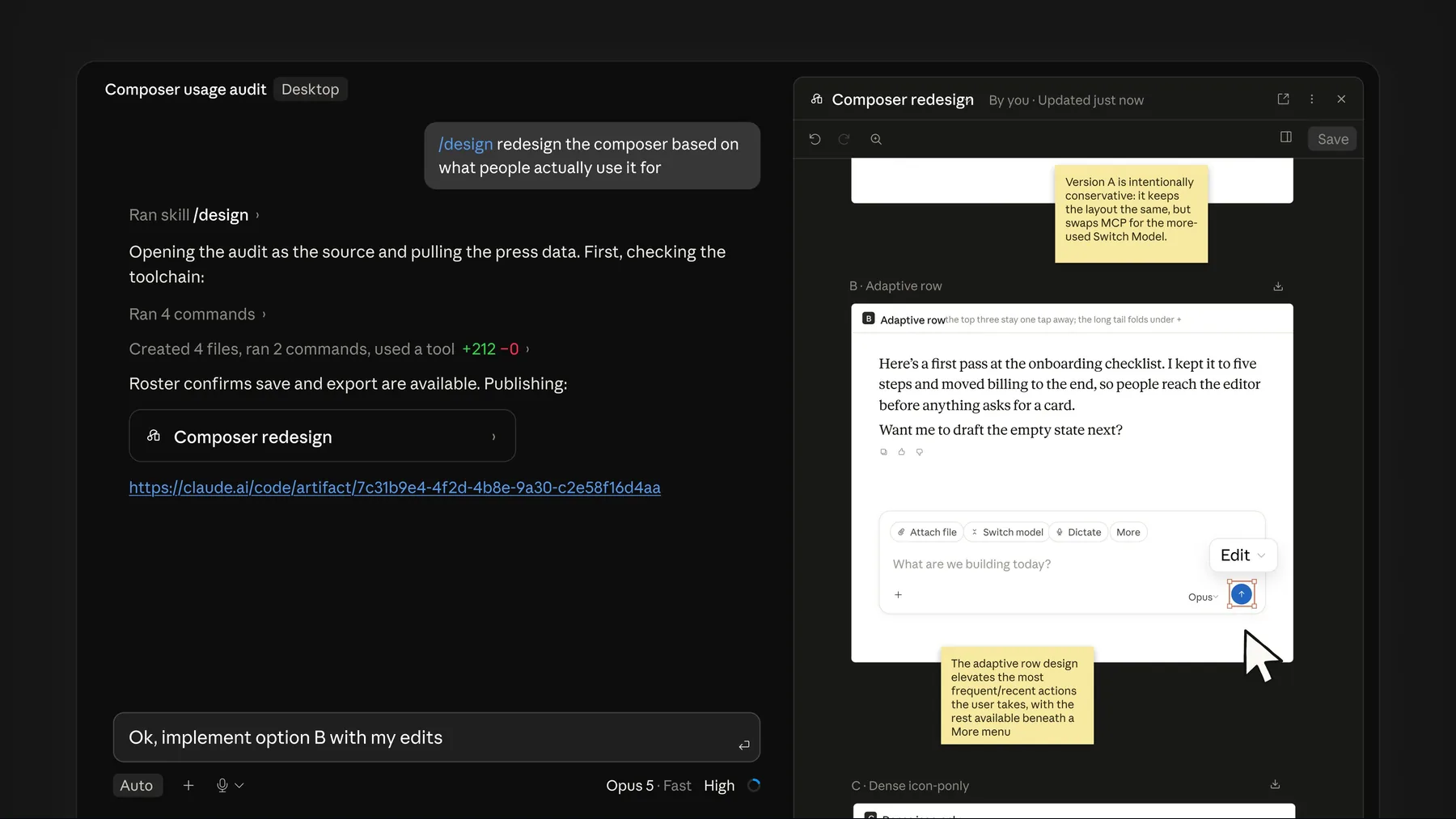
The wording matters. ClaudeDevs is not presenting a one-click autonomous path from prompt to finished interface. It describes a handoff through artboards, where we choose and tweak before implementation.
The announcement also says the workflow is available in the CLI and Desktop and built on artifacts. Those are feature details, not proof that the preview will suit every production workflow.
“Run /design to get editable artboards for your UI — pick one, tweak it, then have Claude implement it.”
ClaudeDevs, official X announcement
The proof — and its limits
The source establishes the announced workflow, but not its performance in production.
The source is an official ClaudeDevs thread, so it supports what ClaudeDevs says has been announced. It does not independently validate design quality, implementation quality, accessibility, delivery speed or cost.
The preview status is equally important. We can treat this as a new interaction pattern to explore, not as evidence that every UI request is ready for production use.
How the loop works
The artboard turns intent into something visible before it turns into implementation.
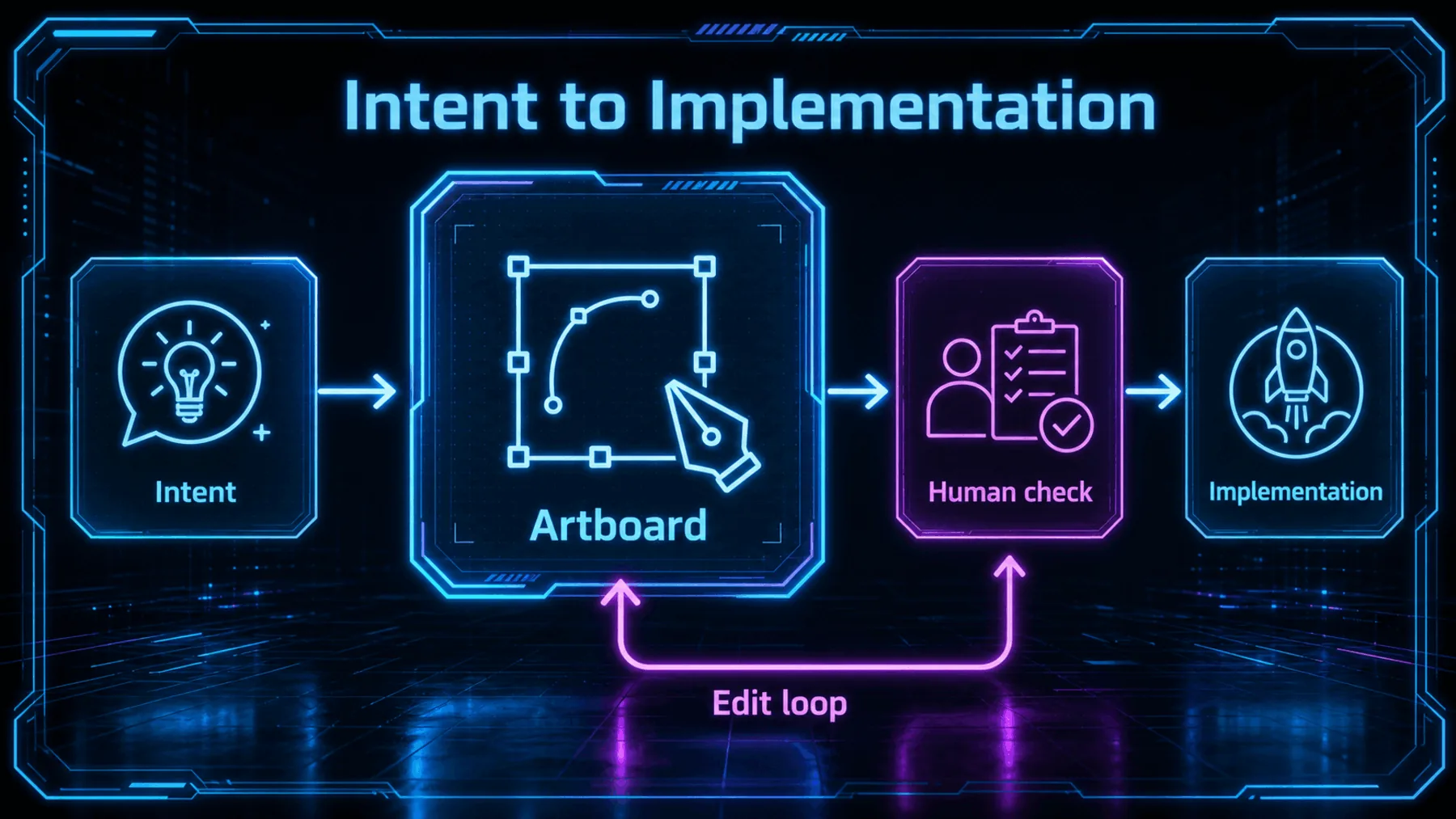
A written request can hide a dozen visual assumptions. An editable artboard makes some of those assumptions visible: hierarchy, layout, screens and the direction of the interface.
That does not replace design judgement. It gives us a clearer moment to apply it, while changes are still directed at the design rather than at code that has already taken shape.
What we encounter first
Access, an updated Claude Code installation, then a design direction we can inspect and change.
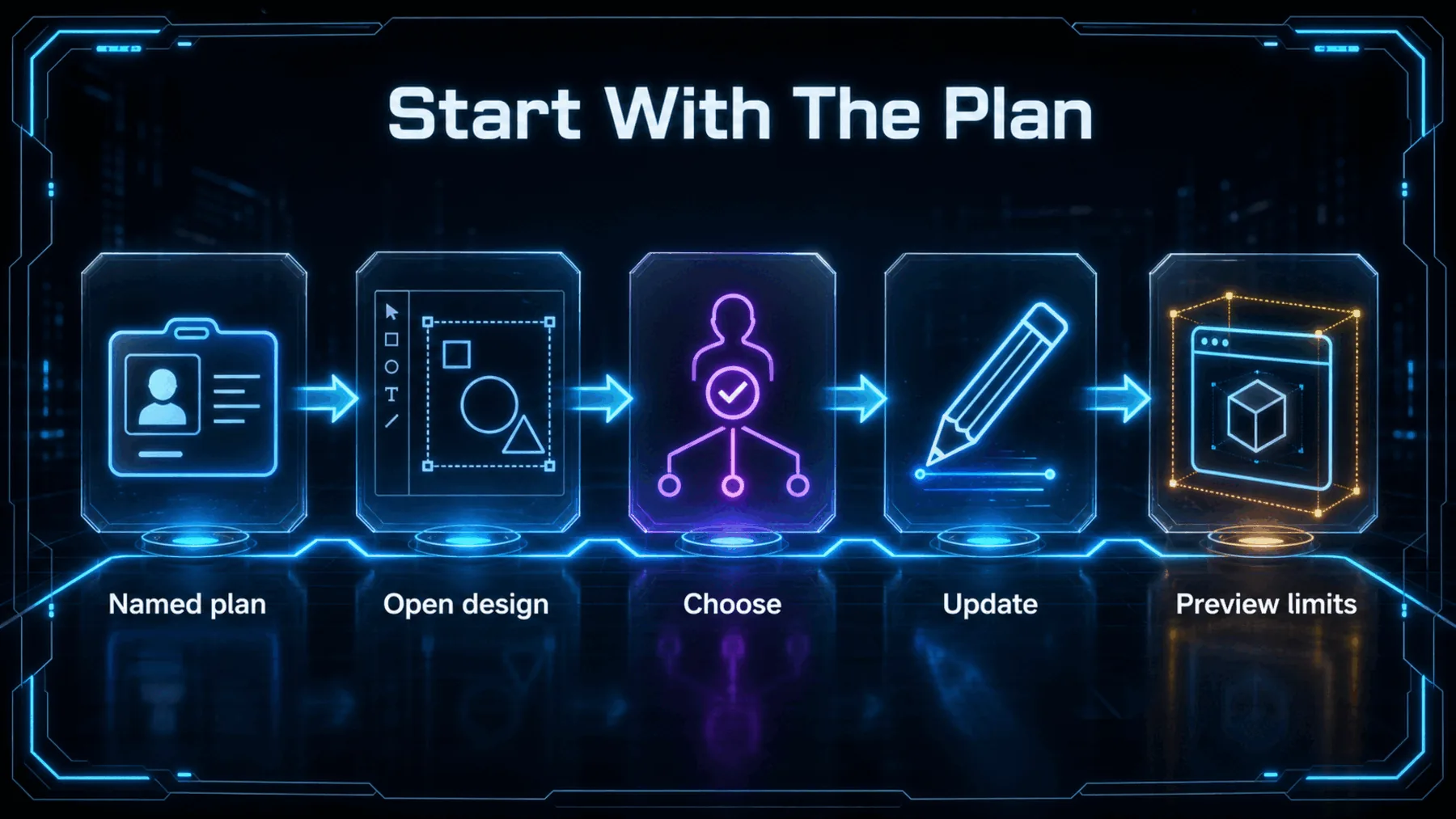
ClaudeDevs says /design is available on Pro, Max, Team and Enterprise, and directs people to update Claude Code to try it. Those named plans establish the announced access boundary; the source does not provide pricing, geography, rate limits or a minimum version.
Once inside the preview, the practical path is less about handing off control than staying present: describe the interface, inspect the artboards, choose one, make changes, and only then request implementation.
The shift is editability
The important new surface is a place to make a design decision before code follows it.
The value is not simply seeing a generated interface. It is being able to change the direction before implementation makes that direction expensive to revisit.
Altior synthesis, based on the ClaudeDevs announcement
That distinction gives the preview a more practical role than a visual flourish. The artboard is a shared object for deciding what should be built, not just a picture of what might appear.
ClaudeDevs’ announcement is narrow, and the conclusion should stay narrow too: /design creates an editable checkpoint between request and implementation. Whether that checkpoint improves a particular team’s work is something we still need to test.
Design a reviewable booking flow
Use /design to create three editable artboard options for a mobile appointment-booking flow for a neighbourhood barber. Include service selection, barber choice, date and time selection, a clear booking summary, and a confirmation state. Keep the interface calm, high-contrast, and easy to scan. Show the complete flow as connected screens, then wait for a chosen direction before implementation.Ready to copy
Test the decision point
Try one bounded interface request in the research preview, then judge whether the editable artboard makes the next design decision clearer before asking for implementation.
Try the promptWhat to watch next
- Preview maturity
- Broader availability
- Output quality