Claude Code Remote Control: Step away. Stay connected.
Anthropic’s latest Remote Control improvements aim to make a live local coding session easier to follow, steer and resume across devices.
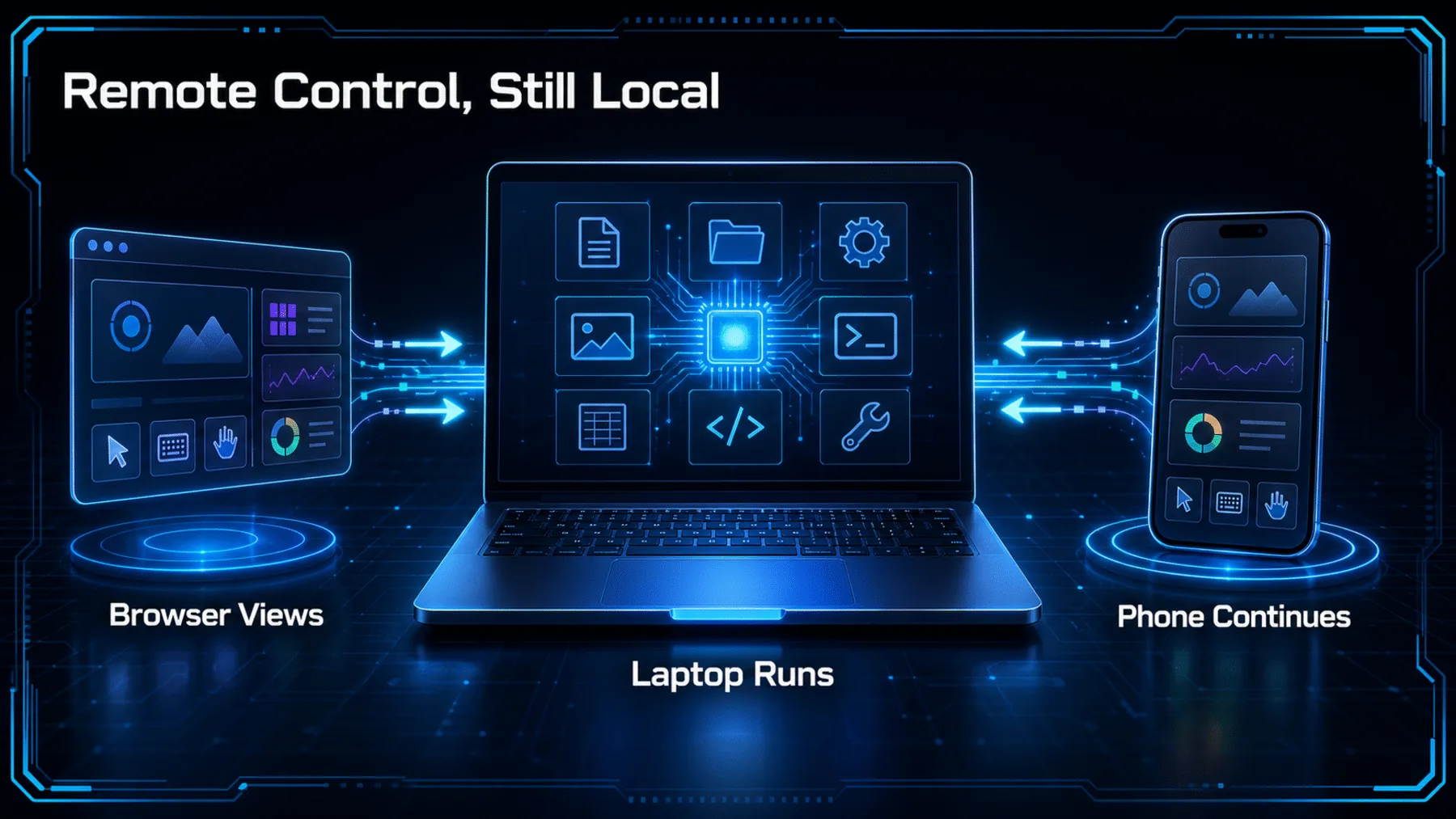
A long task should not vanish from view because we close a laptop for a moment or move from one network to another. Remote Control already connects a browser or phone to Claude Code running locally; Anthropic’s recent updates focus on keeping that handoff intact.
That distinction matters. The phone is a window into the session, while execution, files, tools, MCP servers and project configuration remain on the machine running Claude Code.
Continuity is the point
The value is not remote execution. It is keeping a local session within reach when we leave the terminal.
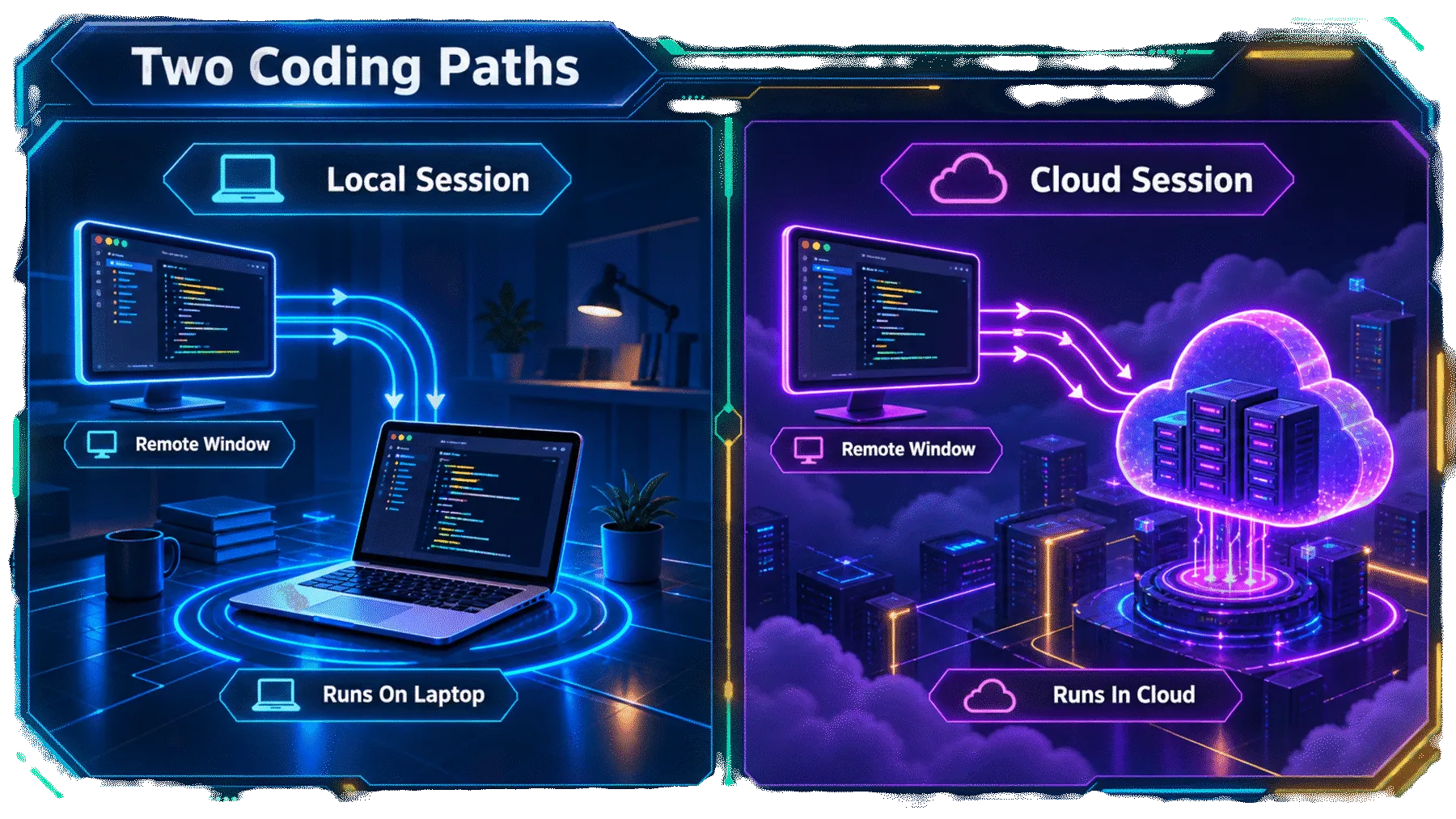
That makes Remote Control a different proposition from a cloud-hosted coding session. We can step away from the desk without abandoning the local environment already carrying the work.
It also keeps the limitation in view: the local machine remains the centre of the session. A remote surface can only reflect a session that is available to it.
Less brittle between devices
ClaudeDevs says recent improvements target the small interruptions that make a remote handoff feel unreliable.
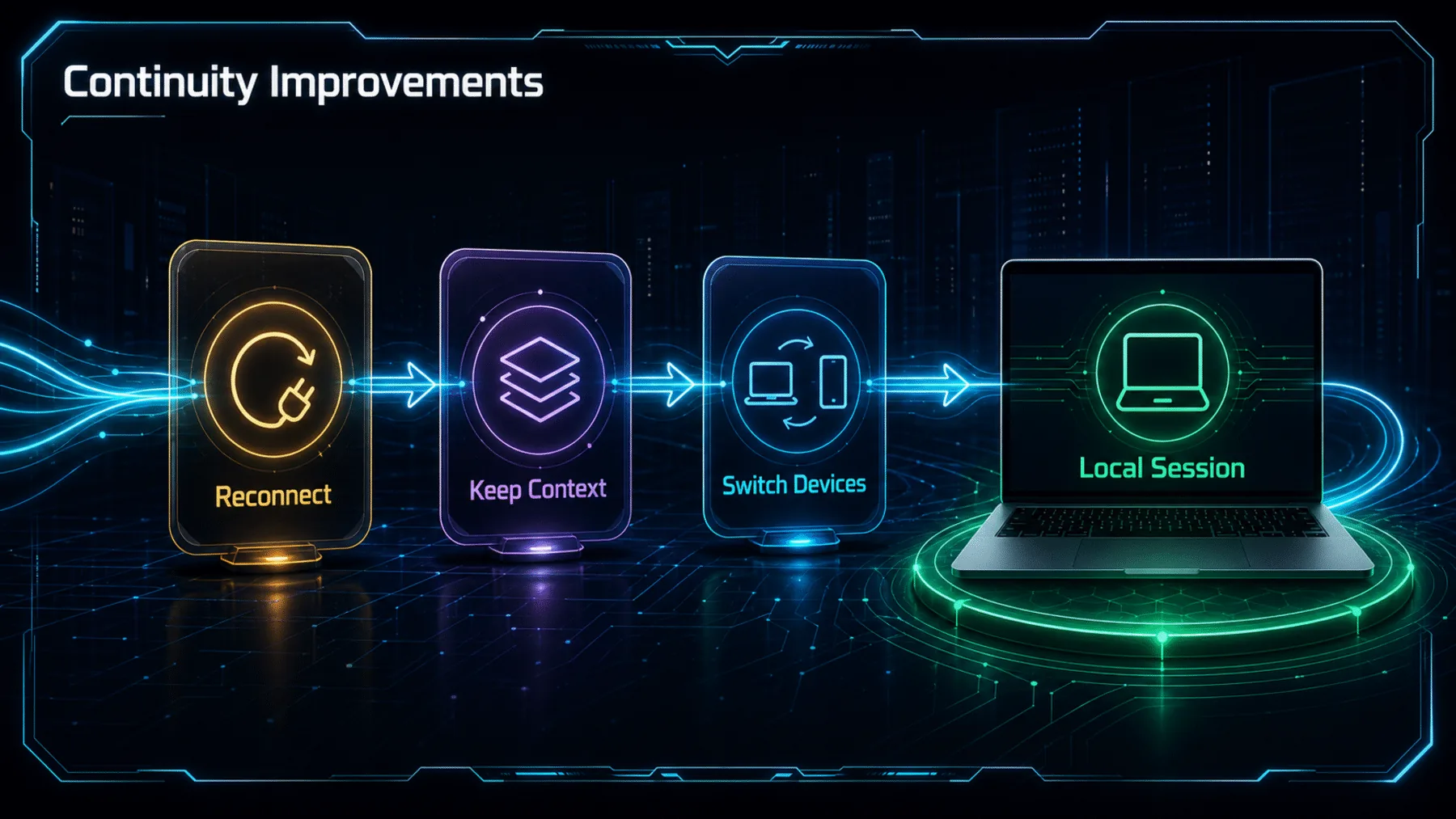
ClaudeDevs says a phone now stays aligned with what is running on the machine, including a faster move to an offline state when Claude Code exits. It also reports synchronised model and effort settings, quicker opening for heavy sessions on iOS, and better mobile behaviour for `/clear`, `/compact` and `/diff`.
Those are practical fixes rather than a promise of perfect availability. The strongest reading is simply that the handoff has become more credible when a session is interrupted briefly.
A continuity claim, on record
ClaudeDevs’ published update points to the latest CLI, Desktop and mobile apps, alongside the official Remote Control documentation.
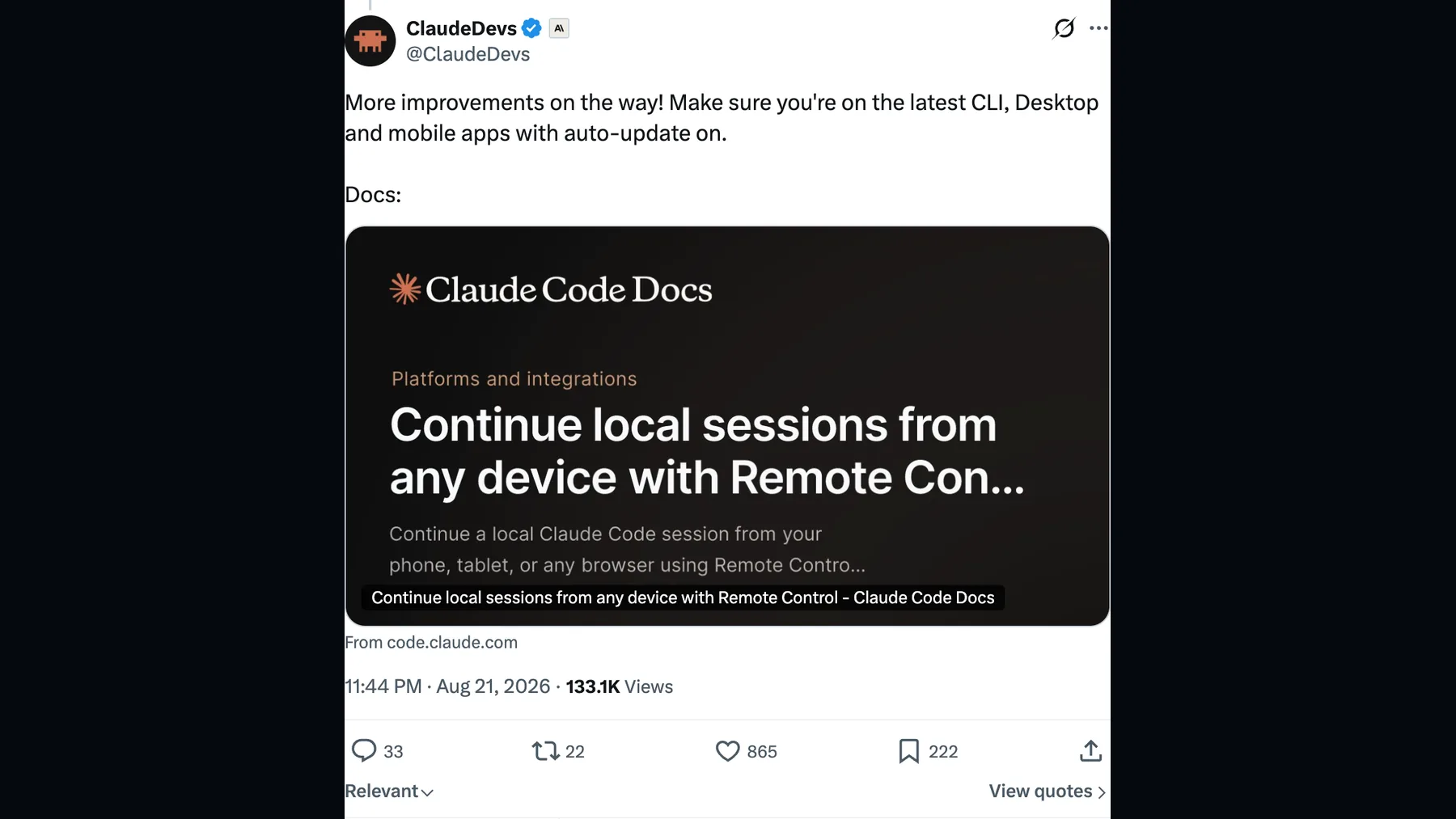
The update is useful because it names the failure points that tend to break the spell: a brief laptop closure, a Wi-Fi switch, a phone left showing an old session, or controls that do not behave as expected away from the terminal.
ClaudeDevs’ wording is evidence of a product update, not independent reliability testing. It supports the narrower claim that Anthropic is improving the continuity of the remote view.
Dropped connections now recover on their own, so if you briefly close your laptop or switch wifi, it'll automatically reconnect.
ClaudeDevs on X
The work stays local
Remote Control extends the view of a Claude Code session; it does not relocate the session’s execution or filesystem access.
Anthropic’s documentation is direct: Remote Control links claude.ai/code or the Claude app to a Claude Code session running on our machine. The connected browser or phone can show and steer that work, but the local environment remains where it is.
That is why the feature should not be mistaken for cloud execution. It also means a local session, an eligible login and the documented environment conditions still matter.
The phone is a window
Messages travel between the remote surface and a Claude Code session that continues on the machine running the work.
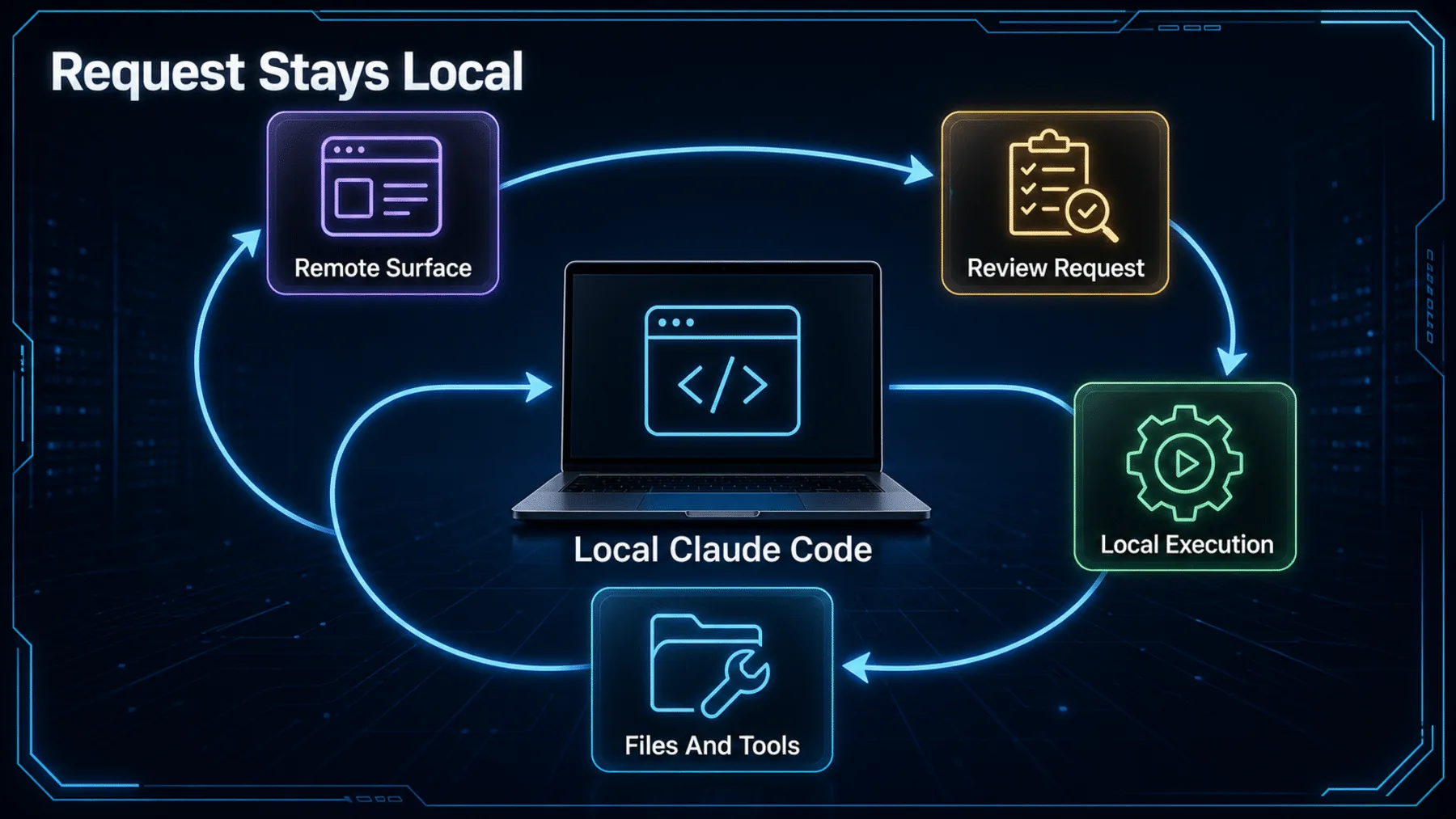
Remote Control does not create a second coding environment on the phone. It gives us another way to follow the same conversation, send messages and check progress while the local session continues.
That preserves the context that matters in real work: the project files, the available tools and the configuration already present on the host machine.
Execution
Claude Code continues running locally.
Files
Filesystem access stays with the local project.
Tools
MCP servers and project configuration remain available.
Check the handoff first
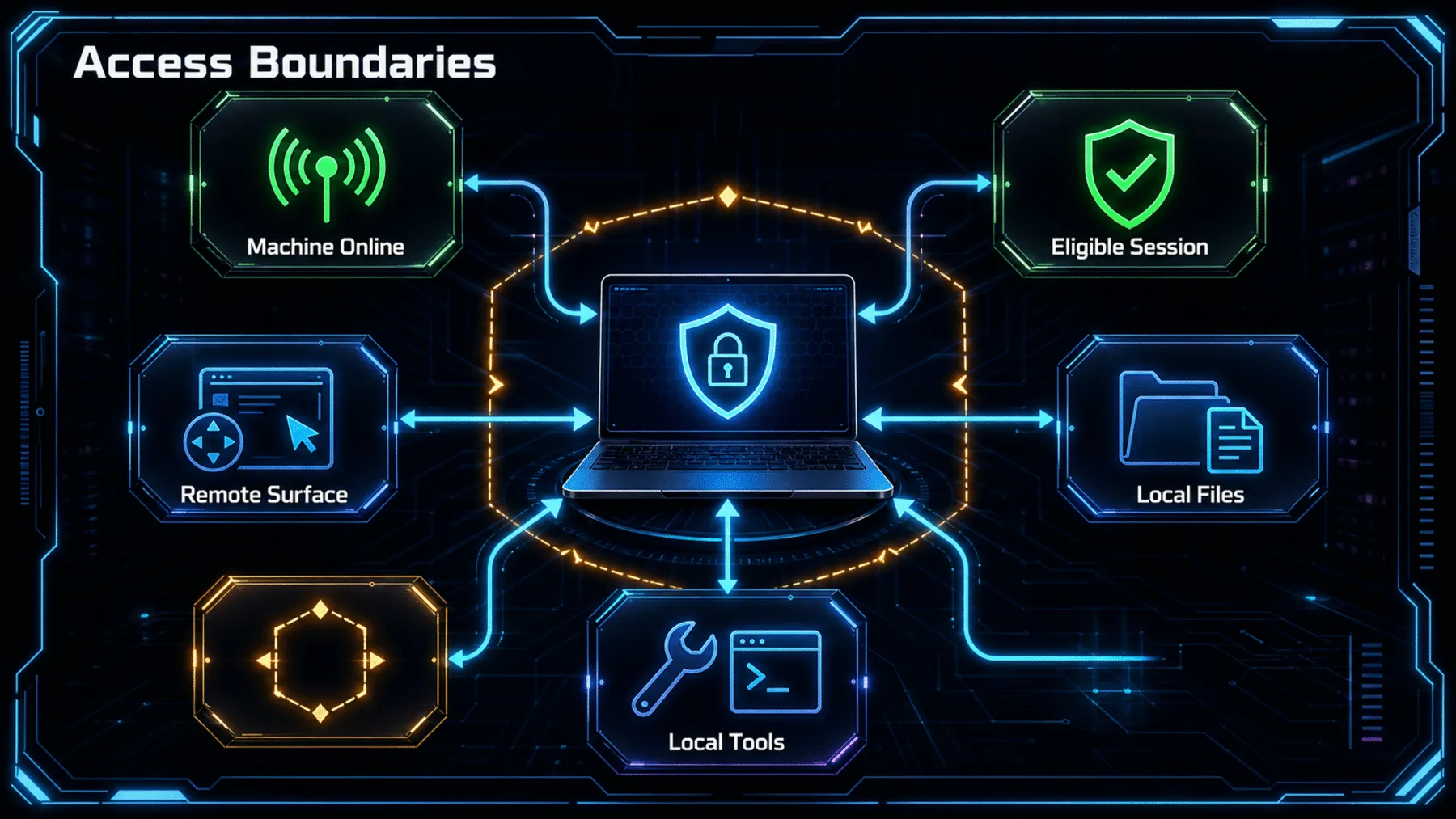
Continuity depends on the local host, a supported setup and the access controls that apply to our account.
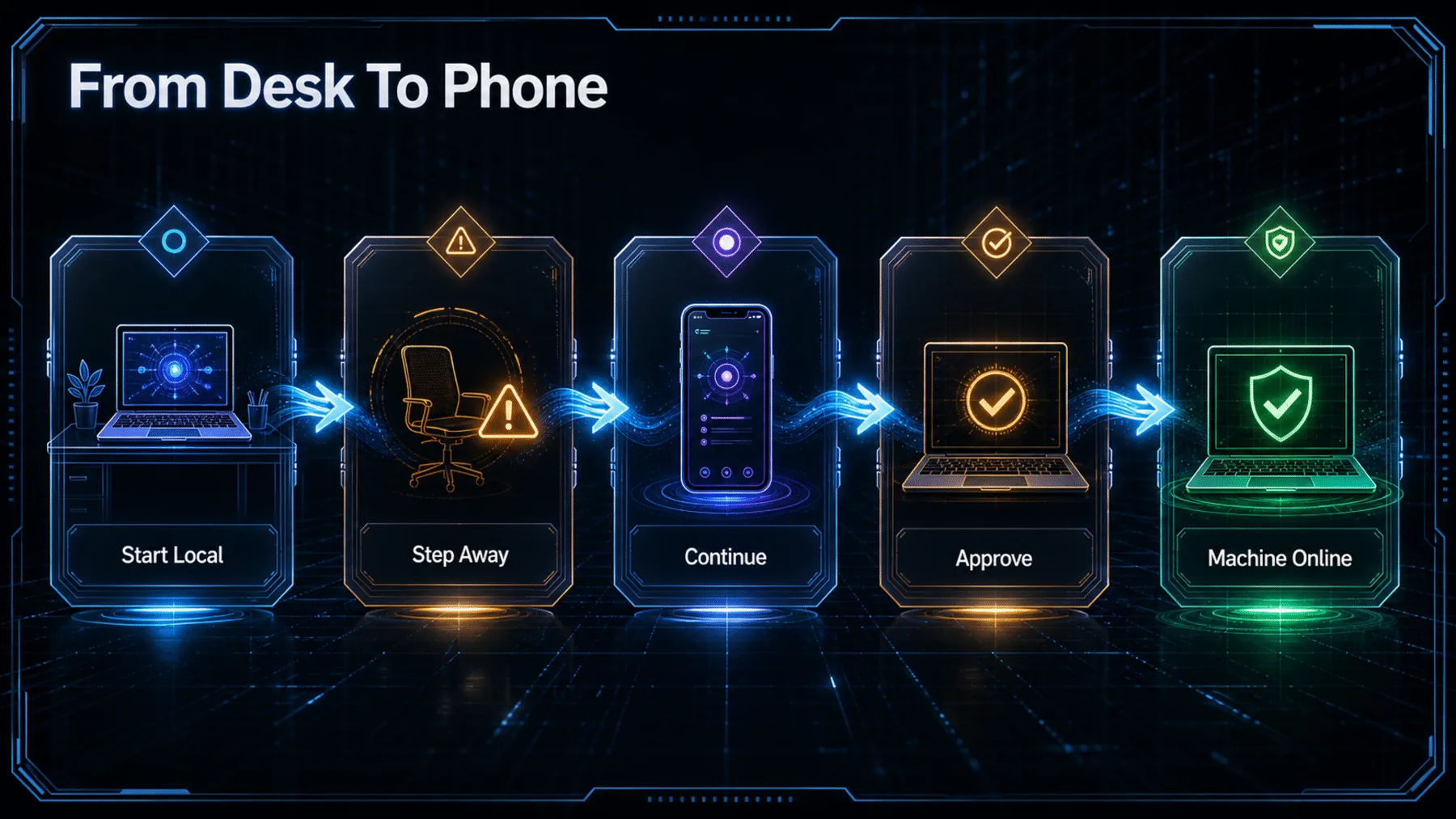
Local host
Keep the machine running the session available.
Eligible access
Use an eligible claude.ai login and a trusted workspace.
Organisation policy
Confirm Owner enablement and any organisation controls.
Before we rely on the handoff, the practical checks are straightforward. The workspace must be trusted, the session needs an eligible claude.ai login, and the endpoint and configuration must support Remote Control.
Team and Enterprise access is not automatic: Anthropic says an Owner must enable the setting. API-key sign-in, named cloud-provider routes, custom gateways and Claude apps gateways are outside the documented support boundary.
Continuity, not migration
The improvement is a more credible device handoff for local work, not a transfer of the work itself to another host.
Remote Control becomes more useful when it makes a local session easier to keep hold of—not when it pretends the local machine no longer matters.
Synthesis of ClaudeDevs’ update and Anthropic’s Remote Control documentation
That is the right frame for Anthropic’s update. Automatic recovery, state sync and more capable mobile controls reduce the friction around stepping away, while the documentation keeps the architecture plain: the session still runs locally.
For us, the question is therefore less ‘can we code from a phone?’ than ‘can we keep a meaningful local session in view without losing its context?’ The new changes make that question more practical, within the documented limits.
Check a local session from another device
In a Claude Code session running from a trusted project directory, explain whether Remote Control is available for this session. Check the active login, workspace trust, organisation controls, API endpoint configuration, and any settings that disable feature-flag evaluation. Return: 1) available or unavailable, 2) the exact blocking condition if unavailable, and 3) the next documented action to take. Do not change settings or start a remote session.Ready to copy
Check the local session
Confirm that the machine is available, the workspace is trusted and the account and organisation conditions allow Remote Control before we rely on a remote handoff.
Try the promptWhat to watch
- Host availability
- Organisation controls
- Environment configuration