The simulator joins the conversation
Anthropic’s public beta places a running iOS app beside Claude Code, bringing the build, inspection and interaction loop into one visible workspace.
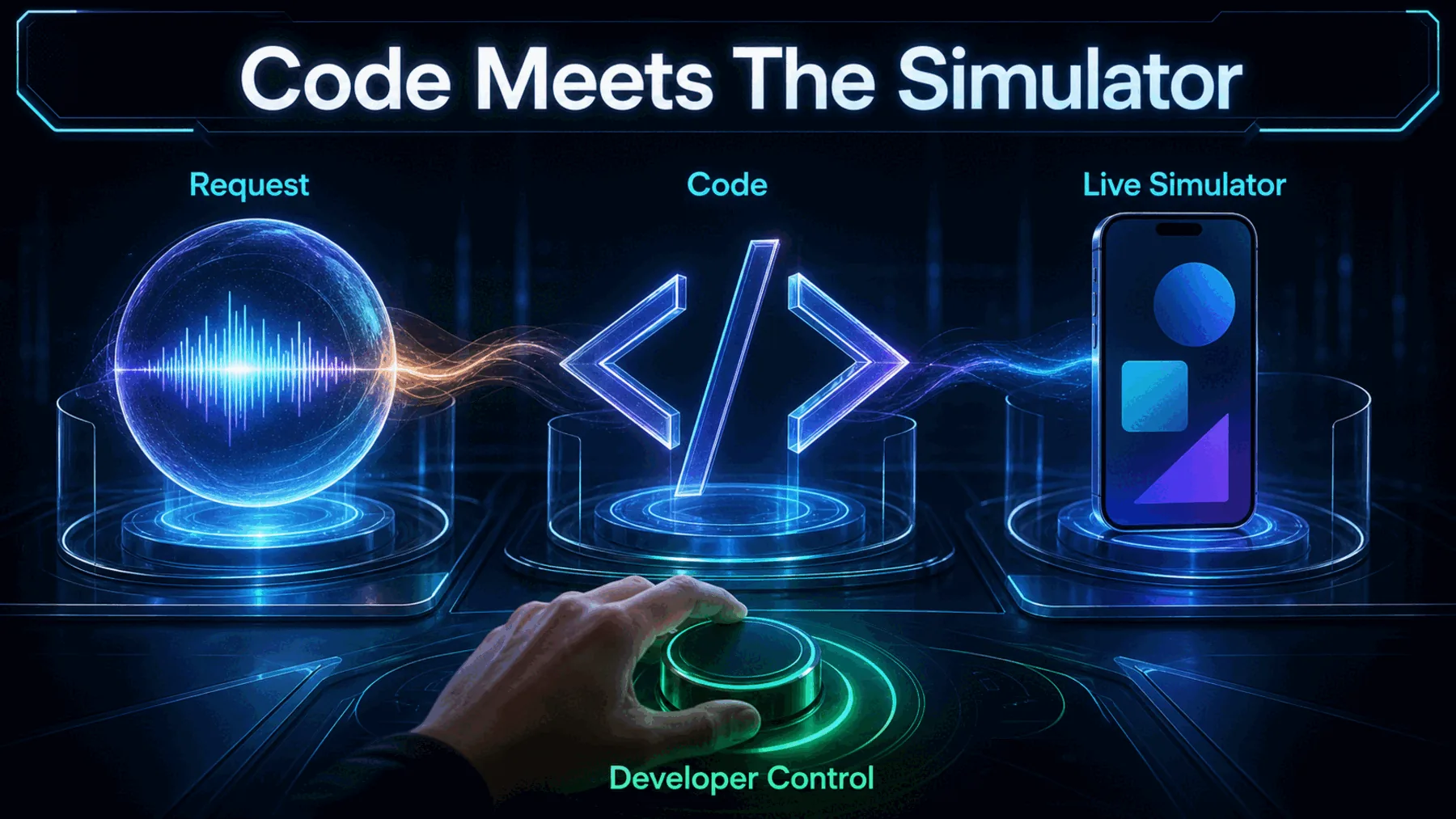
Building an iOS app usually means moving between the code, the build output and a separate simulator view. Anthropic’s release draws those jobs together: the simulator opens beside the Claude Code conversation when we build and run the app.
Anthropic says Claude can see and interact with the running app while we remain free to tap through it ourselves. That creates a shared test loop, although the announcement does not establish faster work, greater reliability or a production-ready result.
One workspace, a tighter loop
The release reduces the distance between asking for a change and seeing how the running interface responds.
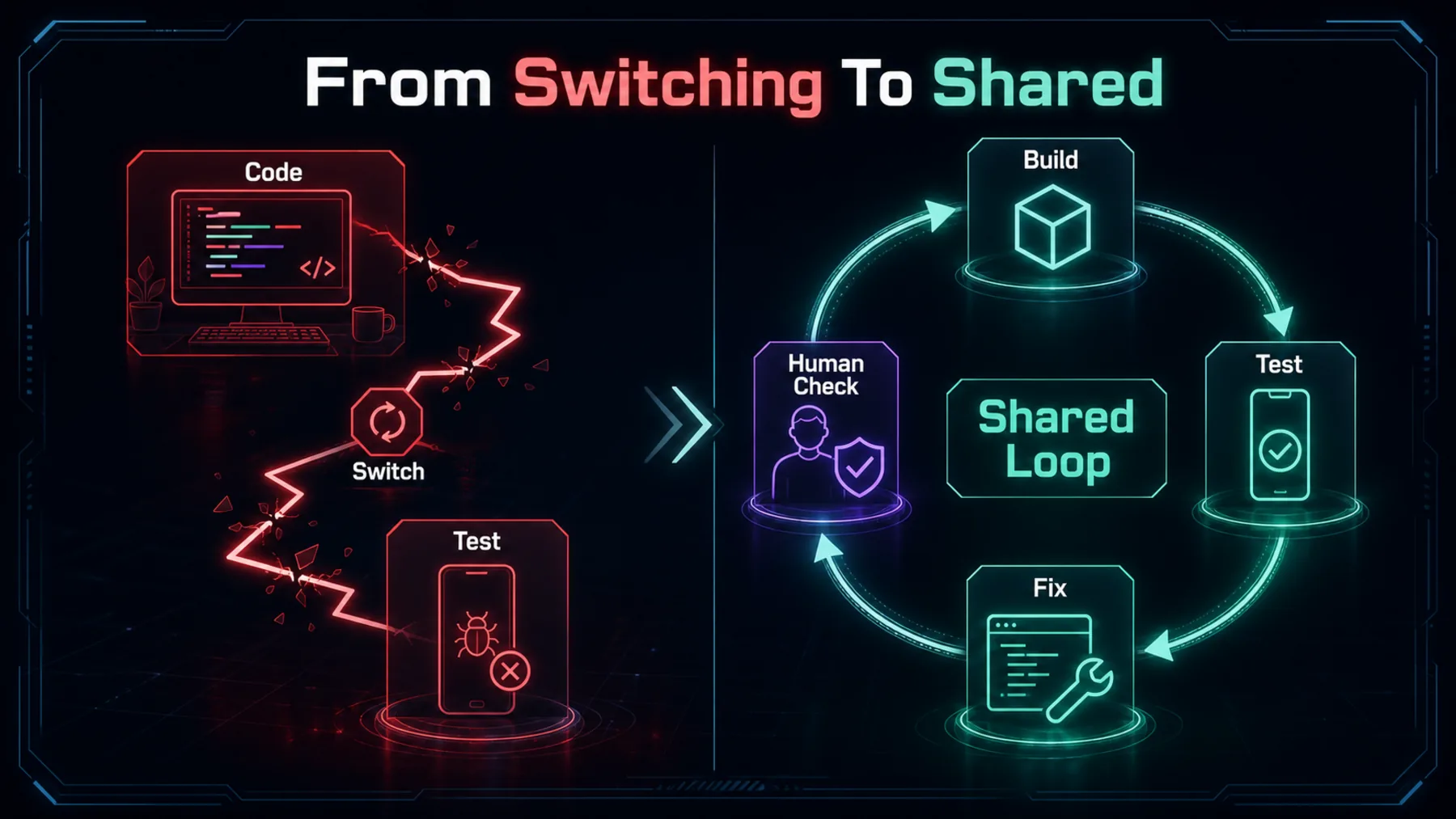
The practical change is continuity. We can ask for an edit, build the app and inspect the result without losing sight of the conversation that produced it. Claude can observe the same running interface and respond to what appears there.
That does not remove judgement from the process. A visible app state can expose an obvious layout or interaction problem, but it cannot prove that the code is correct, complete or ready to ship.
The beta has clear boundaries
The feature is available in Claude Code on desktop, but only on macOS and with Xcode installed.
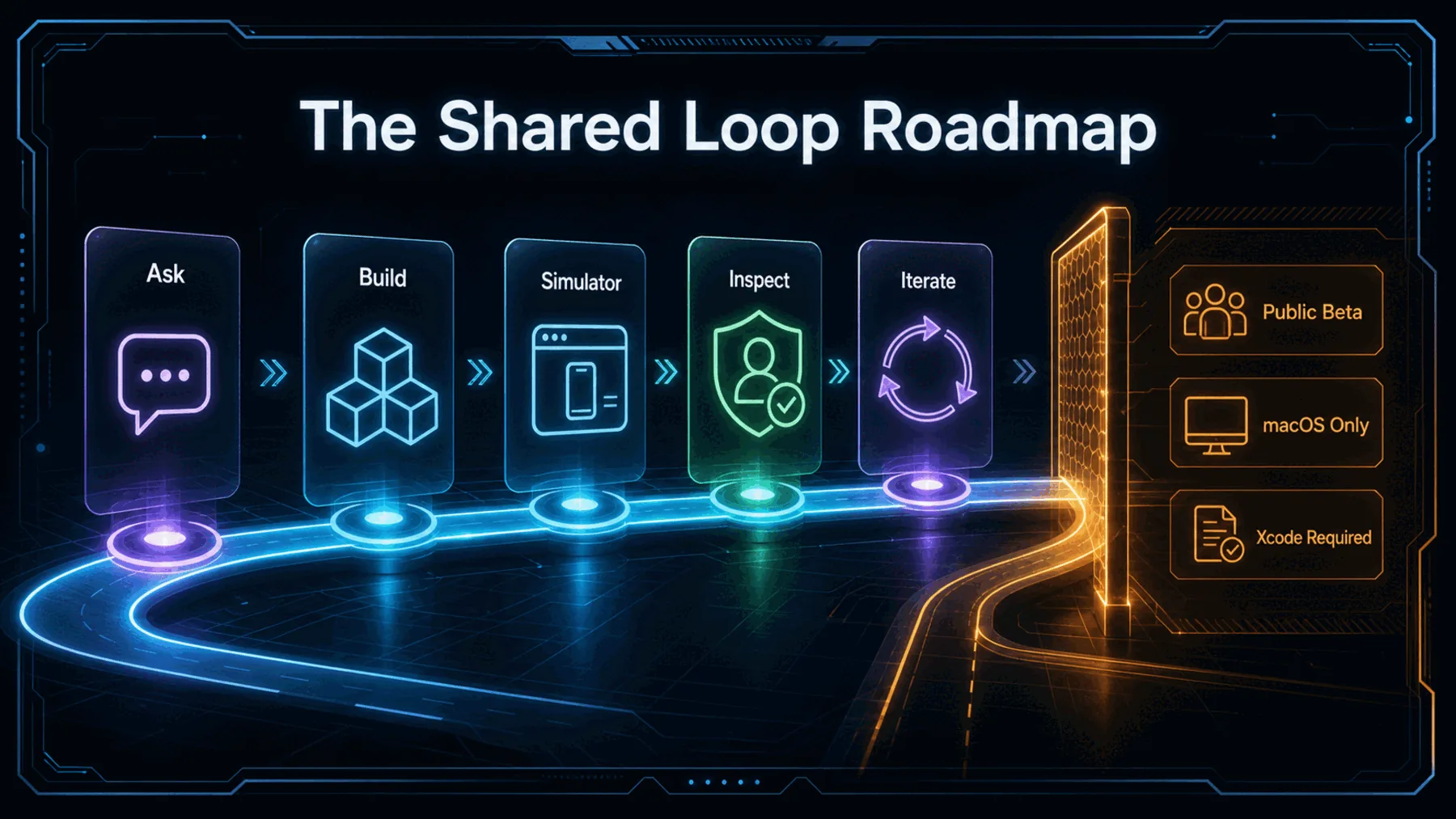
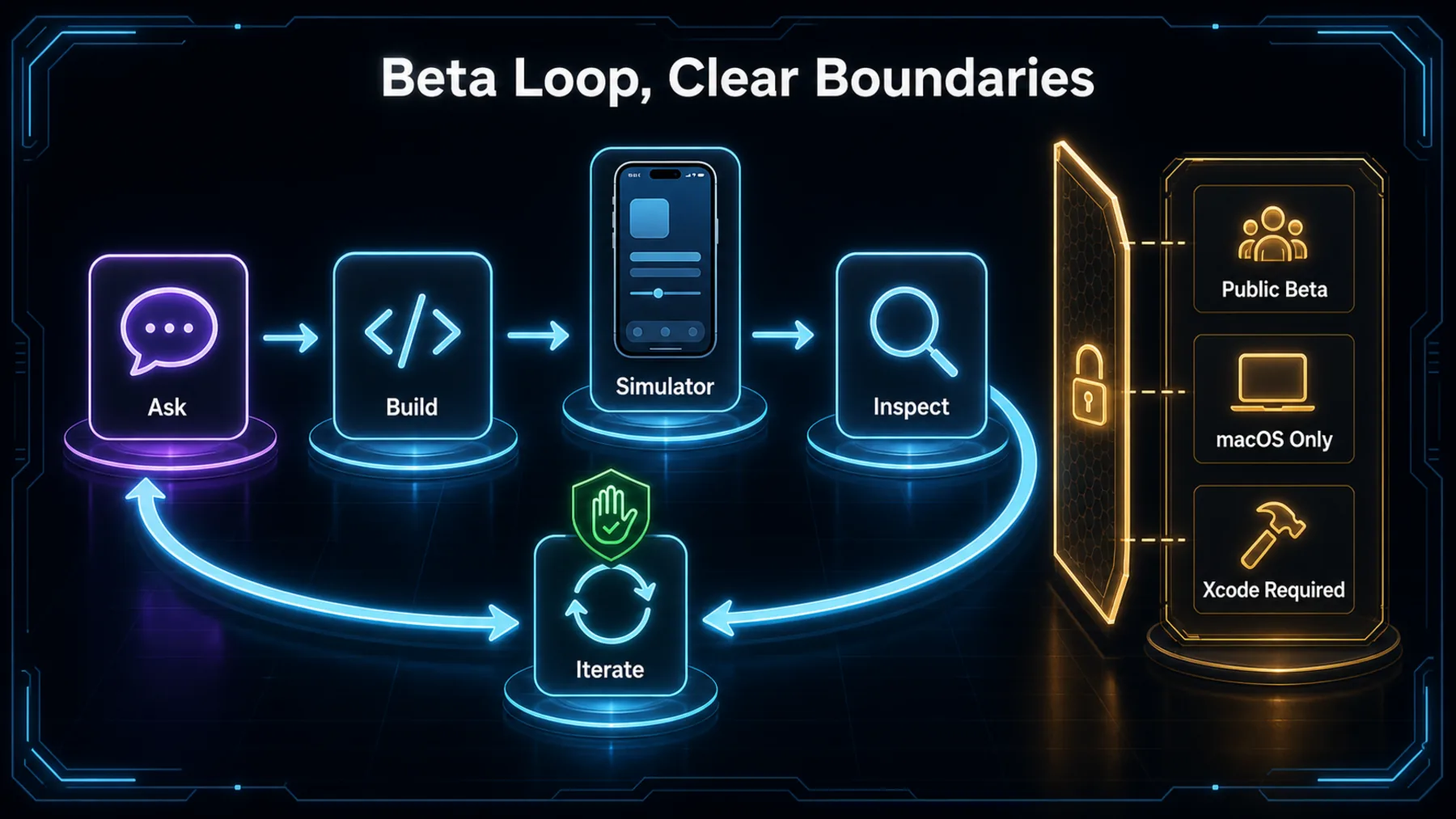
Anthropic says the capability is available today in public beta. That wording matters: it describes an early public release, not general availability or established production performance.
Trying it requires Claude Code on desktop, a Mac and Xcode. The two announcement posts make no claim about Windows, Linux, physical devices, pricing or support beyond the iOS simulator.
Claude can use the running app
Anthropic says Claude can see the app, interact with it and continue iterating while we retain direct access to the simulator.
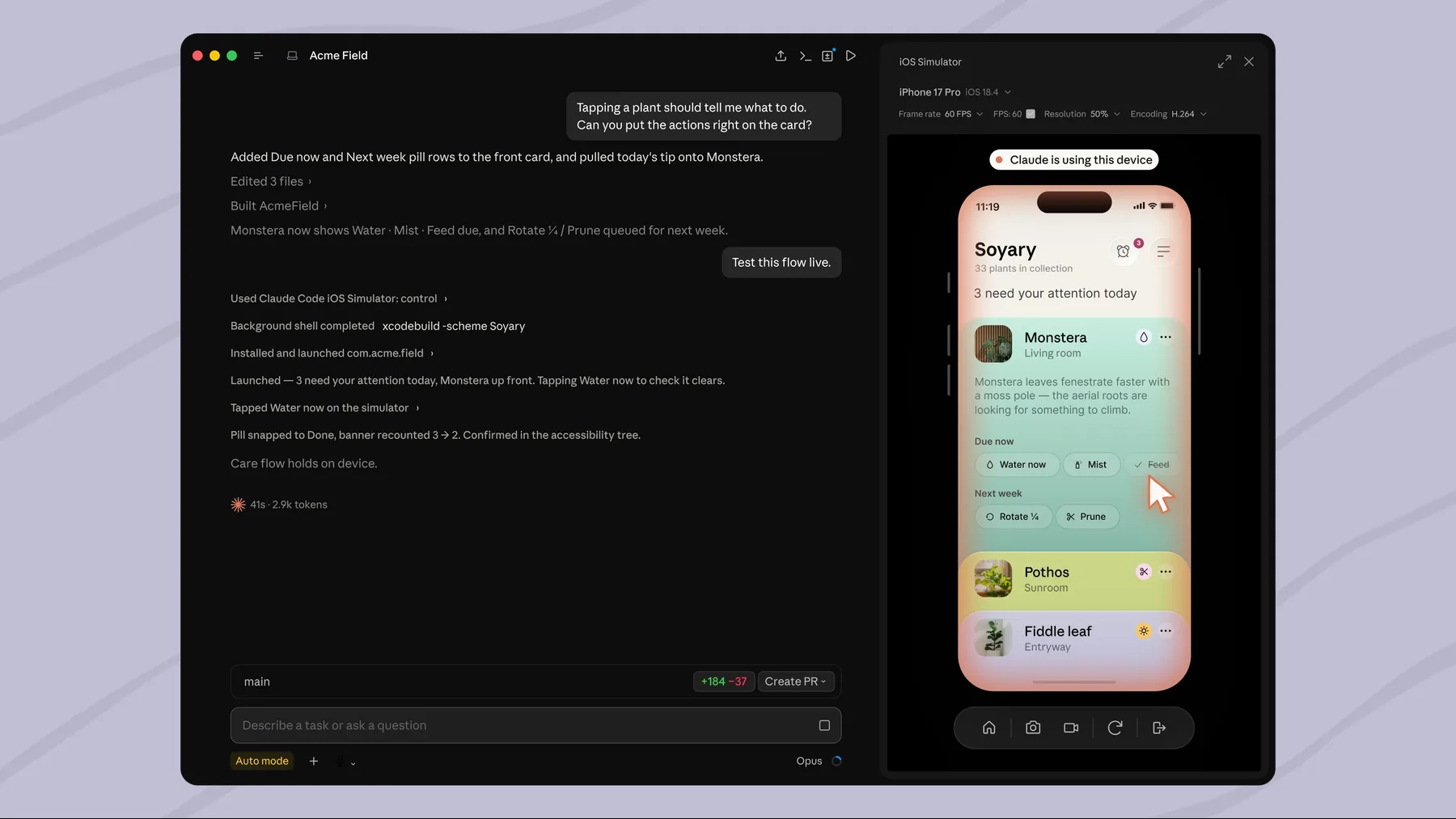
The announcement goes beyond placing a simulator panel beside the conversation. Anthropic says Claude can observe the app as it runs and interact with its interface.
We can also tap through the simulator at any time. The source therefore describes shared access to the running app, not an autonomous hand-off of development or verification.
Claude can see the app as it runs, interact with it, and iterate until finished. Tap through the simulator yourself at any time.
ClaudeDevs on X
What the posts actually establish
The announcement shows the intended interaction and states the access requirements; it does not demonstrate performance or production readiness.
The approved evidence consists of two official ClaudeDevs posts and one announcement image. Together they establish the intended workflow, public-beta status and stated platform requirements.
They do not tell us whether the loop is faster, more reliable or more accurate in practice. They also do not establish test coverage, security, pricing, physical-device support, deployment capability or App Store readiness.
The test loop becomes visible
A request moves into code, then into a running simulator that Claude and the developer can both inspect.
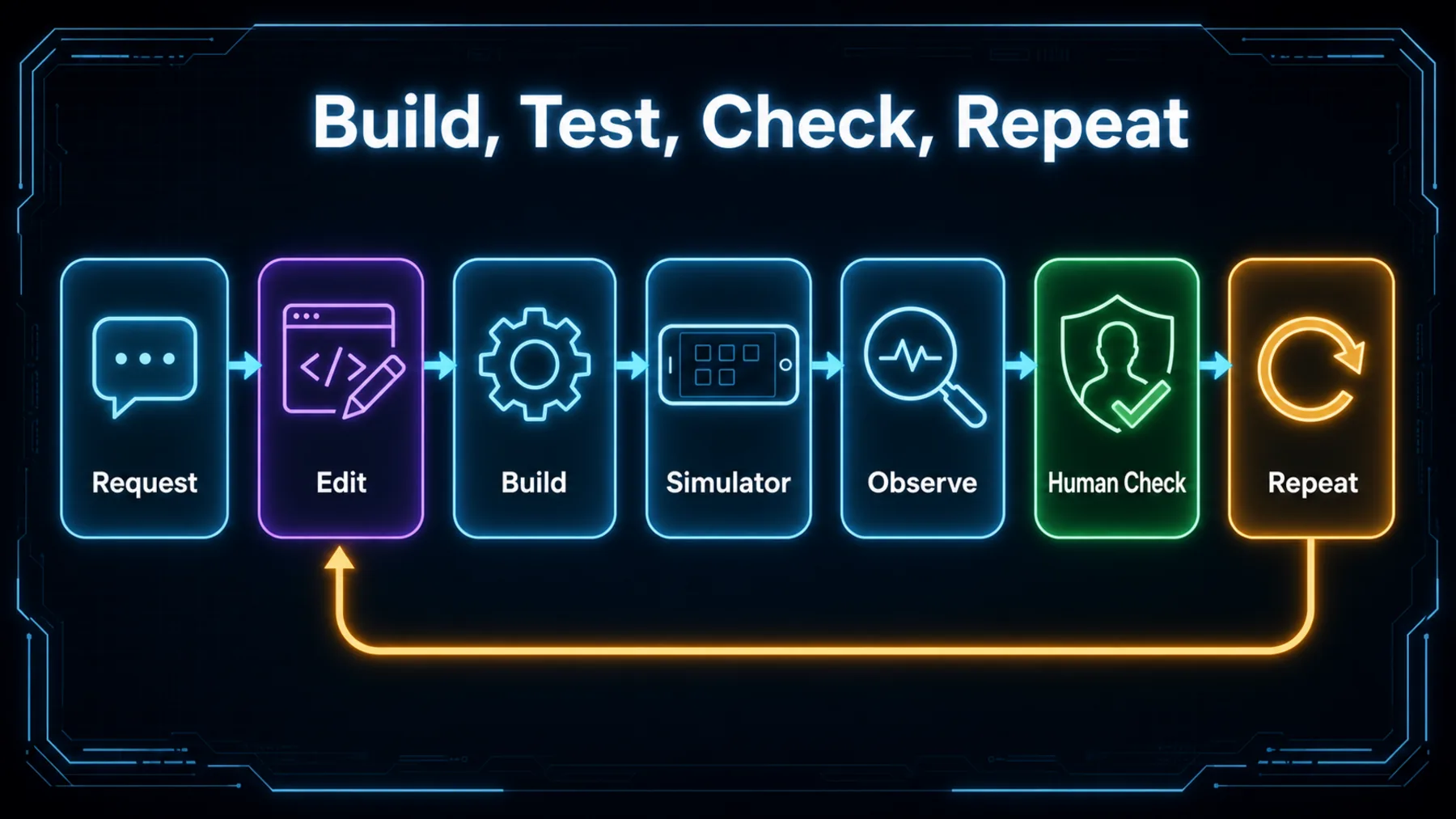
The loop starts with a change inside the current project. Claude Code can work on that change, build and run the app, then use the simulator displayed beside the conversation to observe what happened.
From there, Claude may interact and iterate, while we can step in at any point. The useful distinction is between assisting with a visible test loop and proving the finished app: the announcement supports the former, not the latter.
We stay inside the loop
Claude can interact with the simulator, but the developer can take over, inspect the result and decide what happens next.
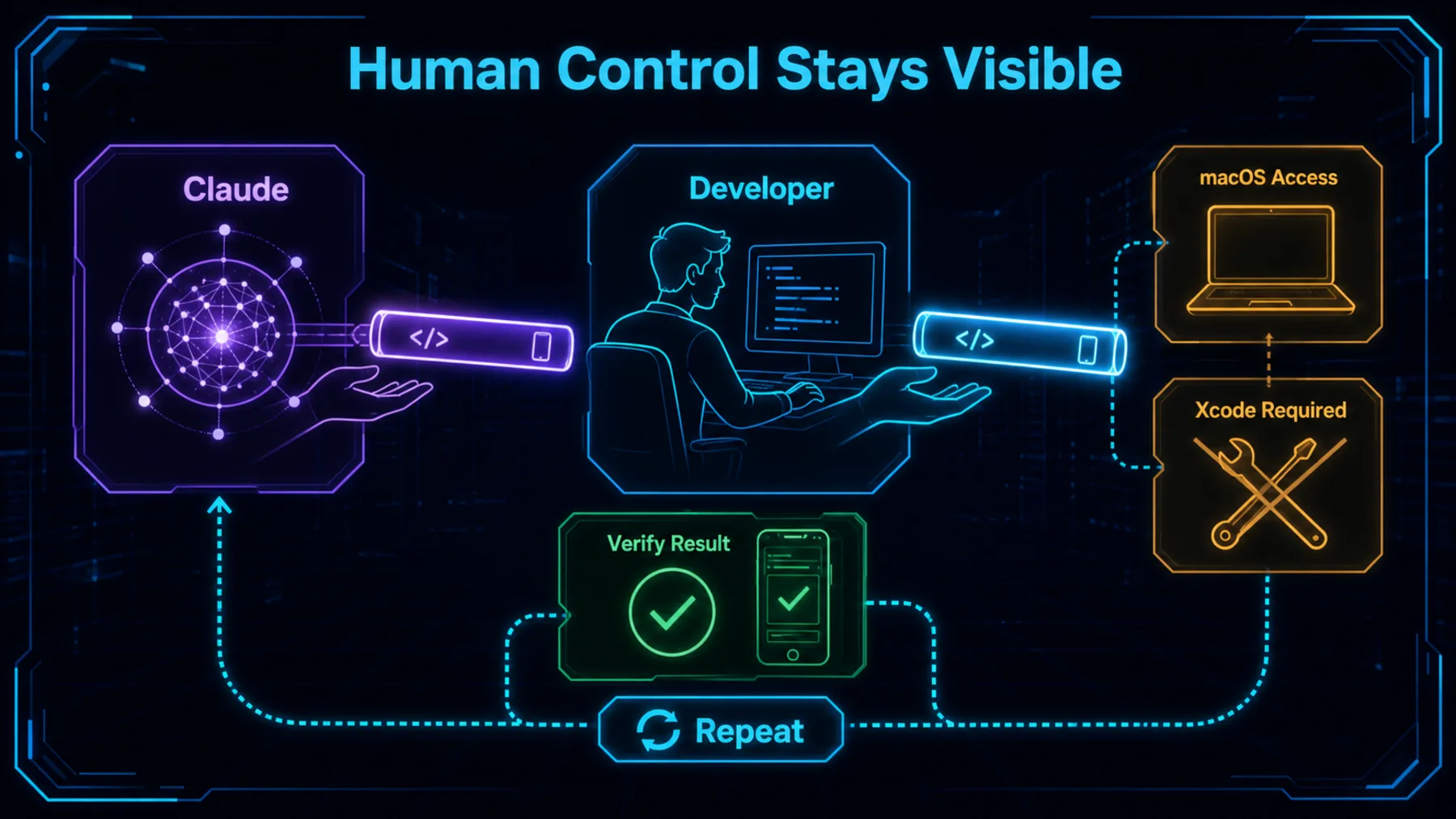
Anthropic’s wording keeps direct human access explicit: we can tap through the simulator at any time. That makes the feature useful as a collaborative inspection surface rather than a claim of unattended app delivery.
The setup still depends on macOS and Xcode, and the result still needs our scrutiny. A successful simulator run can show what happened in that session; it cannot settle every device, reliability or release question.
A tighter loop, with limits
The release makes iOS iteration more conversational, while leaving verification and release judgement where they belong.
The meaningful change is shared visibility: Claude can work with the running app beside the conversation, while we remain responsible for deciding whether the result holds up.
Altior analysis of Anthropic’s announcement
Anthropic has connected Claude Code’s conversation to a live iOS simulator on macOS. That could make the path from request to visible result feel more continuous because the code, running interface and discussion occupy the same workspace.
The honest conclusion is narrower than a promise of autonomous app creation. This public beta gives us a new way to observe and steer iteration; whether it improves speed, quality or reliability still needs to be demonstrated in use.
Run a controlled simulator loop
Work in the current iOS project on macOS with Xcode available. First inspect the project and identify the safest existing simulator target. Build and run the app in the iOS simulator, then observe the launch state and interact only with the visible interface. Make no signing, deployment, dependency or destructive project changes without asking. Report: 1) the target and simulator used, 2) build errors or warnings, 3) what appeared on launch, 4) the interactions attempted and observed results, 5) any code change you recommend, and 6) what I should verify myself before accepting that change. If the build fails, stop after diagnosis and propose the smallest reversible next step.Ready to copy
Test the loop, verify the result
On a suitable macOS project with Xcode installed, use one small, reversible interface change to see what Claude observes, how it interacts and where human checking remains necessary.
Try the promptWhat to watch as the beta develops
- Access
- Platform support
- Human control
- Observed quality