Claude can press send
Claude says its Gmail and Google Drive connectors can take work from a request to an action, with approval remaining under our control.

“Reply to Maya’s thread about the offsite, and send it” is the sort of task that usually fractures into small acts: find the message, read the context, draft a response, check the details, switch windows, then press send. Claude says that sequence can now happen through Gmail from one request.
The same announcement says Claude can manage files in Google Drive. The source does not spell out which file operations that covers, so the clearer claim is the narrower one: Claude is moving from helping us prepare work towards carrying out part of it.
The last mile changes the risk
Drafting is reversible. Sending and managing work inside connected tools make the control point part of the product.
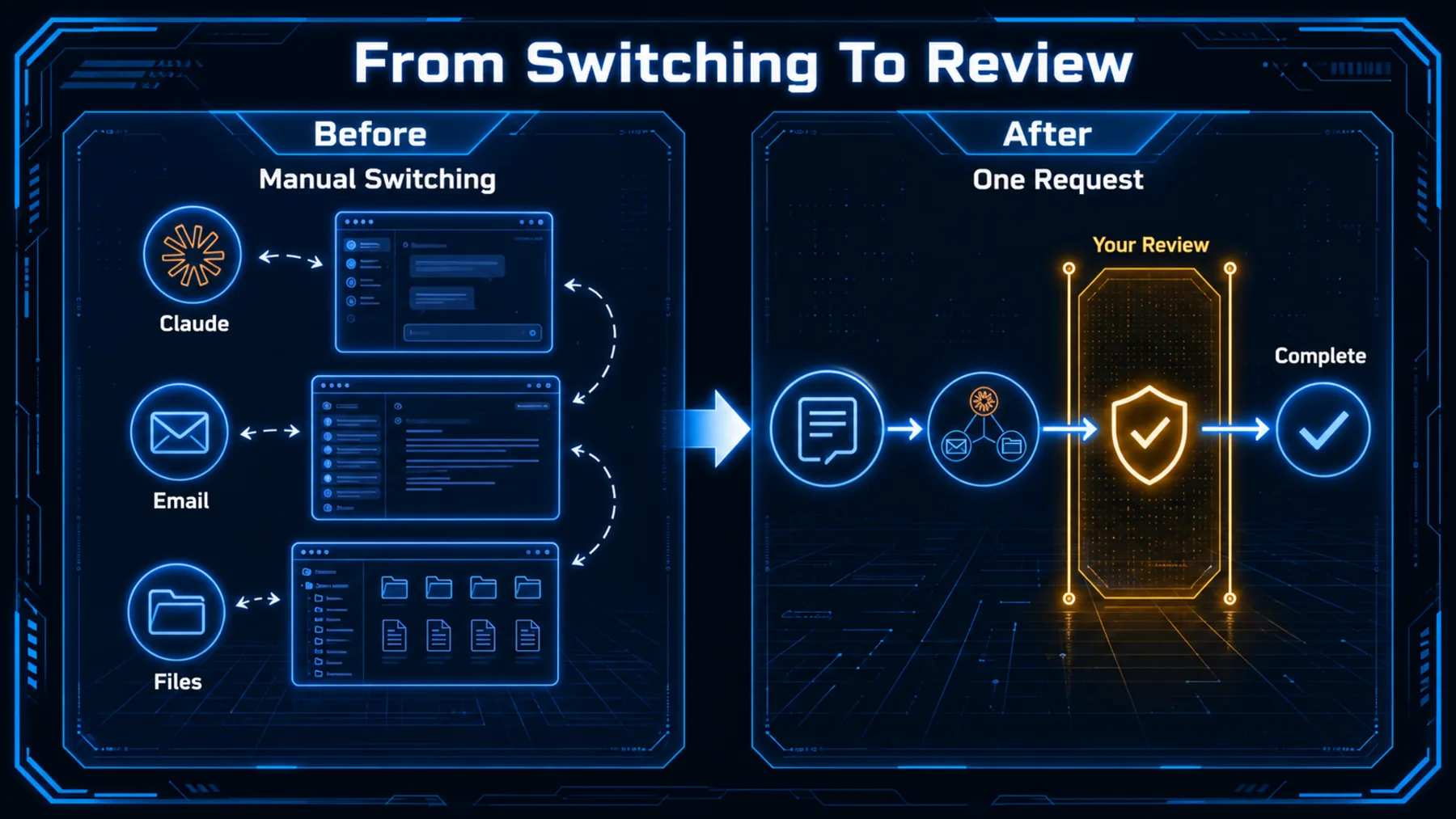
Read-only access and drafting tools remove some friction, but they leave the final action with us. Claude’s announcement matters because it says the connector can cross that boundary in Gmail: it can draft a reply and send it.
Claude also says we control when approval is needed. That qualifier belongs beside the capability, because the practical question is no longer whether the model can write the email. It is where we want the decision to remain ours.
What Claude says it can do
The source describes connected Gmail and Drive work, with an approval point before action where we choose one.
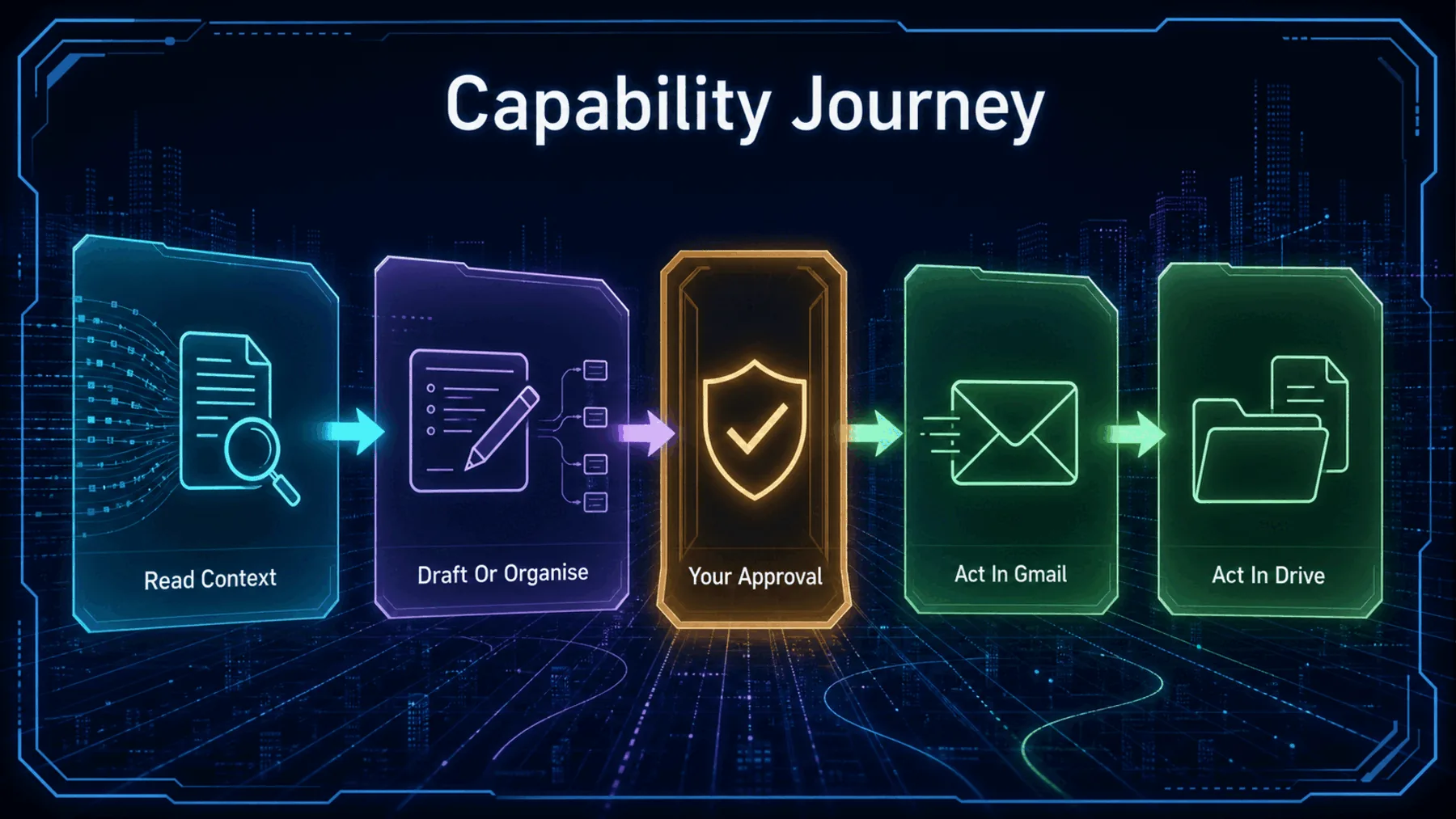

Claude’s post makes five bounded claims: it can send Gmail emails, manage Google Drive files, draft and send a reply to a thread, let us control when approval is needed, and become available on all paid plans. Each is Claude’s statement, not independent validation.
The post does not provide a plan matrix, regional detail, or a list of Drive operations. It also does not establish permission scopes, approval defaults, administrative policy, logs, limits, reliability, security, compliance, or what happens when an action fails.
Claude’s exact promise
The announcement is brief, but its central claim is unusually direct: the connector can move from a drafted reply to a sent one.
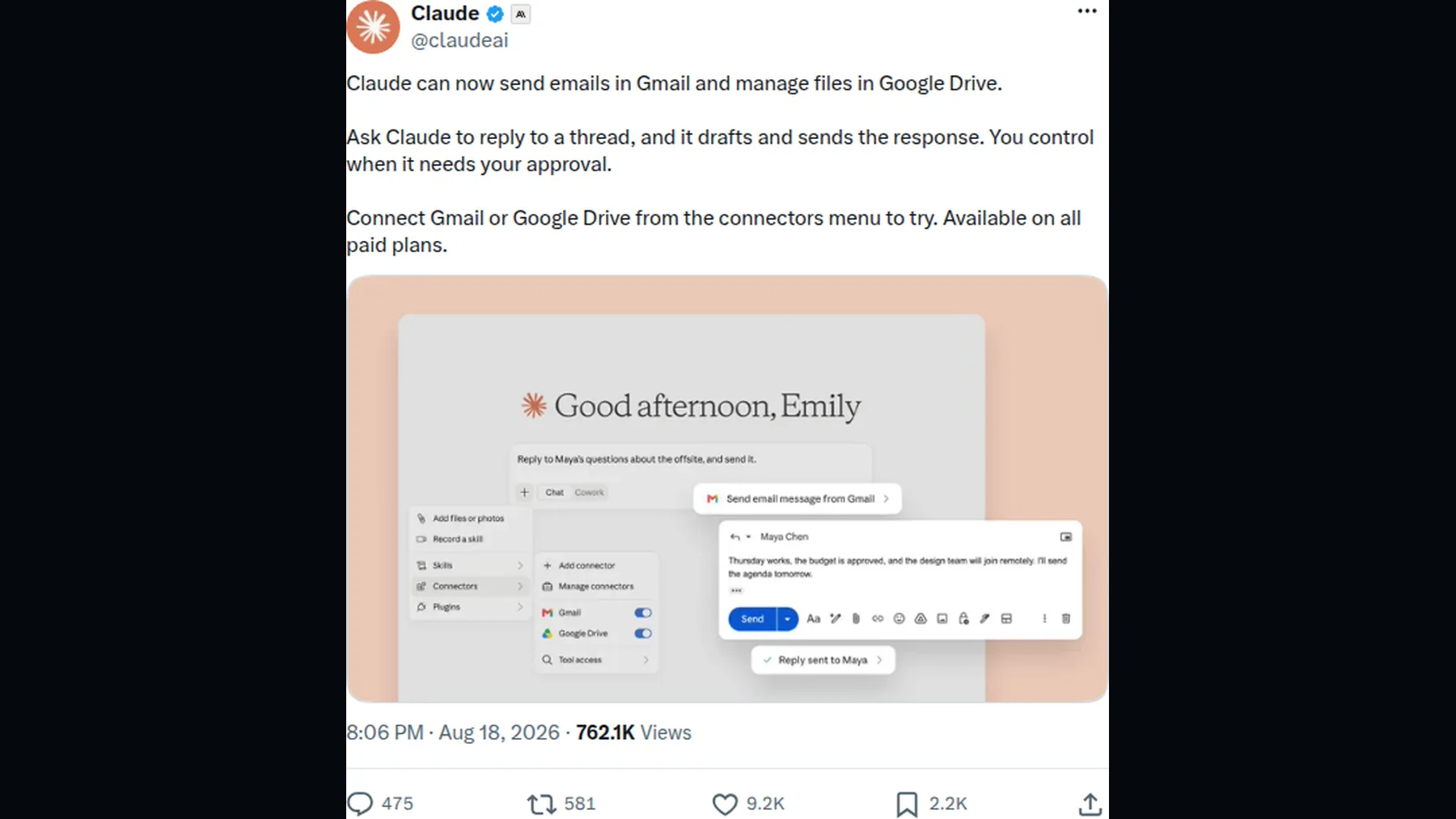
Claude frames the release in plain operational terms: Gmail can send emails, and Google Drive can be managed from the connector. Its example is a request to reply to a thread, followed by a drafted and sent response.
That wording is meaningful precisely because it is limited. We have one short supplier announcement, rather than detailed documentation, so it supports the announced capability without settling the conditions around it.
“You control when it needs your approval.”
Claude, X post, 18 August 2026
The send flow—and its limits
The visible flow supports a narrow reading: Claude can prepare and send a reply, while the announcement leaves the surrounding controls unspecified.
The announcement gives us a useful product claim, not a full operating manual. It says approval is controllable, but it does not say when approval is required by default, whether an administrator can set policy, or how completed actions are recorded.
The supplied product image is illustrative too. It shows a Gmail and Drive connector state plus an email-reply flow; it does not prove every permission, exception, failure path, or file-management behaviour.
How a request becomes an action
The practical flow is simple at a high level, even where the implementation details remain unestablished.
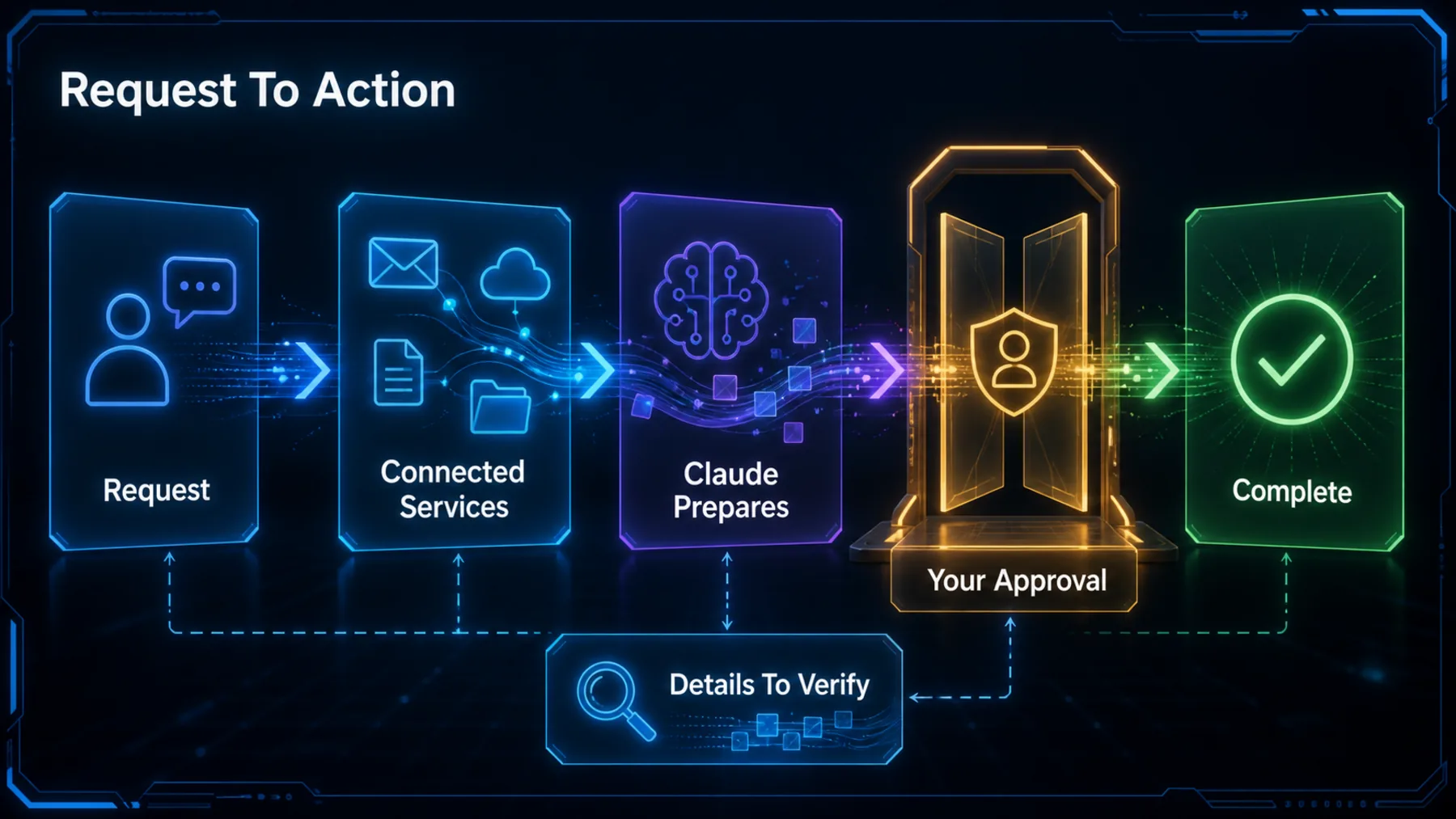
Claude says Gmail or Google Drive can be connected from its connectors menu. From there, the announcement’s example is a natural-language request: ask Claude to reply to a thread, and it drafts and sends the response.
We should resist filling in the unseen machinery. The source establishes a connected-service flow and an approval claim; it does not establish a fixed approval behaviour, a permission model, or the architecture behind either.
Connect
Claude says Gmail or Google Drive can be connected from its connectors menu.
Prepare
Claude can draft a reply to a Gmail thread, according to the announcement.
Approve
Claude says we control when approval is needed before the action proceeds.
What we should verify first
The feature claim is clear enough to test; the controls around it deserve the first attention.
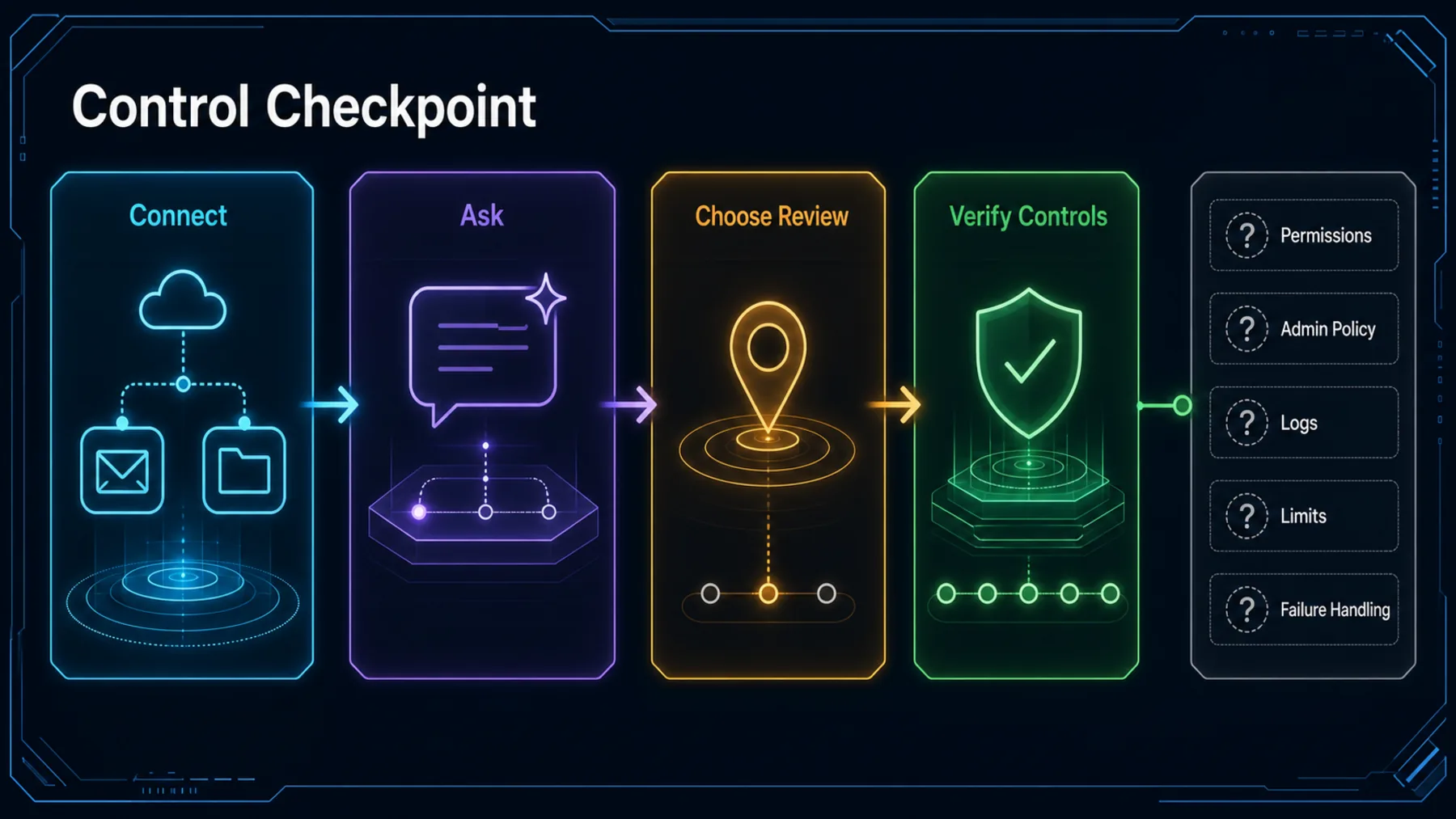
A sensible first use is small and reversible: connect the service, ask Claude to prepare a bounded task, inspect the draft, and confirm where approval appears before allowing a send. Claude’s post tells us where to begin, but not how those controls behave across every case.
The unanswered questions are practical ones. Which permissions are requested? Is approval required by default? Can an organisation set policy? Are actions logged? What limits apply, and how does the flow behave when something goes wrong? Those points need checking before the capability earns broader trust.
Access
Check the permissions requested when Gmail or Drive is connected.
Approval
Confirm when Claude asks us to approve an action.
Record
Verify what evidence remains after an action is completed.
Action makes control the product question
Once an assistant can complete work in connected tools, the quality of the approval boundary matters as much as the quality of the draft.
The moment an assistant can press send, control stops being a footnote and becomes part of the product.
Based on Claude’s 18 August 2026 announcement
Claude’s announcement is a small release note with a larger implication. Drafting assistance changes how quickly we can prepare work; action inside Gmail and Drive changes what we need to trust.
Claude says approval remains under our control. That is the right place to focus: not on treating the feature as autonomous by default, but on testing whether the approval boundary, permissions and records fit the work we are prepared to hand over.
Review an email before Claude sends it
You are helping us reply to an email thread about an offsite. Draft a concise, warm response that confirms the proposed date, asks for any missing venue detail, and keeps the tone professional. Before sending, list any assumptions you made in three bullets and ask for our approval. Do not send anything until we explicitly approve the final text.Ready to copy
Decide where approval sits
Start with one bounded task, then verify the permissions and approval behaviour before allowing Claude to act inside a shared work system.
Try the promptControls the announcement does not answer
- Permission scope
- Approval defaults
- Admin policy and logs
- Limits and failures