The login wall has a door
OpenAI says we can take over its cloud browser to sign in, return control, and let the agent continue.

Browser agents can travel a long way before a familiar obstacle stops them: the site asks for a login. At that point, the useful work often moves back into our own browser.
OpenAI has announced a different path for ChatGPT Work agents. When authentication is required, we take control of the cloud browser, sign in, and return control so the original task can continue. OpenAI also says that login persists across sessions.
The task survives the login wall
A short interruption can replace the dead end that turns an agent task into manual browser work.
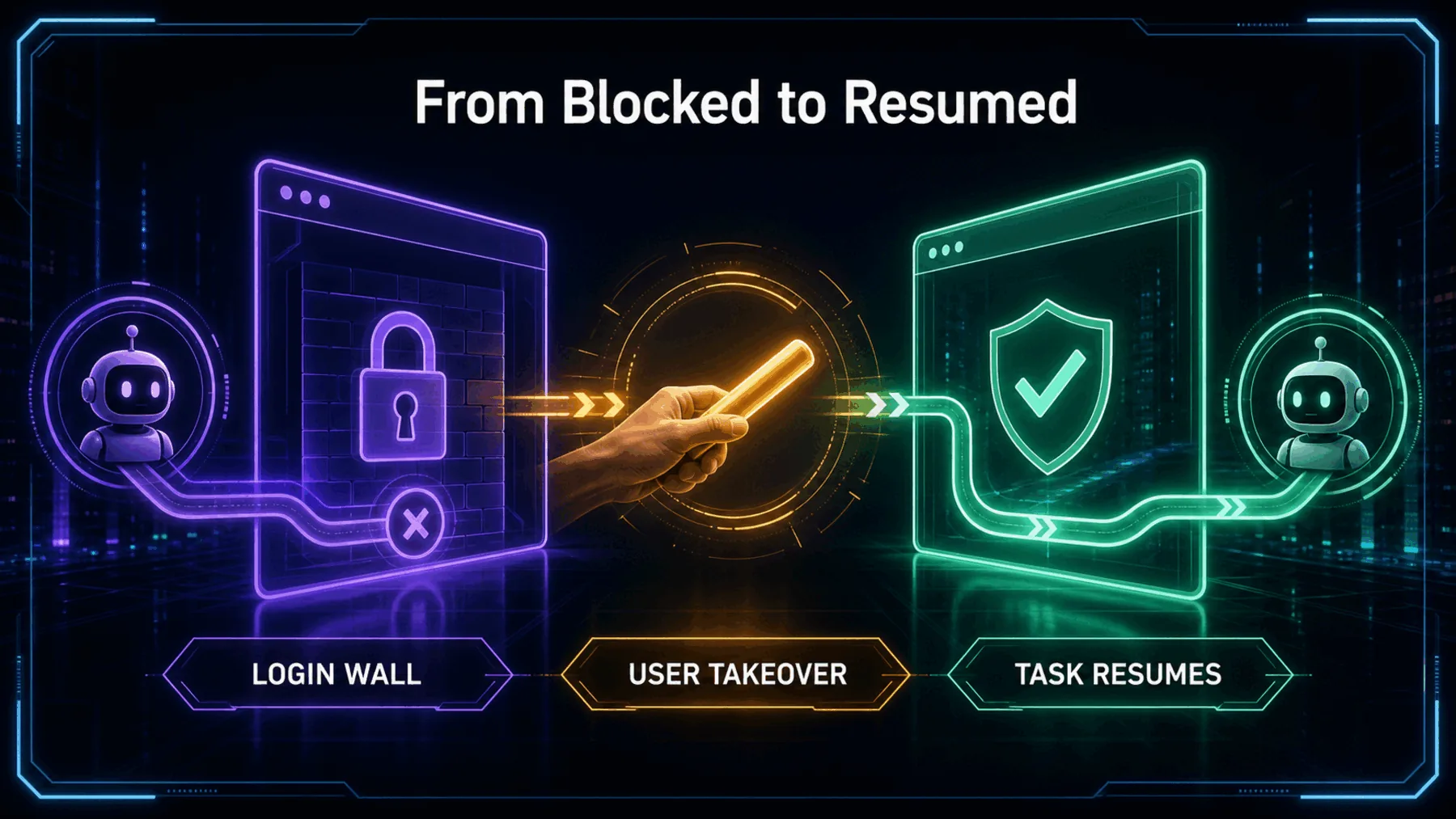
The useful change is continuity. A signed-in task can pause at the moment only we should handle, then resume without being rebuilt from scratch.
This is still different from autonomous login. We remain responsible for entering the credentials, and OpenAI’s short announcement does not define which websites, plans, regions, or controls are covered.
Take over, sign in, continue
OpenAI describes a bounded sequence in which we handle authentication and the Work agent resumes its task.
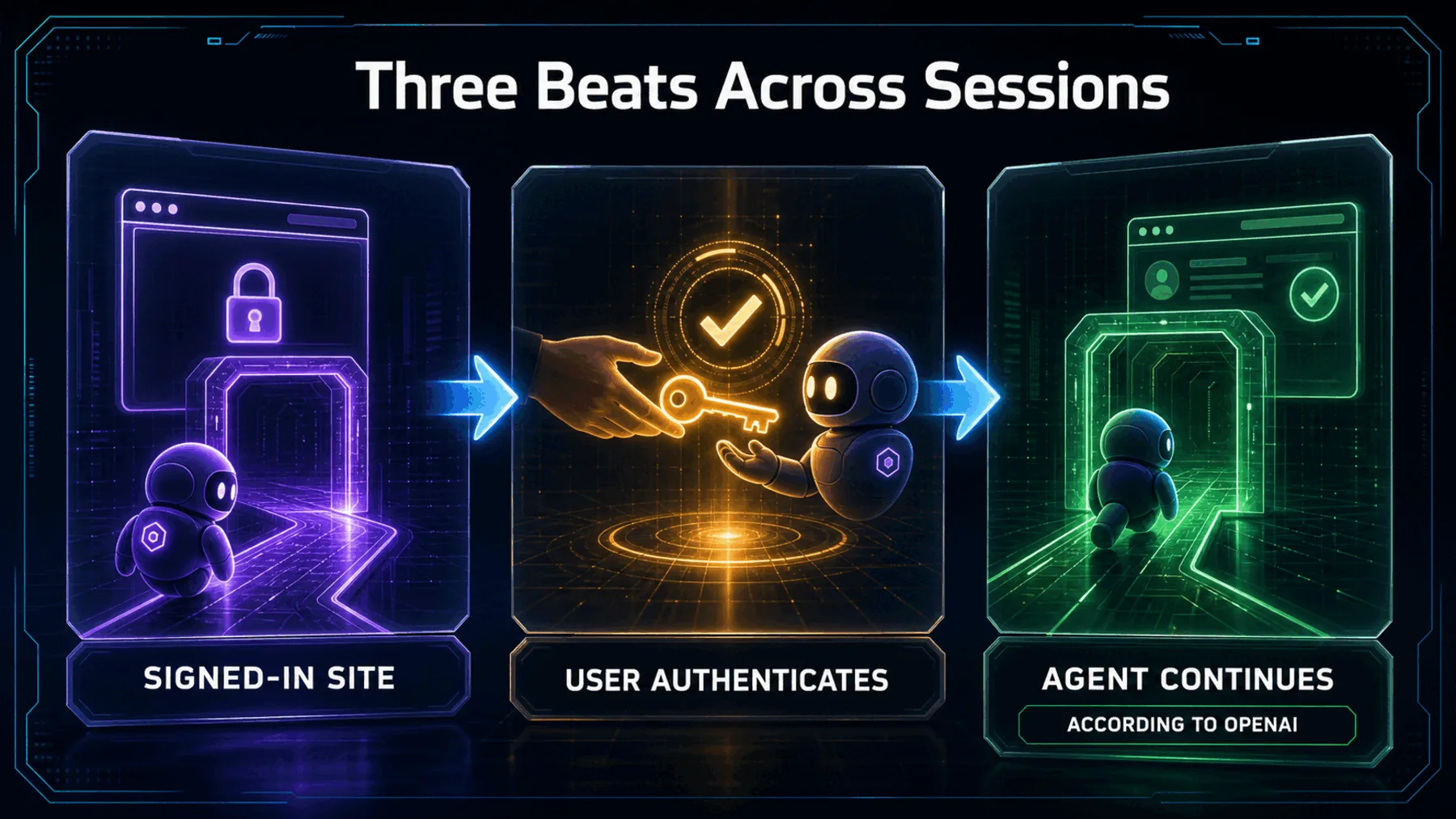
OpenAI says ChatGPT Work agents can now use websites that require sign-in. Its prescribed route is explicit: we take over the cloud browser to log in, then let the agent continue the task.
The company’s strongest claim is that the login persists across sessions, so we only have to sign in once. That wording comes from OpenAI; it is not Creator Broadcast testing, and the announcement gives no retention period.
We take the wheel
The agent pauses at the point where our credentials are required, and we complete that step ourselves.
This is the boundary that gives the feature its shape. The agent does not enter our credentials. We step into the cloud browser, complete the login, and return control.
Once control is returned, the agent can continue the task it was already attempting. The value lies in preserving that task around a deliberate human action, rather than pretending authentication has become autonomous.
Take over the cloud browser to log in, then let your agent continue the task. Your login persists across sessions, so you only have to sign in once.
OpenAI Developers
A signed-out task, interrupted
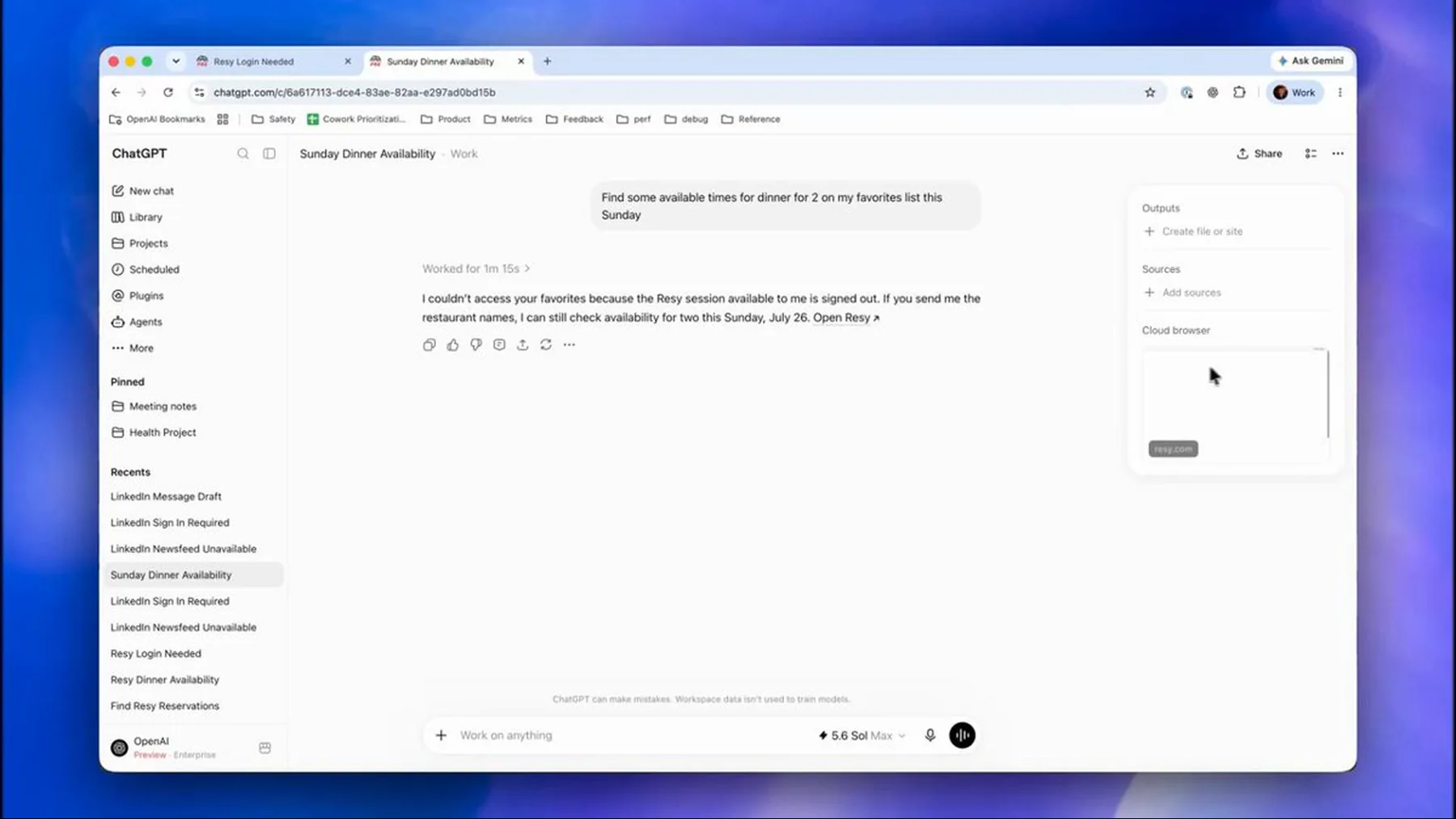
OpenAI’s example places the feature inside a practical restaurant search rather than an abstract browser demonstration.
The approved thumbnail shows the problem in ordinary terms: a Work agent is looking for dinner availability on Resy, but the browser session is signed out. It is a concrete picture of the login wall interrupting otherwise useful work.
The image supports that example and no more. It does not establish broad website coverage, access terms, security properties, or how long a login remains available.
Pause, authenticate, resume
The task stays in place while control moves briefly from the agent to us and back again.
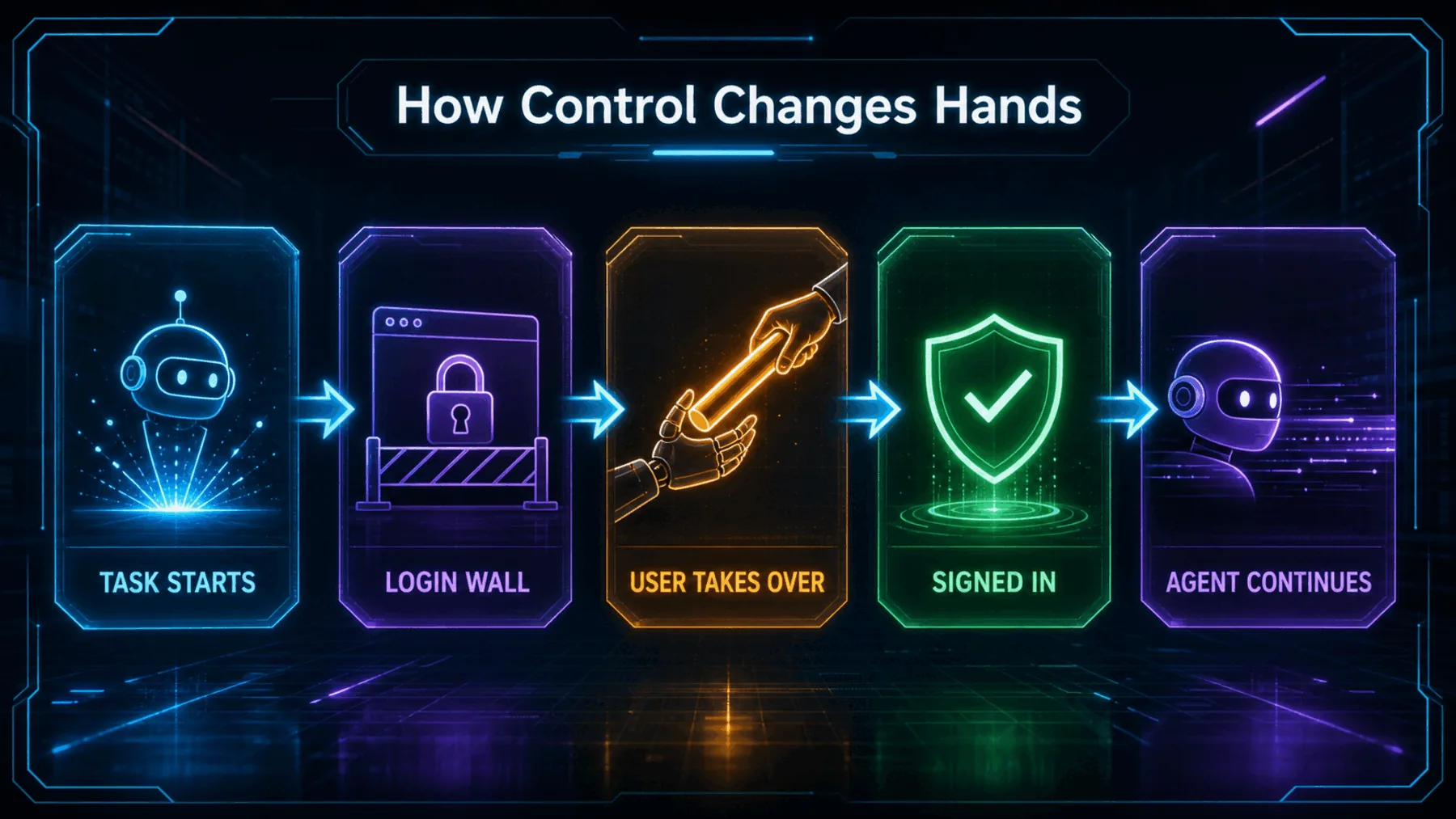
The mechanism is simple from the outside. The Work agent reaches a website that needs authentication and pauses. We enter the cloud browser, sign in, then give control back.
What happens beneath that experience is not described. OpenAI does not explain credential storage, retention duration, supported websites, or enterprise controls, so the public claim should remain at the level of the announced interaction.
Reach the wall
Take control
Carry on
One interruption, then progress
We still handle the sensitive step, but the surrounding task can remain with the agent.
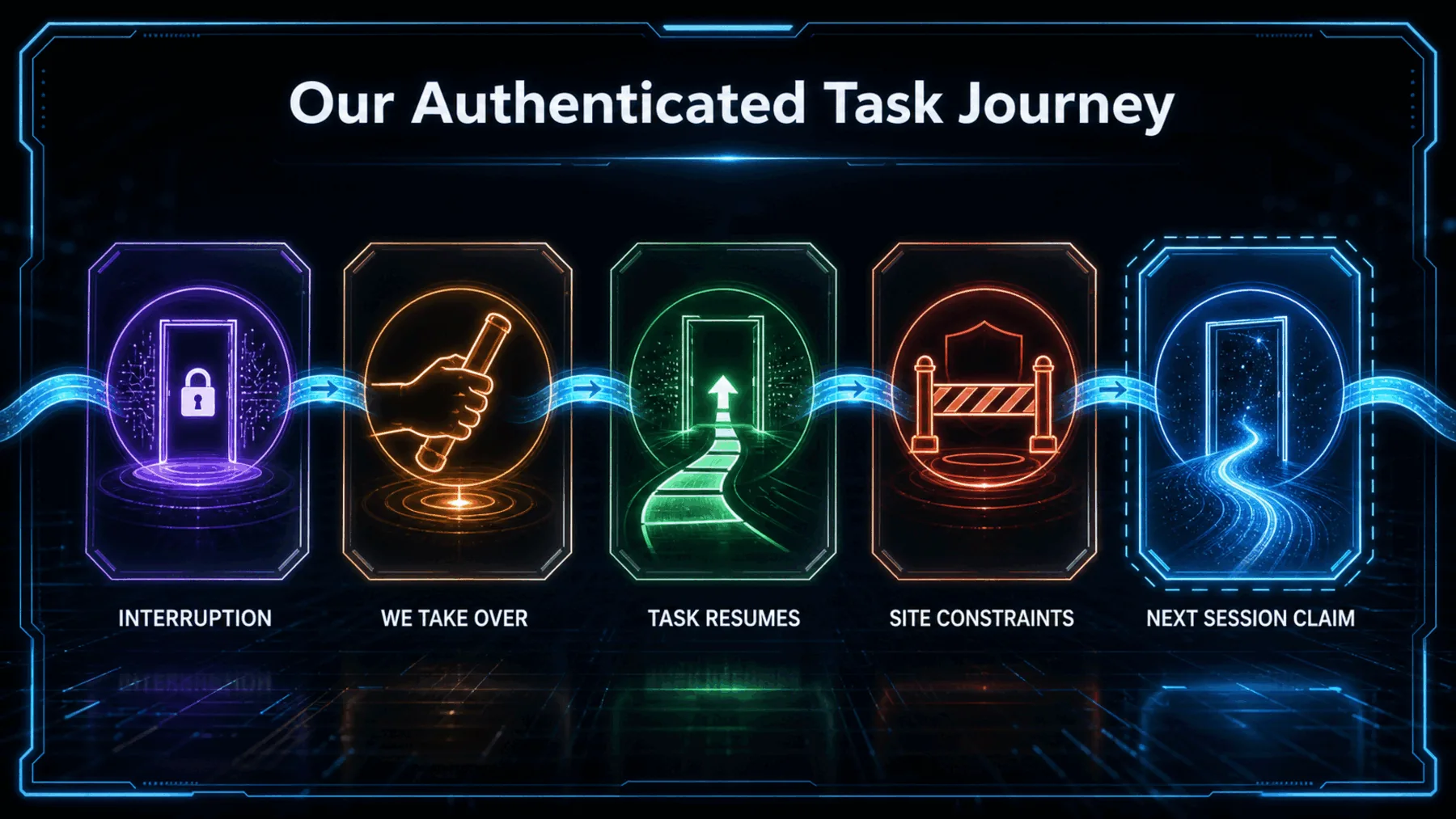
In practice, we ask the agent to do something useful and eventually meet the sign-in prompt. Instead of abandoning the task, we take over long enough to authenticate, then return control.
If OpenAI’s persistence claim holds for the site and access available to us, a later session may avoid the same interruption. The announcement does not tell us which sites qualify or how long that state lasts.
The interruption
Our turn
The return
Autonomy includes a clean pause
Practical agent work may depend less on removing people and more on bringing us in at the right moment.
The useful agent is not the one that pretends every boundary has disappeared. It is the one that can pause for our judgement, preserve the task, and continue when we are done.
Creator Broadcast
OpenAI’s announcement points towards a more credible model of browser automation. The agent handles the surrounding work, while we retain the authentication step that requires our direct involvement.
That division may be more useful than a promise of total autonomy. Its value will depend on the sites and access actually covered, the controls around the cloud browser, and how long the signed-in state remains available. None of those details appears in the announcement.
Test a signed-in dinner search
Use Resy to find dinner availability for two people in central London next Friday between 7:00 pm and 9:00 pm. If the site requires authentication, pause and let me take control of the cloud browser to sign in. After I return control, continue the original search. Present up to five available restaurants in a table with neighbourhood, available time, cuisine, and booking link. Do not make a reservation or submit any personal information without asking me first.Ready to copy
Test the interruption
Choose a low-risk signed-in task, take control only when authentication is required, and confirm exactly what the agent does after control returns. Avoid treating OpenAI’s across-session claim as permanent or universal.
Try the promptWhat to watch next
- Website coverage
- Access and rollout
- Browser controls
- Retention duration