Your voice directs several agents
OpenAI says its desktop voice experience can coordinate multiple agents while we keep speaking, correcting and steering the work.

A familiar voice request can now sit above more than one working agent. OpenAI says ChatGPT Voice can direct multiple agents running in ChatGPT Work or Codex through the desktop app.
That shifts the experience from a spoken exchange towards active direction: we can stay focused on the goal while the work is divided behind the interface. The announcement does not establish every action those agents can take.
Voice starts directing the work
The interface may be conversational, but the more consequential promise is coordination.
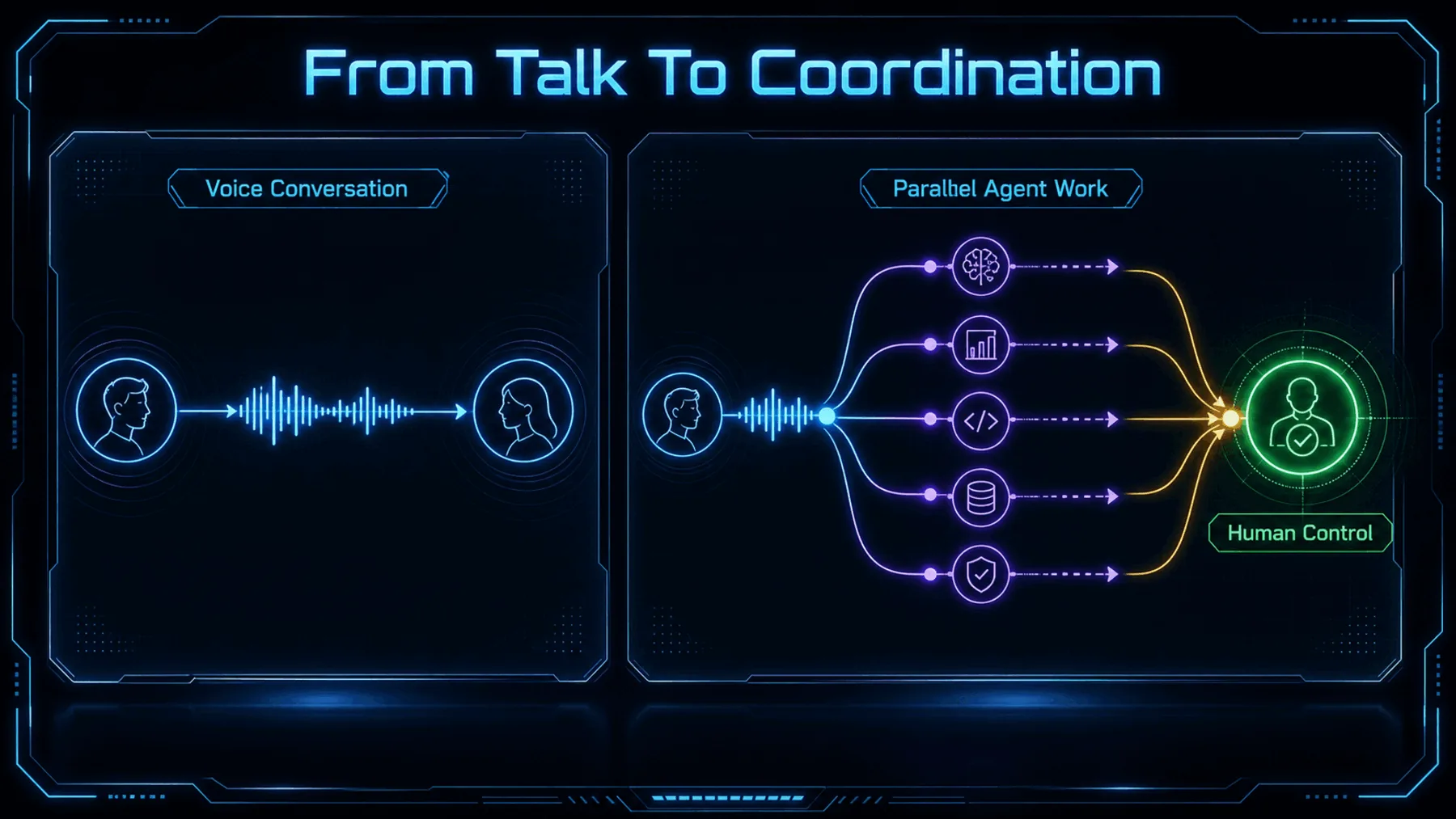
Voice has usually meant dictation, questions or spoken answers. Here, OpenAI describes something broader: directing multiple agents while GPT-Live listens, speaks and coordinates work in the app at the same time.
That claim matters because it changes our role. We are not merely supplying words; we are setting direction, correcting priorities and checking what comes back. But the post does not prove arbitrary control of the desktop or third-party software.
What OpenAI actually announced
One short post establishes the platform, named environments, simultaneous functions and rollout claim.
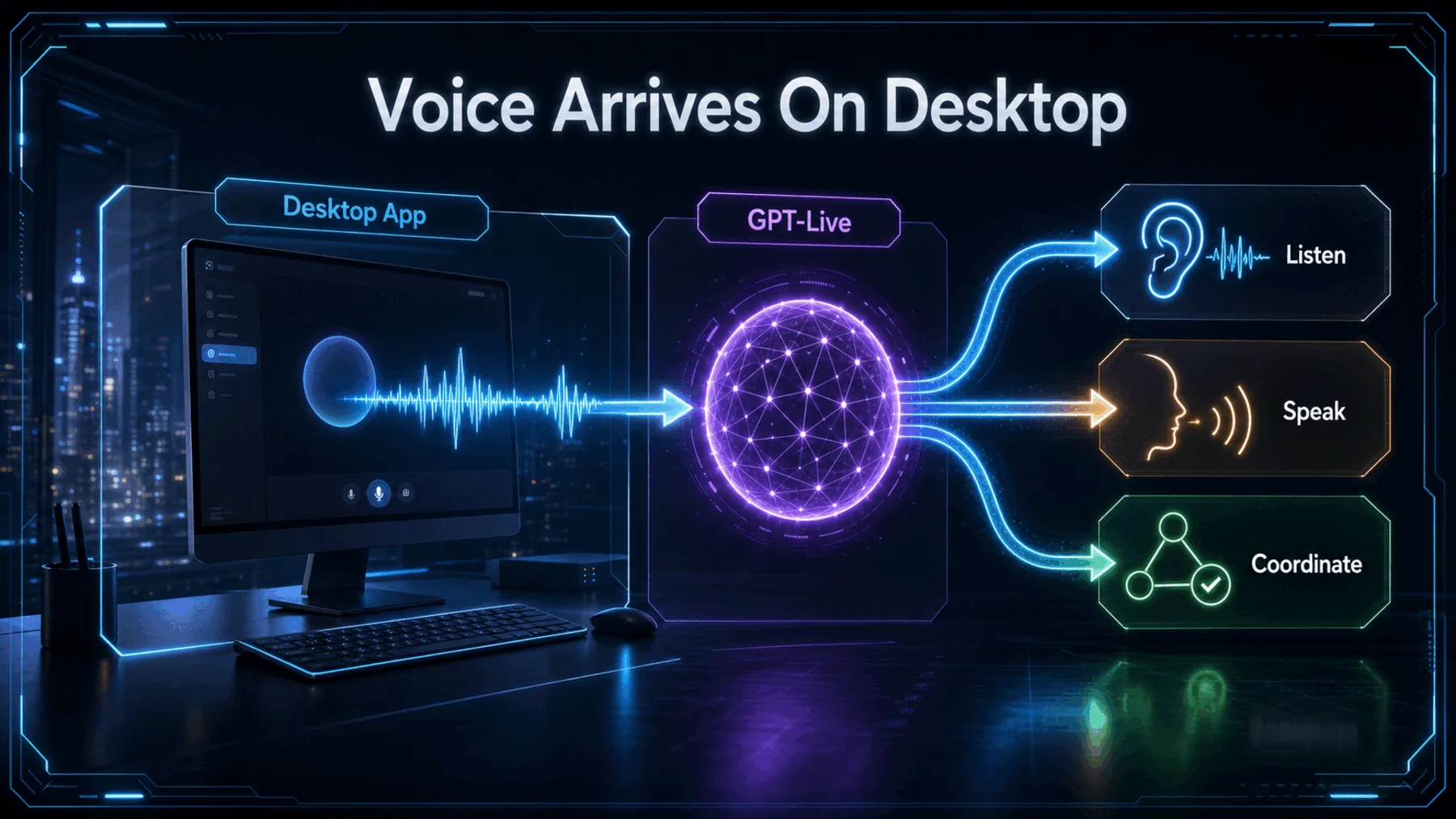
OpenAI named macOS and Windows, along with Plus, Pro, Business, Edu and Enterprise plans. It said the feature was rolling out globally on 23 July 2026.
“Rolling out” is not the same as universal access. The post does not show that every eligible account received the feature immediately, and it does not add Free, mobile, iOS or Android availability.
The announcement in OpenAI’s words
The approved campaign poster and quoted post establish what OpenAI presented, not independently tested performance.

The source is an official OpenAI post accompanied by campaign media. It is enough to establish the announcement and OpenAI’s chosen framing.
It is not product documentation, a support page or independent testing. Any stronger reading would outrun the available evidence.
Control your computer and direct multiple agents running in ChatGPT Work or Codex, using just your voice.
OpenAI, 23 July 2026
The proof — and its limits
The announcement is clear about the promise and quiet about many of the operating details.
OpenAI attributes the simultaneous listening, speaking and in-app coordination to GPT-Live. The post gives us no architecture, latency, pricing, privacy, safety or public API detail.
The phrase “control your computer” also remains bounded by what is not explained. We do not yet know the supported actions, permission model, confirmation flow or limits on agent activity from this source alone.
Voice keeps the work coordinated
A spoken goal can guide several workstreams while progress and corrections return through one interface.
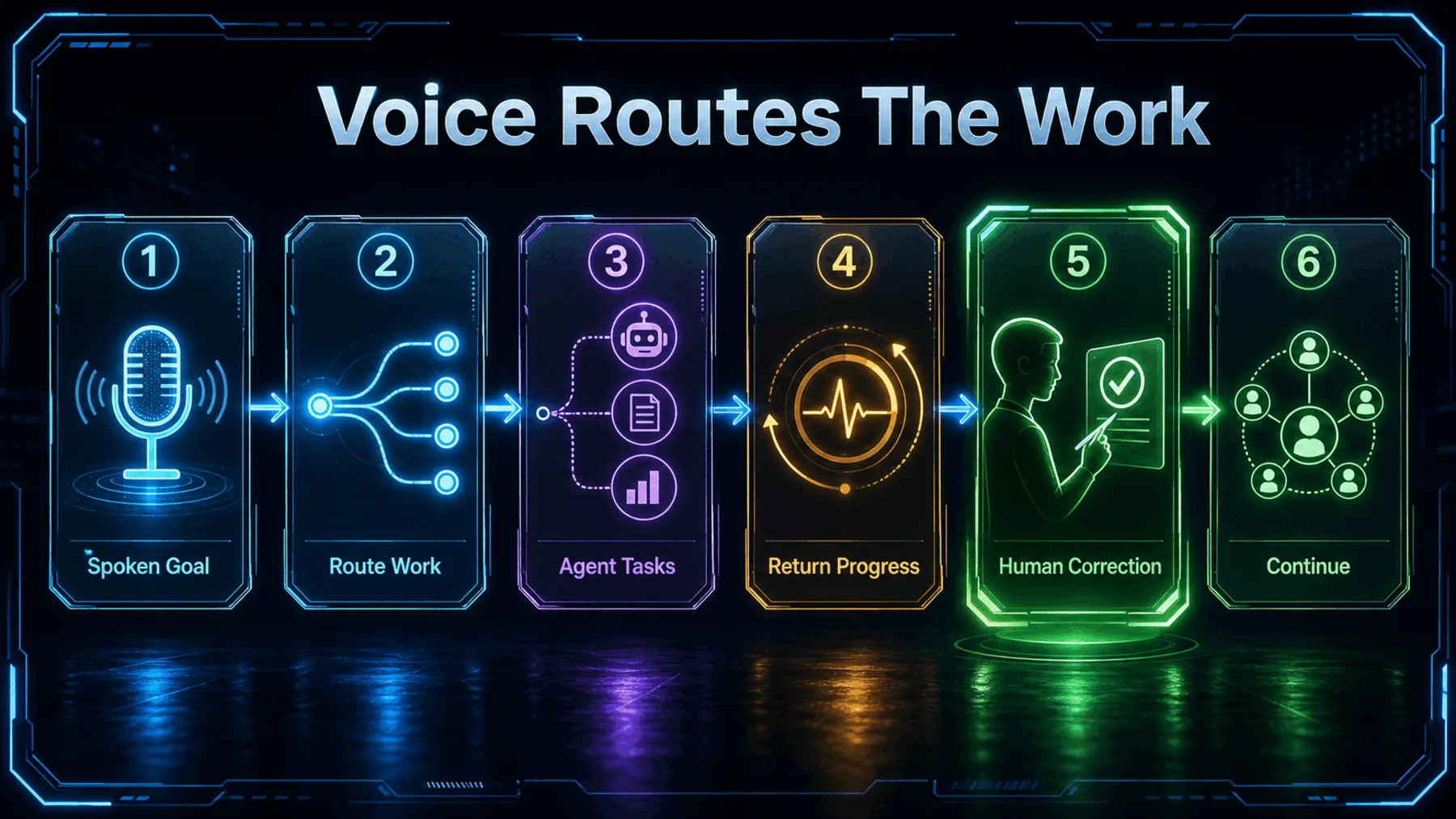
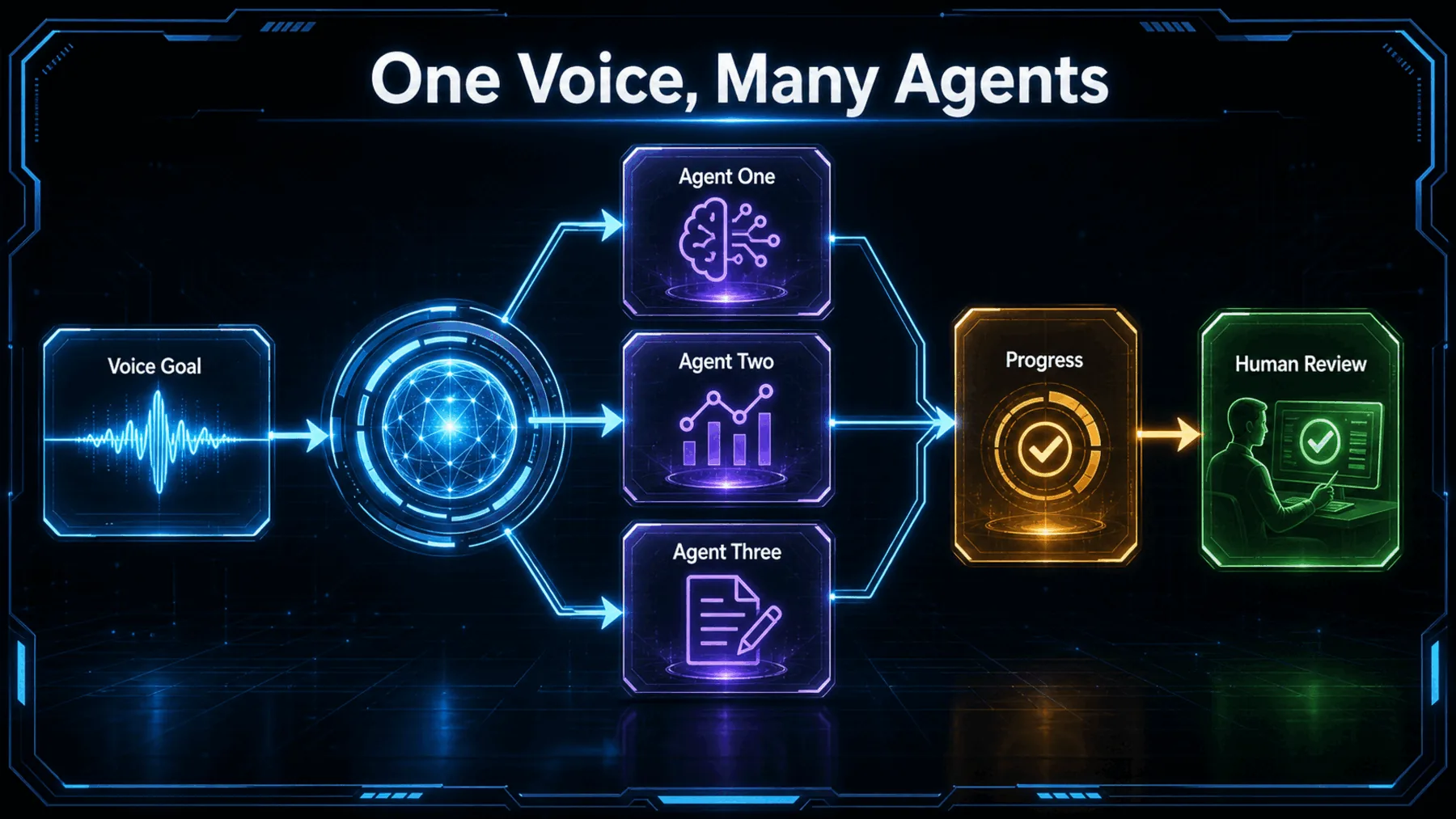
The practical sequence begins with a goal spoken into the desktop app. OpenAI says multiple agents in ChatGPT Work or Codex can be directed through that voice interaction while GPT-Live coordinates work in the app.
As progress returns, we can keep talking: clarify the outcome, change a priority or ask for a correction. The source supports that coordination loop, but not a detailed claim about how the agents divide tasks or act across other software.
Set direction
We state the goal and the constraints through the desktop voice interface.
Coordinate work
OpenAI says GPT-Live can listen, speak and coordinate multiple agents in the app.
Keep steering
We correct priorities and review what returns before relying on the result.
What using it could feel like
The promise is a more continuous way to direct work, provided our account and intended actions are supported.
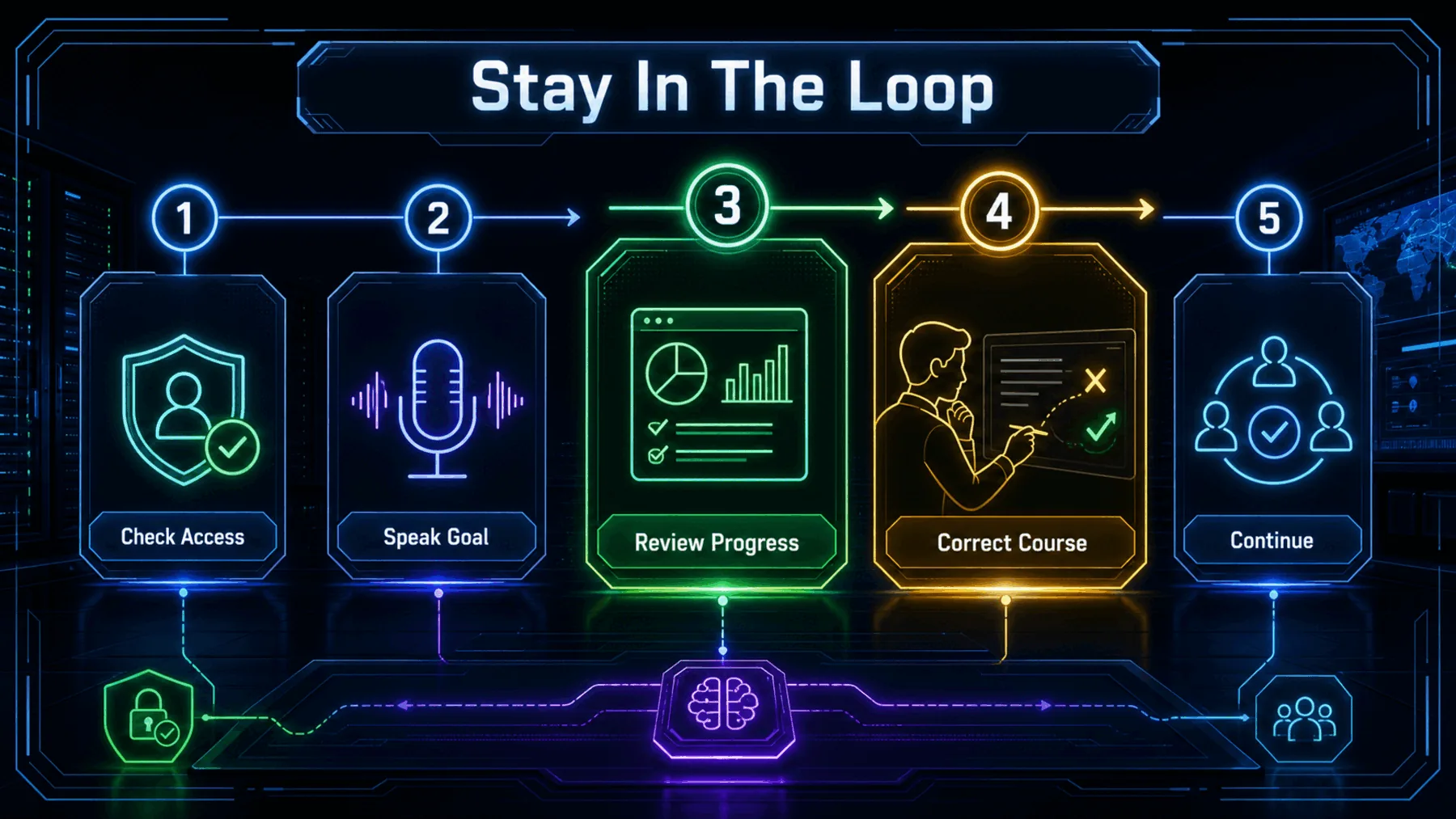
If the feature is available to us, the first useful test is a bounded job with an observable result. We can give the goal by voice, see whether several agents are engaged and keep steering as the work develops.
The friction points matter as much as the smooth path. We still need to check account access, supported actions, permission requests and the quality of the returned work rather than assuming the announcement answers them.
Check access
Confirm that Voice and the relevant agent environment are available in our desktop account.
Bound the task
Choose work with clear limits, visible progress and no assumed access to unsupported software.
Verify results
Review outputs, permissions and confirmations before anything consequential moves forward.
The human becomes the director
Voice becomes more valuable when it carries judgement and correction, not merely instructions.
The important shift is not hands-free work. It is keeping human direction present while several agents move the job forward.
Creator Broadcast synthesis based on OpenAI’s announcement
The announcement points towards a different relationship with agent software. Instead of managing every workstream through separate exchanges, we may be able to hold the goal in view and direct several agents through one continuing voice interaction.
That is useful only if direction remains visible and review remains ours. The strongest promise is coordinated assistance; the missing details around actions, access and permissions are reasons to test carefully, not reasons to dismiss the change.
Direct a bounded multi-agent work plan
We need to prepare a launch-readiness brief for a new desktop feature. Coordinate the work across three clearly named roles: one to map the user journey, one to identify evidence gaps and risky claims, and one to draft a concise release checklist. Keep us in control by pausing before any external action, stating what each role is doing, surfacing conflicts between their findings, and asking for one decision only when it materially changes the result. Return a single brief with: an executive summary, the three workstreams, unresolved risks, evidence still needed, and the next five actions in priority order.Ready to copy
Test the control layer carefully
If Voice appears in our eligible desktop account, start with one bounded multi-agent task and verify what the system can access, coordinate and return before expanding the job.
Try the promptWhat could change the takeaway
- Account-level access
- Supported actions
- Permissions and confirmations
- Product documentation