ChatGPT Images 2.5 turns prompting into directing
OpenAI says ChatGPT Images 2.5 lets us begin with words, sketches or templates, then request targeted edits while keeping the details already working in view.
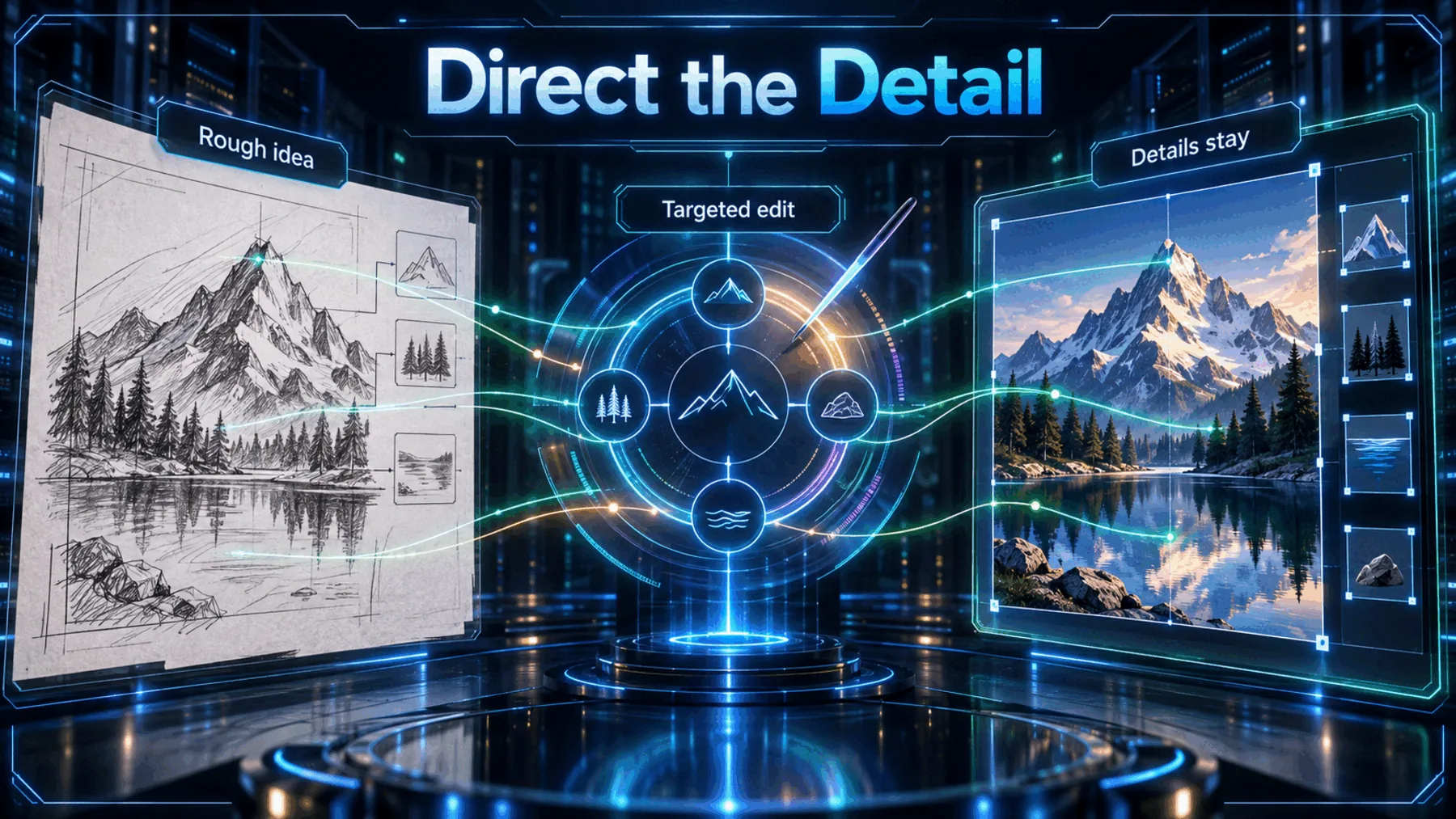
Anyone who has tried to refine an image knows the familiar trade-off: ask for one adjustment and risk losing the composition, palette or character that made the first version worth keeping.
OpenAI says ChatGPT Images 2.5 is built around a different sequence—start with an idea, show what words cannot capture, then comment on the precise change. The company’s claims are worth testing, but they are not independent evidence of how reliably that sequence holds in practice.
The idea is easier to show
OpenAI’s stated starting points recognise that not every visual decision begins as a sentence.
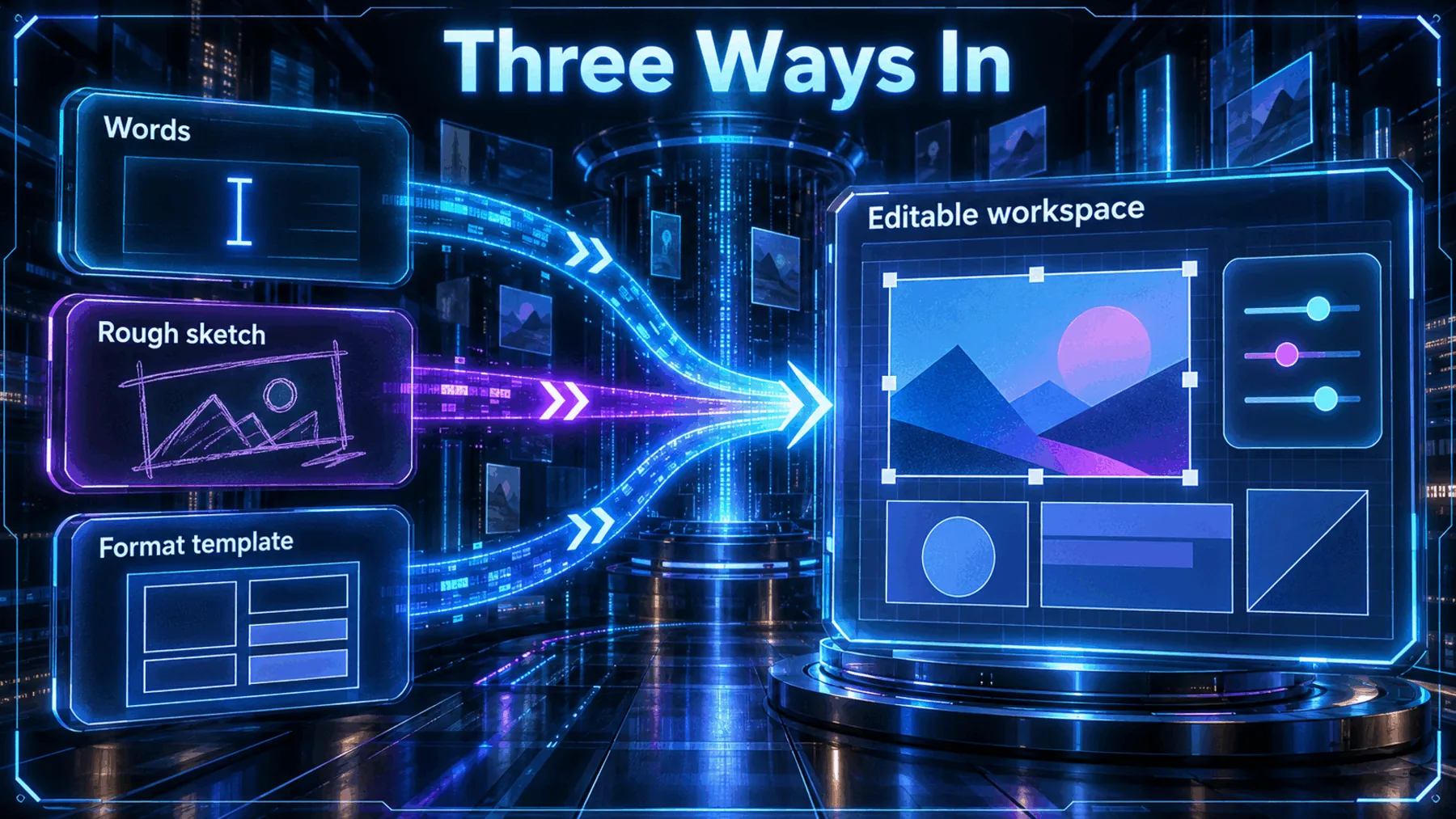
Some ideas are easier to draw than describe. OpenAI uses that line to introduce Sketch: a way to put a rough visual thought on the page rather than force it into a perfect prompt.
Templates offer a different shortcut. OpenAI says we can start with formats such as posters or merch, then add a message, design elements or style. Neither route proves identical access on every surface; both point to a more directed first move.
What OpenAI put on the table
The announcement separates the creative-control claim from the API choice that follows it.
OpenAI lists four improvements: faster image generation, improved fidelity, consistent details across multiple edits and comment-based edits that change only what we want. Those are supplier claims, not benchmarks, so the announcement does not tell us how much faster or more consistent the system is.
For the API, OpenAI names GPT-Image-2.5 Flare and GPT-Image-2.5 Sunburst. Flare is described as carrying the release’s quality, editing and speed improvements; Sunburst is described as adding precision for detailed creative work, with longer generation times.
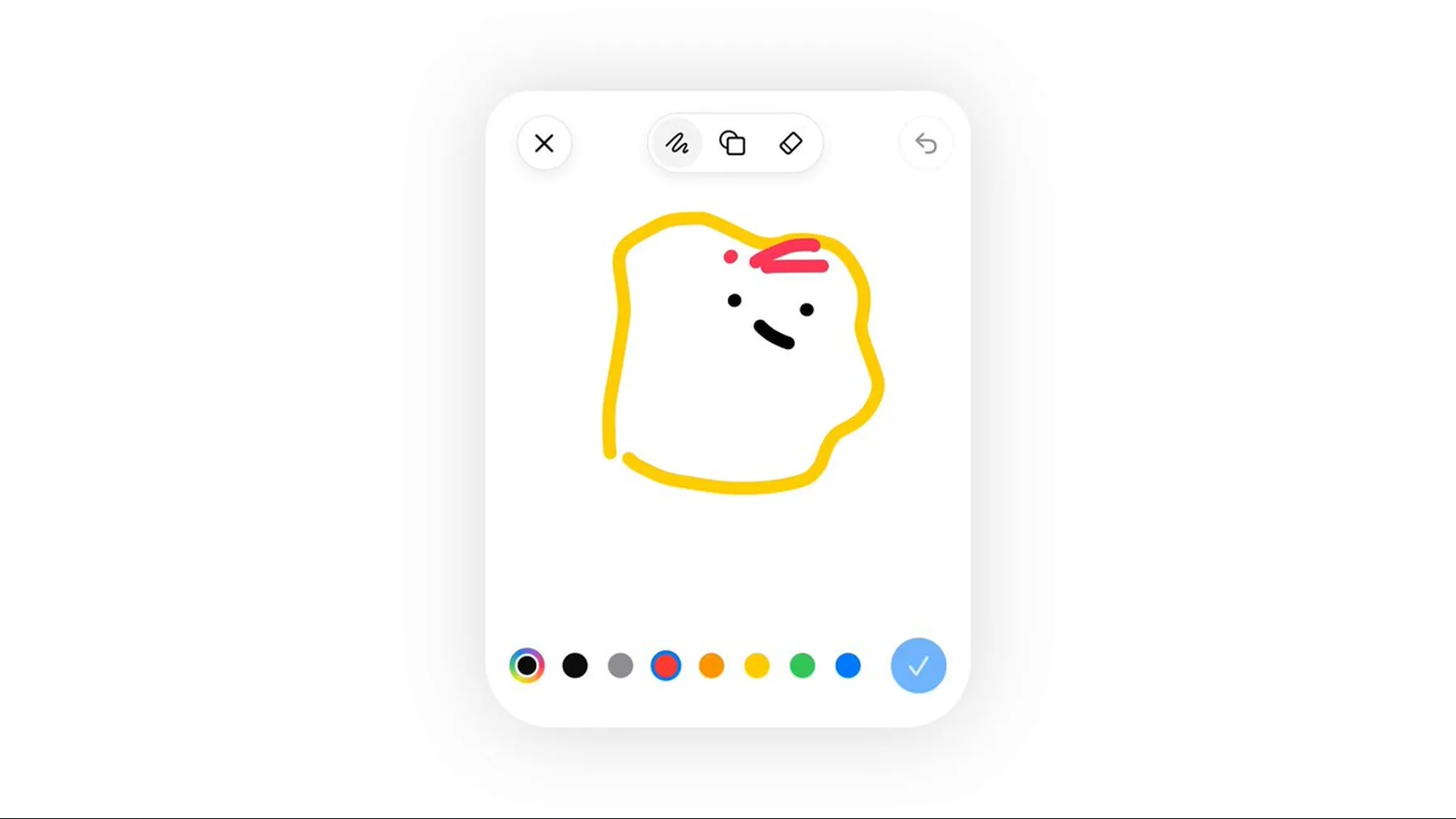
Some ideas are easier to draw
OpenAI’s own demonstration makes the case for a rough visual starting point rather than a more elaborate sentence.
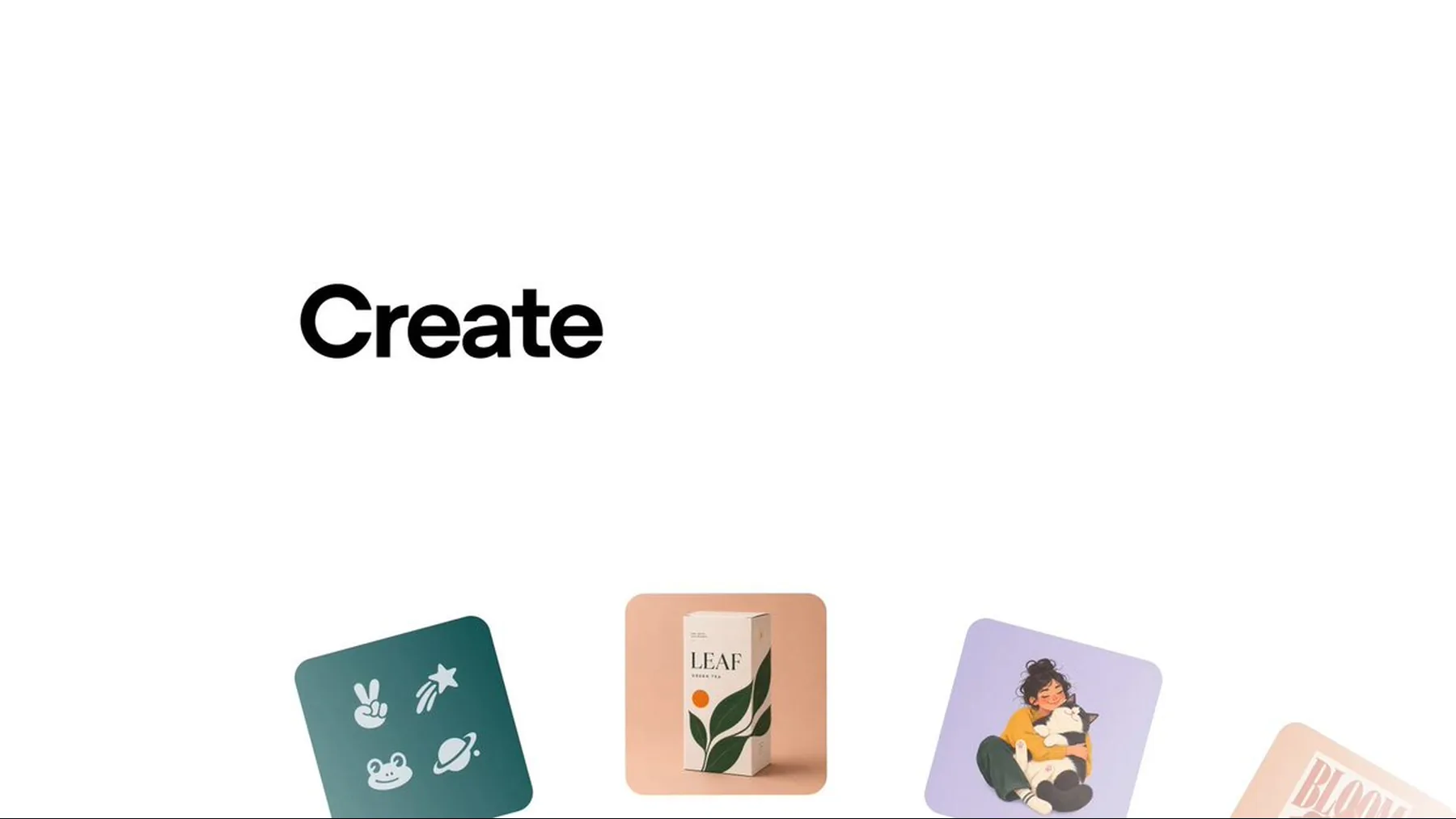
The Sketch example matters because it starts from a real creative limitation. Sometimes the shape, placement or relationship we mean is easier to mark out than explain in prose.
OpenAI says typing “@ Sketch” in ChatGPT opens that route. The demonstration supports the existence of the starting mode; it does not establish how faithfully every sketch will be interpreted or preserved through later edits.
Some ideas are easier to draw than describe.
OpenAI
The proof—and its limits
OpenAI’s template example shows a starting point, not a benchmark for the finished work.
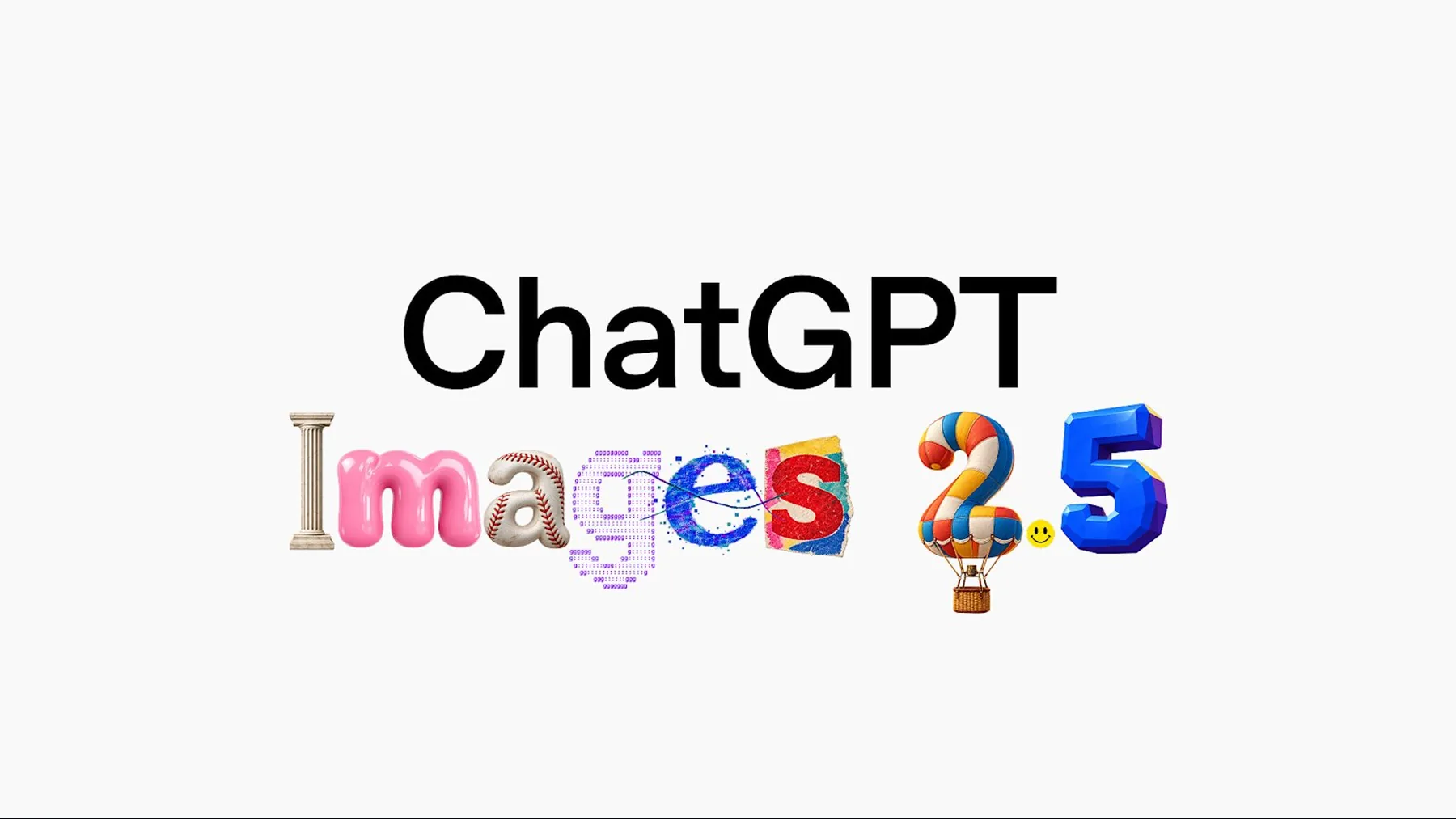
OpenAI says templates can be used for popular image formats such as posters or merch, before adding a message, design elements or style. That is a practical proposition: begin with a useful structure, then make it ours.
The media does not prove how quickly this works, how consistently details survive, or whether every route behaves the same way across surfaces. Those questions remain open because the announcement does not answer them.
Change one thing, keep the rest
OpenAI frames comment-based edits as a way to target a revision without discarding the visual decisions already right.
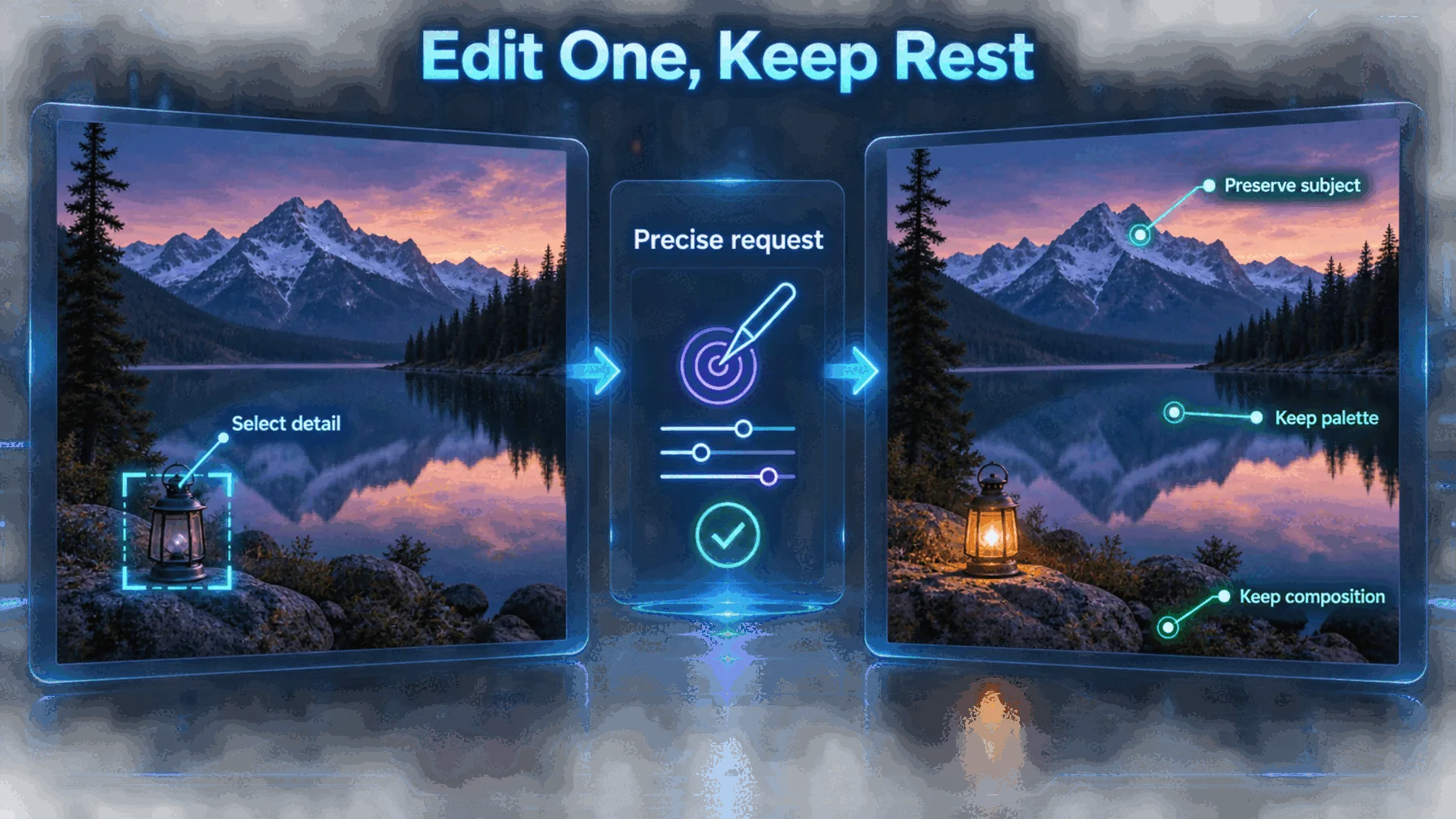
The creative promise becomes more useful after the first image. Rather than regenerate from scratch, OpenAI says we can use comments to change only what we want.
That shifts the job from prompting for a complete answer to directing an evolving image. The claim is about targeted control and consistent details across edits; the announcement provides no independent test of where that control holds or fails.
Choose one
Identify the one element that needs to change.
Name it
Request the revision in a precise, bounded comment.
Check the rest
Review the details we intended to preserve.
How we would use it
The announcement suggests a workable sequence, provided we keep its unknowns in the frame.
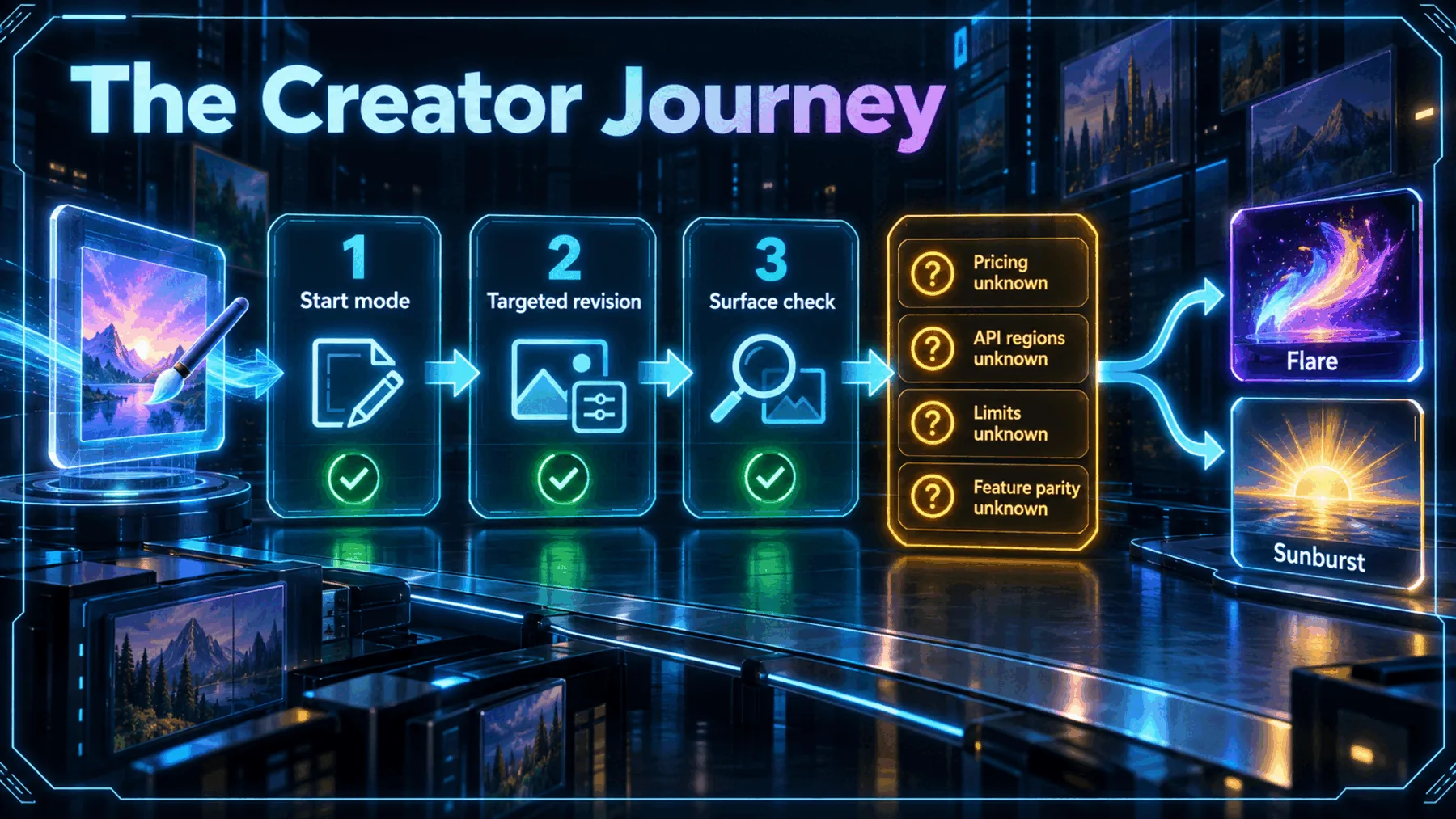
We would begin with the mode that best communicates the idea: words for a clear brief, Sketch for a visual relationship, or a template for a familiar format. Once an image gives us something worth keeping, the useful test is whether a focused comment changes the intended detail without unsettling the rest.
Before relying on it, we would check the surface and the model route. OpenAI says ChatGPT Images 2.5 is rolling out to ChatGPT, ChatGPT Work and Codex across desktop, mobile and web, while the announcement leaves pricing, limits, regional API availability and feature parity unspecified.
Start clearly
Use the input mode that best captures the initial visual intent.
Revise narrowly
Ask for one deliberate change and inspect what stays stable.
Check access
Confirm the relevant surface, model route and current limits.
The shift is steering
The announcement’s strongest idea is not a better first image, but more control over the images that follow.
The meaningful shift is from describing an image once to directing it across revisions—provided the details we value survive the journey.
Creator Broadcast synthesis, grounded in OpenAI-published material.
OpenAI’s Sketch, template and comment-based-edit examples all point in the same direction: image generation becomes more useful when we can keep steering after the first attempt.
That is a promising creative workflow, not a settled performance verdict. OpenAI has supplied the product story; the unanswered questions are still the practical ones around benchmarks, latency, pricing, limits, regions and whether the same experience reaches every named surface.
Turn a rough visual idea into a focused art direction brief
Act as a precise visual director. Using this brief—“Create a poster for a late-night jazz session: deep blue background, cream typography, a trumpet silhouette and a small red date stamp”—return: 1) a concise image brief, 2) three targeted edit instructions that change only one element each, and 3) a final checklist of details that should remain consistent across revisions. Do not invent a venue, date or artist name.Ready to copy
Test the revision, not the slogan
Start with an image that already contains details worth keeping, request one narrow change, then check what changed and what stayed put before we build the workflow around it.
Try the promptWhat could change the takeaway
- Independent testing
- Benchmark and latency evidence
- Pricing and limits
- API and surface detail