ChatGPT Desktop Reaches Linux in Preview
OpenAI has named a concrete Linux footprint for ChatGPT, ChatGPT Work and Codex—but the first release is a preview with clear limits.
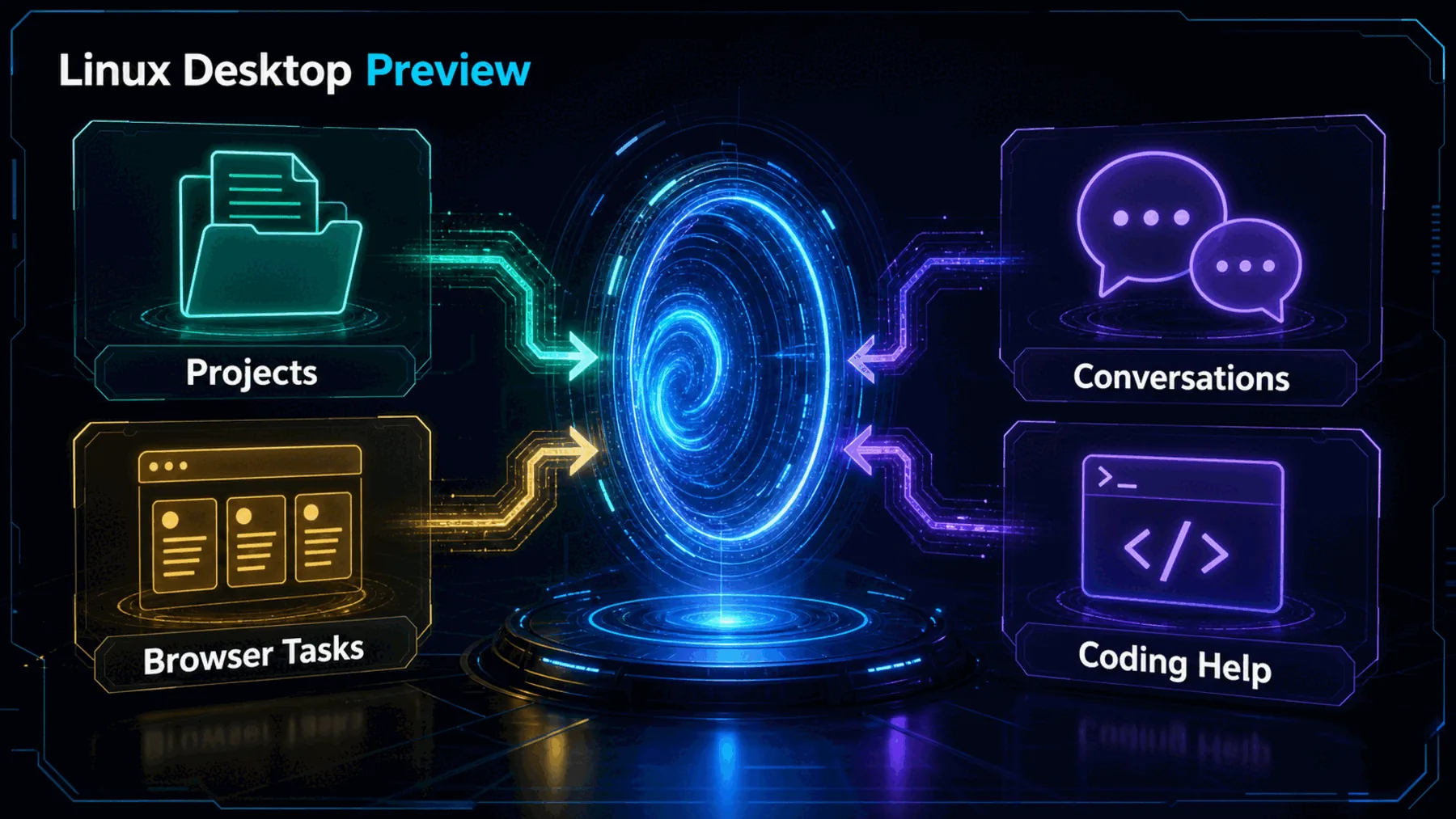
OpenAI says its ChatGPT desktop app is now in preview for Linux. The promise is larger than another browser tab: ChatGPT, ChatGPT Work and Codex are positioned alongside the projects and browser workflows where we already work and build.
That is a useful direction, but it is not a blank cheque. The announcement establishes a defined preview on supported systems; it does not establish universal access, feature parity or production readiness.
A desktop app, not just a tab
The value is proximity to the work already in motion, not an invented claim about deeper integration.
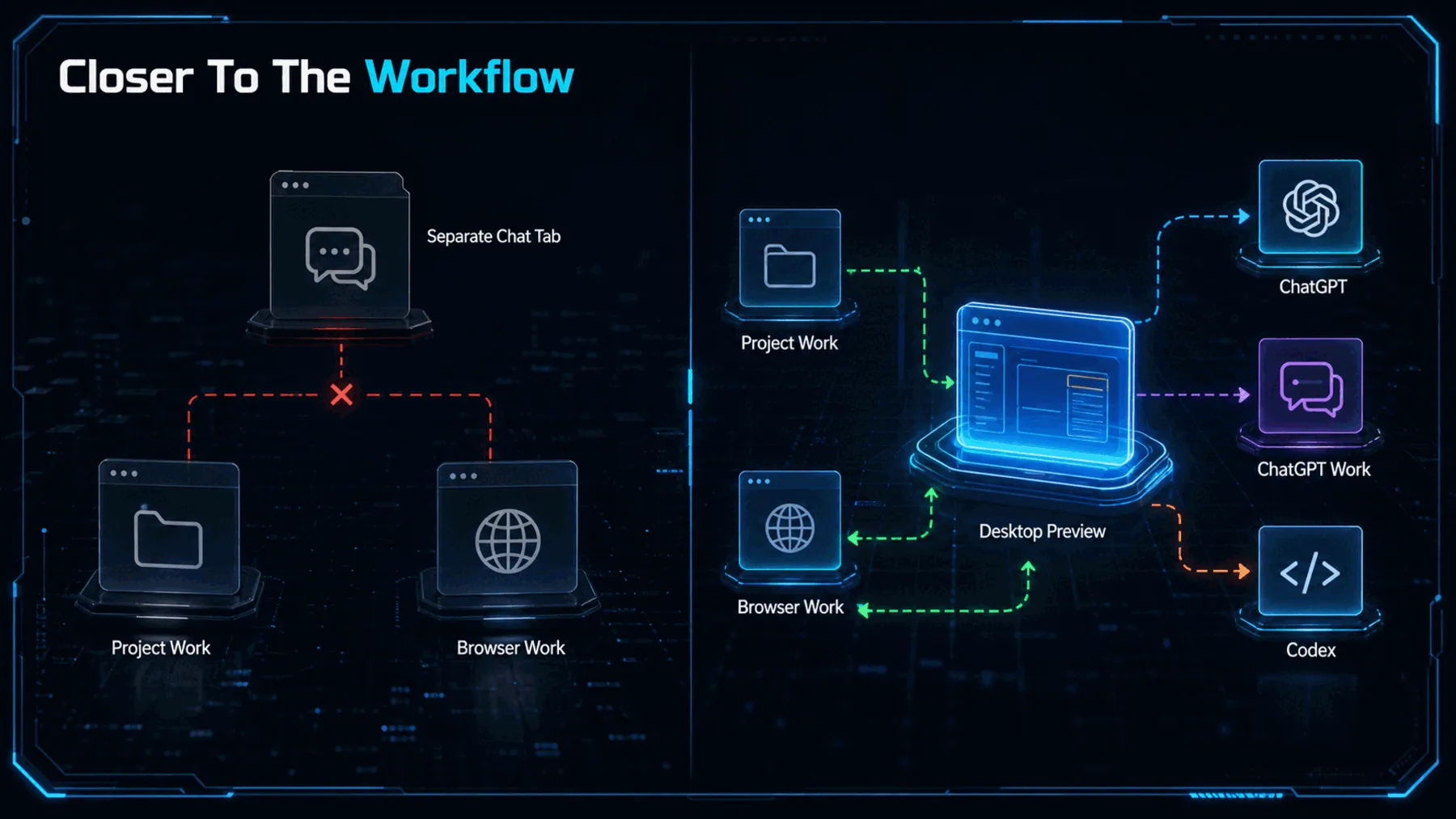
A separate chat tab can be useful, but it asks us to keep crossing a boundary between the task and the conversation about the task. OpenAI’s stated proposition is to narrow that distance on the Linux desktop.
The wording matters. OpenAI says these tools can be used where we work and build, with projects and browser workflows. It does not describe automatic actions, hidden connections or a guaranteed workflow experience, so those remain questions for the preview rather than promises we can make today.
The support list is precise
Five named releases, two package families and two architectures turn a broad announcement into a quick compatibility check.
The support list is the most immediately useful part of the announcement. We can check the distribution release, package family and machine architecture before treating the preview as relevant to our setup.
It is also the boundary line. Nothing in the source establishes support beyond Ubuntu 24.04 LTS and 26.04 LTS, Debian 13, Fedora 43 and 44, using .deb or .rpm packages on x64 or ARM64.
OpenAI calls it a preview
That single word keeps the announcement concrete without turning it into a claim of finished, universal availability.
Preview is not a dismissal; it is the most honest reading of what has been announced. There is now a named Linux desktop route to try on a defined set of systems.
It is not evidence of a completed rollout. Pricing, entitlement, geography, system requirements, support commitments, security guidance and production suitability are not established in the source, so we should not fill those gaps with optimism.
Now in preview: The ChatGPT desktop app for Linux.
OpenAI
What the announcement proves
OpenAI has described where it wants these tools to sit; the source does not prove every behaviour we might want from them.
OpenAI’s language gives the release a clear ambition: ChatGPT, ChatGPT Work and Codex should be available nearer to the project and browser activity that shapes a working day.
That is enough to make the preview worth examining. It is not enough to claim feature parity, performance gains, offline operation or any particular integration behaviour. The useful distinction is between what OpenAI has named and what still needs testing on our own supported machine.
How the workflow could feel
Think of the desktop app as a nearer starting point for a task, while keeping the exact behaviour inside the preview open to inspection.
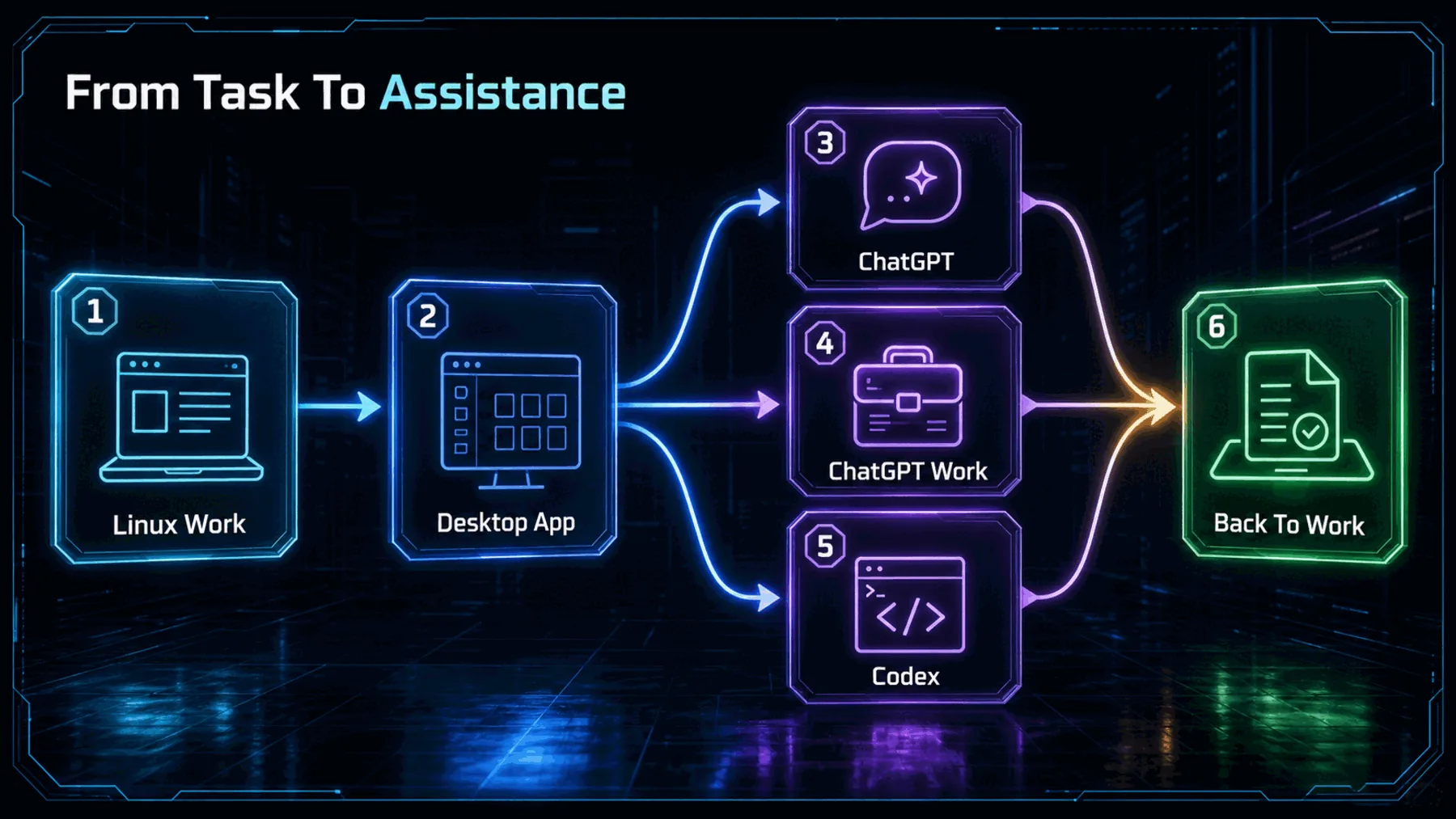
The simplest mental model is a return path: work begins in a project or browser, moves into the desktop app when we need help, then returns to the work in front of us. That is a useful shape for the announcement without pretending to know the mechanics behind it.
The distinction matters because a better location for a tool can still be valuable before we know every capability. The preview gives us a concrete surface to assess, not a licence to assume what sits beneath it.
Check the footprint first
The release is specific enough to test methodically, provided we separate named support from the questions OpenAI has not answered here.
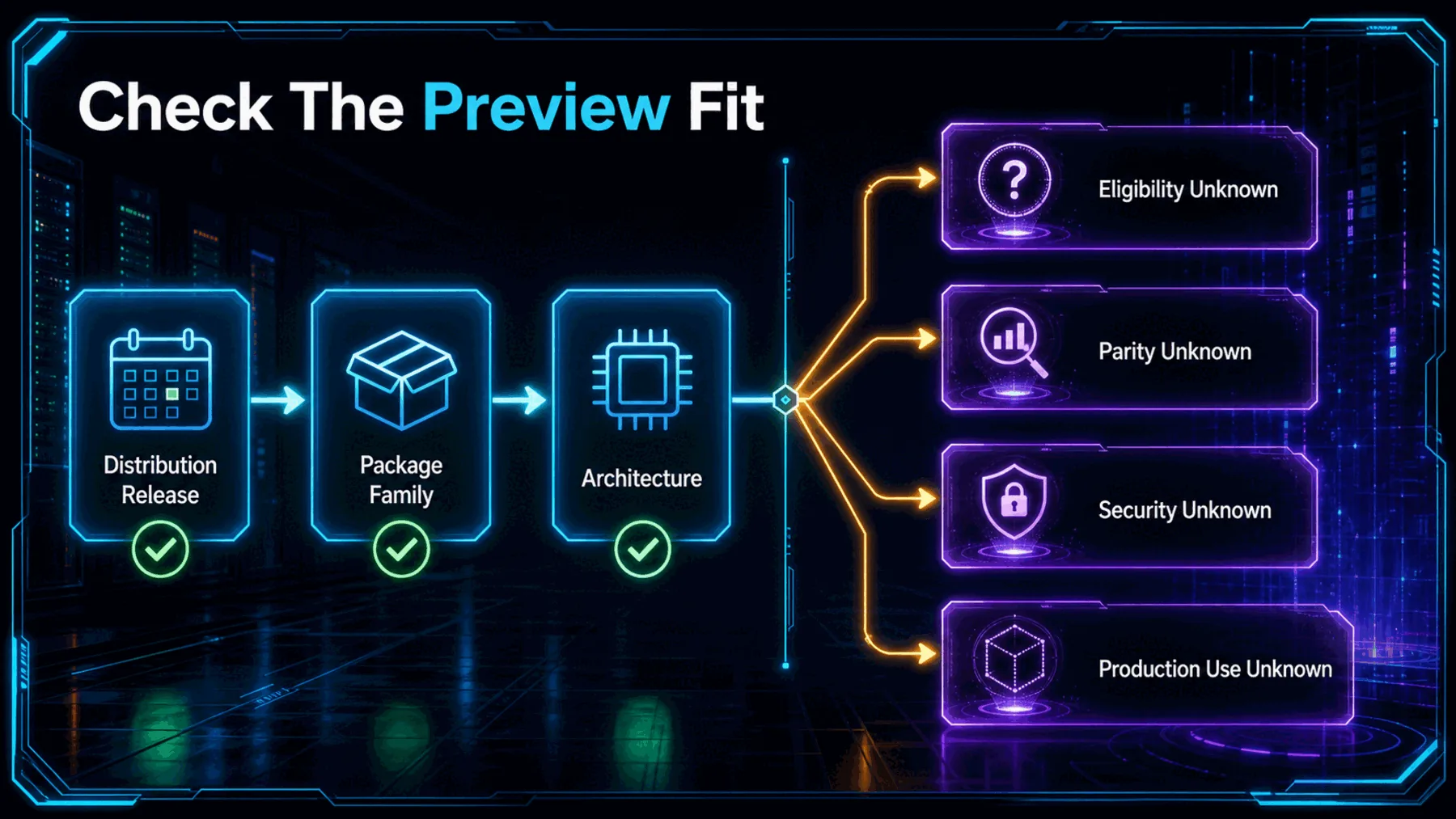
Before installing anything, we can start with the facts OpenAI has actually named: the Linux distribution release, whether the package is .deb or .rpm, and whether the machine is x64 or ARM64.
After that, the list becomes a set of questions rather than a verdict. The announcement does not settle who is eligible, how the preview compares elsewhere, what system requirements apply, or whether it is suitable for production work.
Release
Match the machine to one of OpenAI’s five named Linux releases.
Package
Confirm whether the supported package route is .deb or .rpm.
Architecture
Confirm that the machine is x64 or ARM64, then keep unanswered questions open.
Concrete enough to try
The announcement is most useful when we treat its packaging detail as an invitation to check, not proof that every surrounding question is settled.
A defined preview is more useful than a vague launch—but only if we keep its unanswered questions visible.
Creator Broadcast synthesis from OpenAI’s announcement
OpenAI has made the Linux story tangible: there is a preview, named releases, named package families and named architectures. That is a meaningful move for teams that have wanted an official desktop route.
The stronger reading is also the more cautious one. We can test the supported footprint and the stated workflow proposition, while withholding judgement on availability, parity, security and production readiness until evidence arrives.
Assess the Linux preview on your machine
Act as a cautious Linux desktop rollout assessor. Based only on this announced preview support matrix—Ubuntu 24.04 LTS or 26.04 LTS, Debian 13, Fedora 43 or 44; .deb or .rpm packages; x64 or ARM64—produce: (1) a compatibility verdict for each listed platform, (2) a three-step pre-install check, and (3) a separate list of unknowns. Do not infer pricing, eligibility, security, feature parity, offline use, performance, or production readiness. State that the ChatGPT desktop app is in preview.Ready to copy
Check before we depend
Watch for OpenAI to clarify eligibility, wider distribution support, system requirements, parity, security guidance and production-support signals before we treat this preview as a settled desktop standard.
Try the promptWhat could change the story
- Eligibility details
- Wider support
- System and security guidance
- Production signals